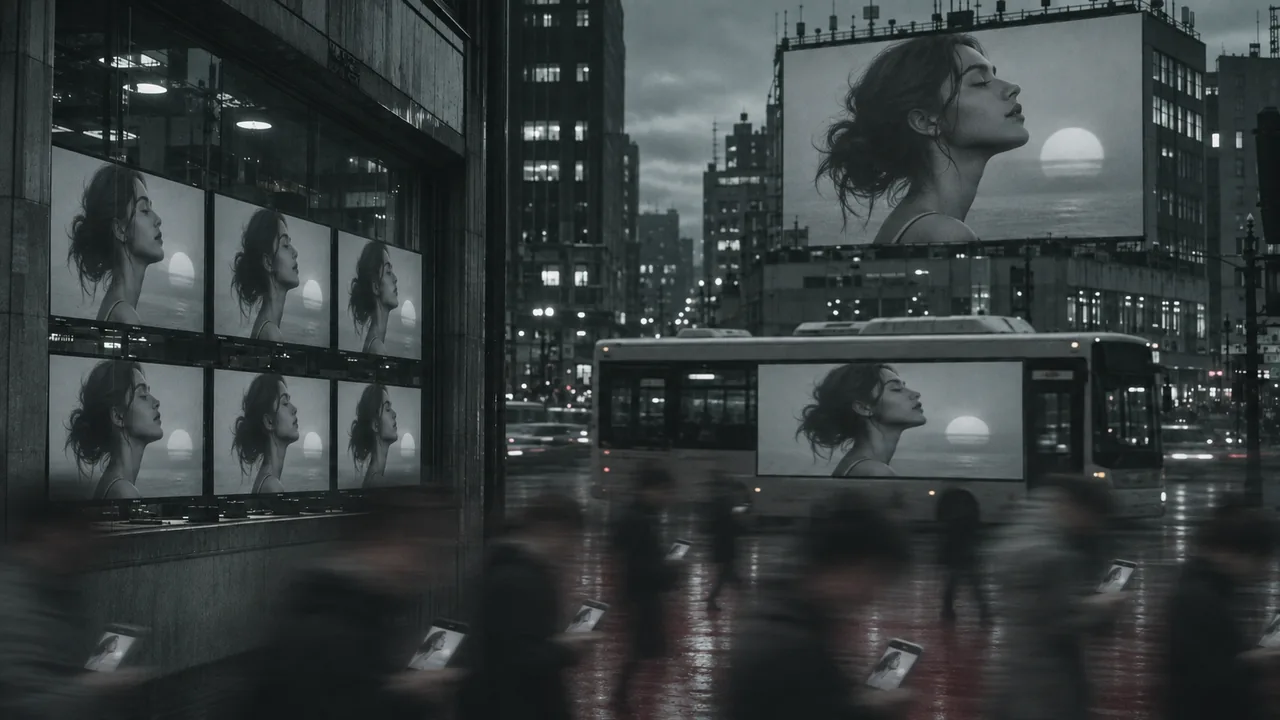
Build three linked storyboard views from a city master, audit shared anchors and invented details, and reject an incomplete orbit before buying more motion.
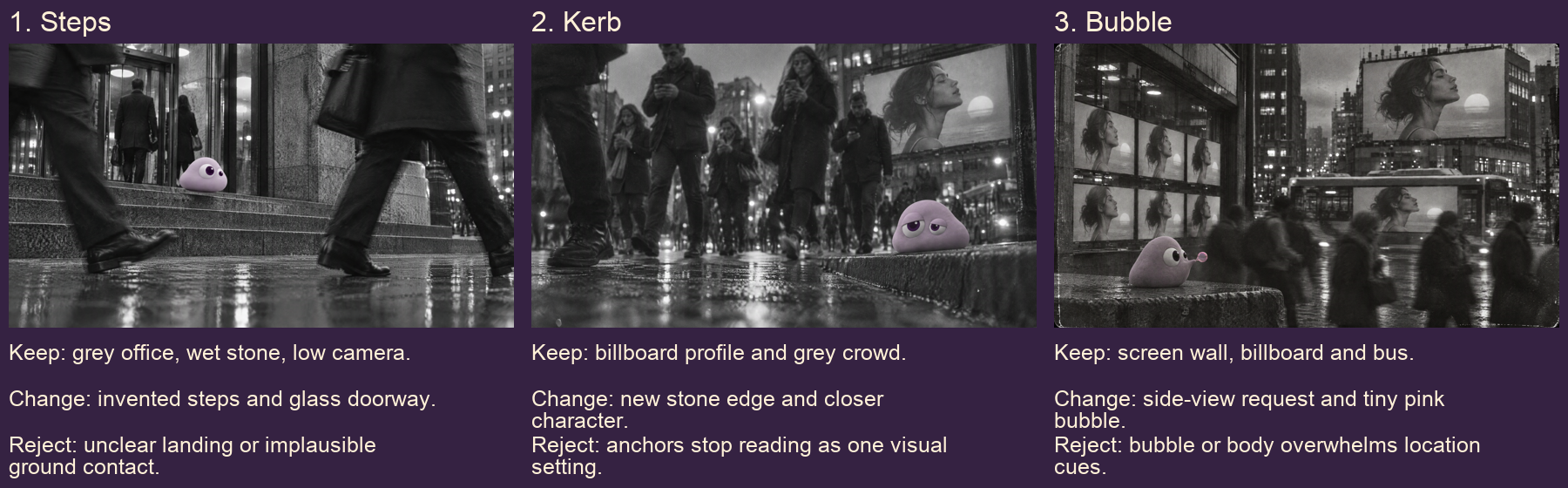
Build a three-view location board: a low entrance, the tired character at the kerb, and the bubble action. Write what stays, what changes and what you would reject under each view.
The source stills and motion takes come from our production run for Poppie: a PopNow short film. Public English website controls were recorded on November 7, 2026. Still practice uses GPT Image 2.5 Sunburst; motion practice uses Seedance 2.5. Saved motion takes are 720p, while the practice setup is 480p.
Lesson files
This lesson is prepared locally and has not been published or uploaded. The links below are the intended publication destinations; public anonymous downloads have not been verified.
Lesson files · Recipe · Illustrated worksheet · Location board
The package contains city-master, the Poppie side and tired references, Steps/Kerb/Bubble start images, the three saved motion takes, the rejected orbit, the English recipe and the illustrated audit. The side reference reads as three-quarter; judge the image rather than its filename.
Step 1: Choose anchors you can inspect
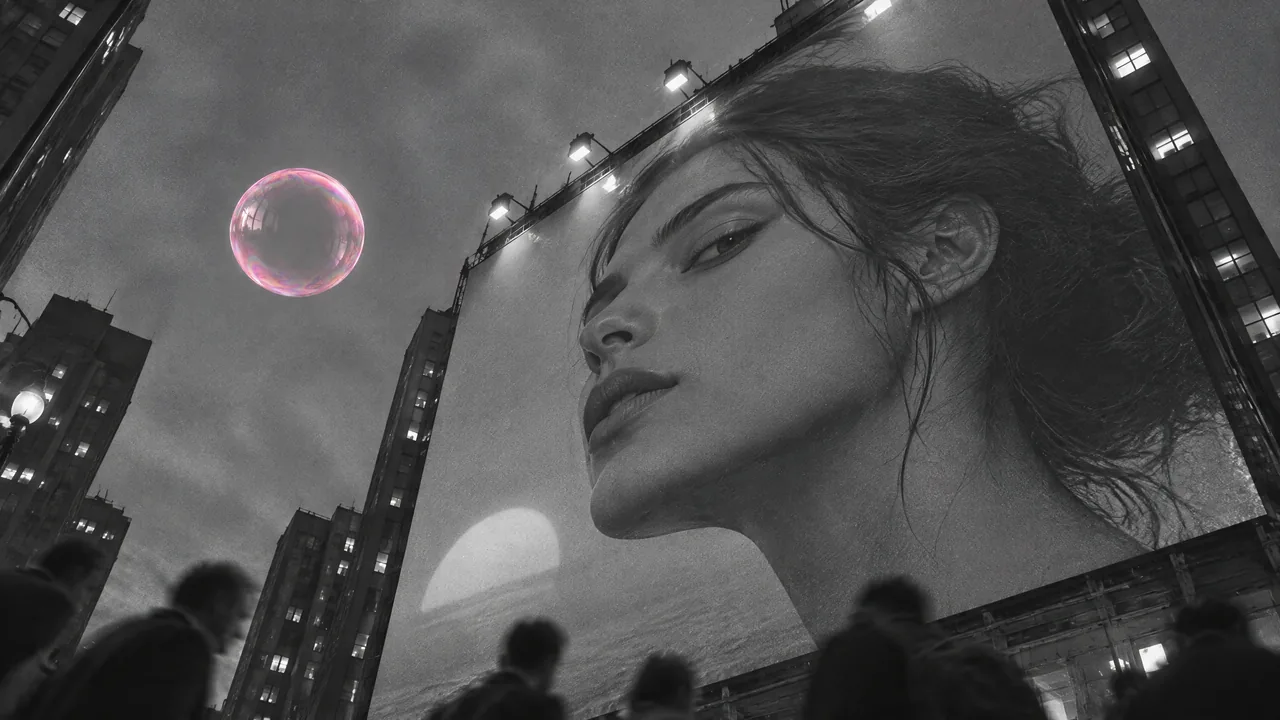
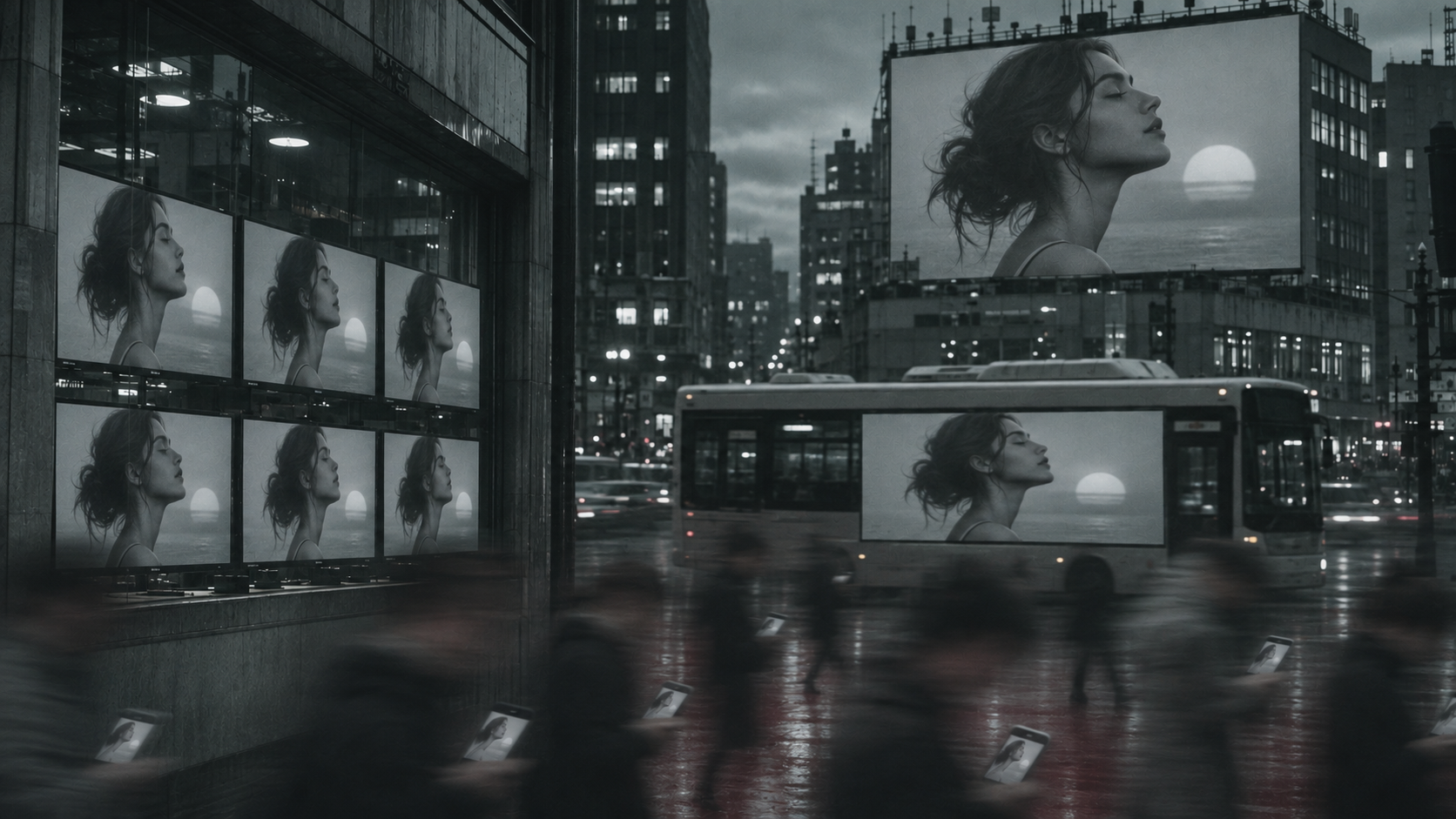
Look for the wet pavement, grey towers and the repeated profile on the screens. These give the three views a visual thread. The new doorway and stone edge are invented design details; the reference does not certify an exact floor plan.
Step 2: Make the Steps view
Open Edit Image, choose GPT Image 2.5 Sunburst, and add city-master first, then poppie-side-reference second. In the narration, poppie-three-quarter refers to this same supplied reference. Paste the complete Steps prompt. Choose 16:9, Sharp / 2048px, High and one image.
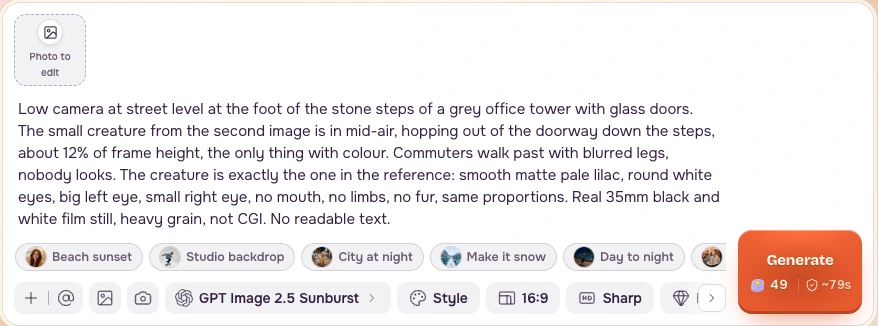
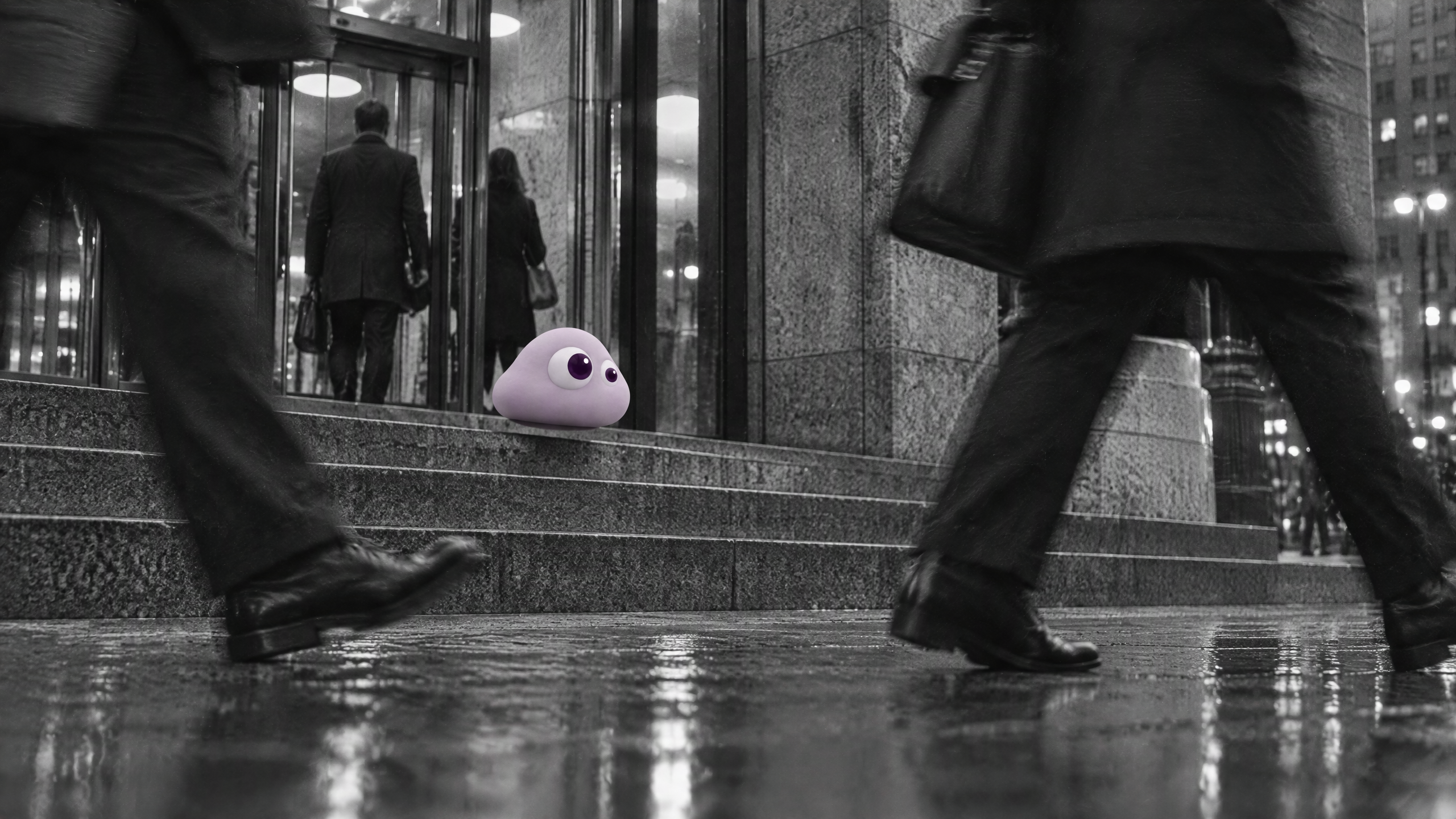
Read the refreshed credits before pressing Generate. Review wet steps, stone columns, glass doors and a small lilac character before keeping the result. The recorded empty-photo form showed 49 credits, which is not an upload-inclusive quote.
Step 3: Change the character reference for the Kerb view
Keep city-master first, replace the second reference with poppie-tired, and paste the Kerb prompt. Keep 16:9, 2k and one image. Review the updated quote before generating.
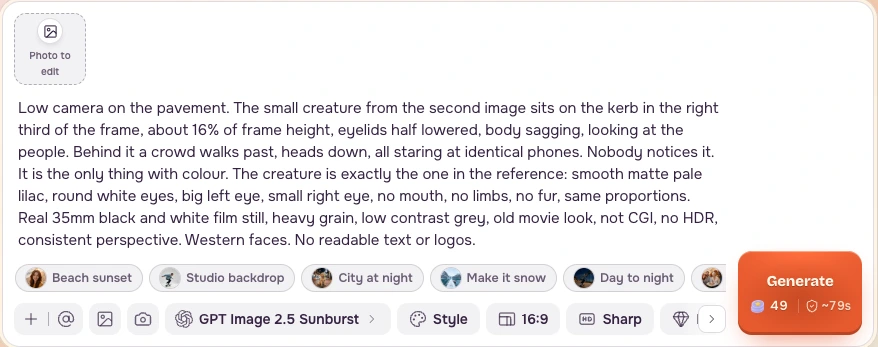
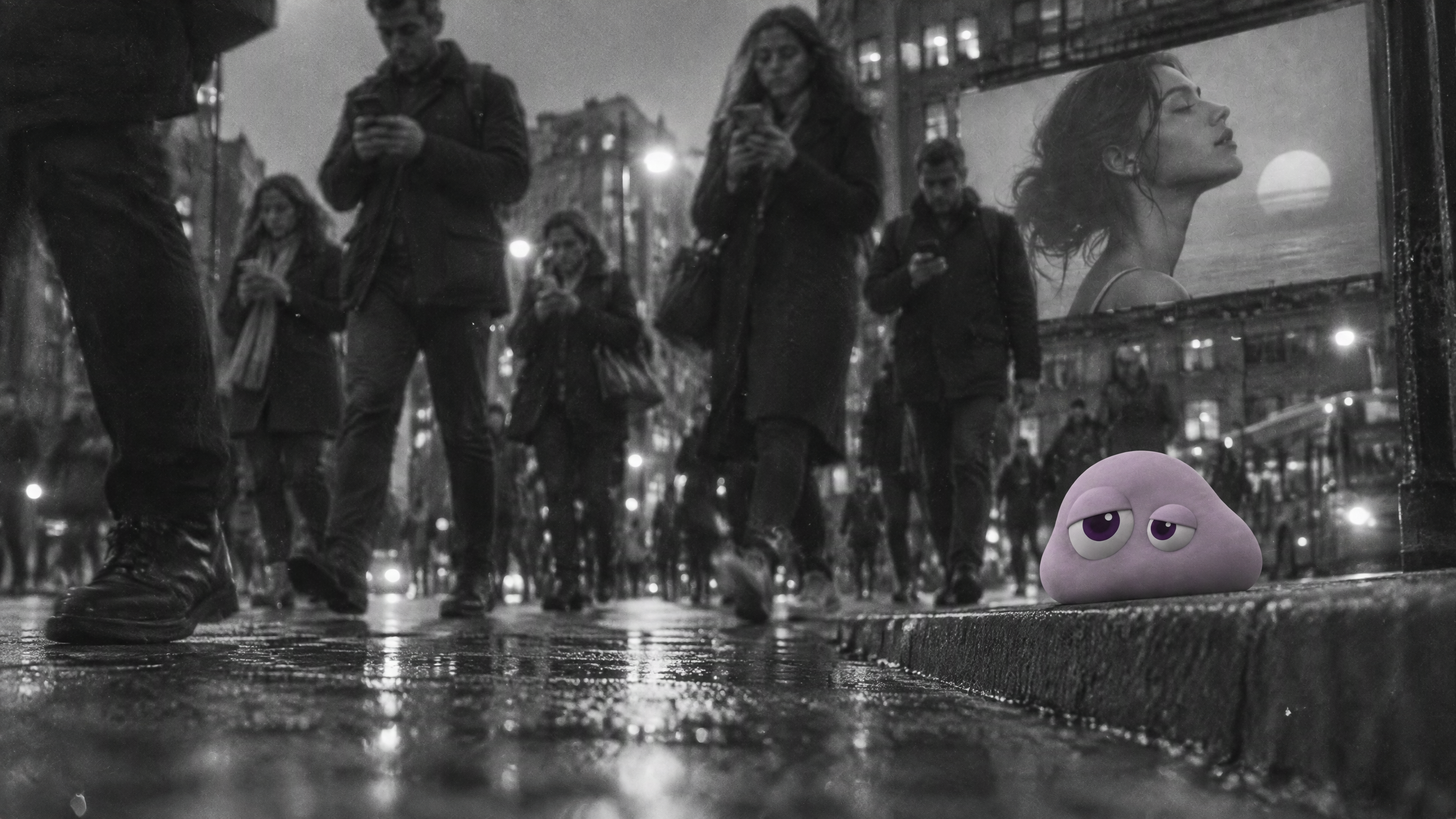
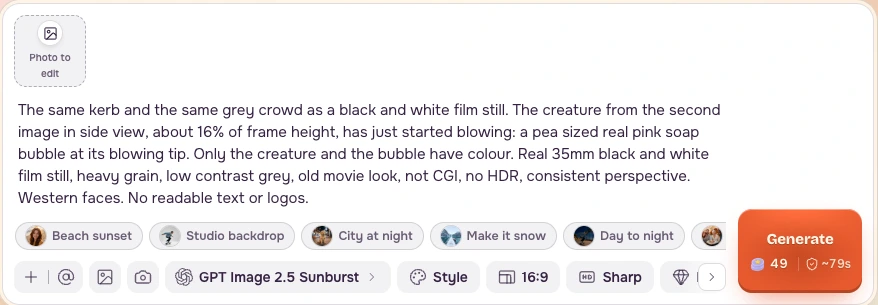
Step 4: Request the Bubble view, then inspect the result
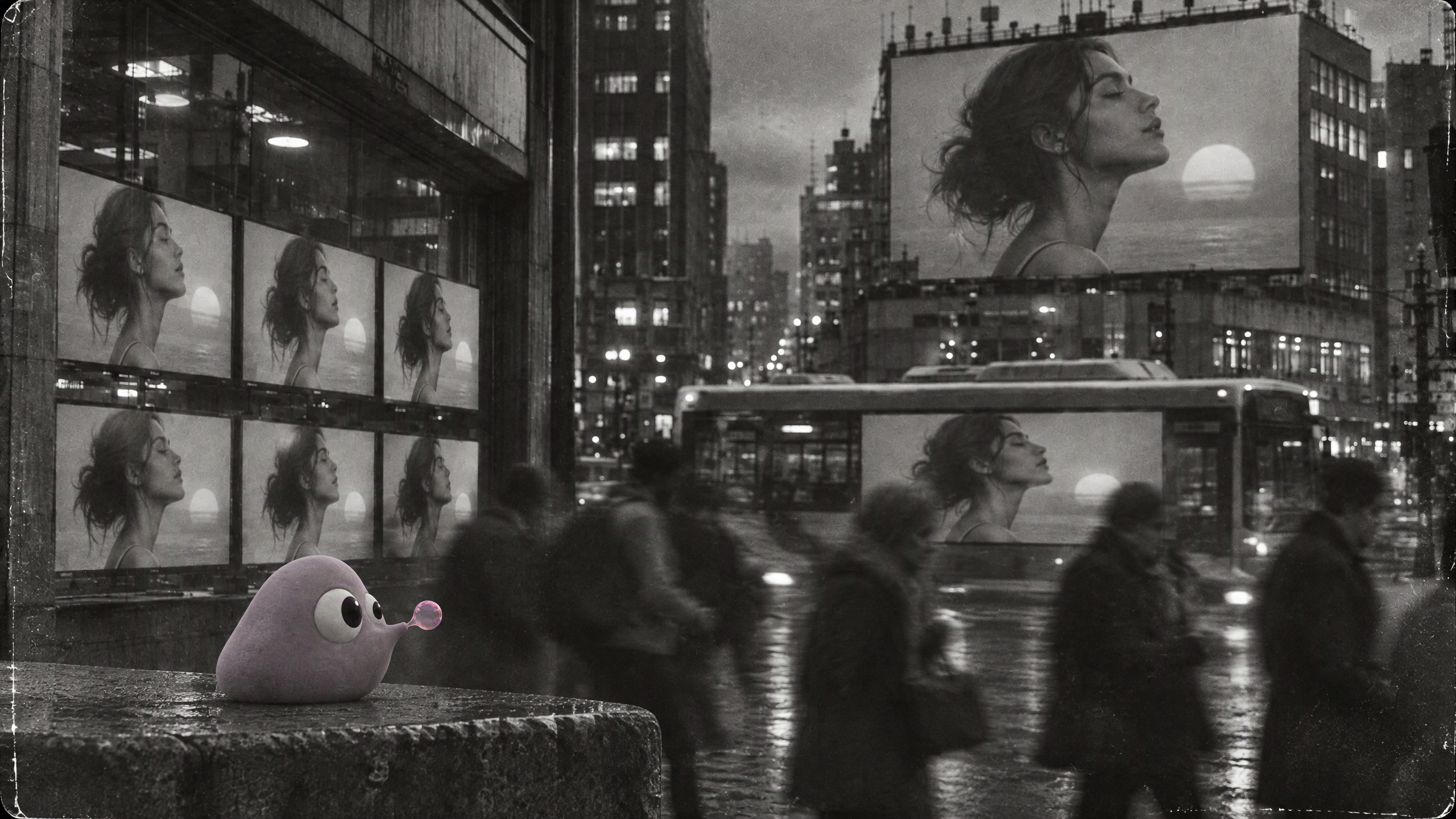
Add city-master first and poppie-side-reference second. Use the Bubble view prompt to request the side view and tiny bubble. Compare your result with bubble-start after generating; do not use that supplied answer as the second input reference.
Step 5: Reject the incomplete orbit
The saved orbit attempt changes the background while Poppie remains frontal. The expected side/back/front route never appears. A sliding background does not prove the camera travelled around the character. The ending is different from the beginning; no successful end-frame return is inferred.
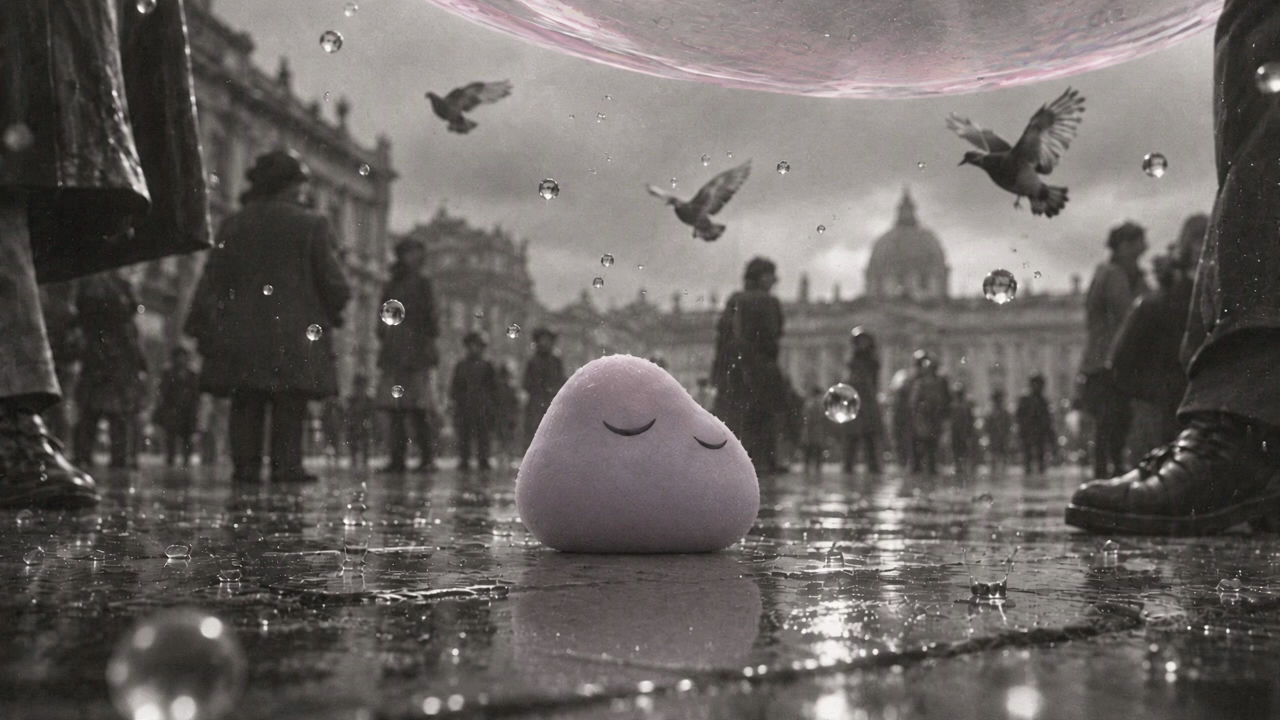
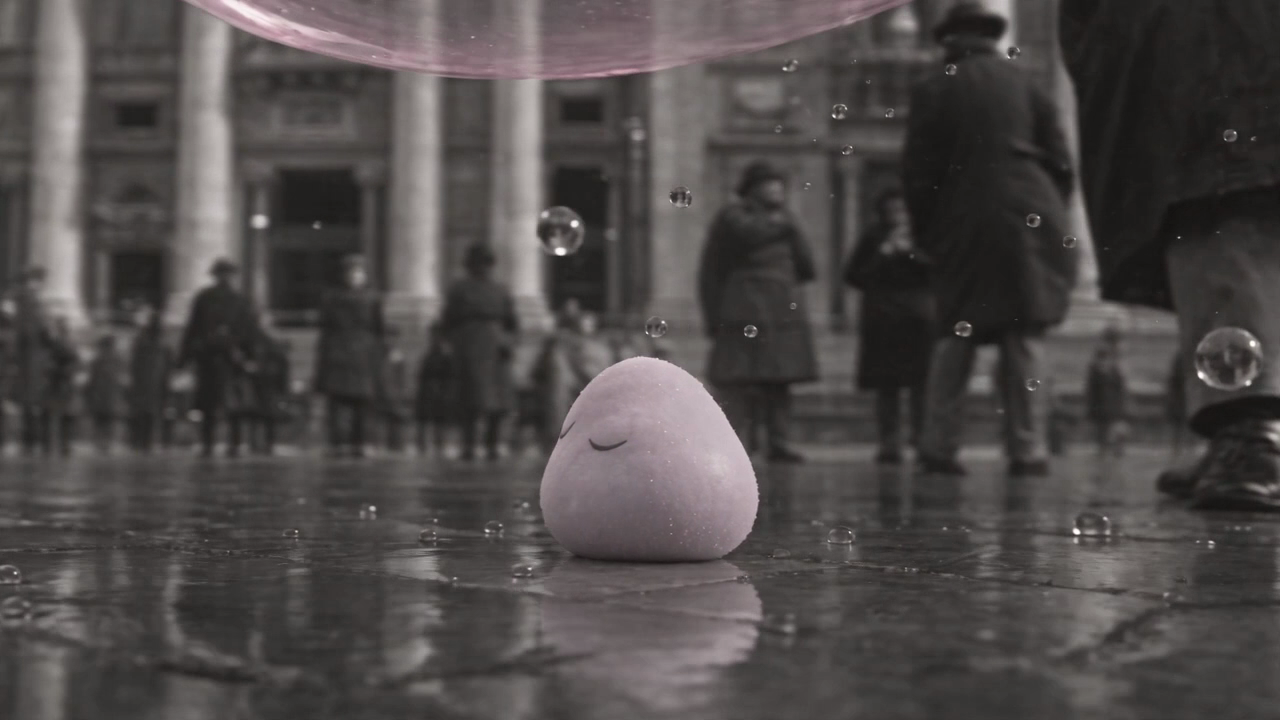
Rejected orbit source. Watch it once at normal speed before judging the route. This file is part of the local package prepared for later publication.
Step 6: Set up one short motion test
Open Video, then Generate → Input → From a photo. Choose Seedance 2.5. Add kerb-start to Start from a photo, then paste the kerb-motion prompt.
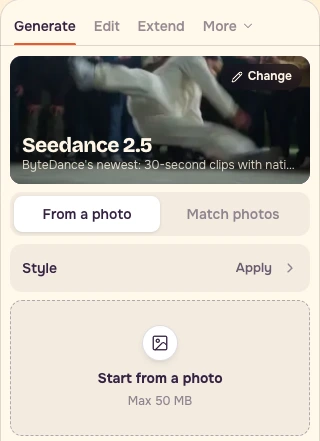
Translated from our original prompt:
Choose 4 seconds, Standard / 480p, Sound off, and Videos: 1. Sound off is this lesson’s review setting, not a recovered historical flag. The saved production sources are 720p.
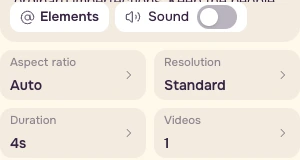
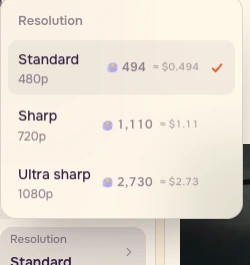
When the refreshed amount fits your budget, press Generate. If sign-in is requested, complete it before submitting and check the quote again. This recording did not log in, submit a generation or upload any file. Existing source stills and takes are shown separately from setup controls.
Step 7: Save the location board
| View | What stays | What changes or fails |
|---|---|---|
| Steps | Grey office and wet stone | New glass doors and steps; check the landing |
| Kerb | Profile billboard and grey crowd | New stone edge; exact geography is unverified |
| Bubble | Screen wall, billboard and bus | Side-view request and tiny bubble; inspect body and scale |
| Orbit | Frontal character remains visible | Reject: side/back/front route is missing |
Use Camera Angle for another still view, 360 Orbit for an orbit request, and Previs for camera and staging plans. Inspect rendered output against the plan. The public Previs page exposes planning controls; its final output action showed a login requirement in this recording. For exact distances and turnarounds, use controlled geometry or photograph the real space.
Checklist
- One shared city reference, three separate saved views.
- Doorway design is plausible; exact map continuity not certified.
- Ground plane and character contact remain plausible.
- Repeated billboard profile and wet stone support the edit.
- For an orbit, verify front/side/back/front at 1x; sliding background is insufficient.
- No end-frame return inferred for the rejected orbit.
- Read a fresh quote with the complete input setup before submitting.
- Review all three stills before animating; keep one written keep/change/reject call per view.
- Keep the rejected orbit separate from footage you promise as usable camera coverage.
Recipe
- Reuse the supplied city master in every still request.
- Put the city master first, then the designated character reference.
- Run the Steps, Kerb and Bubble prompts separately at 16:9, 2k, one image.
- Audit wet stone, the screen profile, the ground plane and character scale. Do not certify invented doorway geometry.
- Save three source images with one anchor, one change and one rejection criterion per view.
- Only after a still passes, try kerb-motion at 4s, 480p, Sound off, one video.
- Watch motion at 1x, including the ending. Reject incomplete routes before buying longer takes.
Get the English recipe. The local package contains the complete prompts, settings, checklist and source files; public delivery remains pending.
FAQ
Do these views certify the same physical floor plan?
They share a design reference, not measured geography. The doorway and kerb contain invented details. Use Previs or real photography when exact distances matter.
Is the side reference a strict profile?
It shows both eyes and reads as three-quarter. Ask for the side view in the Bubble prompt and inspect the returned result against the supplied example.
Were these results generated during the public recording?
The example images and takes are saved production material. The recording covers public controls and prompt setup. No login, upload or Generate submission was performed.
Does 494 credits cover the complete motion request?
That was the displayed amount with an empty photo slot on November 7, 2026. Add the actual input and check the refreshed quote, including after sign-in if requested, before submitting.