
Build a fifteen-second bottle ad from an approved still and a simple push, then inspect the actual exported file.
Make a 15-second vertical product ad with three parts. A still establishes the bottle, a five-second push moves closer, and the same approved still carries the ending words. Compare the cap, shoulders, amber glass and bare surface throughout.
The source images and motion samples come from our PopNow product demonstrations. original.webp is an AI-generated product reference. The public controls were recorded on November 7, 2026, using MiniMax H3. The supplied motion is an earlier production sample. The completed ad was assembled, exported and reopened in the public Video editor for this lesson.
Exercise files
Download the exercise package · English recipe · Identity checklist
These files are prepared locally. Publication and public download verification are pending.
| File | Use |
|---|---|
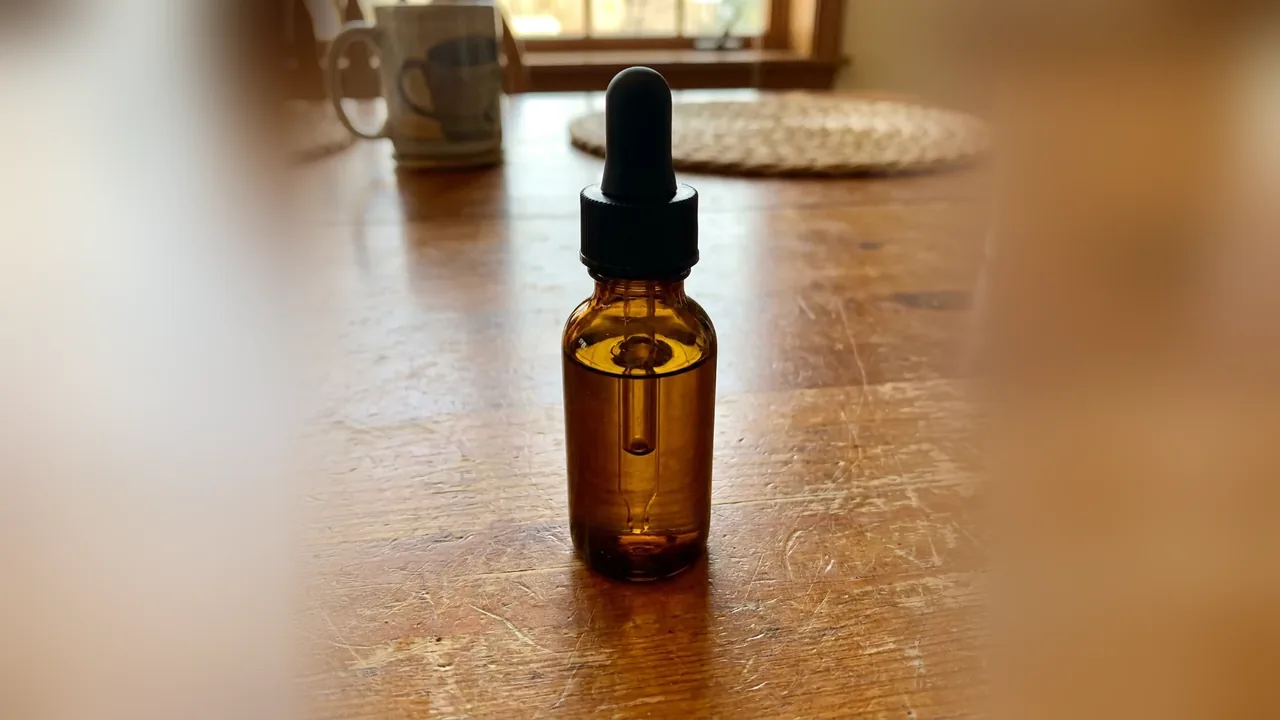
| original.webp | AI-generated bottle reference on a wooden table |
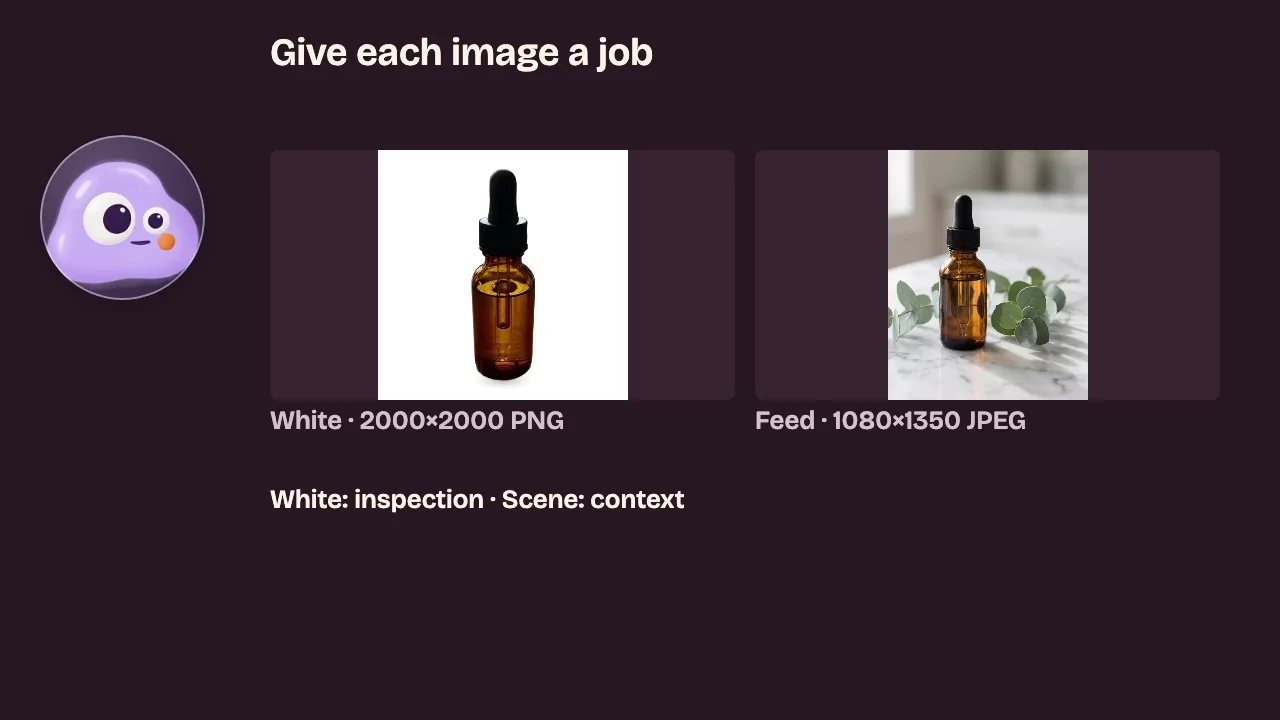
| frame.webp | Approved marble and eucalyptus studio image |
| push.mp4 | Existing MiniMax H3 push sample; use source seconds 0–5 |
| visibility-failure.mp4 | Separate shoe sample for the visibility check |
| amber-ad-15s.mp4 | Actual downloaded MP4, 1080 × 1920, 30fps, 15.000 seconds |
| motion-prompt.txt | Original English production prompt |
| identity-checklist.csv | Filled observations and editable columns |
| production-record.json | Dated quote and measured export properties |
Step 1. Compare the reference and approved frame
Open original.webp beside frame.webp. The setting changes from a wooden table to marble and eucalyptus. Compare the product itself. Keep its full cap and base in view.
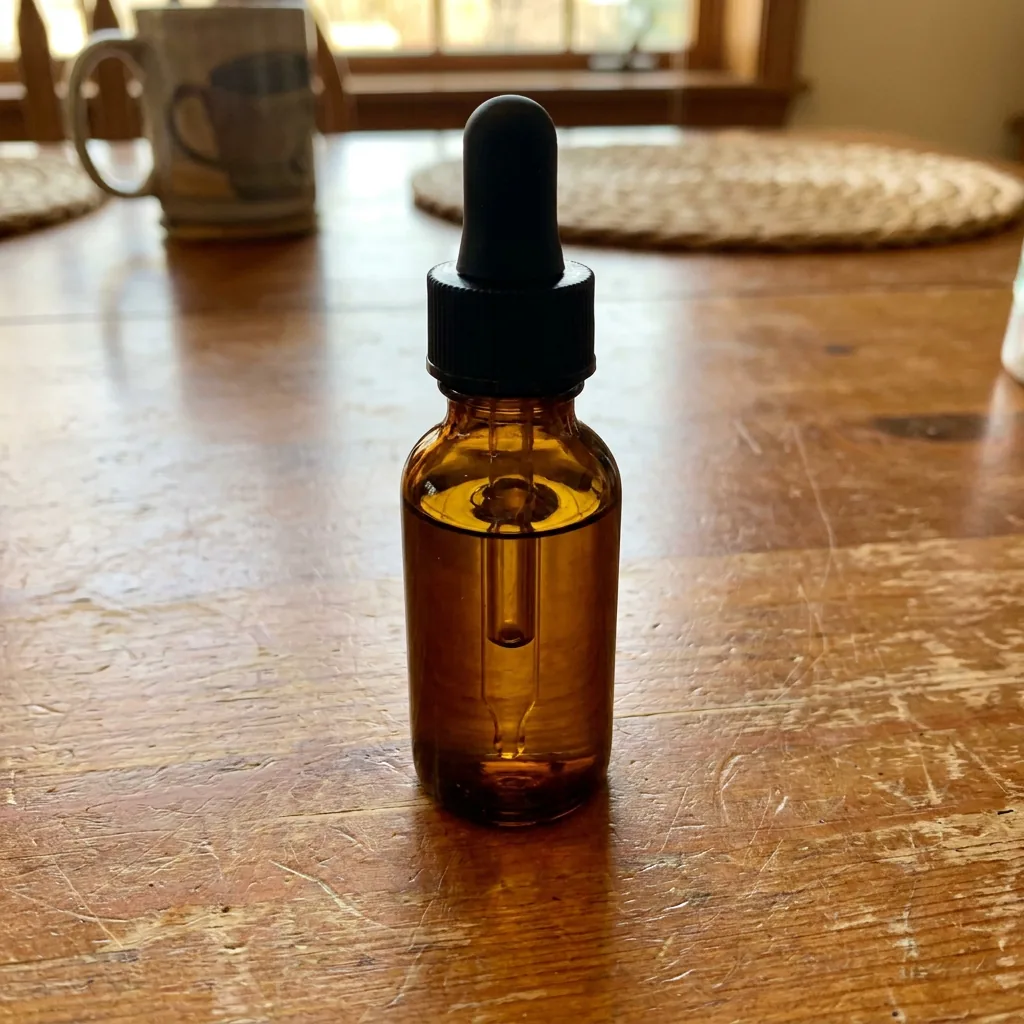
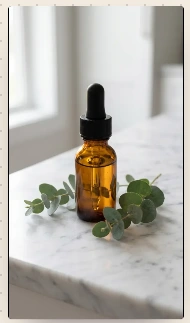
This bottle has no printed label to inspect. For a package with fine print, keep a separate close reference and reject rewritten letters. Product claims need approved copy.
Step 2. Set up the moving shot
Open Video. Choose MiniMax H3, From a photo, and add frame.webp under Start from a photo. The image supplies the shape.
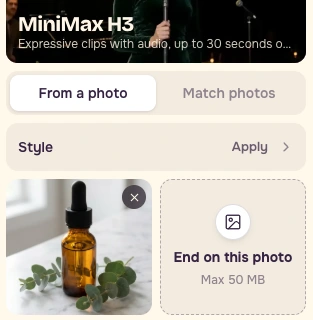
Paste the original English production prompt below. It uses one image.
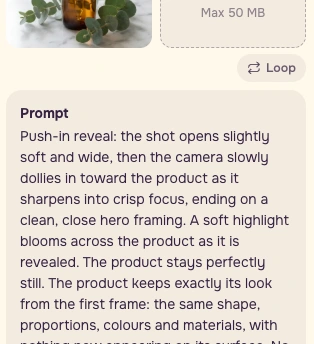
Set Duration to 5s, Resolution to Sharp / 768p, and Videos to 1. Read the model, image thumbnail and current Generate quote before deciding to submit.
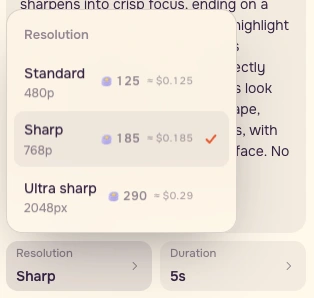
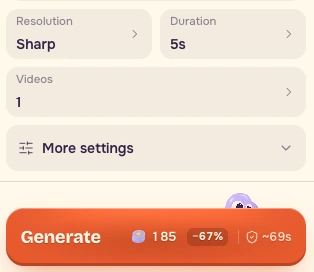
The recorded form was configured with a local image preview. This lesson uses the supplied historical motion sample for inspection and editing.
Step 3. Inspect the source at normal speed
Watch push.mp4 at 1x, then compare source times 0.0, 2.5 and 4.5 seconds. The source file is approximately 5.167 seconds long. The exercise uses exactly its first five seconds.
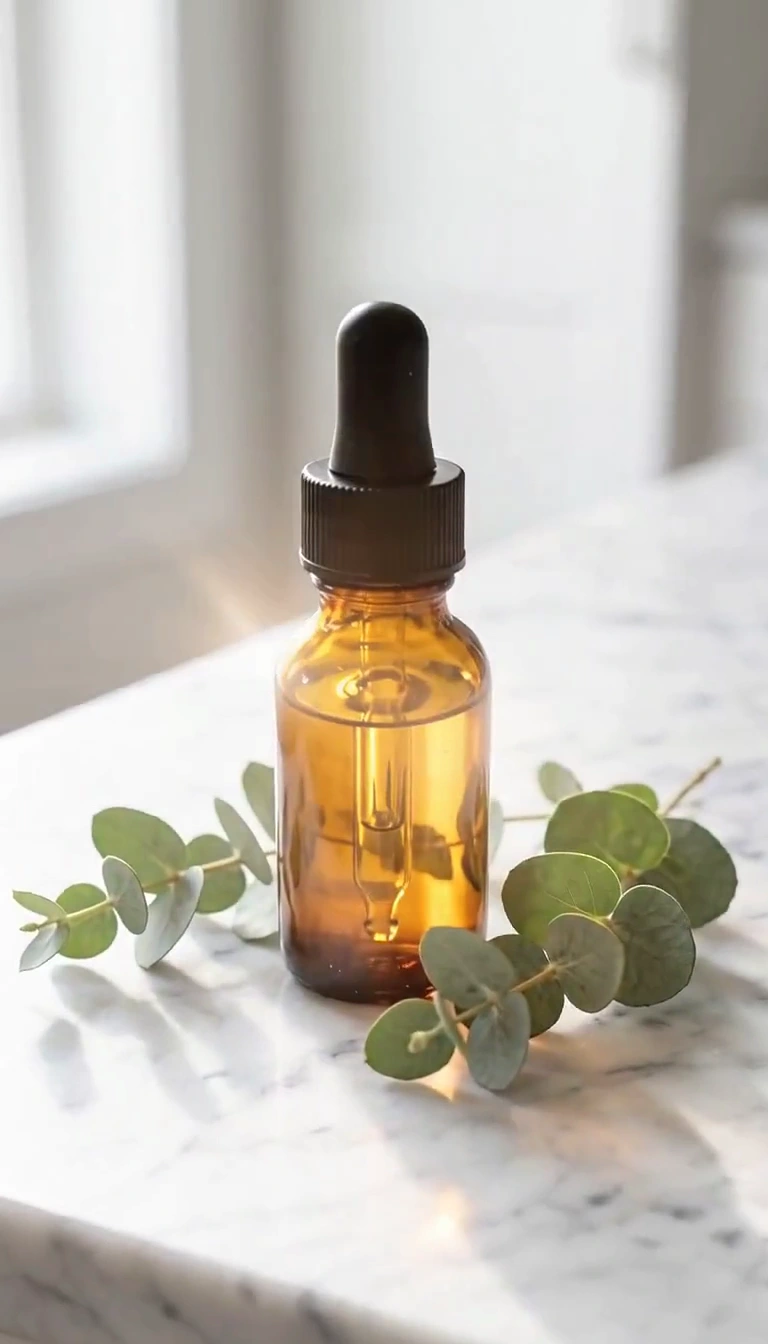
| Source time | Observed features | Decision |
|---|---|---|
| 0.0s | Amber glass, black dropper, rounded shoulders and bare surface | Keep for this simple visual brief |
| 2.5s | The same visible features remain recognizable | Keep |
| 4.5s | The camera is closer and highlights shift | Keep |
These observations concern visible features at this scale. Check precise dimensions, fine print and hidden details separately when the brief requires them.
Step 4. Write the actual failure
Watch visibility-failure.mp4. It shows a shoe in a light sweep. Near 4.5 seconds, the light falls away and the product becomes too dark for this presentation brief.
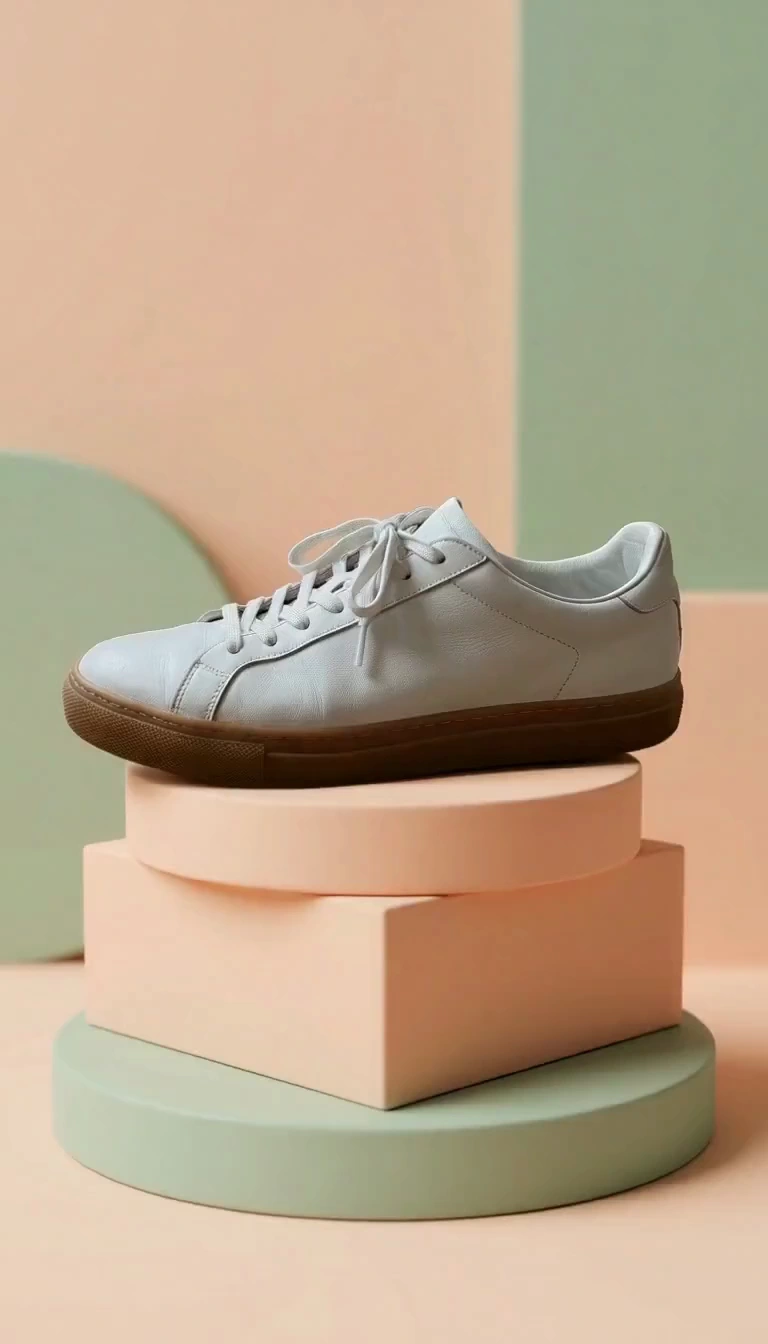
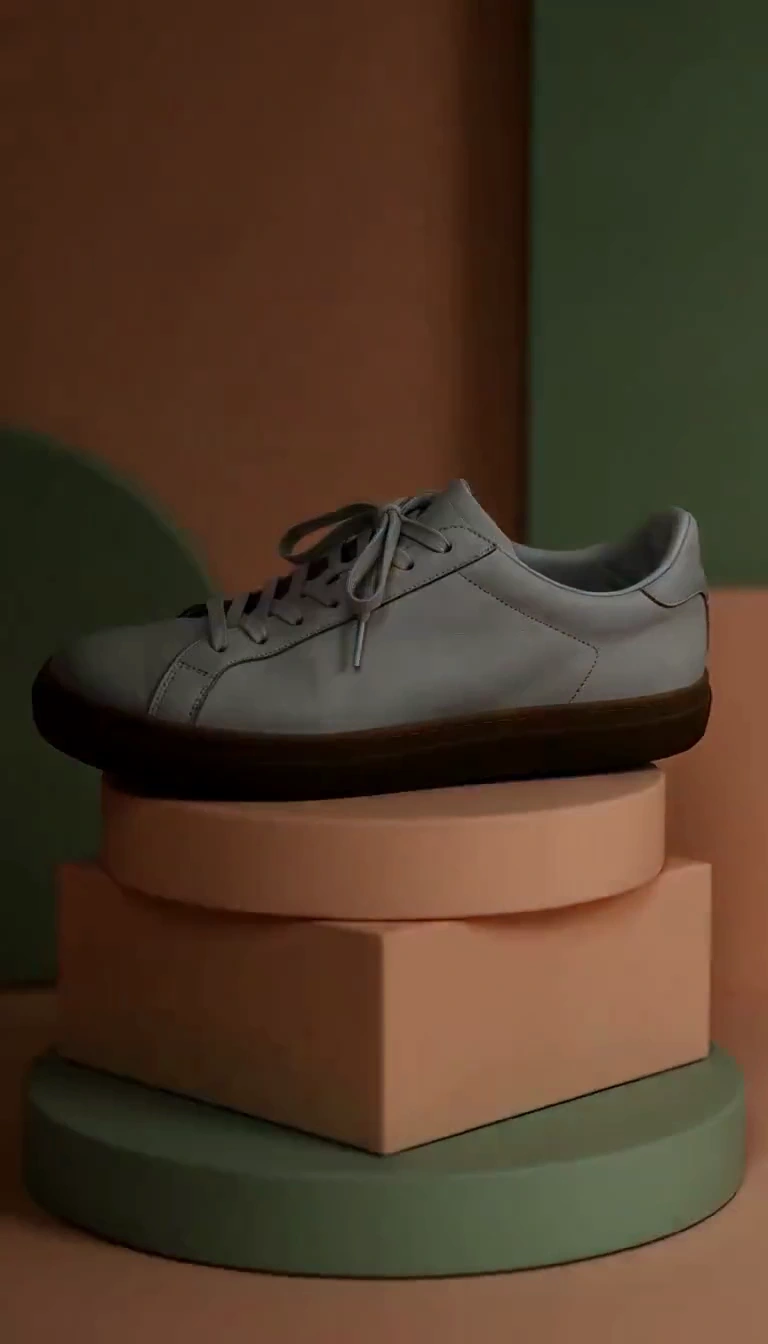
Record what you can see. The lighting failure gives a reason to reject this range for a clear product presentation. Keep lighting and identity in separate checklist columns. For the bottle, the simple push supports close inspection.
Step 5. Build the three-part edit
Open Video editor, choose Media, then Choose files from this device. If the editor starts with a sample project, choose Use my own files first. Import frame.webp, push.mp4, then frame.webp again, in that order.

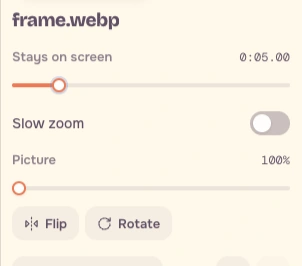
Select each photo, set Stays on screen to 5 seconds, and turn Slow zoom off.
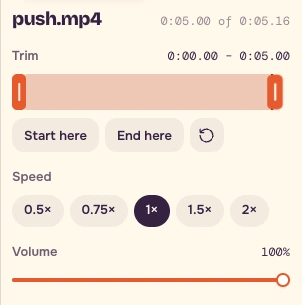
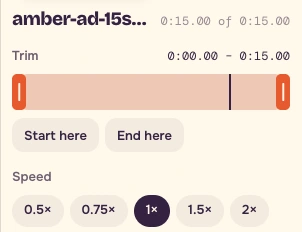
Select push.mp4. Drag its Trim end to 0:05.00, leaving the start at 0:00.00. Keep Speed at 1×.
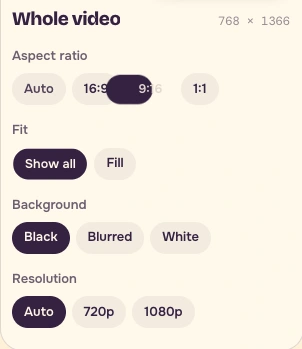
Choose Whole video, 9:16, Show all, and Transitions / None. Keep effects and filters at None.
Step 6. Place the ending words above the cap
In Text, add two lines.
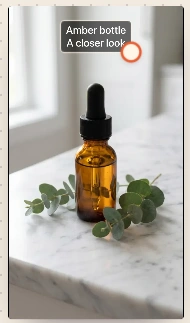
``text Amber bottle A closer look ``
Drag the text bar to 10–15 seconds and place the words in the empty area above the cap. Check the cap and base remain visible. Use the product name and an approved description in your own version.
| Timeline | Picture | Treatment |
|---|---|---|
| 0–5s | frame.webp | Still, Slow zoom off |
| 5–10s | push.mp4, source 0–5s | Normal speed |
| 10–15s | frame.webp | Still with ending words |
Step 7. Export, download and reopen
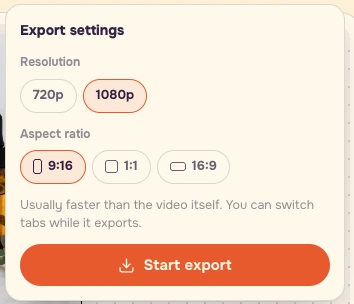
Press Export video, review the export settings and press Start export. Download the actual file, then reopen it. This browser exported a genuine 1080 × 1920 MP4 containing 450 frames at 30fps, exactly 15.000 seconds long.
Download the completed ad. Keep the real downloaded format in the filename. If your browser saves WebM, keep its .webm extension.
Final checklist
- Check fifteen seconds and all three picture parts.
- Inspect the cuts at 5 and 10 seconds at normal speed.
- Compare cap, shoulders, glass colour and surface marks with the approved image.
- Check the full cap and base remain visible.
- Check the ending words appear only during the final five seconds and stay above the cap.
- Save the ad, approved reference, dated quote and timecoded identity checklist together.
- If a critical feature drifts, replace that shot or use the approved still for that part.
Repeat the structure with an approved product image of your own. Set identity and copy requirements before paying for motion.
FAQ
Why use the approved still twice?
The first still establishes the product. The final still gives viewers time to read the ending words while checking the same approved image. Keep Slow zoom off on both.
How should I check packaging with fine print?
Keep a separate close reference with readable letters. Compare the generated letters against it at normal speed and on paused frames. Replace a shot when critical lettering changes.
What if my browser downloads WebM?
Keep the actual .webm extension, reopen the file and verify its duration, cuts and ending text. Record the real format beside the export. The supplied lesson ad is an actual MP4 downloaded from the recorded browser.