
AI music works by learning patterns in recorded sound during training, then generating audio guided by an input such as a style description or lyrics. You describe what you want to hear; a music generator produces an arrangement, and models that support vocals can sing the words too. You still choose the idea, review the result and decide what to change.
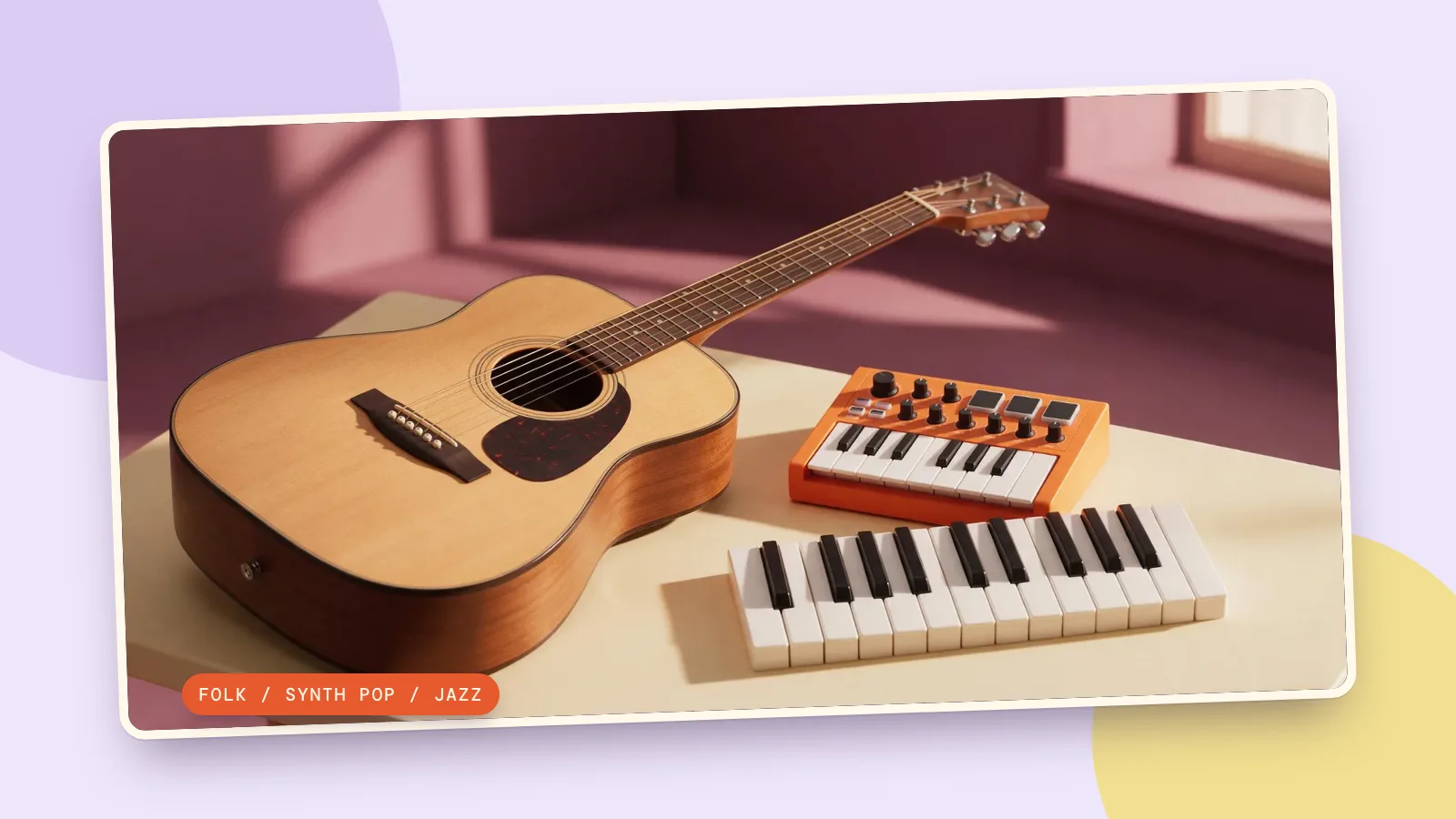
You can start with PopNow's music generator, which opens a song workflow with Suno v6 as its starting model. Below are three real generations made on October 29, 2026, with short original lyrics and different genre briefs. The players contain the first returned version from each request, without edits to the music; the accompanying image is decorative artwork made with Seedream 5.0 Pro. The players start muted; turn on sound in the player controls.
How does a model turn training audio into AI songs?
Training gives a model examples of sound patterns: how notes follow each other, what instruments sound like and how musical phrases develop. At generation time, the prompt guides which patterns to produce. Public research such as MusicLM: Generating Music From Text, read October 29, 2026, describes music generation conditioned on text and also experiments with melody conditioning. That is one documented research system, not a description of Suno's private architecture or training collection.
For a beginner, three inputs matter most. Style describes the sound: genre, mood, instruments and approximate tempo. Lyrics provide words to sing, with section tags to mark a verse or chorus. Vocal mode decides whether you supply lyrics, let the model write them, or ask for instrumental music. A finished audio file does not automatically give you separate editable tracks for every instrument.
How do you make your first song on PopNow?
- Open the music generator and select Make a song to enter the generator. Keep Suno v6 selected for the examples in this guide.
- Write a brief with one genre, one mood and a few musical details. For example, choose acoustic folk with guitar and brushed drums, rather than combining five unrelated styles.
- Under Vocals, choose My lyrics to supply words, AI lyrics to have words generated, or Instrumental for music without singing. Paste your words into Lyrics when using your own.
- Check the model and displayed price, then generate. A Suno v6 request is 72 credits; our three requests together are 216 credits. Each request in this test returned two versions.
- Play a result from start to finish. Check the first entrance, the words, the change into the chorus and the ending before downloading. Change one instruction at a time when making another version.
You do not need to fill every optional setting. Our requests supplied only the style prompt, lyrics, instrumental=false and generate_lyrics=false. The exact style prompts and lyrics follow; paste each lyric line on its own row, including the section tags. These are manual input recipes, so the lyrics remain separate from the style field.
What happens with three different genre prompts?
All three requests used Suno v6 with the same two boolean settings above. We kept the lyrics short to test one verse and one chorus without asking the model to fit a whole story into a short song. The durations below are measured from the first returned audio files, rather than a duration setting we selected.
1. Acoustic folk: a small morning song
This brief asks for a warm, gentle opening and a simple shared refrain. Use it to check whether the guitar stays prominent and whether the chorus feels different from the verse. The first version runs about 34 seconds; the tempo in the prompt is a direction to assess by listening, not a verified measurement.
Style prompt: Gentle acoustic folk, fingerpicked guitar and soft brushed drums, warm clear adult lead vocal, hopeful morning mood, around 90 BPM, short arrangement with a clean ending.
[Verse]Morning light upon the floorI leave my worries by the door[Chorus]One small step and then anotherWe can find the day together
2. Synth pop: a short city-night hook
The second brief switches to electronic drums, rounded bass and bright chords. Its first version is about 19 seconds, noticeably shorter than the other two even though each input has the same number of lyric lines. This is why a short lyric sheet does not guarantee a particular running time.
Style prompt: Bright synth pop, rounded bass, crisp electronic drums and shimmering chords, clear adult lead vocal, optimistic city-night mood, around 116 BPM, short arrangement with a clean ending.
[Verse]Streetlights draw a silver lineEvery corner keeps the time[Chorus]Take the long way home tonightLet the windows hold the light
3. Jazz: a quiet cafe idea
Piano, upright bass and brushed drums give this request a different target from the first two. The first version lasts about 36 seconds. Listen for the space between phrases and whether the words stay clear against the accompaniment; those are useful checks before putting any generated song under a video.
Style prompt: Relaxed jazz, soft piano, upright bass and brushed drums, intimate clear adult lead vocal, quiet rainy cafe mood, around 76 BPM, short arrangement with a clean ending.
[Verse]Rain is tapping on the paneCoffee warms the room again[Chorus]Stay a little, let it slowThere is nowhere else to go
How should you compare the same prompt across models?
Keep the style and lyrics unchanged when trying another music model, then compare phrasing, word clarity and the ending. PopNow's comparison page is a separate place to explore supported model comparisons; it is not an audio listening test for these three songs. In the music generator itself you can select MiniMax Music 3.0 for another interpretation. We did not run that comparison here, so these samples do not establish a winner.
If you already have a tune rather than a written brief, hum-to-song is the relevant next workflow. If the song is ready and you want words on screen, use the lyric video maker. First settle the recording and check the words; a visual presentation will not repair an unclear sung line.
FAQ
How is AI music made?
A trained generative model produces audio from inputs such as a text description, lyrics or a supported reference. Different systems use different methods. Describing the general process does not tell you exactly which recordings a particular vendor used for training.
Can AI-generated music include my own lyrics?
Yes. On the song panel, select My lyrics and paste the words into Lyrics. Short lines and [Verse] or [Chorus] tags make the intended structure easier to communicate. Listen carefully afterward: supplying the words does not remove the need to check their pronunciation or whether every line was included.
Can I make AI songs without vocals?
Yes. Select Instrumental and describe the instruments, mood and tempo you want. This is a useful starting point for background music when spoken narration needs to remain clear. The three examples above all use supplied lyrics and vocals, so they are not instrumental tests.
Can I choose an exact song length?
The Suno v6 workflow checked for this guide has no duration field. A short arrangement request and a short lyric sheet guide the result, but do not guarantee exact timing. Our first versions range from about 19 to 36 seconds. Plan to select or trim the recording in your editor when a video needs a precise length.
Can I publish the result in a commercial project?
Check PopNow's current Terms of Service and the conditions for the model you choose before publishing commercially. Use lyrics and reference material you have permission to use. Generating a track alone is not proof of exclusive ownership or clearance for every intended use.