


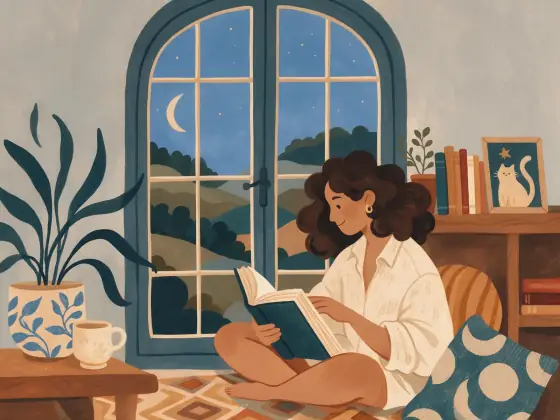

Children’s Book Illustration AI Generator: Storybook
Matte gouache from a cozy picture book.
- From a description only
- Best shape: 4:3
Works on
- Seedream 5.0 Pro
- Qwen Image 3.0
- Nano Banana 2.1
- Seedream 5.0 Flash
About Storybook
Storybook is the look of a well-loved picture book: matte, chalky colors laid down flat, soft hand-painted texture, rounded whimsical shapes and a cozy warm palette that makes every scene feel safe and inviting. It is simple on purpose, so every image reads at a glance.
It is made for storytelling. Write a character and a small adventure — a fox delivering letters through a snowy village, a grandmother planting tulips, a man selling balloons at a fair, a cat sailing a paper boat, a lighthouse keeper feeding seagulls — and the style paints it like a page from a book.
Use it for children’s book mockups, nursery art, greeting cards, educational material, packaging and friendly brand illustrations. Characters stay consistent enough across images to sketch out a short sequence, especially if you keep your character description the same each time.
Subjects to paste as they are: “a fox in a red scarf delivering letters through a snowy village”, “a grandmother planting tulips in a small garden”, “a cat sailing a paper boat across a pond”. A character, one action and a cozy place make a page.
Finishes that work on top: Golden hour for a warm evening page, Soft glow for a gentler, dreamier spread. Black & white turns it into a charming pencil-and-gouache sketch look.
Tips
- Give characters one clear action and one prop: carrying a lantern, reading a map, watering a plant.
- Repeat the same character description word for word across images for a more consistent series.
- Warm settings — kitchens, gardens, villages, forests — match the palette best.
- Seasons make great series: the same character in spring, summer, autumn and winter gives you four matching pages.
What the style adds
Your words go where it says “your subject”. Everything else is added for you.
your subject, picture-book gouache illustration, matte flat colors, soft hand-painted textures, whimsical shapes, cozy warm palette
Models and price
- Seedream 5.0 Pro36 credits
- Qwen Image 3.030 credits
- Nano Banana 2.148 credits
- Seedream 5.0 Flash29 credits
One 1K image from a description. The button always shows the exact price before you spend anything.
How to use Storybook
- Describe itWrite who or what should be in the picture. A small action and a clear place work best.
- Pick a shapeKeep the suggested ratio and model, or change them in the bar at the bottom.
- Paint itPress “Paint it”. The price is on the button before you spend anything.
Questions about Storybook
Can I use Storybook on my own photo?
Not yet. This style works from a description: write what you want to see and the style adds the look.
How much does one Storybook image cost?
29 credits for one 1K image on Seedream 5.0 Flash. 2K costs more, and the button shows the exact price before you run it.
Is it safe for children’s content?
The style itself is gentle and only describes paint, shapes and palette. What appears in the picture comes from your subject, so write it for your audience.
Does it change the people I describe?
No. It sets the painting medium; it never describes faces, bodies or identity.
Can I keep the same character across images?
Keep the same wording for the character each time. Results stay close, though each image is generated fresh.
Can I add text to the page?
The style leaves text out. Generate the illustration first, then add titles or story text in your own layout tool; the matte colors make overlaid text easy to read.
Similar styles
 Pop Art
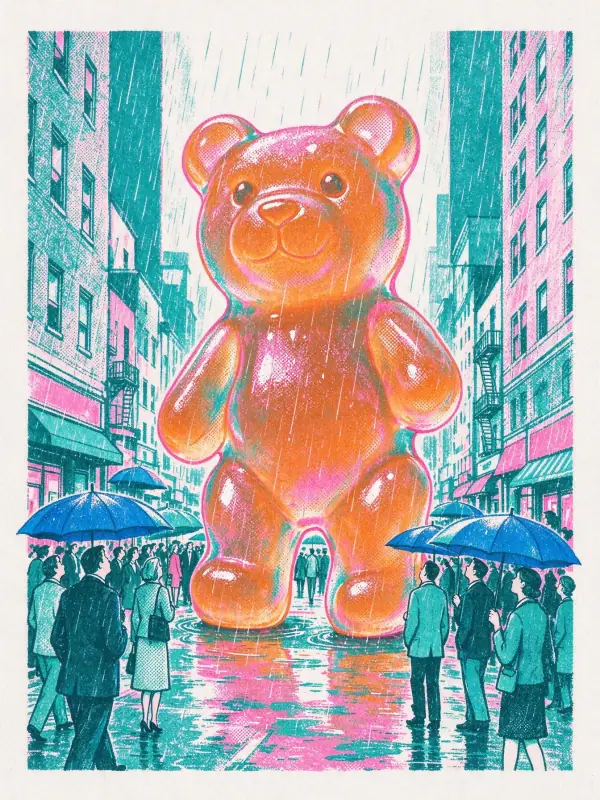 Risograph
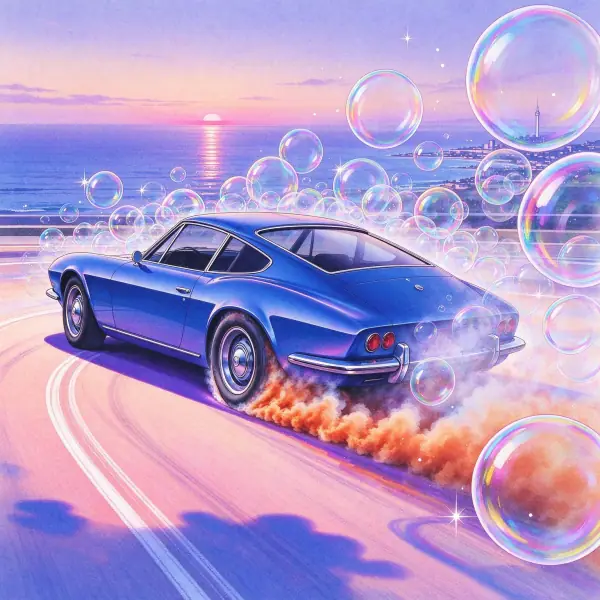 City Pop
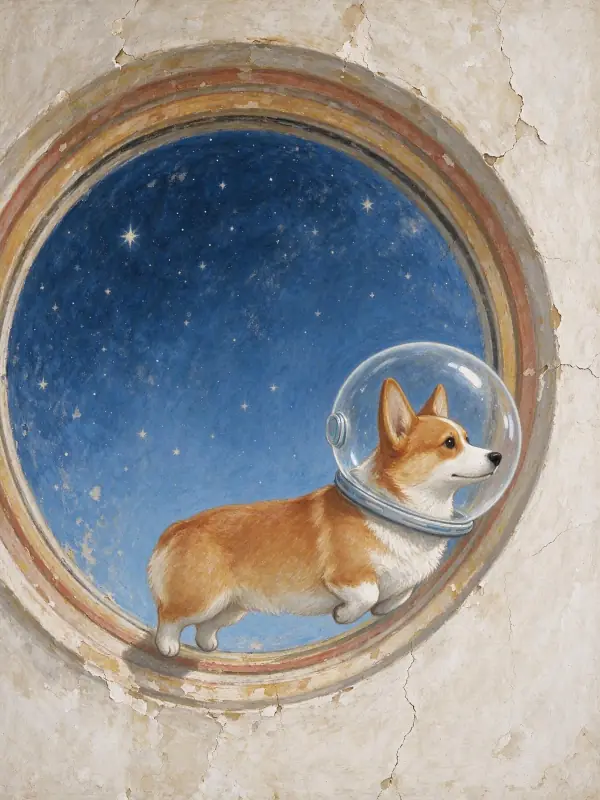 Fresco
Bring it to life
Effects that turn a still in this look into a short video.
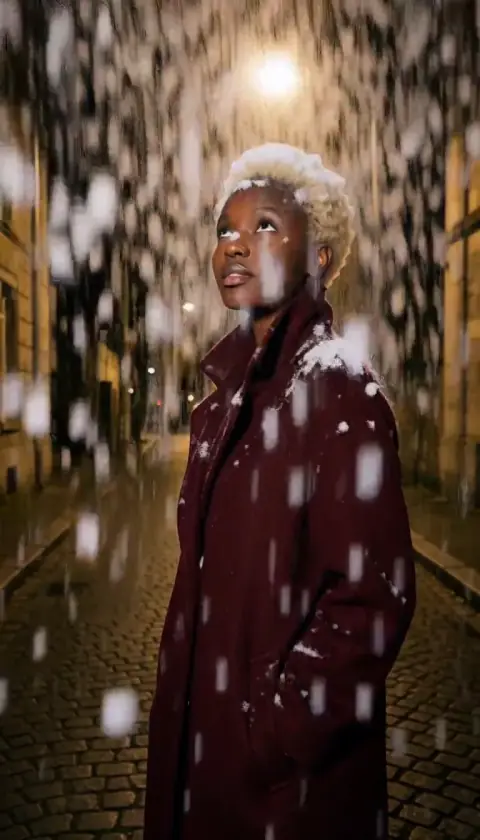 Snowfall
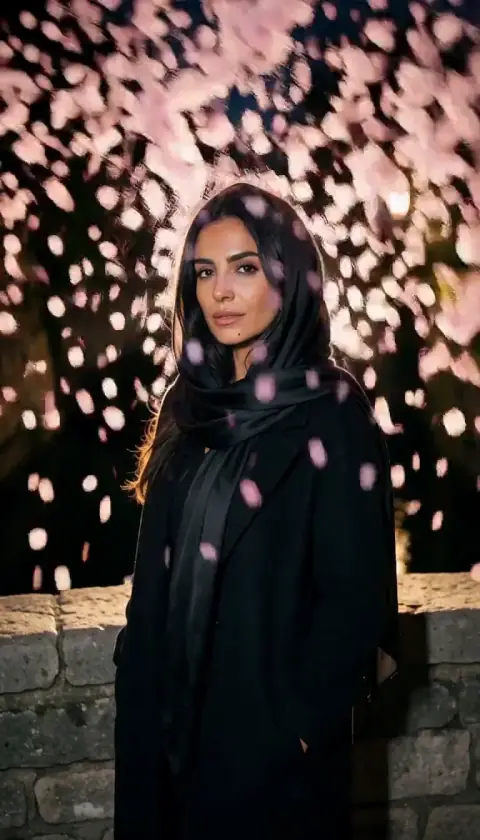 Petal Storm