


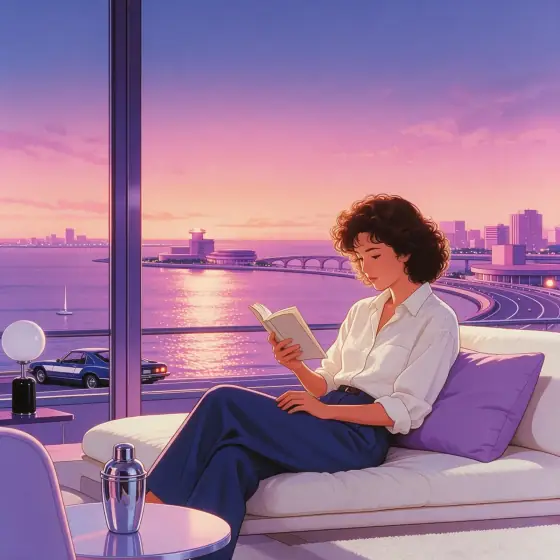

Japanese City Pop Art AI Generator: City Pop
Airbrushed 80s pastels at a seaside dusk.
- Works on your own photo
- Best shape: 1:1 · 4:3
Works on
- Seedream 5.0 Pro
- Qwen Image 3.0
- Nano Banana 2.1
- Seedream 5.0 Flash
About City Pop
City Pop is the album-cover illustration style of 1980s Japan: smooth airbrushed gradients, a dusk sky fading from peach into lavender, glossy chrome highlights on cars and railings, palm trees and seaside boulevards drawn with clean graphic shapes. It is nostalgic without being muddy — every surface is bright, flat and deliberate.
Write who or what should be in the picture and the style builds the scene around it. A woman leaning on a convertible, a man with a cassette player on a sea wall, a cat on a windowsill above a coastal road, a lighthouse against a gradient sky — all of them come back as clean poster art with that unmistakable evening glow.
Subjects to paste as they are: “a woman in sunglasses leaning on a white convertible by the sea”, “a man with headphones sitting on a harbor wall”, “a palm-lined boulevard with a single tram”. Anything with a road, a railing or a car will pick up the chrome and the gradient sky.
Finishes that work on top: Soft glow adds a hazy glow to the chrome, and Golden hour warms the dusk even further. For a darker night version, try Retro Future or Anime Poster instead.
Tips
- Put the subject somewhere with a horizon — a coast road, a rooftop, a balcony. The dusk gradient needs sky to show off.
- Name one object that can catch chrome: a car, a bicycle, a railing, headphones. The glossy highlights are half the style.
- Avoid night scenes in your subject. The style is built on dusk, and asking for midnight turns the palette muddy.
- Want a vertical poster? Choose 4:3 or crop after generating; the gradient sky stretches well either way.
What the style adds
Your words go where it says “your subject”. Everything else is added for you.
your subject, 1980s city-pop illustration, airbrushed pastel gradients, dusk sky in peach and lavender, glossy chrome highlights, clean wordless graphic shapes, open seaside horizon
Models and price
- Seedream 5.0 Pro36 credits
- Qwen Image 3.030 credits
- Nano Banana 2.148 credits
- Seedream 5.0 Flash29 credits
One 1K image from a description. The button always shows the exact price before you spend anything.
How to use City Pop
- Describe itWrite who or what should be in the picture. A small action and a clear place work best. Or switch to “My photo” and drop in a picture you have the right to use.
- Pick a shapeKeep the suggested ratio and model, or change them in the bar at the bottom.
- Paint itPress “Paint it”. The price is on the button before you spend anything.
Questions about City Pop
Can I use City Pop on my own photo?
Yes. Switch to “My photo” at the bottom, drop in a picture you have the right to use, and the style redraws it while keeping the composition and pose.
How much does one City Pop image cost?
29 credits for one 1K image on Seedream 5.0 Flash. 2K costs more, and the button shows the exact price before you run it.
Is this the same as an anime style?
It is related but flatter and more graphic: fewer lines, more gradient, more chrome. If you want characters with line art and cel shading, use Anime Poster or 90s Anime.
Which aspect ratio should I use?
Square for covers and avatars, 4:3 for posters and slides. Choose the ratio that fits your composition before generating.
Can I use it for a music cover?
Yes, that is one of its best uses. Choose a square 1:1 frame, describe one figure or object and leave the rest of the sky empty so there is space for a title.
Similar styles
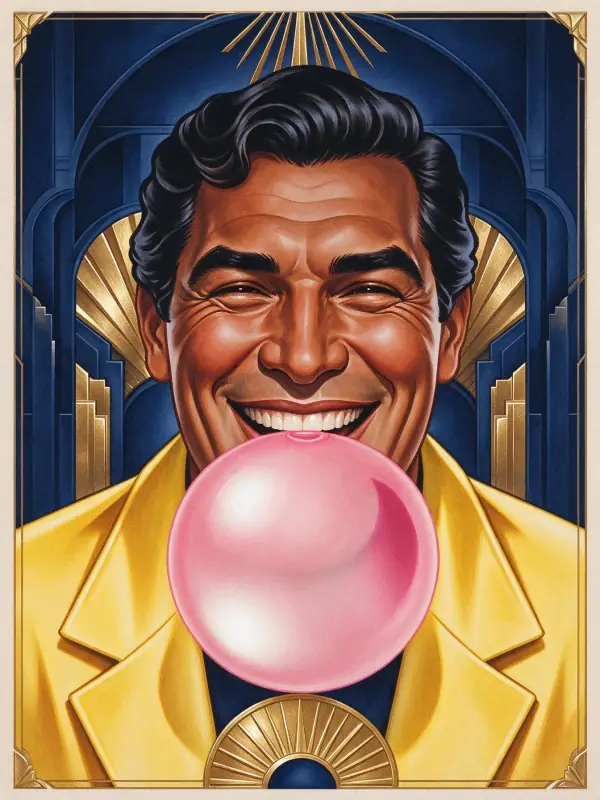 Art Deco
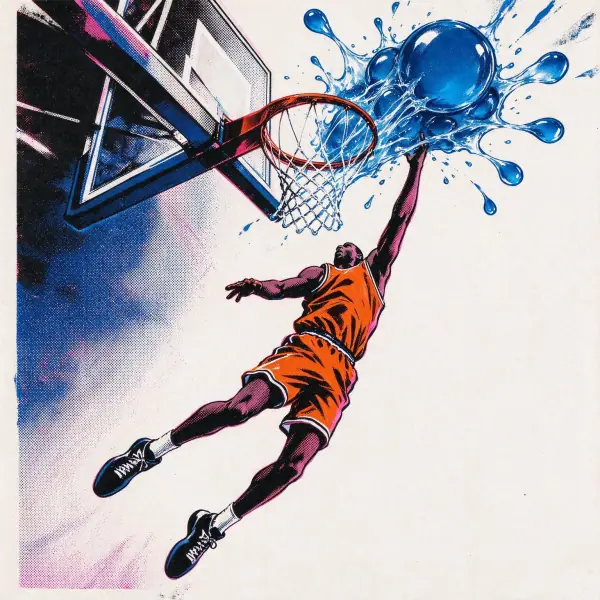 Pop Art
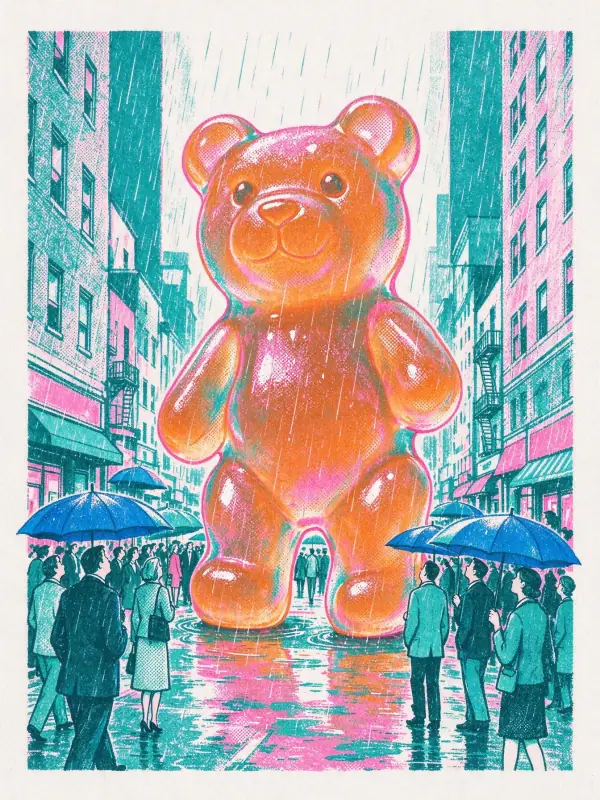 Risograph
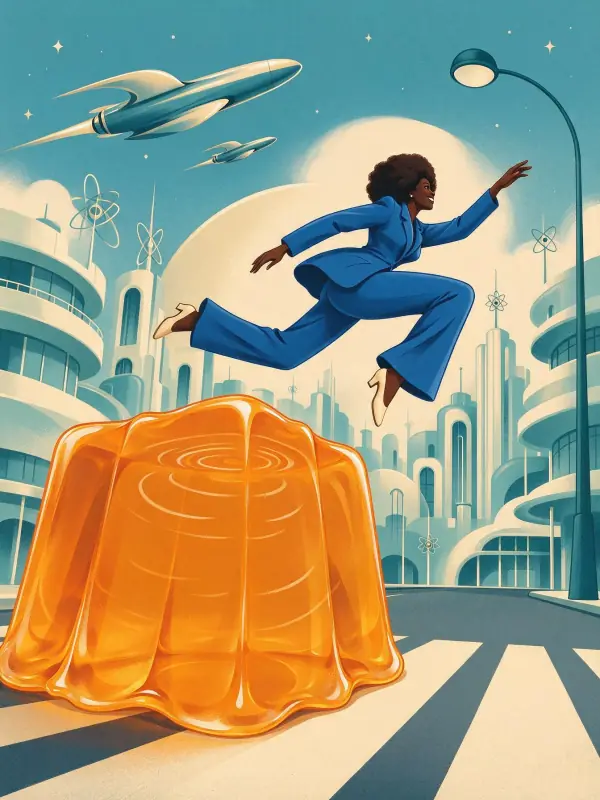 Retro Future
Bring it to life
Effects that turn a still in this look into a short video.
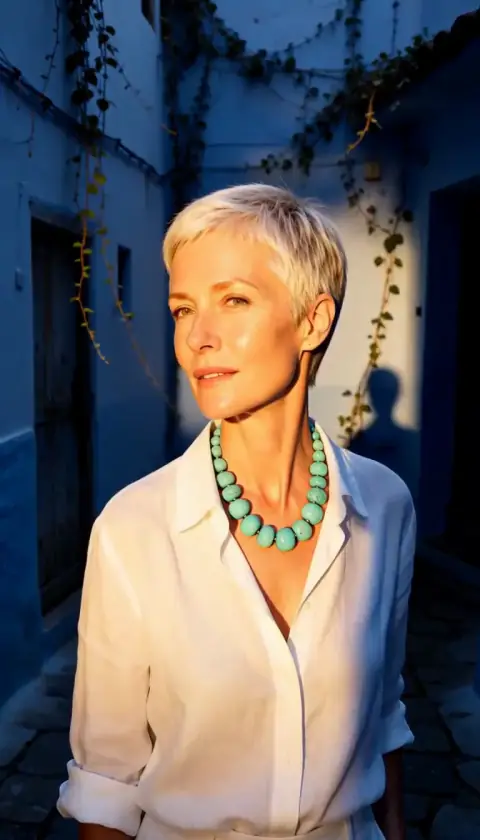 Golden Hour
 Slow Push-In