


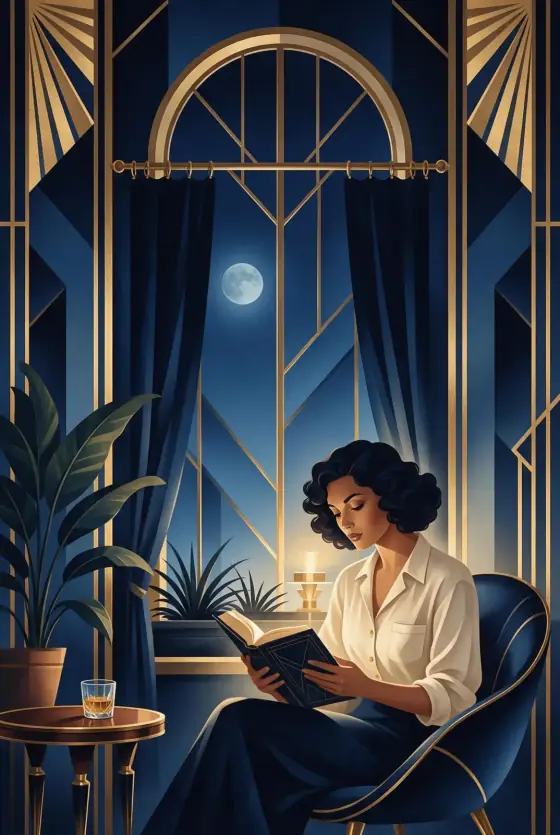

Art Deco Poster AI Generator: Art Deco
Gold and midnight-blue poster glamour.
- Works on your own photo
- Best shape: 2:3 · 3:4
Works on
- Seedream 5.0 Pro
- Qwen Image 3.0
- Nano Banana 2.1
- Seedream 5.0 Flash
About Art Deco
Art Deco turns your subject into a 1920s-style art deco poster at night. The palette is gold on midnight blue, the lines are sleek and geometric, and stepped sunburst rays fan out behind the subject like the crown of a skyscraper. Everything is built on a strong vertical symmetry, gradients are smooth and airbrushed, and a thin gilded frame often closes the composition — the look of a grand hotel lobby, an ocean-liner poster or a jazz-age theater bill, without any lettering.
You write the subject; the style supplies the geometry and the glamour. Single, upright subjects suit it best: a woman reading by a tall arched window, a man in a long overcoat, a cat curled up under a sunburst, a lighthouse standing in a stylized sea. Architecture is a natural fit too — towers, bridges, train stations.
Use it for posters, invitations, gala and event visuals, cocktail menus, book covers, wall art and luxury packaging. For photographic gold and marble, use Gilded; for space-age optimism, Retro Future; for a two-color print with grain, Risograph.
Subjects to paste as they are: “a woman in a long evening coat standing at the top of a staircase”, “a tall clock tower above a city at night”, “a sleek steam locomotive waiting at a platform”. Strong vertical shapes give the symmetry something to hold on to.
Finishes that work on top: Film grain for an aged print, Soft glow for a warmer glow on the gold. The style leaves the poster without text on purpose; add your title afterwards in an editor.
Tips
- Keep one upright subject in the center. The style builds a symmetrical frame around it; off-center subjects look lost.
- Name a setting with strong lines — a staircase, a tower, a train station, an arched window. Art deco loves architecture.
- Want another palette? Add “in emerald and gold” or “in black and silver” to your subject; the geometry stays the same.
- Plan for your own title: add “with empty space above” to your subject and set the type in an editor afterwards.
What the style adds
Your words go where it says “your subject”. Everything else is added for you.
your subject, art deco poster illustration, sleek geometric lines, gold and midnight blue palette, stepped sunburst motifs, elegant vertical symmetry, smooth airbrushed gradients, no lettering
Models and price
- Seedream 5.0 Pro36 credits
- Qwen Image 3.030 credits
- Nano Banana 2.148 credits
- Seedream 5.0 Flash29 credits
One 1K image from a description. The button always shows the exact price before you spend anything.
How to use Art Deco
- Describe itWrite who or what should be in the picture. A small action and a clear place work best. Or switch to “My photo” and drop in a picture you have the right to use.
- Pick a shapeKeep the suggested ratio and model, or change them in the bar at the bottom.
- Paint itPress “Paint it”. The price is on the button before you spend anything.
Questions about Art Deco
Can I use Art Deco on my own photo?
Yes. Switch to “My photo” at the bottom, drop in a picture you have the right to use, and the style redraws it while keeping the composition and pose.
How much does one Art Deco image cost?
29 credits for one 1K image on Seedream 5.0 Flash. 2K costs more, and the button shows the exact price before you run it.
Why is there no text on the poster?
Generated lettering usually comes out garbled, so the template asks for none. Leave space in the composition and add your own type afterwards; it will look far cleaner.
How is it different from Gilded?
Gilded is a photograph with real gold, marble and brass. Art Deco is an illustration: flat geometric shapes, airbrushed gradients and a poster layout.
Similar styles
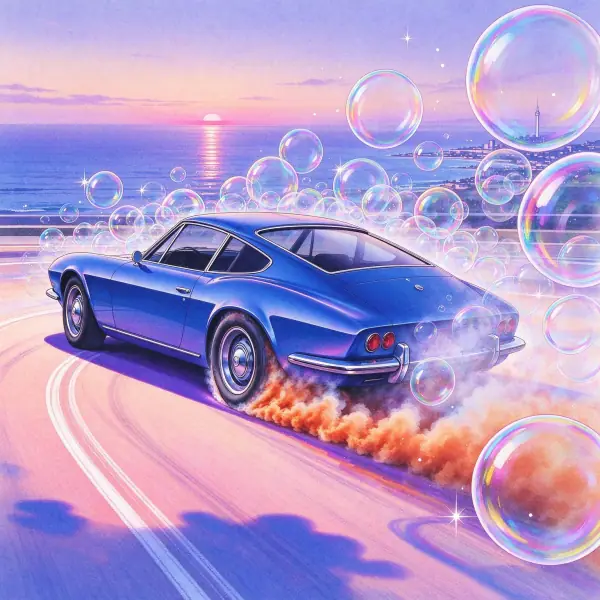 City Pop
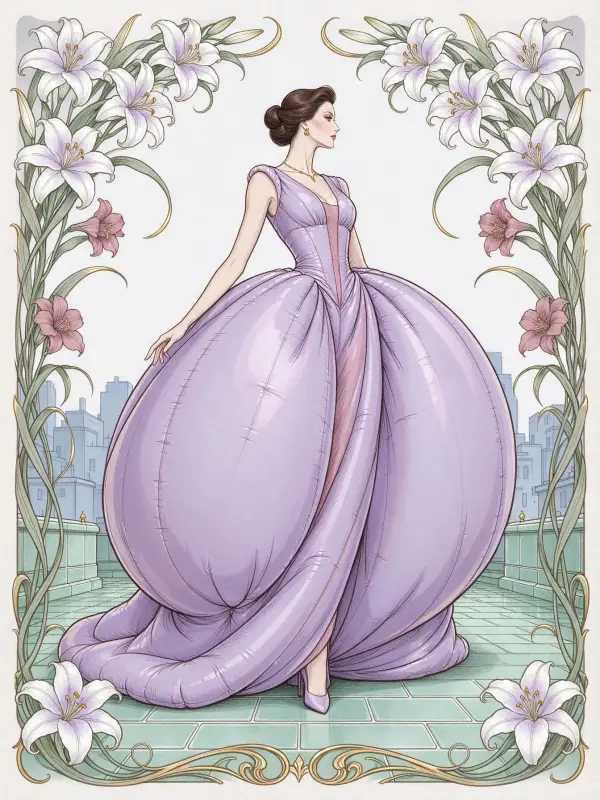 Art Nouveau
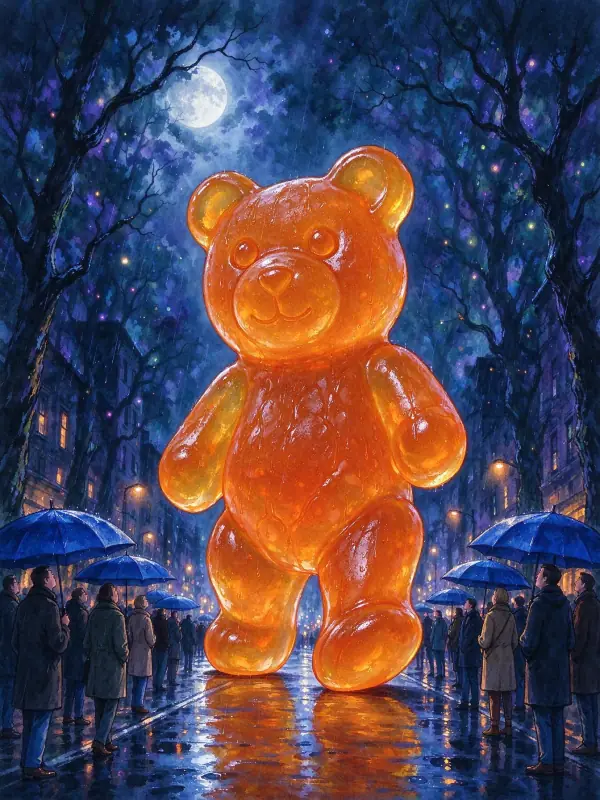 Dark Fairy Tale
 Pop Art
Bring it to life
Effects that turn a still in this look into a short video.
 Slow Push-In
 Golden Hour