


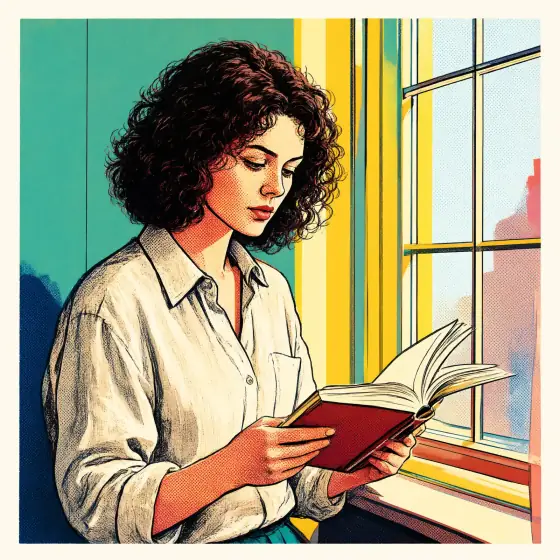

Pop Art AI Generator: Pop Art
Bold silkscreen colors and giant halftone dots.
- Works on your own photo
- Best shape: 1:1 · 3:4
Works on
- Seedream 5.0 Pro
- Qwen Image 3.0
- Nano Banana 2.1
- Seedream 5.0 Flash
About Pop Art
Pop Art turns your subject into a bold pop-art silkscreen print. The image is reduced to a few flat, saturated inks, big simple color shapes replace fine detail, oversized halftone dots fill the shadows, the color layers sit slightly off register the way real screens do, and a thick graphic outline holds it all together on plain poster paper. It is loud, confident and readable from across a room.
You write the subject; the style pulls the prints. A person reading by a window becomes a punchy portrait against blocks of teal and yellow, a man adjusting his collar turns into a gallery poster, a cat on a sill glows orange against a flat white wall, and a lighthouse stands on rocks printed in pink, yellow and blue. Everyday objects work brilliantly — a soda can, a lipstick, a banana — and the more ordinary the subject, the more pop the print.
Subjects to paste as they are: “a banana on a plain background”, “a woman in sunglasses blowing a bubblegum bubble”, “a vintage telephone with a coiled cord”. For vintage comic-book panels, try Vintage Comic; for fluorescent two-color printing, Risograph; for punchy flash photography, Flash Editorial.
Tips
- Simple, iconic subjects print best: a face, a fruit, a shoe, a car. Busy scenes turn into noise.
- Name two or three colors if you want a specific palette, for example “in hot pink, yellow and teal”.
- Want a repeated grid like a gallery wall? Generate a few and arrange them yourself; each image is a single print on purpose.
What the style adds
Your words go where it says “your subject”. Everything else is added for you.
your subject, bold pop-art silkscreen print, reduced to a few flat saturated ink colors, big simple color shapes instead of fine detail, oversized halftone dots in the shadows, slightly off-register color layers, thick graphic outline, plain poster paper
Models and price
- Seedream 5.0 Pro36 credits
- Qwen Image 3.030 credits
- Nano Banana 2.148 credits
- Seedream 5.0 Flash29 credits
One 1K image from a description. The button always shows the exact price before you spend anything.
How to use Pop Art
- Describe itWrite who or what should be in the picture. A small action and a clear place work best. Or switch to “My photo” and drop in a picture you have the right to use.
- Pick a shapeKeep the suggested ratio and model, or change them in the bar at the bottom.
- Paint itPress “Paint it”. The price is on the button before you spend anything.
Questions about Pop Art
Can I use Pop Art on my own photo?
Yes. Switch to “My photo” at the bottom, drop in a picture you have the right to use, and the style redraws it while keeping the composition and pose.
How much does one Pop Art image cost?
29 credits for one 1K image on Seedream 5.0 Flash. 2K costs more, and the button shows the exact price before you run it.
Is it copied from a famous pop artist?
No. The template describes the printing technique — flat inks, halftone dots, off-register layers, thick outlines — and names no artist and no work. Every image is new.
How is it different from Vintage Comic?
Vintage Comic is a vintage comic panel: black ink lines, primary colors and yellowed newsprint. Pop Art is a gallery print: bigger color shapes, bolder saturated inks and a plain poster-paper ground.
Similar styles
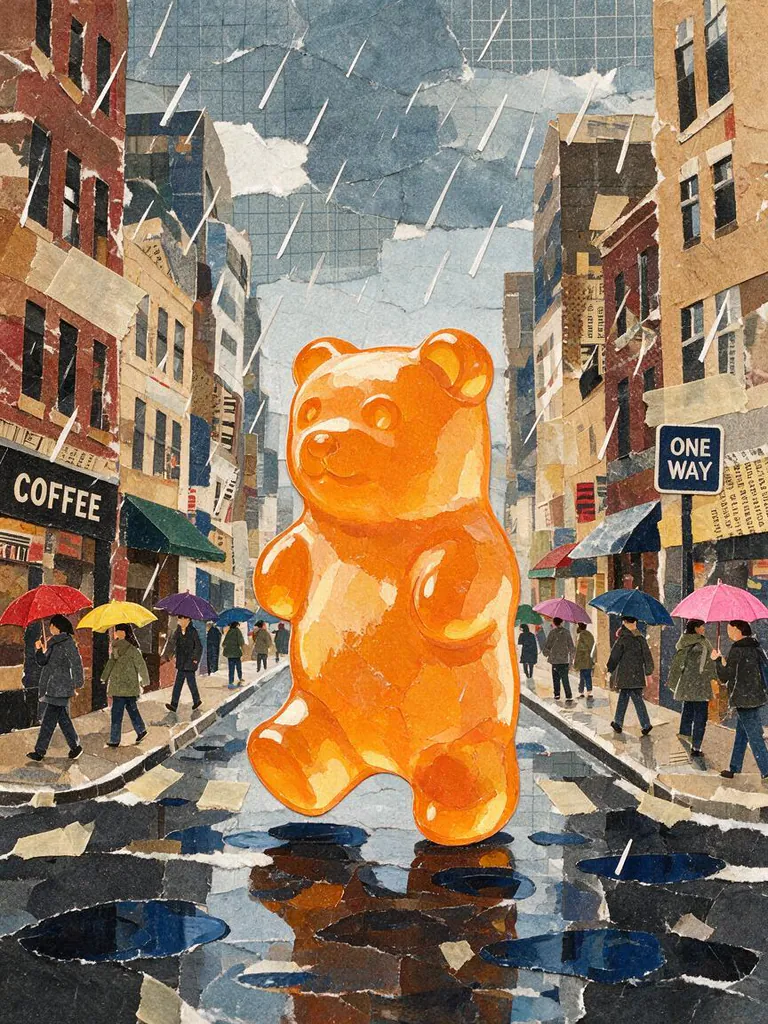 Paper collage
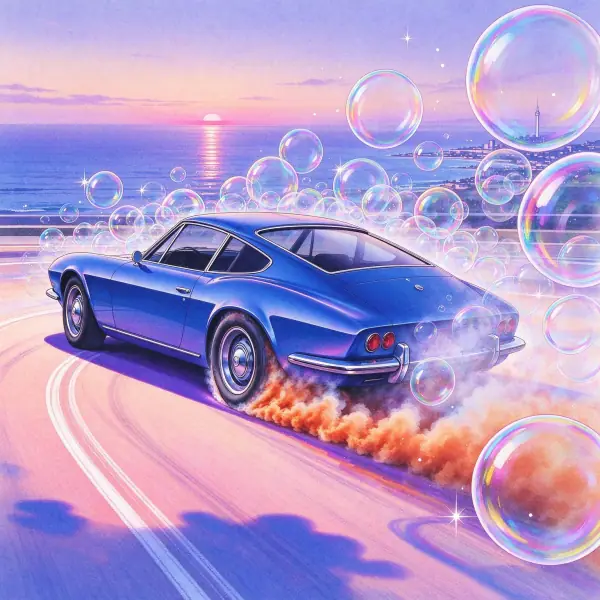 City Pop
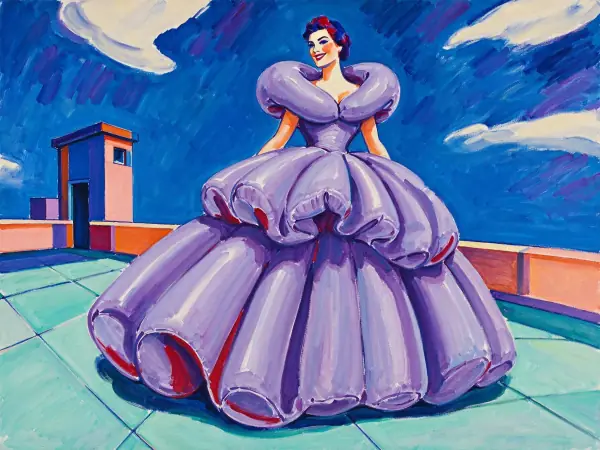 Wild Color
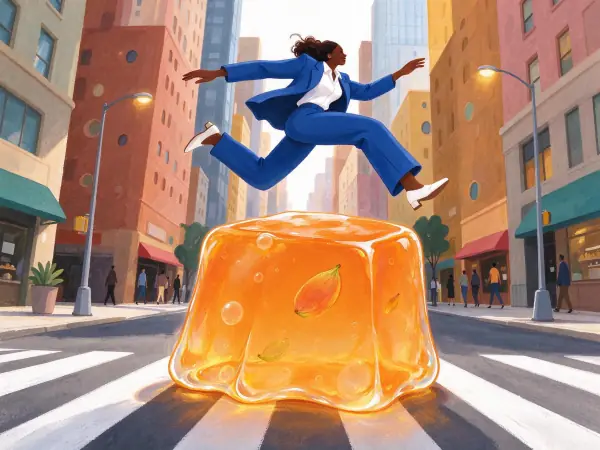 Storybook
Bring it to life
Effects that turn a still in this look into a short video.
 Slow Push-In
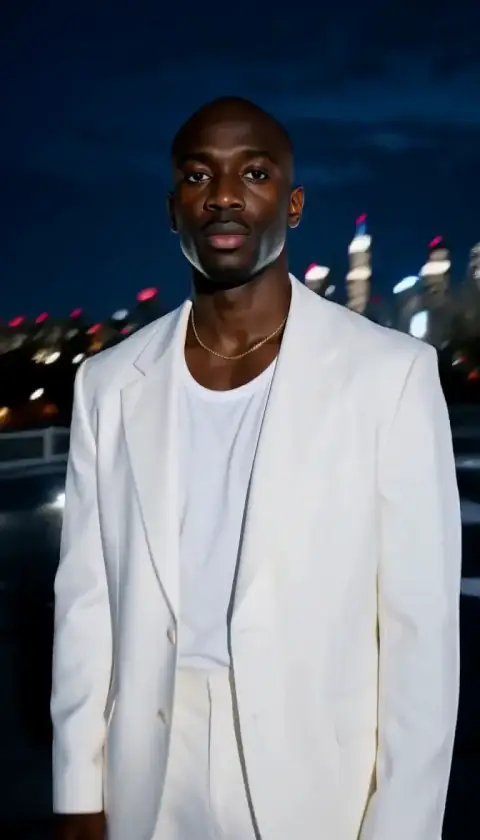 Orbit Rush