


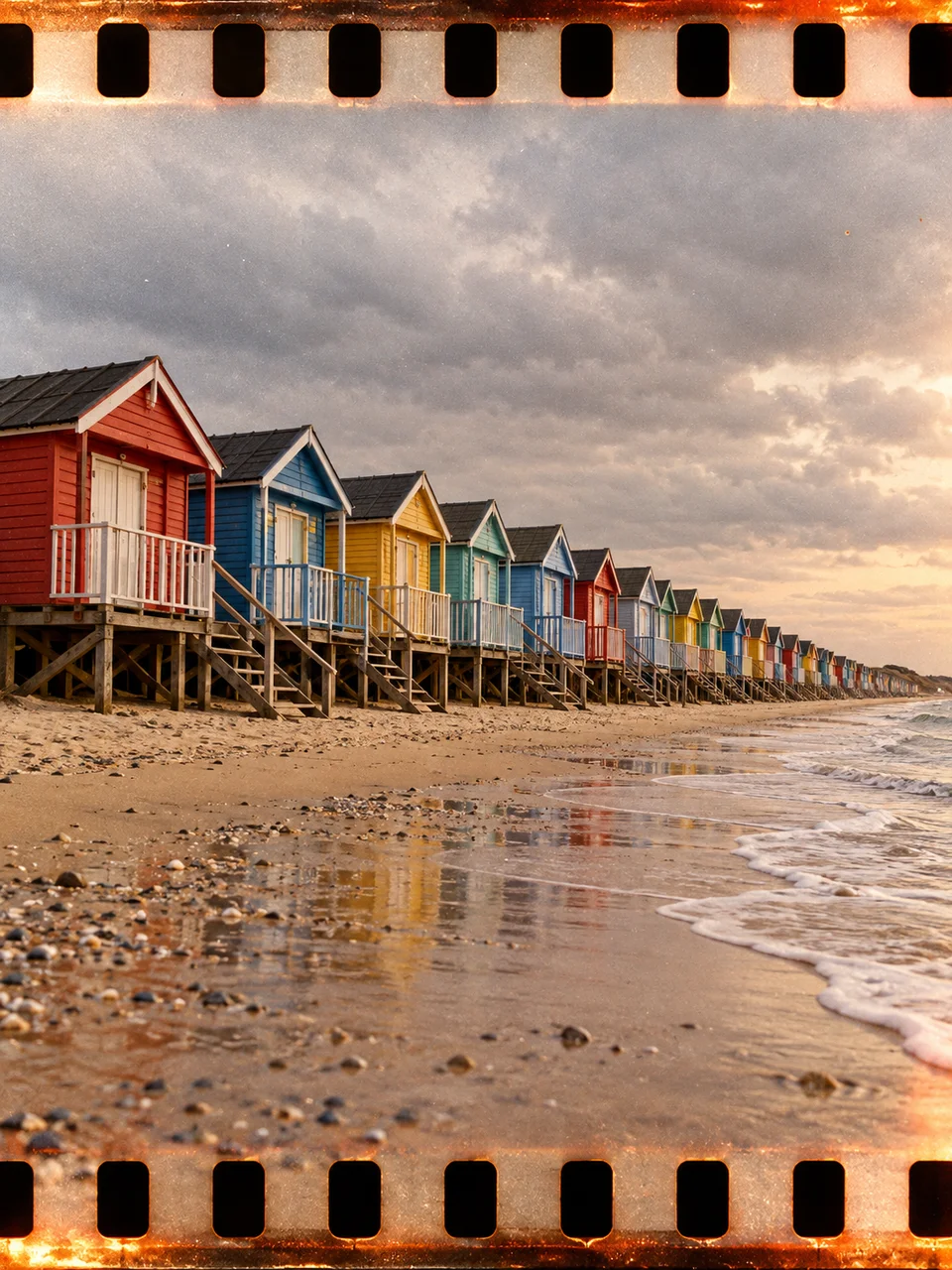
Film Strip AI Photo Generator: Sprocket Panorama
Wide film imagery extends across the perforated edges.
- From a description only
- Best shape: 3:4 · 4:5 · 1:1
Works on
- Seedream 5.0 Pro
- Qwen Image 3.0
- Nano Banana 2.1
- Seedream 5.0 Flash
About Sprocket Panorama
Sprocket Panorama references analog photographs that expose a scene across the film area normally reserved for perforations. The image continues toward the upper and lower sprocket holes, giving the physical strip a visible role. Warm color-negative tones, grain, and slight exposure unevenness reinforce that process. The central view remains continuous and optically believable. It should feel like one broad exposure, with edge detail contributing to the picture rather than becoming decorative film-strip stickers.
A line of beach cabins, a market stall stretching across a street, a row of parked bicycles, or a riverfront with low buildings gives the wide composition a natural rhythm. Explain what extends horizontally and where the main subject sits. This style uses a written description. Since the page offers taller and square image shapes too, place important content in the central scene and let the perforated upper and lower edges occupy supporting space.
Try “a row of colorful beach cabins with one person walking along the sand” or “parked bicycles beside a long brick wall in late daylight”. A landscape option is “low riverside buildings reflected in calm water”. A low horizon gives more space to sky and exposed edges; a centered horizon emphasizes the strip’s continuous width. Warm afternoon light makes the negative-film color richer, while overcast light lets repeated shapes become the stronger feature.
Tips
- Build the scene around a horizontal line of objects or a continuous waterfront.
- Keep faces and other essential details away from the upper and lower perforations.
- Ask for one uninterrupted view so the result does not become a multi-frame strip.
- Use repeated cabins, bicycles, or windows to make the broad scene easy to follow.
- Leave lettering out of storefront descriptions when the film texture and edge exposure are the main attraction.
What the style adds
Your words go where it says “your subject”. Everything else is added for you.
your subject. Make a panoramic analog exposure extending into visible film sprocket areas along the upper and lower edges. Keep the central scene continuous, naturally grainy and optically credible. Warm color negative response and uneven edge exposure add process detail without logos, frame numbers or decorative text.
Models and price
- Seedream 5.0 Pro36 credits
- Qwen Image 3.030 credits
- Nano Banana 2.148 credits
- Seedream 5.0 Flash29 credits
One 1K image from a description. The button always shows the exact price before you spend anything.
How to use Sprocket Panorama
- Describe itWrite who or what should be in the picture. A small action and a clear place work best.
- Pick a shapeKeep the suggested ratio and model, or change them in the bar at the bottom.
- Paint itPress “Paint it”. The price is on the button before you spend anything.
Questions about Sprocket Panorama
Can I use Sprocket Panorama on my own photo?
Not yet. This style works from a description: write what you want to see and the style adds the look.
How much does one Sprocket Panorama image cost?
29 credits for one 1K image on Seedream 5.0 Flash. 2K costs more, and the button shows the exact price before you run it.
Does panorama mean I must choose a very wide output?
The panoramic quality comes from the broad scene and film-strip treatment. Work within the available image shapes and keep important subjects centrally placed, with room above and below for the visible perforated edges.
Will the holes interrupt the main image?
They belong along the film edges, while the central scene should remain readable and continuous. Give faces and small objects extra clearance from the top and bottom so the physical strip treatment does not obscure them.
How is this different from Airy Film?
Airy Film centers on pale, open everyday snapshots. Sprocket Panorama adds the visible structure of exposed film, warmer negative-film color, and a broad continuous scene that reaches into the upper and lower perforated areas.
Similar styles
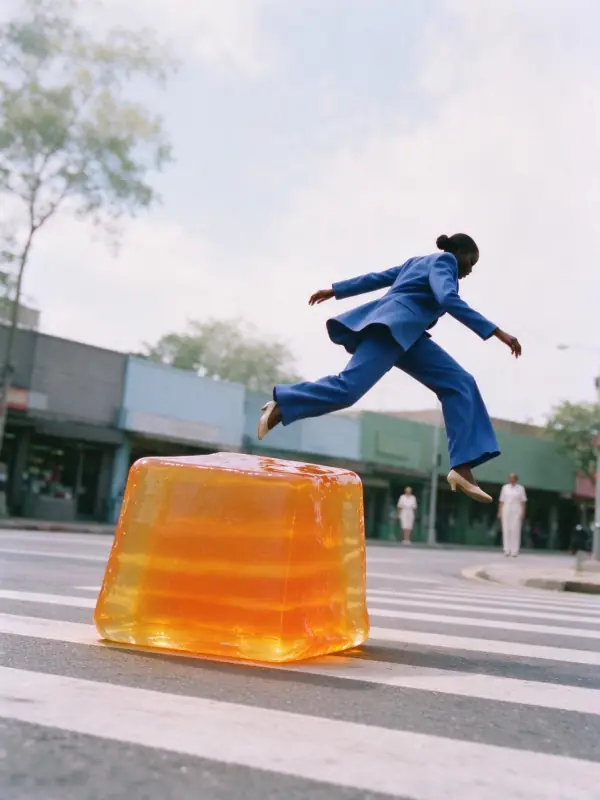 Airy Film
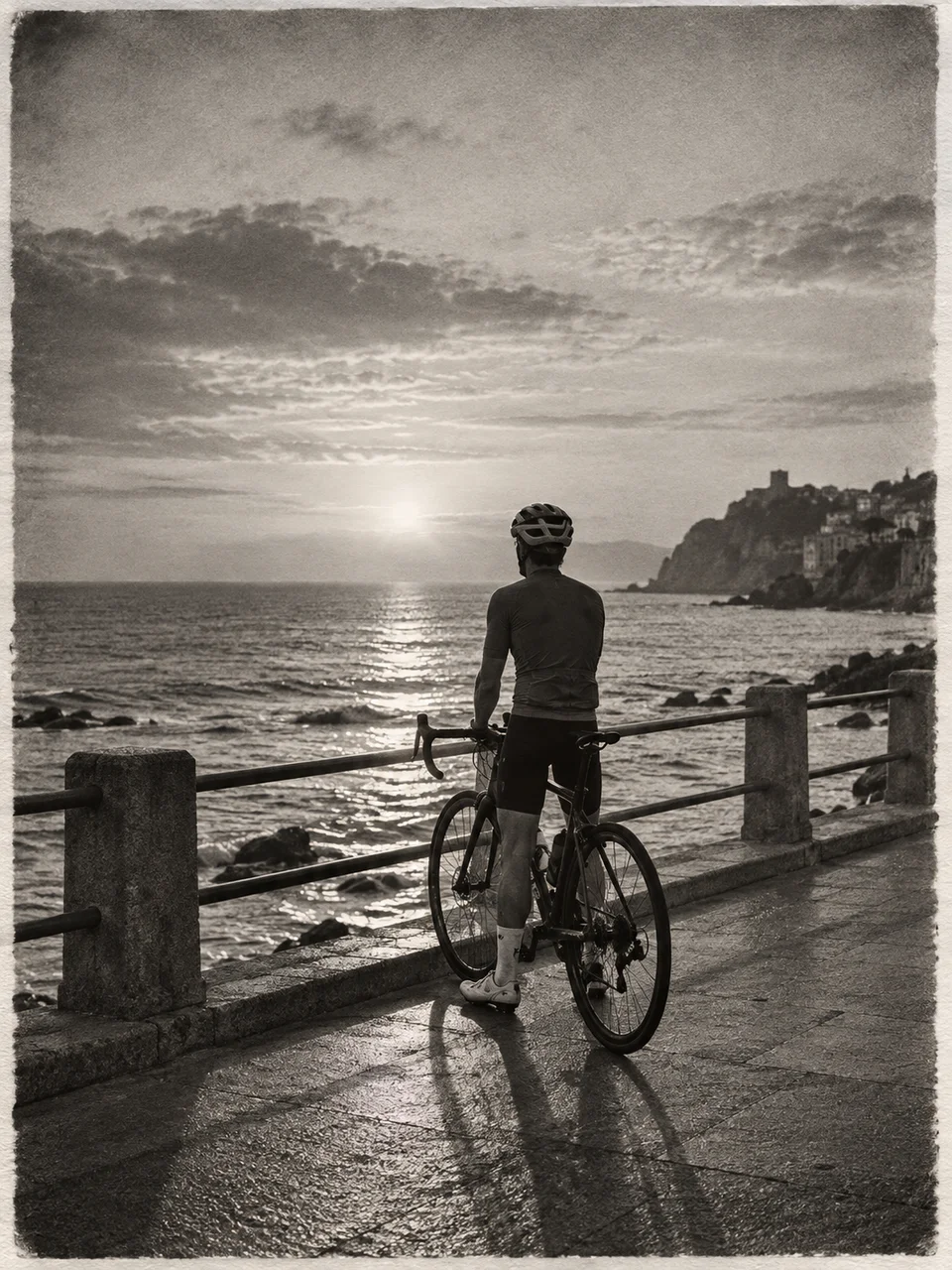 Silver Gelatin
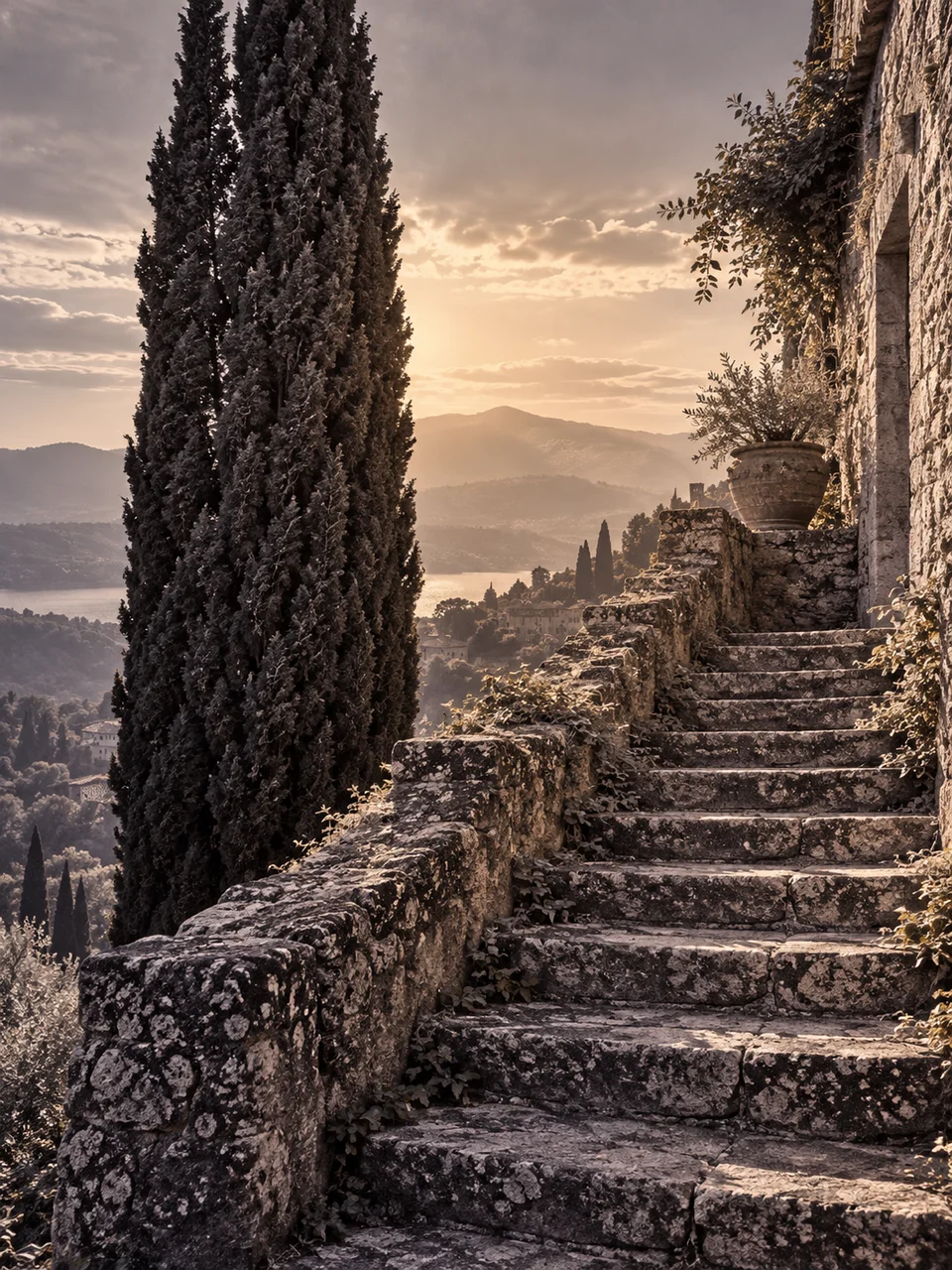 Selenium Split Tone
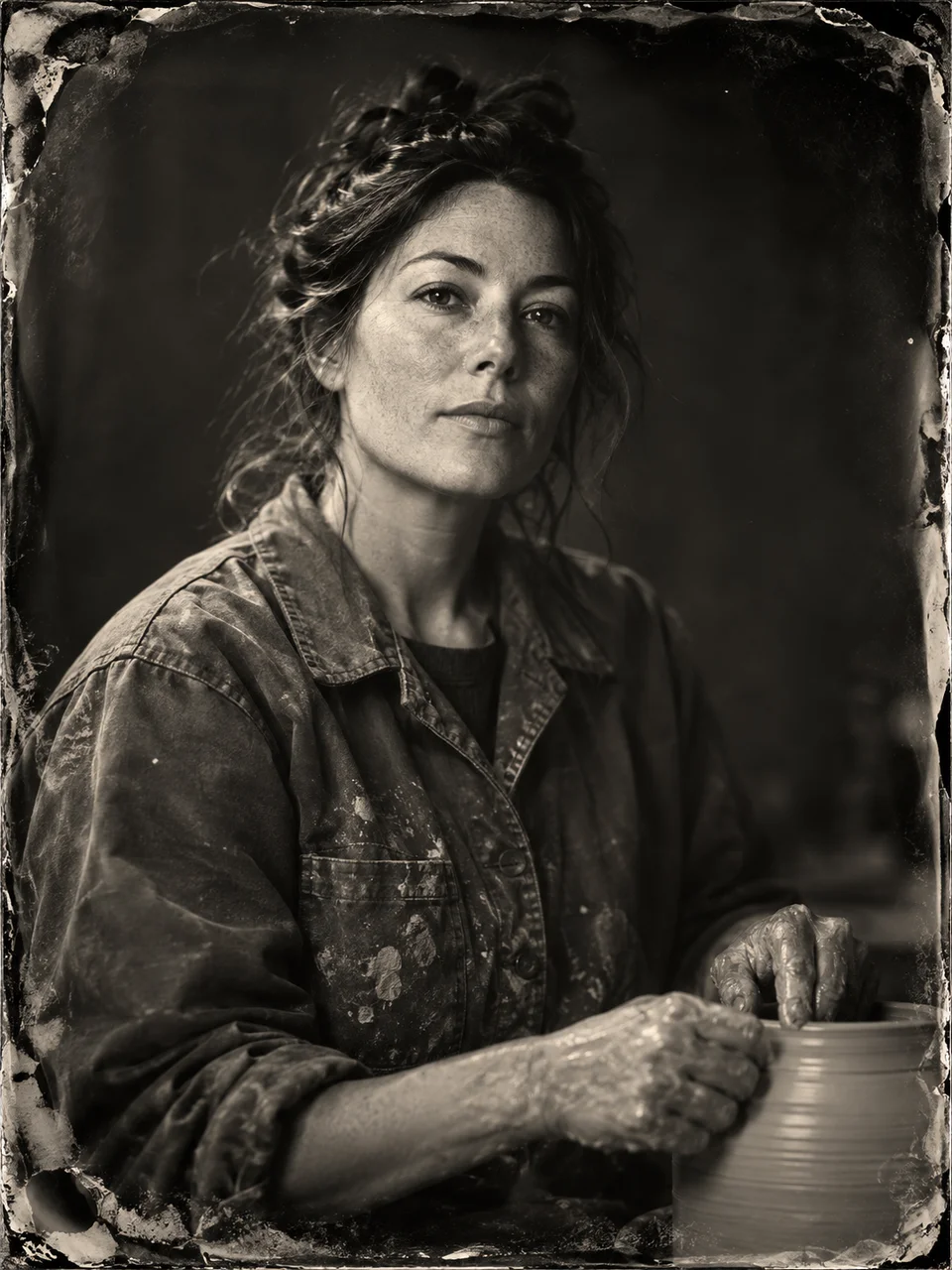 Wet Plate Portrait
Bring it to life
Effects that turn a still in this look into a short video.
 Slider Parallax
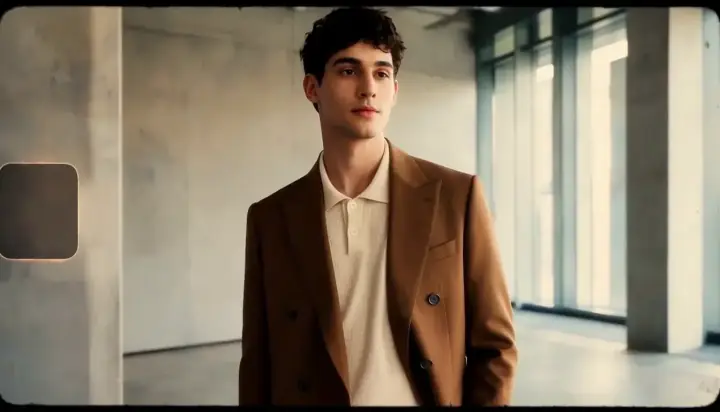 16mm Film