


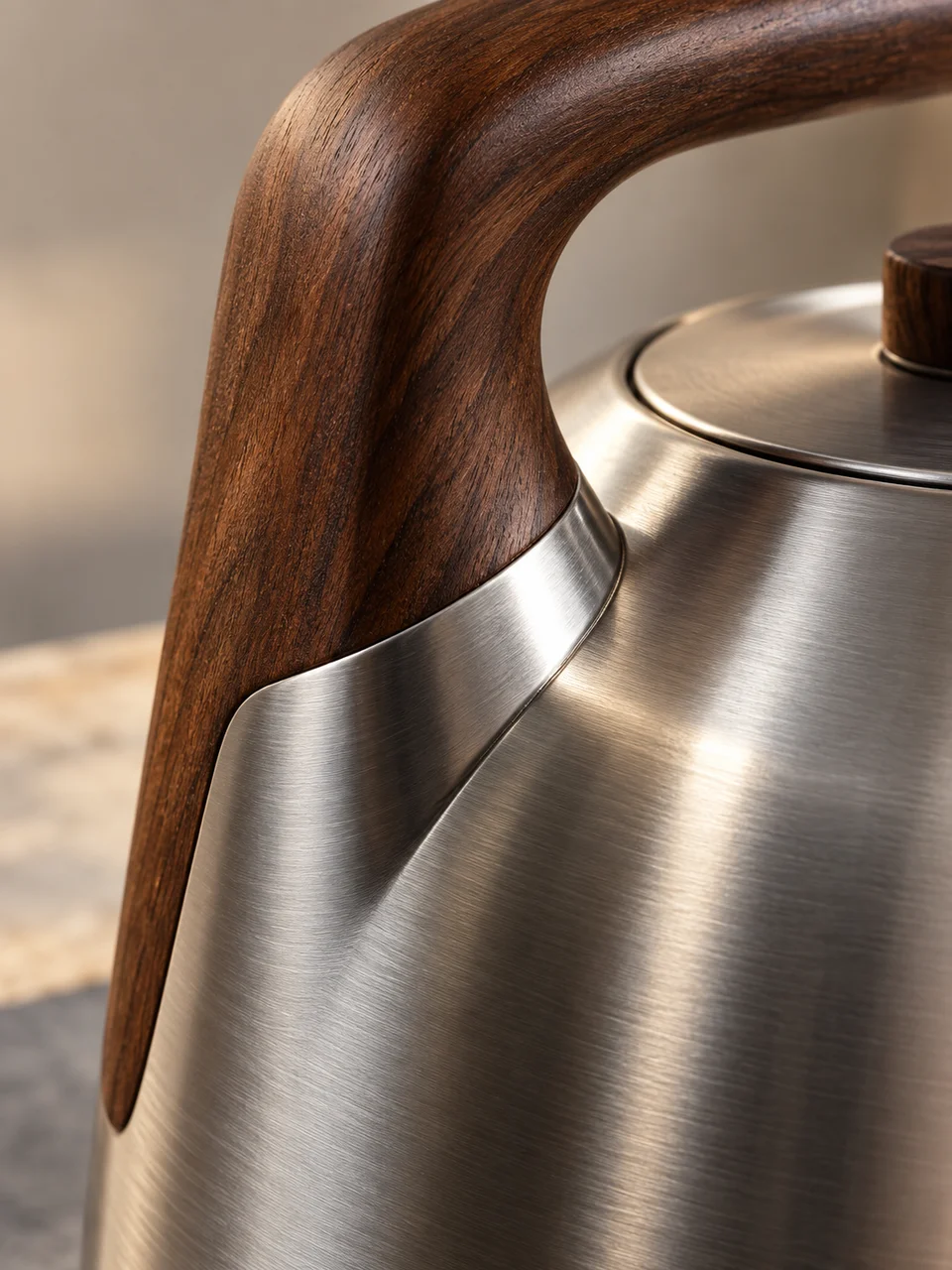
Material Study AI Image Generator: Material Dialogue
Two contrasting surfaces define one restrained object study.
- From a description only
- Best shape: 3:4 · 4:5 · 1:1
Works on
- Seedream 5.0 Pro
- Qwen Image 3.0
- Nano Banana 2.1
- Seedream 5.0 Flash
About Material Dialogue
Material Dialogue brings the camera close to a point where two surfaces meet. Roughness, grain, edge finishing, and reflection become the main visual events. Raking light moves across the join, making even a small change in level or texture easy to notice. The reference is material-focused design photography and craft detail studies. Natural color and a sparse composition give the connection enough attention to suggest how the object was assembled and how it might feel.
Use a written description of one believable meeting between materials. A leather handle attached to brushed steel, cork set inside a ceramic rim, walnut fitted around frosted glass, or a stone top meeting a metal leg all create useful contrasts. Describe which material overlaps or receives the other. Keeping the join physically specific gives the close-up more meaning than simply placing two unrelated samples beside each other.
Try “a leather handle folded around a brushed steel fitting under low side light” or “a cork insert meeting a smooth ceramic rim in a precise close view.” Another option is “a walnut frame fitted around frosted glass with the finished edge visible.” A tighter crop makes surface texture dominant; pulling back slightly reveals the object’s function and helps the viewer understand why those materials meet there.
Tips
- Choose materials with different surface behavior, such as porous cork and glazed ceramic, to make the contrast visible.
- Describe the actual connection: a recess, overlap, clamp, or fitted frame gives the detail structure.
- Place the light low across the join to reveal edge finishing and small height changes.
- Keep colors natural so texture and reflection remain more important than a painted color contrast.
- Include enough of the surrounding object to make the material meeting feel functional rather than arbitrary.
What the style adds
Your words go where it says “your subject”. Everything else is added for you.
your subject. Create a close product study where two contrasting materials meet at one precise join. Reveal roughness, edge finishing and physically correct reflections under raking light. Keep composition spare and color natural, avoiding collage splits, decorative swatches, text or fabricated engineering claims.
Models and price
- Seedream 5.0 Pro36 credits
- Qwen Image 3.030 credits
- Nano Banana 2.148 credits
- Seedream 5.0 Flash29 credits
One 1K image from a description. The button always shows the exact price before you spend anything.
How to use Material Dialogue
- Describe itWrite who or what should be in the picture. A small action and a clear place work best.
- Pick a shapeKeep the suggested ratio and model, or change them in the bar at the bottom.
- Paint itPress “Paint it”. The price is on the button before you spend anything.
Questions about Material Dialogue
Can I use Material Dialogue on my own photo?
Not yet. This style works from a description: write what you want to see and the style adds the look.
How much does one Material Dialogue image cost?
29 credits for one 1K image on Seedream 5.0 Flash. 2K costs more, and the button shows the exact price before you run it.
Can I show more than two materials?
The strongest studies usually focus on two. A third material can dilute the visual comparison and make the connection harder to understand. Start with one clear pair and one precise join before adding complexity.
How is it different from Sectioned Object?
Sectioned Object cuts into a product to expose internal construction. Material Dialogue studies an existing surface connection from close range, using texture, finishing, and reflections to explain how two visible materials meet.
Will the image prove that a connection is structurally sound?
It can suggest a convincing assembly and reveal its visual character. Strength, tolerances, and long-term performance cannot be confirmed from the image, so use the result to explore appearance rather than validate a physical connection.
Similar styles
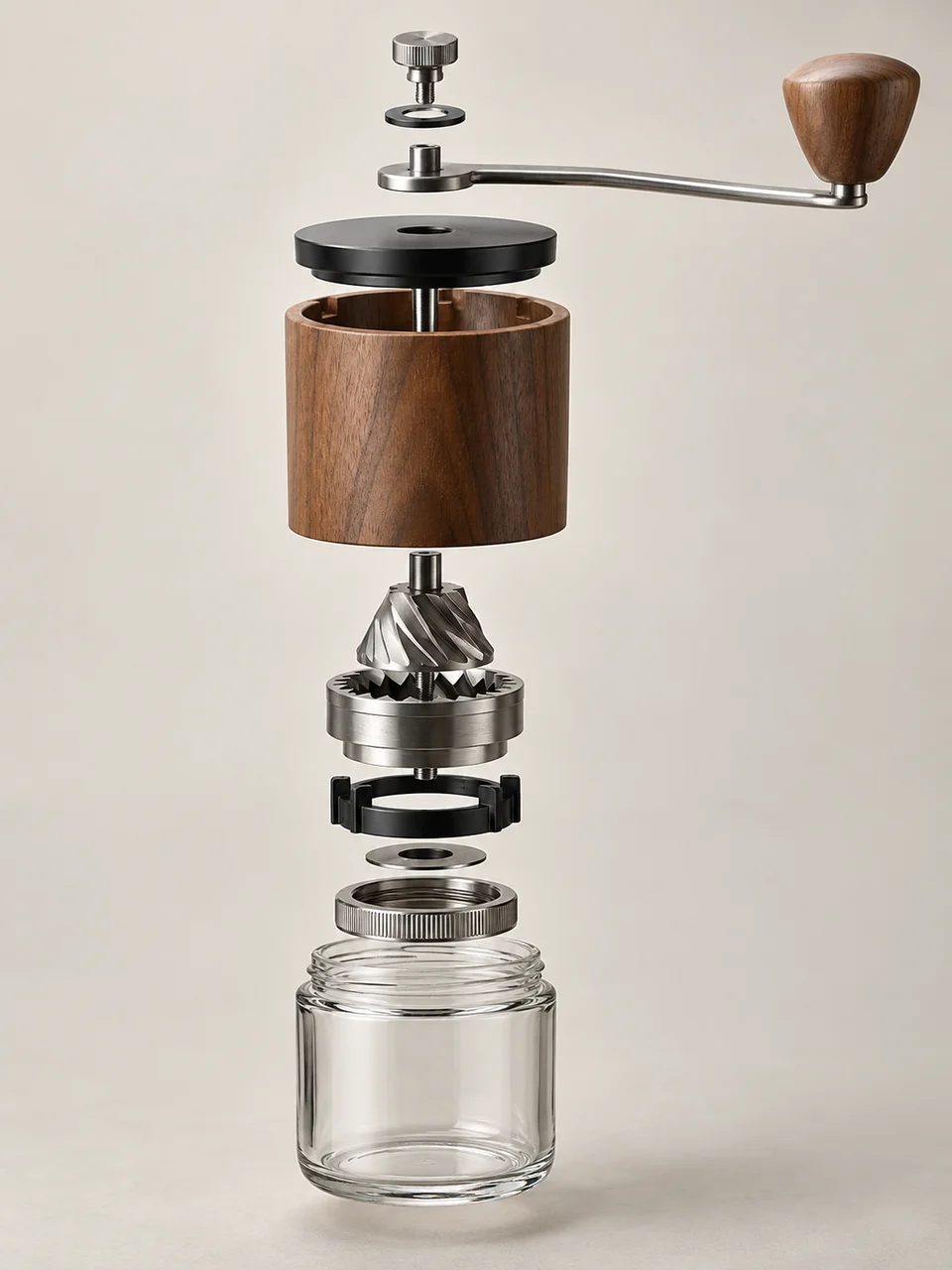 Exploded Assembly
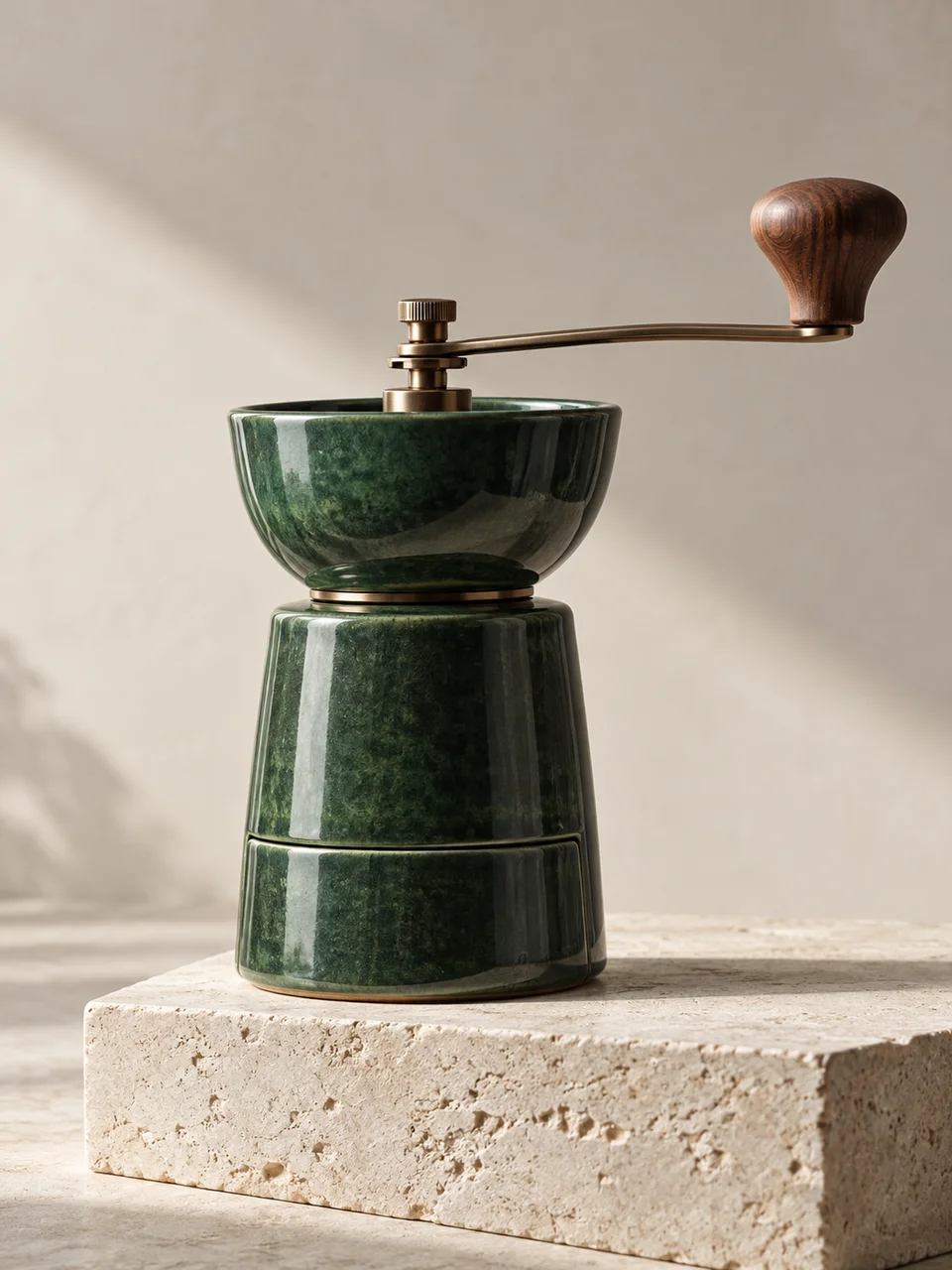 Sculptural Product
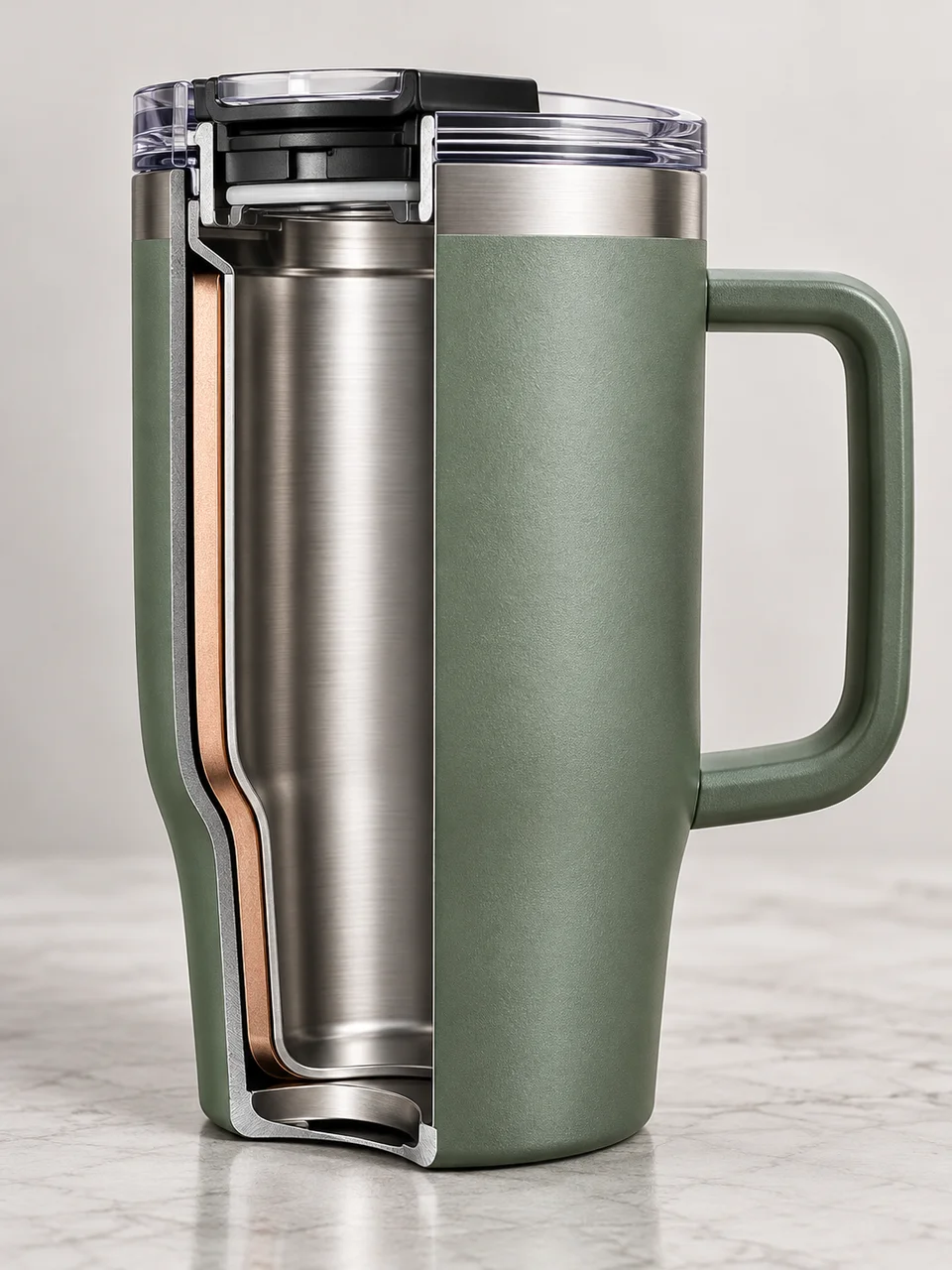 Sectioned Object
 Refractive Product
Bring it to life
Effects that turn a still in this look into a short video.
 Slider Parallax
 Golden Hour