


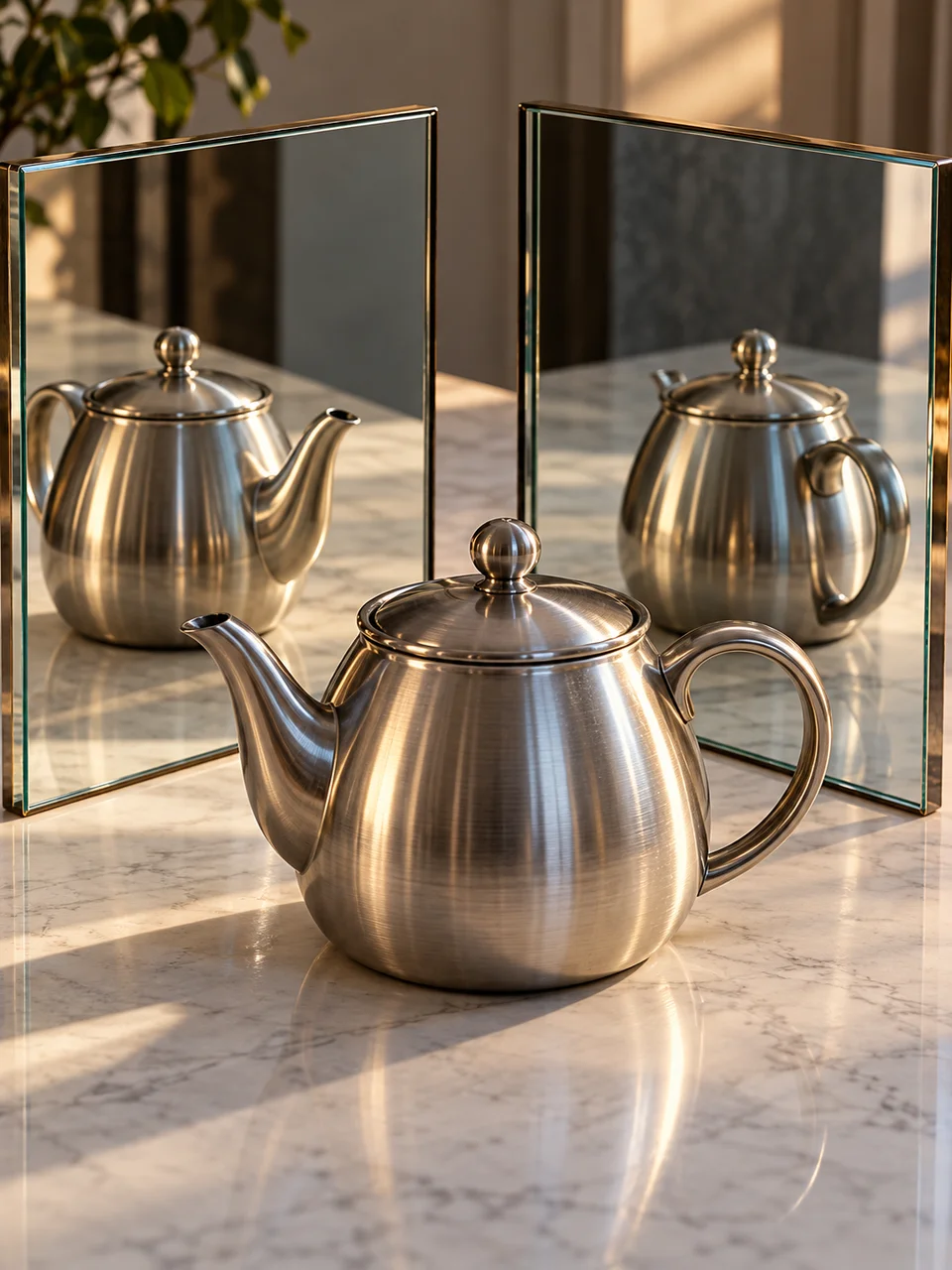
Mirror Reflection AI Photo Generator: In Camera Mirror
Optical reflections multiply space with physical logic.
- From a description only
- Best shape: 3:4 · 4:5 · 1:1
Works on
- Seedream 5.0 Pro
- Qwen Image 3.0
- Nano Banana 2.1
- Seedream 5.0 Flash
About In Camera Mirror
In Camera Mirror builds on photographic compositions made with actual reflective surfaces. Two mirrors divide the space, repeating the subject at angles that should agree with the room and the light. Visible thickness at the glass edges helps explain how the image is constructed. One primary subject remains dominant, with smaller reflections adding depth. The color stays restrained so you can follow the optical relationships without a busy pattern of reflections taking over the frame.
Describe a person seated between tabletop mirrors, a ceramic vase reflected near a window, a dancer standing beside angled glass panels, or a hand arranging a flower. You work from a written description that identifies the real subject and the two reflecting surfaces. Say where the camera sees the subject directly and where reflections sit. A simple room or studio gives those repeated views enough space to remain convincing and easy to distinguish.
Consider “a person seated between two angled mirrors, with one clear direct view of their face” or “a ceramic vase near a window reflected in two tabletop mirrors”. Another scene is “a dancer standing still beside two tall mirror panels”. Narrowing the mirror angle increases the sense of repetition; opening it makes the room feel more spacious. A dark mirror edge is useful when you want the viewer to recognize each reflective plane immediately.
Tips
- Identify which face or object is the direct view so one subject stays visually dominant.
- Keep mirror frames or glass thickness visible enough to explain the reflected space.
- Use a quiet wall behind the mirrors to avoid confusing repeated background clutter.
- Choose a still pose with separated hands, reducing difficult overlaps in reflected anatomy.
- Give every reflected view the same light direction relative to its mirror plane.
What the style adds
Your words go where it says “your subject”. Everything else is added for you.
your subject. Build the composition using two real mirrors and a single photographic exposure. Reflections repeat the subject with coherent angles, reflected light and visible mirror thickness. Keep one primary subject dominant and use restrained cinematic color; avoid a digital kaleidoscope filter or impossible repeated anatomy.
Models and price
- Seedream 5.0 Pro36 credits
- Qwen Image 3.030 credits
- Nano Banana 2.148 credits
- Seedream 5.0 Flash29 credits
One 1K image from a description. The button always shows the exact price before you spend anything.
How to use In Camera Mirror
- Describe itWrite who or what should be in the picture. A small action and a clear place work best.
- Pick a shapeKeep the suggested ratio and model, or change them in the bar at the bottom.
- Paint itPress “Paint it”. The price is on the button before you spend anything.
Questions about In Camera Mirror
Can I use In Camera Mirror on my own photo?
Not yet. This style works from a description: write what you want to see and the style adds the look.
How much does one In Camera Mirror image cost?
29 credits for one 1K image on Seedream 5.0 Flash. 2K costs more, and the button shows the exact price before you run it.
Will it create several separate people?
The repeated views are meant to be reflections of one subject. Describe a single person and visible mirror surfaces, with one direct view dominant, to make that relationship clearer than a lineup of similar-looking figures.
Can I make an endless mirrored tunnel?
The style is built around two believable mirrors and a readable main subject. Extreme repetition can make perspective and anatomy harder to follow. Begin with a few clear reflected views before asking for a more enclosed arrangement.
How does it compare with Ambrotype Glass?
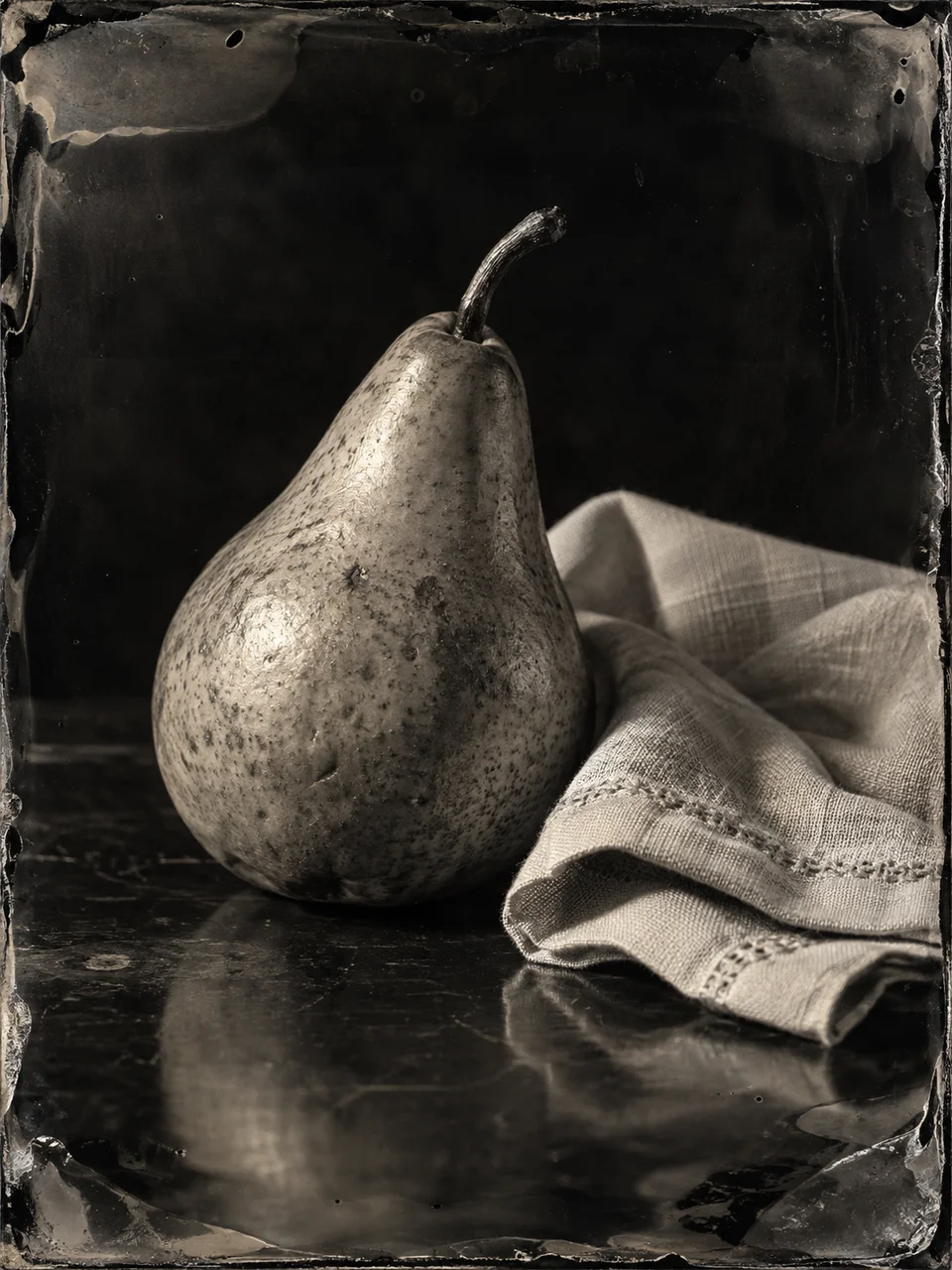
Ambrotype Glass emphasizes a photographic image held on a dark glass support. In Camera Mirror uses glass within the depicted scene to reflect a subject and multiply space, while keeping a conventional photographic color and depth structure.
Similar styles
 Silver Gelatin
 Selenium Split Tone
 Wet Plate Portrait
 Ambrotype Glass
Bring it to life
Effects that turn a still in this look into a short video.
 Mirror Twin
 Slider Parallax