


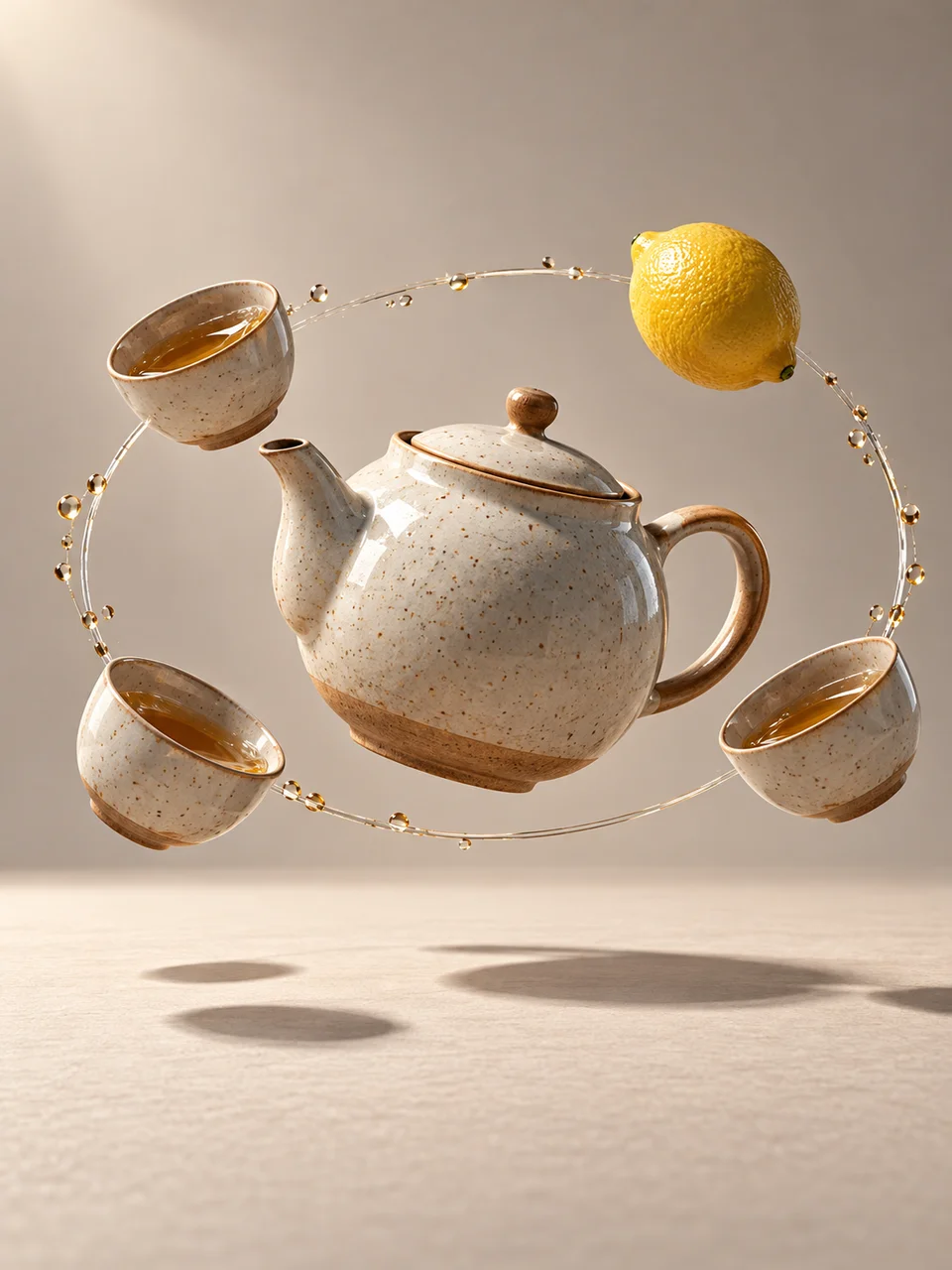
Floating Objects AI Art Generator: Everyday Orbit
Familiar objects form a silent sculptural orbit.
- From a description only
- Best shape: 3:4 · 4:5 · 1:1
Works on
- Seedream 5.0 Pro
- Qwen Image 3.0
- Nano Banana 2.1
- Seedream 5.0 Flash
About Everyday Orbit
Everyday Orbit gives ordinary objects an orderly path through the air. A few related items circle a central subject, with realistic surfaces and one studio light tying the arrangement together. The reference is conceptual product photography and suspended still life. A grounded surface shadow keeps the scene connected to a tabletop or floor, while generous space separates each object. The orbit feels deliberately composed, with familiar materials carrying the image rather than a cosmic background or explosive motion.
Write a central subject and a small family of surrounding objects. A teapot with orbiting cups, a backpack encircled by notebooks and pencils, a watering can among seed packets and tools, or a bowl surrounded by citrus fruit gives the arrangement a clear theme. Describe the objects at consistent relative sizes. This style uses a written description, and choosing only a few items makes it easier to see their shared orbital path.
Begin with “a teapot surrounded by three orbiting cups above a pale tabletop” or “a backpack with a notebook, pencil case, and folded map in a precise orbit.” Another option is “a watering can encircled by small garden tools under one studio light.” Orbit height changes the composition: a low ring feels like an elevated still life, while a taller arrangement becomes more sculptural and benefits from a portrait-shaped frame.
Tips
- Choose objects linked by an everyday activity so the orbit feels like a coherent family.
- Keep the central subject larger or more visually distinct than its companions.
- Leave visible gaps between objects instead of overlapping their silhouettes.
- Use consistent relative sizes; a giant pencil can distract from the intended orbital arrangement.
- Include a surface shadow below the group to establish height and a shared studio setting.
What the style adds
Your words go where it says “your subject”. Everything else is added for you.
your subject. Arrange a small family of everyday objects in a precise orbit around one central subject. Preserve realistic materials, consistent scale and one studio light. Include a grounded surface shadow and generous space, avoiding a cosmic background or an explosion of clutter.
Models and price
- Seedream 5.0 Pro36 credits
- Qwen Image 3.030 credits
- Nano Banana 2.148 credits
- Seedream 5.0 Flash29 credits
One 1K image from a description. The button always shows the exact price before you spend anything.
How to use Everyday Orbit
- Describe itWrite who or what should be in the picture. A small action and a clear place work best.
- Pick a shapeKeep the suggested ratio and model, or change them in the bar at the bottom.
- Paint itPress “Paint it”. The price is on the button before you spend anything.
Questions about Everyday Orbit
Can I use Everyday Orbit on my own photo?
Not yet. This style works from a description: write what you want to see and the style adds the look.
How much does one Everyday Orbit image cost?
29 credits for one 1K image on Seedream 5.0 Flash. 2K costs more, and the button shows the exact price before you run it.
Does it need a person in the center?
No. A teapot, bag, bowl, or other clear main object works well. Choose a center with a strong silhouette and keep the surrounding items secondary in size, color, or visual complexity.
How does it compare with Gravity Garden?
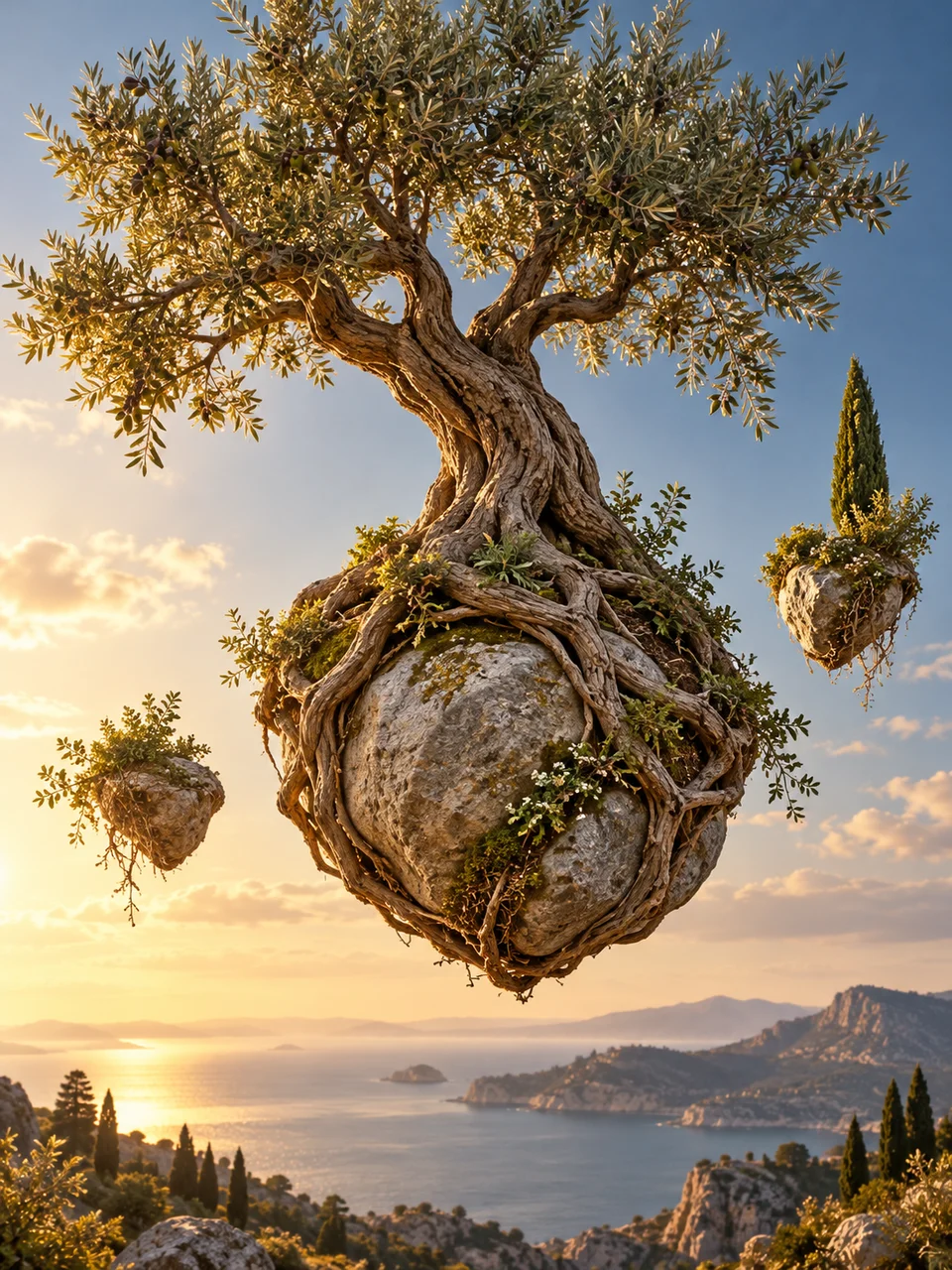
Everyday Orbit arranges related household objects around a central subject in a precise path. Gravity Garden uses plants, roots, and stones in an impossible botanical balance, with a more earthy sculptural character.
Why does my arrangement look cluttered?
Too many objects or overlapping outlines can hide the orbit. Reduce the family to three or four companions, increase the space between them, and keep the background quiet enough to show the path around the center.
Similar styles
 Impossible Archway
 Cloud Interior
 Gravity Garden
 Contained Weather
Bring it to life
Effects that turn a still in this look into a short video.
 Levitate
 Orbit Rush