


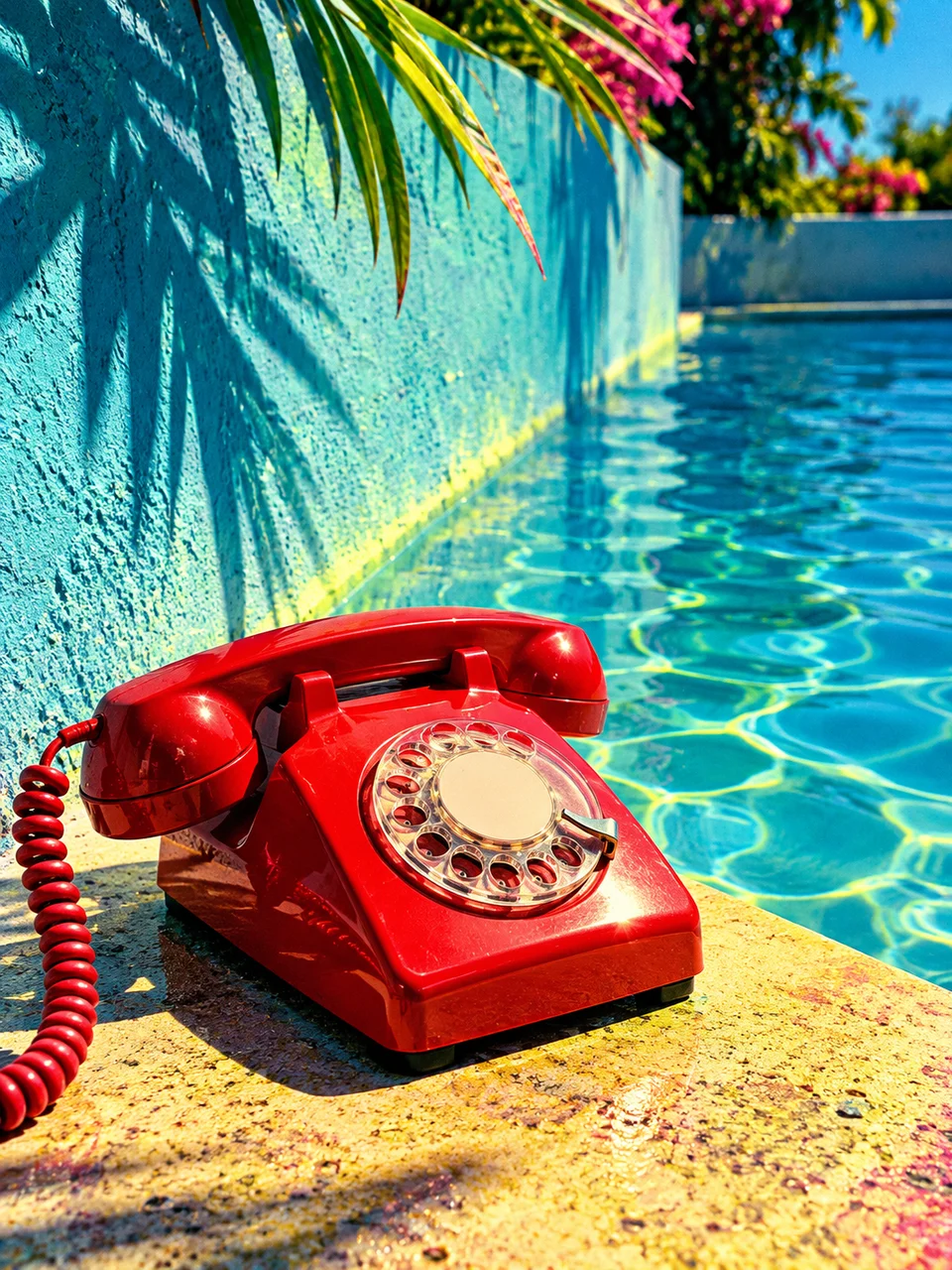
Slide Film AI Photo Generator: Cross Processed Chrome
Slide-film color shifts with dense, luminous shadows.
- From a description only
- Best shape: 3:4 · 4:5 · 1:1
Works on
- Seedream 5.0 Pro
- Qwen Image 3.0
- Nano Banana 2.1
- Seedream 5.0 Flash
About Cross Processed Chrome
Cross Processed Chrome refers to the unexpected color relationships associated with processing reversal film in chemistry intended for another film process. This look settles on yellow-green light, dense cyan shade, and controlled magenta accents. Those shifts vary across the tonal range instead of tinting everything equally. Direct daylight, recognizable skin, and tangible surfaces keep the image photographic. Fine grain gives the unusual colors a material basis rather than a smooth neon finish.
A sunlit laundromat entrance, a person beside a turquoise swimming pool, a pink bicycle against concrete, or a roadside fruit stand makes a useful starting scene. Describe the original object colors and where bright sunlight meets shade. You supply a written description rather than a photo here. Broad painted surfaces show the color crossover clearly, while a person or familiar object helps the viewer understand the underlying scene despite its unusual palette.
Examples to try are “a person in a white T-shirt beside a turquoise pool at noon” and “a pink bicycle leaning against a sunlit concrete wall”. You could also use “a roadside stand with oranges under a striped awning”. Hard midday light separates the shifted highlight and shadow colors more strongly. Open shade softens their difference, making the scene calmer and letting small magenta details stand out without overwhelming the subject.
Tips
- Put sun and shade in the same composition to reveal the two sides of the color shift.
- Name a white surface as a reference point for the yellow-green highlight cast.
- Limit magenta to a small object or fabric detail so it reads as an accent.
- Use painted walls, pool tiles, or plastic chairs for broad areas of clear shifted color.
- Keep facial illumination even when natural-looking skin matters more than dramatic shadow color.
What the style adds
Your words go where it says “your subject”. Everything else is added for you.
your subject. Use cross-processed reversal-film color with yellow-green highlights, dense cyan shadows and controlled magenta accents. Keep coherent skin and recognizable materials while allowing uneven channel crossover. Crisp direct daylight and real grain prevent the image from becoming a generic neon gradient.
Models and price
- Seedream 5.0 Pro36 credits
- Qwen Image 3.030 credits
- Nano Banana 2.148 credits
- Seedream 5.0 Flash29 credits
One 1K image from a description. The button always shows the exact price before you spend anything.
How to use Cross Processed Chrome
- Describe itWrite who or what should be in the picture. A small action and a clear place work best.
- Pick a shapeKeep the suggested ratio and model, or change them in the bar at the bottom.
- Paint itPress “Paint it”. The price is on the button before you spend anything.
Questions about Cross Processed Chrome
Can I use Cross Processed Chrome on my own photo?
Not yet. This style works from a description: write what you want to see and the style adds the look.
How much does one Cross Processed Chrome image cost?
29 credits for one 1K image on Seedream 5.0 Flash. 2K costs more, and the button shows the exact price before you run it.
Will every object keep its original color?
Expect deliberate color changes, especially between light and shade. Naming an object color gives the scene a starting point, but this style is best when you welcome a cyan, yellow-green, and magenta reinterpretation.
Is this the same as adding a neon filter?
The effect is tied to photographic tones: highlights and shadows shift differently while materials remain recognizable. A neon scene instead depends on strongly colored light sources and luminous objects within the environment itself.
How does it compare with Selenium Split Tone?
Selenium Split Tone is rooted in toning a monochrome photographic image. Cross Processed Chrome keeps a color photograph and alters its color relationships, giving daylight scenes more pronounced cyan shadows and yellow-green highlights.
Similar styles
 Airy Film
 Selenium Split Tone
 Wet Plate Portrait
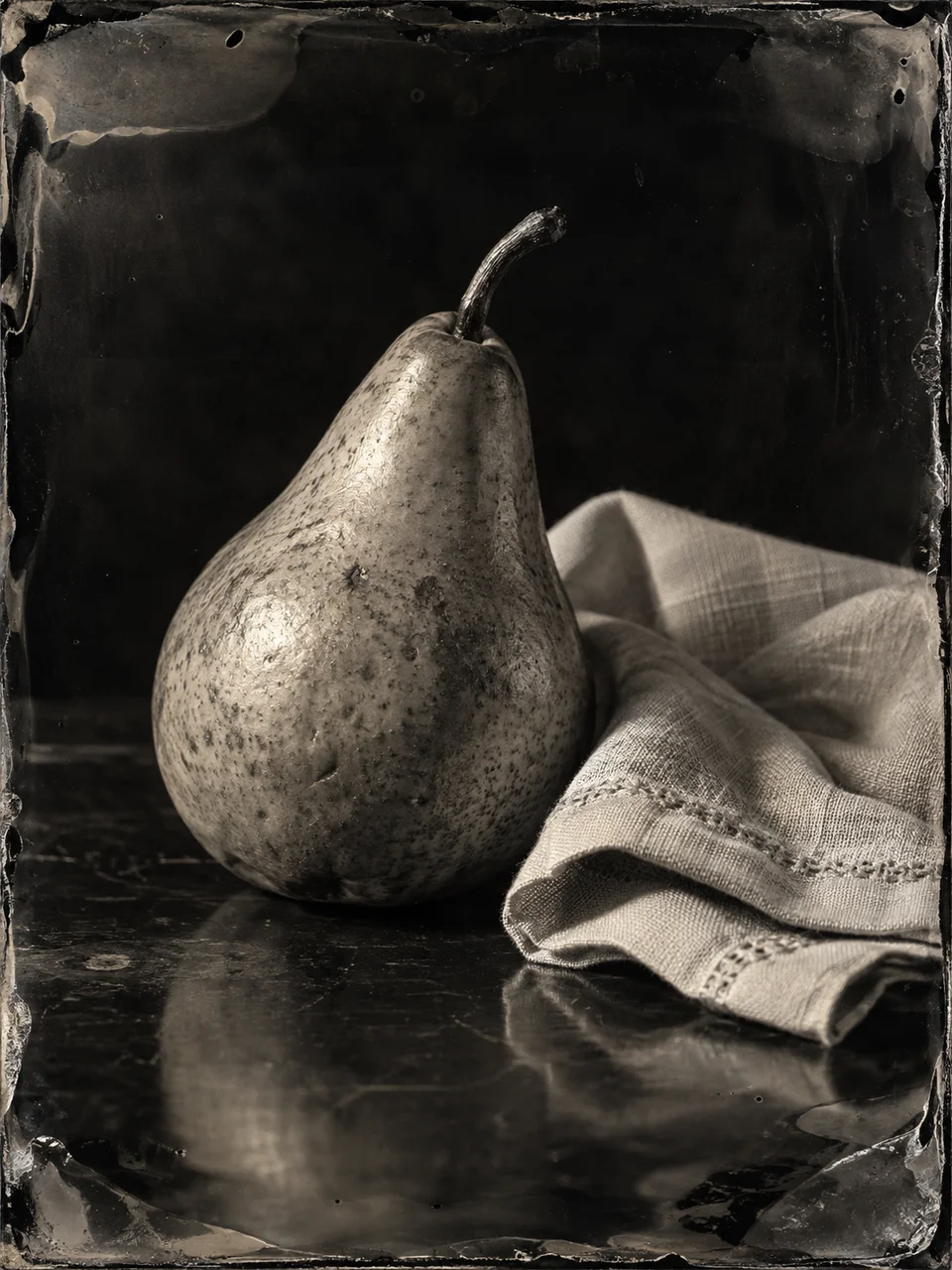 Ambrotype Glass
Bring it to life
Effects that turn a still in this look into a short video.
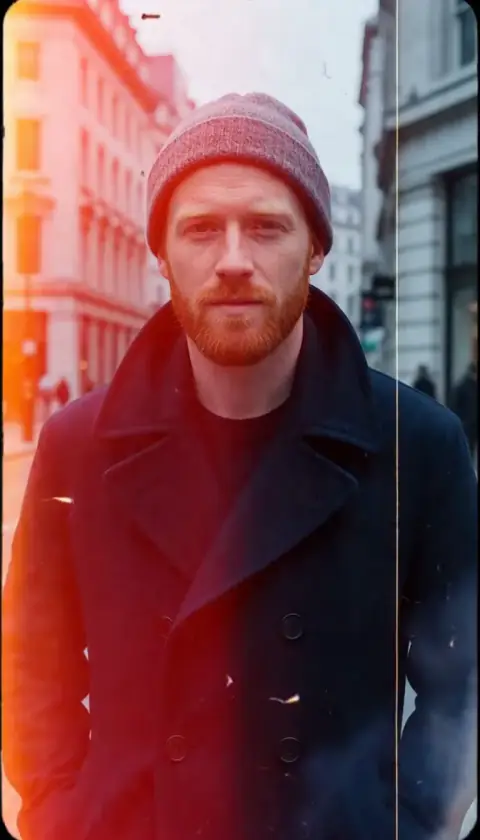 Film Burn
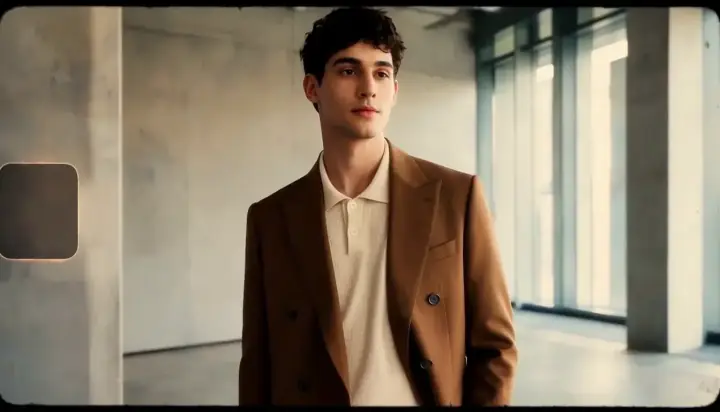 16mm Film