


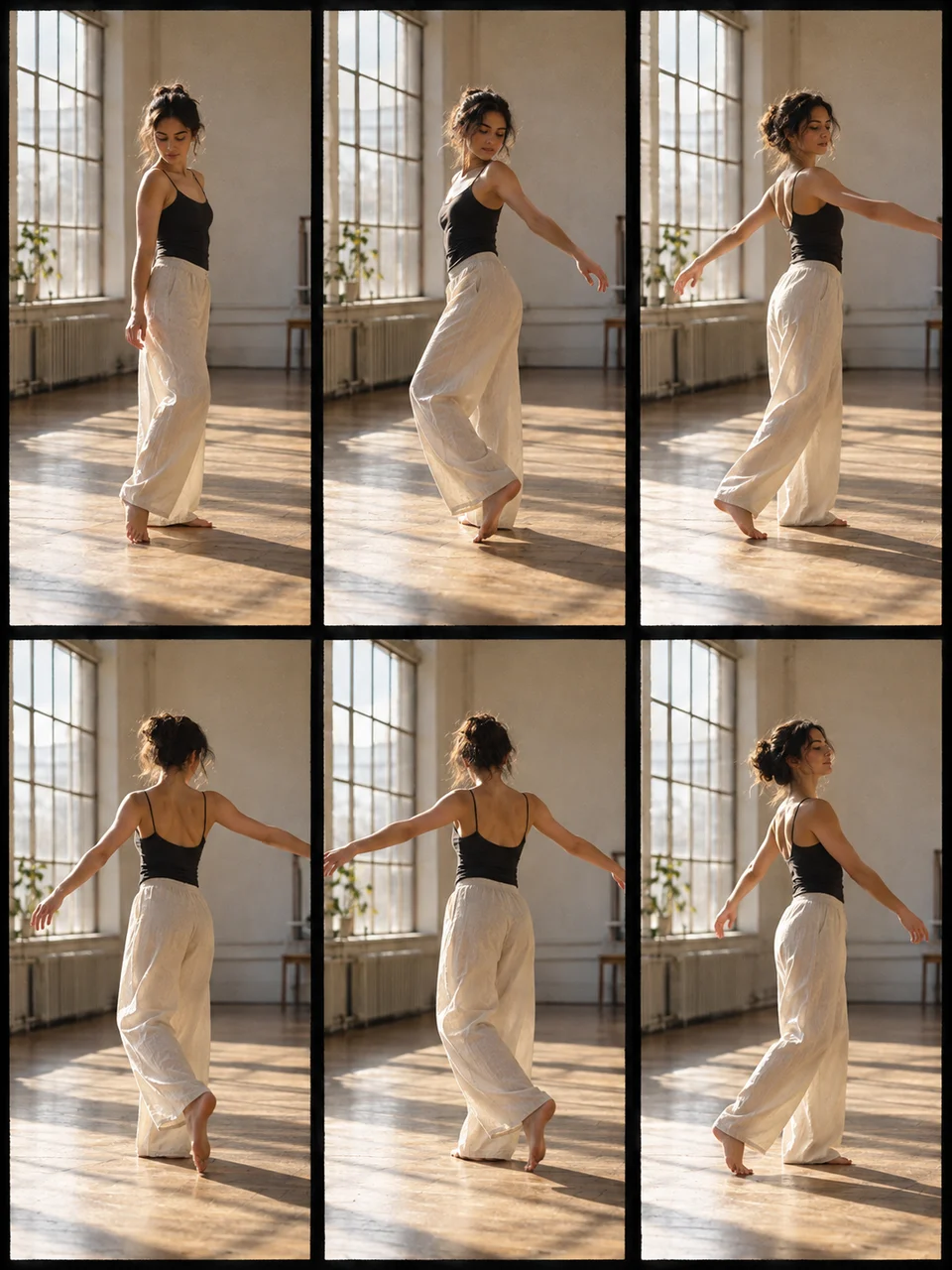
Photo Sequence AI Generator: Contact Sheet Story
A short photographic sequence with real visual continuity.
- From a description only
- Best shape: 3:4 · 4:5 · 1:1
Works on
- Seedream 5.0 Pro
- Qwen Image 3.0
- Nano Banana 2.1
- Seedream 5.0 Flash
About Contact Sheet Story
Contact Sheet Story takes its structure from photographic contact sheets, where multiple exposures can be viewed together on a single print. This version uses six frames to follow a short sequence. Thin black gutters separate the pictures, while the person, clothing, light, and location remain coherent. The attraction is in small differences: a hand moving, a head turning, or an object being set down. It reads as observed time arranged on one surface.
A person pouring tea, a dog settling onto a cushion, a gardener tying a stem, or a reader closing a book can each supply six related moments. Describe one subject and a beginning-to-end action in one place. This is made from a written description. Keep wardrobe and lighting fixed across the sequence, and resist turning each panel into a new location. Small consecutive changes make the sheet easier to understand at its reduced frame size.
Try “one person lifting a teapot, pouring tea, and setting it down at the same table” or “a dog circling once and settling onto a blue cushion”. A quieter option is “a reader looking up, closing a book, and resting their hands on it”. A tighter crop makes facial changes more visible across the six frames; a wider crop allows hand movements and props to carry the sequence. Choose one emphasis before adding extra action.
Tips
- Keep the action short enough to unfold in six modest steps.
- State one fixed shirt color to help the viewer follow the same person across the grid.
- Choose a camera distance that leaves hands and the relevant object visible in every panel.
- Ask for thin black gutters without frame numbers so the sequence stays visually clean.
- Use one steady light source; a time-of-day change can make neighboring frames feel unrelated.
What the style adds
Your words go where it says “your subject”. Everything else is added for you.
your subject. Create a carefully registered photographic contact sheet of six frames showing one subject across small consecutive gestures. Keep face, clothes, setting, light and film grain consistent; use thin black gutters and no frame numbers. The sequence should feel observed rather than six unrelated compositions.
Models and price
- Seedream 5.0 Pro36 credits
- Qwen Image 3.030 credits
- Nano Banana 2.148 credits
- Seedream 5.0 Flash29 credits
One 1K image from a description. The button always shows the exact price before you spend anything.
How to use Contact Sheet Story
- Describe itWrite who or what should be in the picture. A small action and a clear place work best.
- Pick a shapeKeep the suggested ratio and model, or change them in the bar at the bottom.
- Paint itPress “Paint it”. The price is on the button before you spend anything.
Questions about Contact Sheet Story
Can I use Contact Sheet Story on my own photo?
Not yet. This style works from a description: write what you want to see and the style adds the look.
How much does one Contact Sheet Story image cost?
29 credits for one 1K image on Seedream 5.0 Flash. 2K costs more, and the button shows the exact price before you run it.
Will all six faces match exactly?
The aim is strong continuity, but small differences can still appear between generated frames. A single subject, simple hairstyle, fixed clothing, and a short action give the sequence fewer details to reinterpret from panel to panel.
Can each frame show a different place?
That would work against this style’s consecutive-story structure. Keep the person in one setting and let gestures change. A travel collage with six unrelated destinations needs a different layout concept to read clearly.
How does this differ from Silver Gelatin?
Silver Gelatin focuses on the tonal surface of a monochrome print. Contact Sheet Story focuses on six related exposures and their continuity, making the sequence and grid as important as the individual photographic treatment.
Similar styles
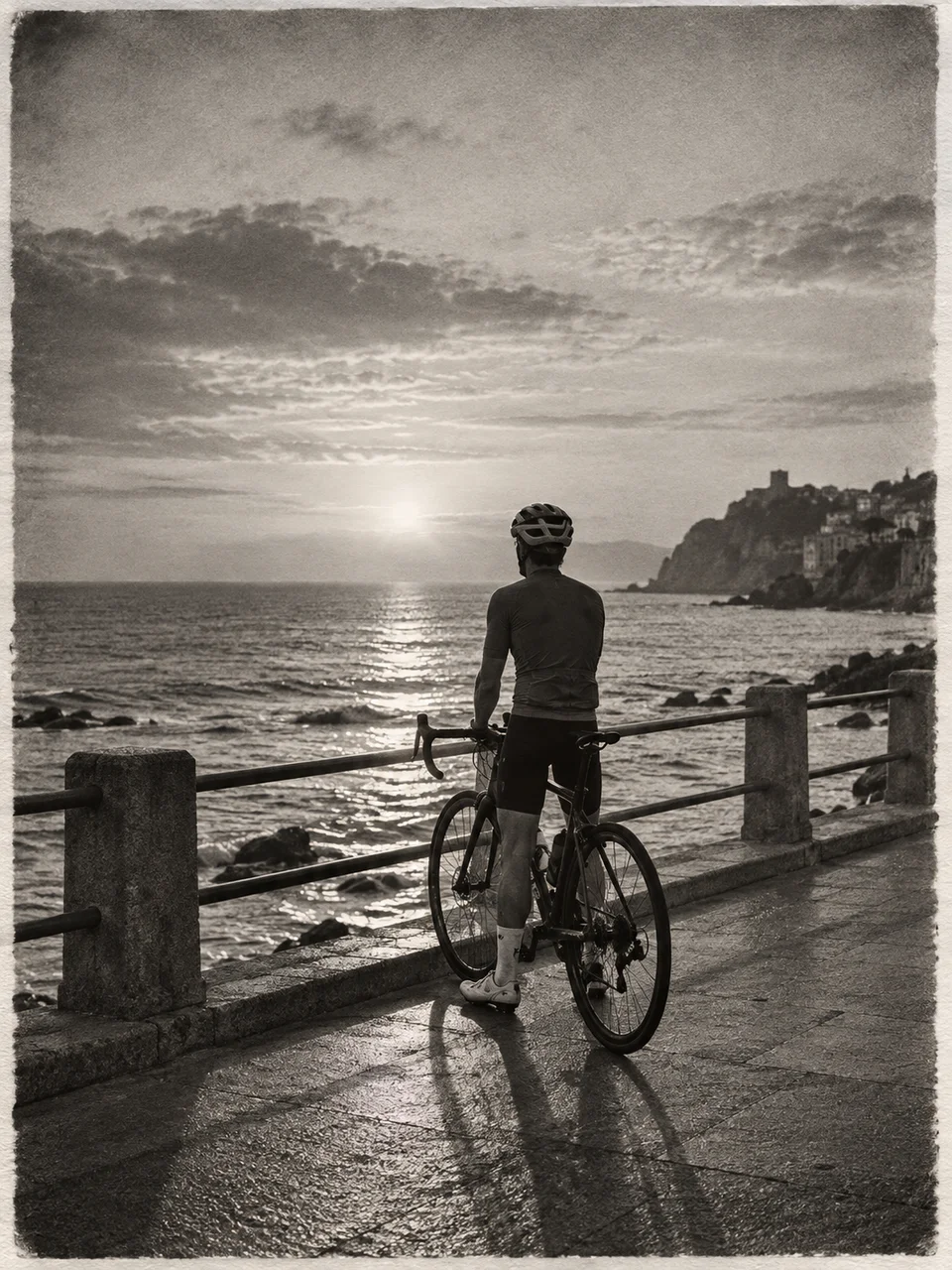 Silver Gelatin
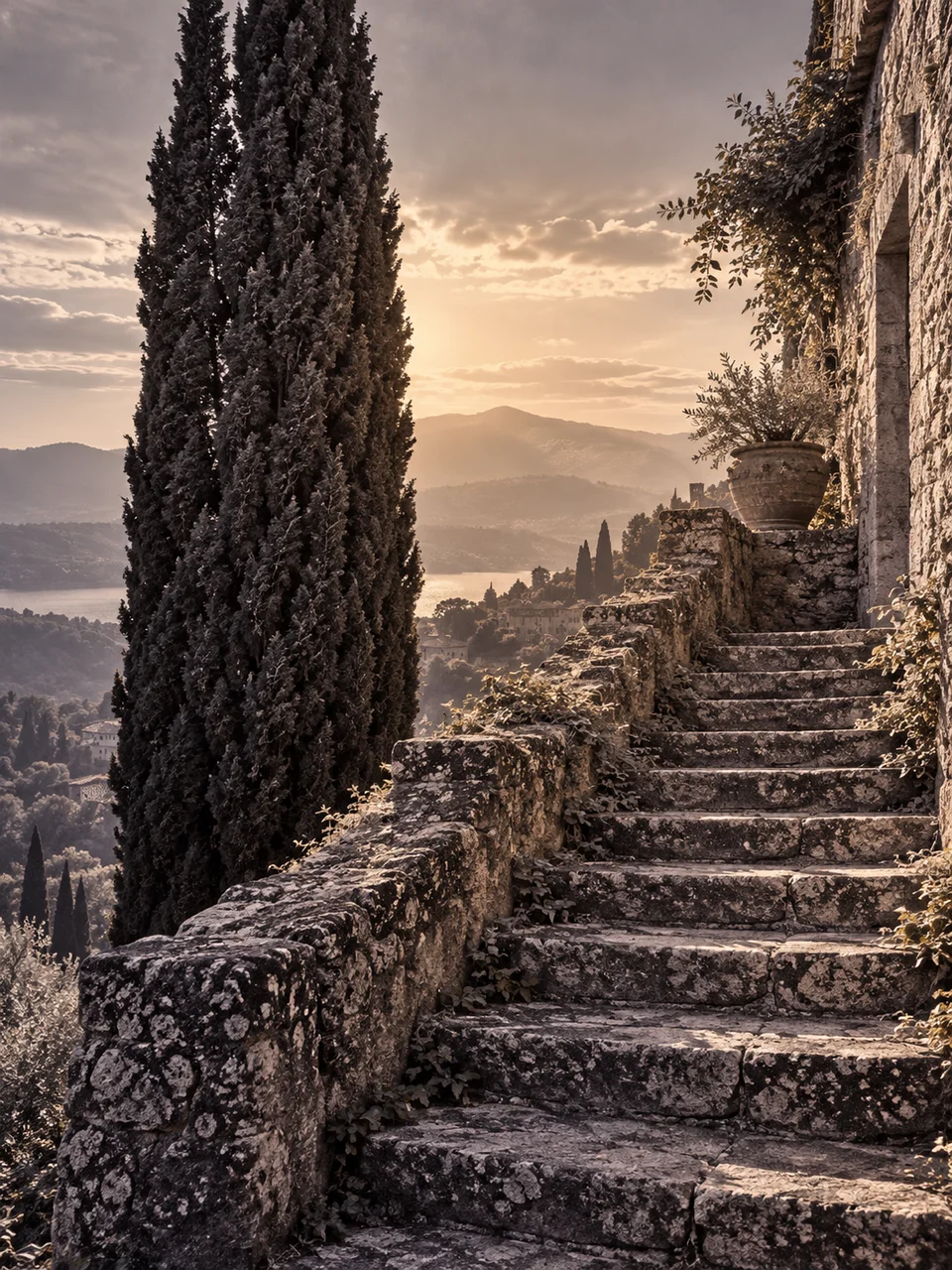 Selenium Split Tone
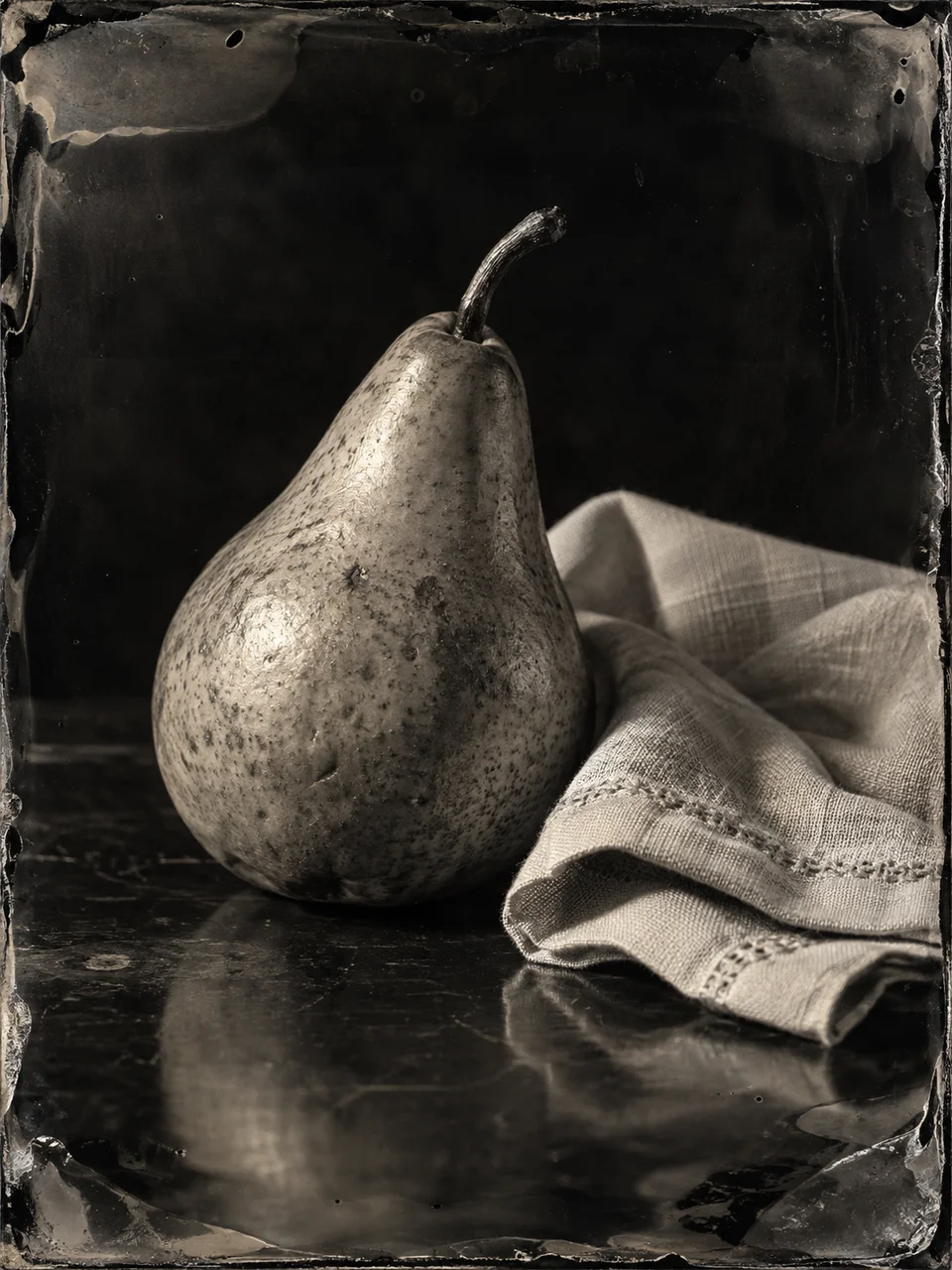 Ambrotype Glass
 Autochrome Garden
Bring it to life
Effects that turn a still in this look into a short video.
 16mm Film
 Film Burn