



Line Art AI Generator: Line Art
Crisp black outlines, ready to color in.
- Works on your own photo
- Best shape: 3:4 · 1:1
Works on
- Seedream 5.0 Pro
- Qwen Image 3.0
- Nano Banana 2.1
- Seedream 5.0 Flash
About Line Art
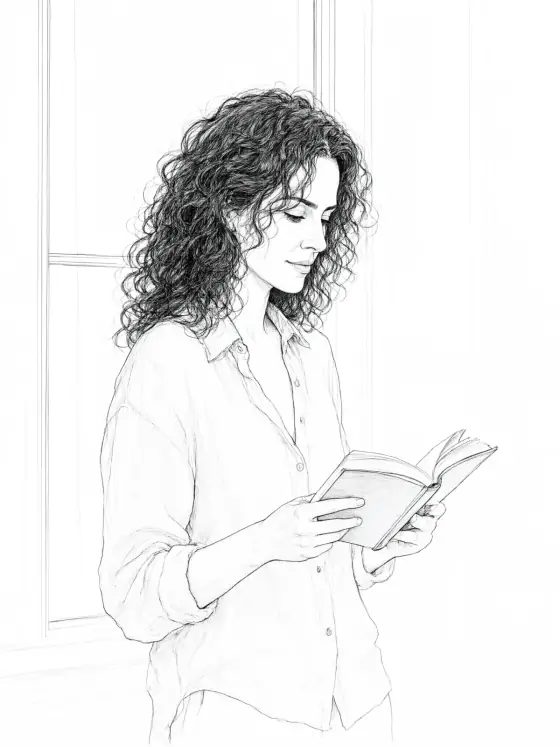
Line Art reduces your subject to its lines: black ink on white paper, confident contours of even weight, open shapes with no shading or fill, and generous white space around everything. It has the clarity of a good coloring page and the calm of an illustrator’s final inks. Nothing is smudged, nothing is gray.
You write the subject; the style supplies the pen. It is ideal for anything that will be colored, printed, cut or traced later: a cat curled on a windowsill, a lighthouse on the rocks, someone reading by a tall window, a bouquet of wildflowers. The style keeps the features, outfit and pose you wrote and draws them as clean outlines.
Use it for coloring pages and coloring books, tattoo and embroidery sketches, laser-cut and vinyl-cut designs, tracing references, merchandise outlines and minimalist posters. For tones and dots, use Manga Panel; for soft color on the same clean line, Pastel Anime; for brush and wash, Ink Wash.
Subjects to paste as they are: “a cat curled on a windowsill beside a potted fern”, “a bicycle leaning against a garden gate with climbing roses”, “a woman in a wide-brimmed hat reading on a park bench”. Clear, recognizable shapes give the cleanest lines.
Skip the finishes here: they add light and tone, which line art leaves out on purpose.
Tips
- Need a coloring page? Add “large open areas” to your subject for bigger spaces to fill.
- For tattoo or stencil sketches, add “single subject, centered”. The white space does the rest.
What the style adds
Your words go where it says “your subject”. Everything else is added for you.
clean black ink line art of your subject, drawn on white paper, confident even-weight contours, unshaded open shapes, crisp coloring-page clarity, generous white space
Models and price
- Seedream 5.0 Pro36 credits
- Qwen Image 3.030 credits
- Nano Banana 2.148 credits
- Seedream 5.0 Flash29 credits
One 1K image from a description. The button always shows the exact price before you spend anything.
How to use Line Art
- Describe itWrite who or what should be in the picture. A small action and a clear place work best. Or switch to “My photo” and drop in a picture you have the right to use.
- Pick a shapeKeep the suggested ratio and model, or change them in the bar at the bottom.
- Paint itPress “Paint it”. The price is on the button before you spend anything.
Questions about Line Art
Can I use Line Art on my own photo?
Yes. Switch to “My photo” at the bottom, drop in a picture you have the right to use, and the style redraws it while keeping the composition and pose.
How much does one Line Art image cost?
29 credits for one 1K image on Seedream 5.0 Flash. 2K costs more, and the button shows the exact price before you run it.
Can I print it as a coloring page?
Yes. The output is a high-resolution image with black lines on white. For the sharpest print, place it at full page size rather than enlarging a crop.
Is it a vector file?
No, it is a raster image. For cutting machines or scalable logos, run it through a vector tracing tool; the even, clean lines trace very well.
Similar styles
 Glossy Anime
 Manga Panel
 Action Comic
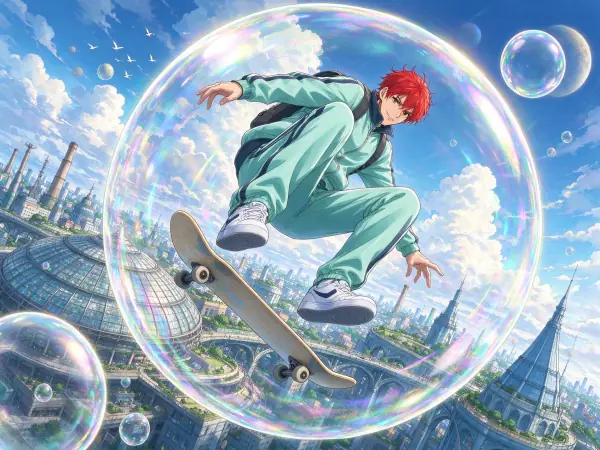 Anime Poster
Bring it to life
Effects that turn a still in this look into a short video.
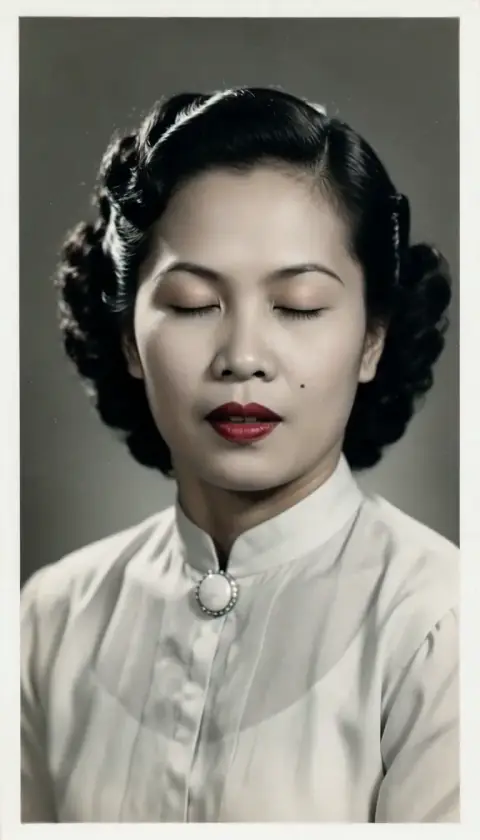 Live Portrait
 Slow Push-In