


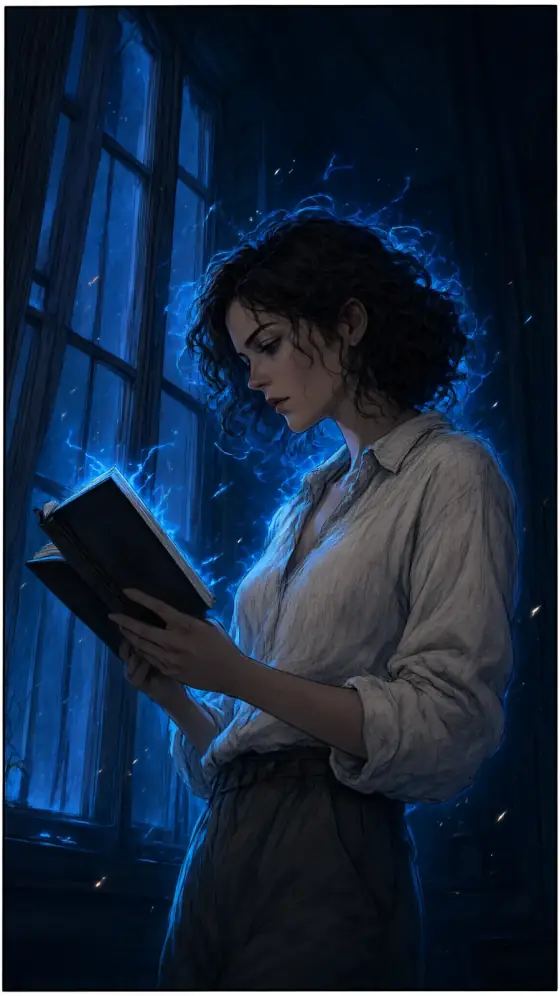

Manhwa Style AI Art Generator: Action Comic
Electric-blue aura and dramatic low angles.
- Works on your own photo
- Best shape: 9:16 · 2:3
Works on
- Seedream 5.0 Pro
- Qwen Image 3.0
- Nano Banana 2.1
- Seedream 5.0 Flash
About Action Comic
Action Comic draws your subject as a panel from a dark-fantasy vertical comic, the kind you scroll through on a phone. Crisp digital line art defines every edge, an electric-blue aura crackles around the subject while sparks drift through the air, the camera sits low and looks up, and the shadows fall into deep navy. Sharp cel shading and a tall scroll frame make every image feel like the moment a character’s power wakes up.
You write the subject; the style charges it. A person reading by a window glows as if the book had opened a gate, a man adjusting his collar looks like the lead stepping out before the big scene, a sleeping cat hums with blue light, and a lighthouse on a storm-dark rock throws lightning instead of a beam. There are no weapons and no fighting in the template; the drama comes from light, angle and energy.
Subjects to paste as they are: “a librarian raising one hand as the pages float around her”, “a street musician with a guitar under a flickering streetlamp”, “a fox standing on a rooftop at night”. For a soft pastel webtoon look, try Webtoon; for bright anime posters, Anime Poster; for black-and-white manga screentone, Manga Panel.
Tips
- Give the subject a stance or a gesture — raising a hand, looking back over a shoulder, stepping forward. The low angle makes it heroic.
- Night, rain and rooftops suit the blue aura; bright daylight weakens it.
- Want a different energy color? Add “with a crimson aura” to your subject; the rest of the panel stays the same.
What the style adds
Your words go where it says “your subject”. Everything else is added for you.
your subject, dark-fantasy vertical comic panel, crisp digital line art, glowing electric-blue aura and drifting sparks, dramatic low angle, deep navy shadows, sharp cel shading, cinematic scroll framing, no speech bubbles
Models and price
- Seedream 5.0 Pro36 credits
- Qwen Image 3.030 credits
- Nano Banana 2.148 credits
- Seedream 5.0 Flash29 credits
One 1K image from a description. The button always shows the exact price before you spend anything.
How to use Action Comic
- Describe itWrite who or what should be in the picture. A small action and a clear place work best. Or switch to “My photo” and drop in a picture you have the right to use.
- Pick a shapeKeep the suggested ratio and model, or change them in the bar at the bottom.
- Paint itPress “Paint it”. The price is on the button before you spend anything.
Questions about Action Comic
Can I use Action Comic on my own photo?
Yes. Switch to “My photo” at the bottom, drop in a picture you have the right to use, and the style redraws it while keeping the composition and pose.
How much does one Action Comic image cost?
29 credits for one 1K image on Seedream 5.0 Flash. 2K costs more, and the button shows the exact price before you run it.
Can I get speech bubbles or sound effects?
Panels come out clean on purpose, so you can letter them yourself. Add dialogue afterwards in an editor or your comic tool.
How is it different from Webtoon?
Webtoon is daylight, pastel and romantic, with gentle bokeh. Action Comic is night, navy shadows and an electric-blue aura, seen from a low heroic angle in a tall scroll frame.
Similar styles
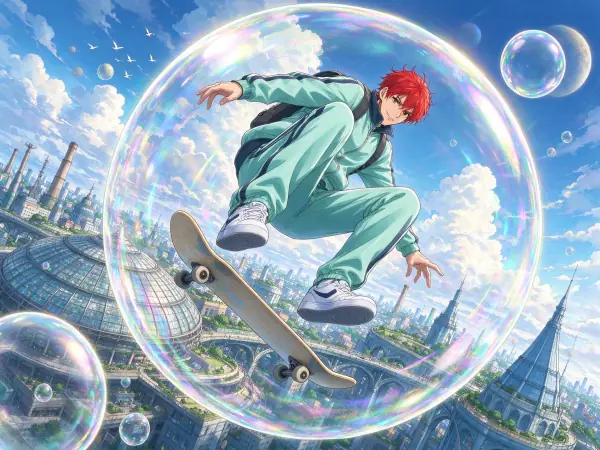 Anime Poster
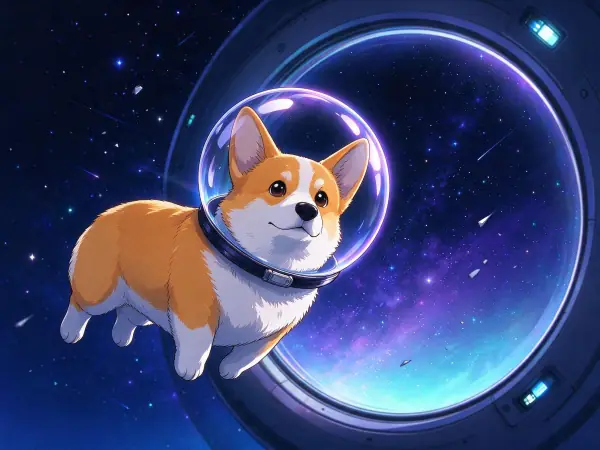 Anime Night
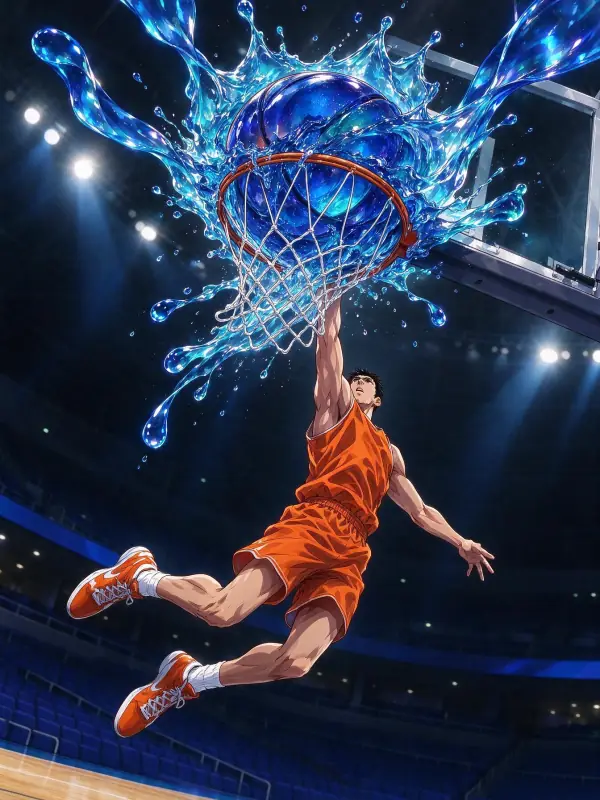 Glossy Anime
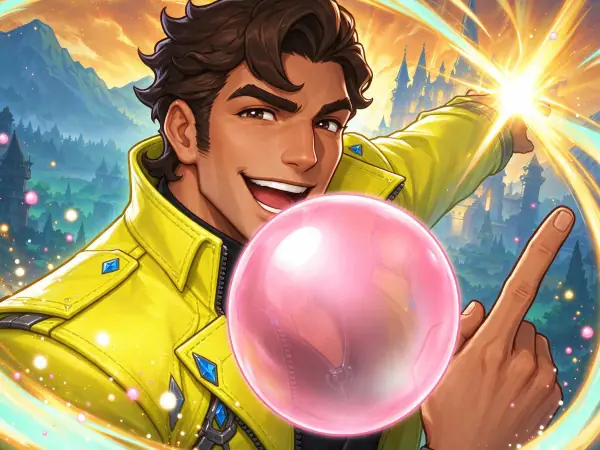 Game Splash Art
Bring it to life
Effects that turn a still in this look into a short video.
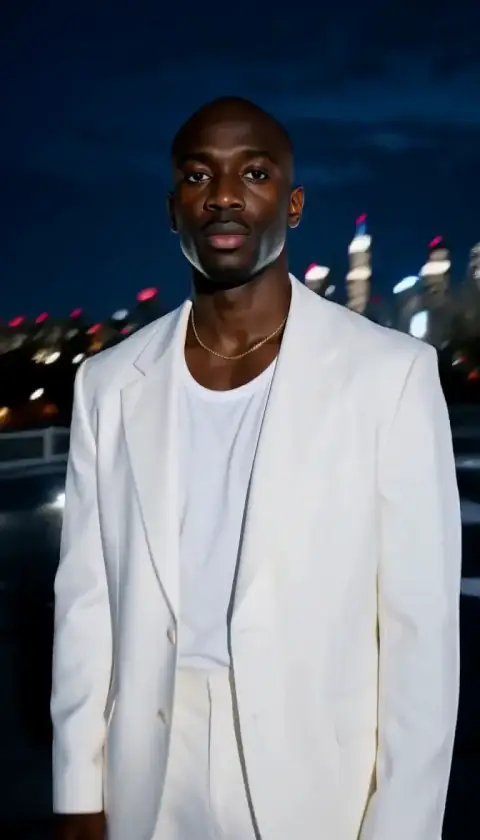 Orbit Rush
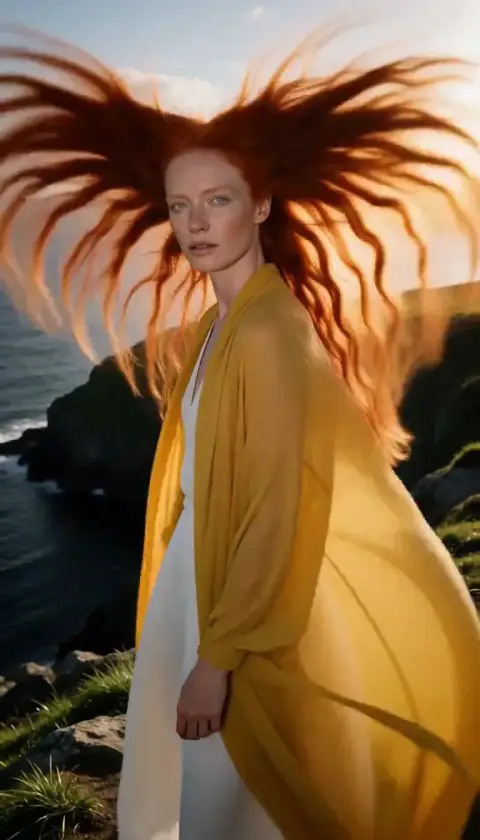 Hair in the Wind