


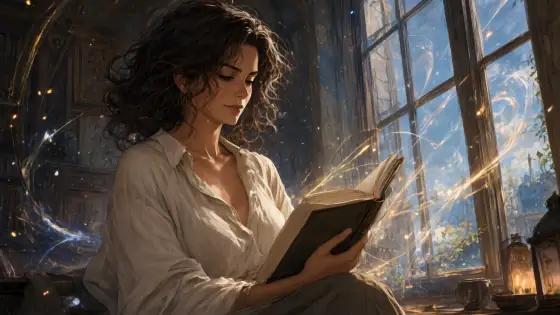

Game Splash Art AI Generator: Game Splash Art
High-energy key art with magic light trails.
- From a description only
- Best shape: 16:9 · 3:4
Works on
- Seedream 5.0 Pro
- Qwen Image 3.0
- Nano Banana 2.1
- Seedream 5.0 Flash
About Game Splash Art
Game Splash Art is the big reveal image a game shows when a new character arrives: a sweeping diagonal composition, glowing particles and ribbons of light spiraling through the frame, a layered painted background that recedes into depth, and crisp cel shading finished with a soft glow. Everything leans into motion. Even a quiet subject looks like it just stepped onto the stage.
You write the subject; the style supplies the drama. Give it someone with a role — a traveling scholar, a courier in a long coat, a lighthouse keeper — or a creature or place with presence: a cat on a moonlit rooftop, a lighthouse in a storm of sparks. The style keeps the features and outfit you wrote and builds the energy around them, not into them.
Use it for game and tabletop character art, streaming banners, fan-fiction covers for your own worlds, event posters and desktop wallpapers. For a calmer widescreen anime frame, use Anime Poster; for glassy highlights and a close portrait, Glossy Anime; to plan the same character from every angle, Character Sheet.
Subjects to paste as they are: “a traveling scholar in a long blue coat holding a glowing lantern”, “a fox spirit leaping across autumn leaves”, “a lighthouse on a cliff surrounded by swirling sparks”. Name one color for the magic — gold, teal, crimson — and it will run through the whole frame.
Finishes that work on top: Soft glow for an even brighter glow.
Tips
- Give the subject a role and a prop: “a courier holding a sealed letter”, “a gardener with a glowing watering can”. Splash art loves a story.
- Choose one color for the magic particles. A single color scheme reads stronger than a rainbow.
- Describe an action, not just a pose: “turning mid-stride”, “reaching toward the sky”. The diagonal composition follows it.
- The style may add props of its own. If you want empty hands, write “with empty hands” in the subject.
- Use 16:9 for banners and wallpapers and 3:4 for card-style portraits.
What the style adds
Your words go where it says “your subject”. Everything else is added for you.
anime game splash art of your subject, sweeping diagonal composition, glowing magic particles and light trails, layered painted fantasy background, crisp cel shading with soft glow, high-energy key art
Models and price
- Seedream 5.0 Pro36 credits
- Qwen Image 3.030 credits
- Nano Banana 2.148 credits
- Seedream 5.0 Flash29 credits
One 1K image from a description. The button always shows the exact price before you spend anything.
How to use Game Splash Art
- Describe itWrite who or what should be in the picture. A small action and a clear place work best.
- Pick a shapeKeep the suggested ratio and model, or change them in the bar at the bottom.
- Paint itPress “Paint it”. The price is on the button before you spend anything.
Questions about Game Splash Art
Can I use Game Splash Art on my own photo?
Not yet. This style works from a description: write what you want to see and the style adds the look.
How much does one Game Splash Art image cost?
29 credits for one 1K image on Seedream 5.0 Flash. 2K costs more, and the button shows the exact price before you run it.
Will this style change how the person looks?
No. It describes composition, particles, light and shading only. The character keeps the features and outfit you wrote.
How is it different from Anime Poster?
Anime Poster is a calm cinematic frame from an anime film. Game Splash Art is louder: a diagonal pose, magic particles and light trails built to introduce a character.
Similar styles
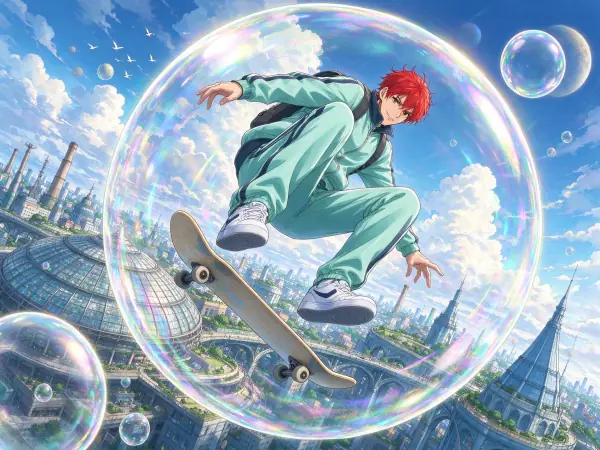 Anime Poster
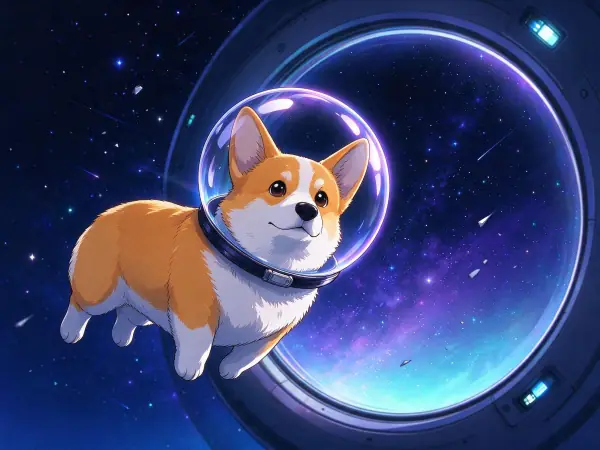 Anime Night
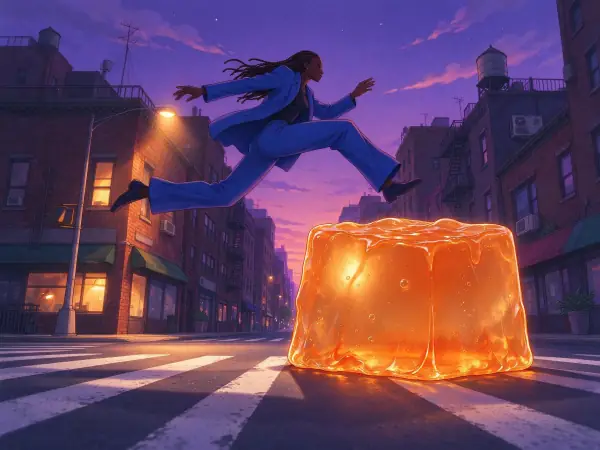 Lo-fi Evening
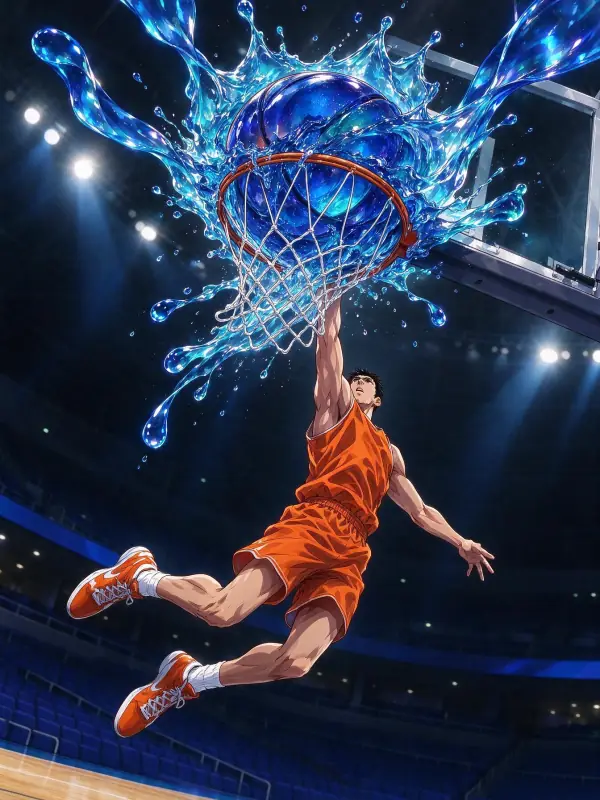 Glossy Anime
Bring it to life
Effects that turn a still in this look into a short video.
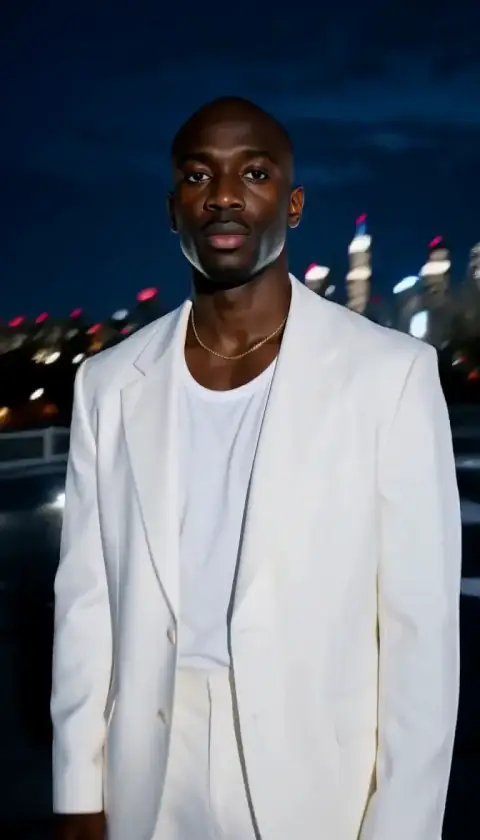 Orbit Rush
 Slow Push-In