


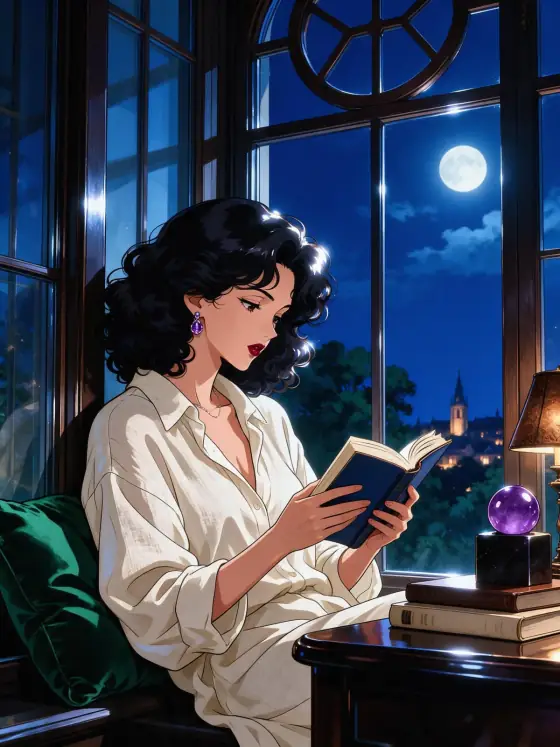

Glossy Anime AI Illustration Generator: Glossy Anime
Glass-like highlights in rich jewel tones.
- Works on your own photo
- Best shape: 3:4 · 2:3
Works on
- Seedream 5.0 Pro
- Qwen Image 3.0
- Nano Banana 2.1
- Seedream 5.0 Flash
About Glossy Anime
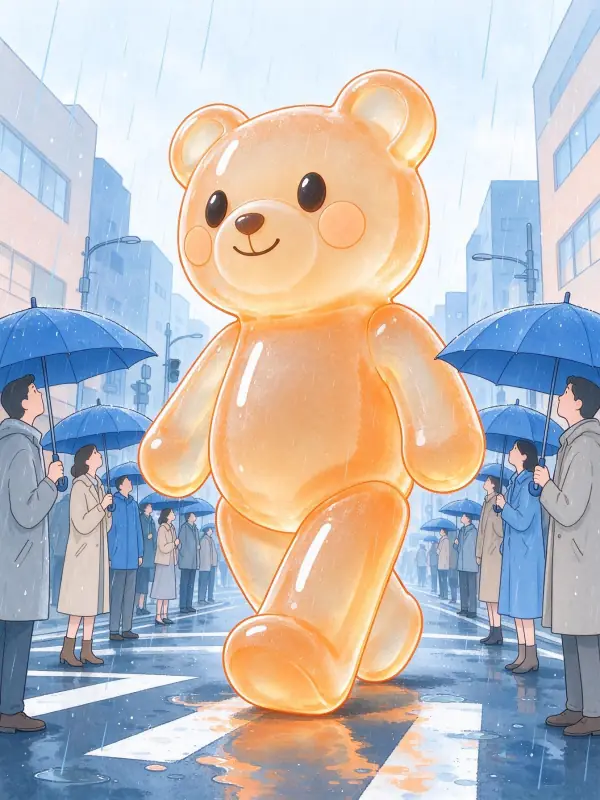
Glossy Anime draws the subject as a polished, modern anime illustration. The line art is crisp and clean, the shading is cel-style with hard edges, and every surface carries bright, glass-like highlights, as if hair, eyes and fabric had been lacquered. Colors are laid in translucent layers, so light seems to pass through them, and the palette leans toward jewel tones: sapphire, emerald, amethyst and ruby. The result feels bright, precious and very finished, like a limited-edition key art print.
Use it for character art, avatars and profile pictures, stream and event graphics, album covers, and eye-catching social posts. For wide, cinematic anime posters, use Anime Poster; for half-real, painted anime faces, 2.5D Painting; for soft, flat webcomic color, Webtoon.
Finishes that work on top: Golden hour for warm sunset light, Soft glow for a dreamier glow around the highlights. Black & white is switched off, because the jewel-tone color is the whole point of the style.
Tips
- Give the scene one clear light source, like a window or a lamp. Glossy highlights need a direction to shine from.
- Shiny details sparkle most: glasses, earrings, raindrops, soda bottles, polished shoes.
- Pick a jewel tone and name it in the subject, such as “in a sapphire blue jacket”, for a stronger palette.
- Want it softer? Add “with pastel colors” and the jewel tones lighten.
What the style adds
Your words go where it says “your subject”. Everything else is added for you.
your subject, glossy anime illustration, cel-shaded anime art style with crisp clean line art, specular glass-like highlights, translucent layered color, jewel tones, luminous polished finish
Models and price
- Seedream 5.0 Pro36 credits
- Qwen Image 3.030 credits
- Nano Banana 2.148 credits
- Seedream 5.0 Flash29 credits
One 1K image from a description. The button always shows the exact price before you spend anything.
How to use Glossy Anime
- Describe itWrite who or what should be in the picture. A small action and a clear place work best. Or switch to “My photo” and drop in a picture you have the right to use.
- Pick a shapeKeep the suggested ratio and model, or change them in the bar at the bottom.
- Paint itPress “Paint it”. The price is on the button before you spend anything.
Questions about Glossy Anime
Can I use Glossy Anime on my own photo?
Yes. Switch to “My photo” at the bottom, drop in a picture you have the right to use, and the style redraws it while keeping the composition and pose.
How much does one Glossy Anime image cost?
29 credits for one 1K image on Seedream 5.0 Flash. 2K costs more, and the button shows the exact price before you run it.
Why does it sometimes look like 3D?
The glass-like highlights can push it toward a render. The template asks for clean line art and cel shading to keep it drawn; adding “flat anime illustration” to your subject helps too.
How is it different from Anime Poster?
Anime Poster is a wide, cinematic poster with dramatic skies and lighting. Glossy Anime is closer and more precious: crisp lines, lacquered highlights and translucent jewel-tone color.
Similar styles
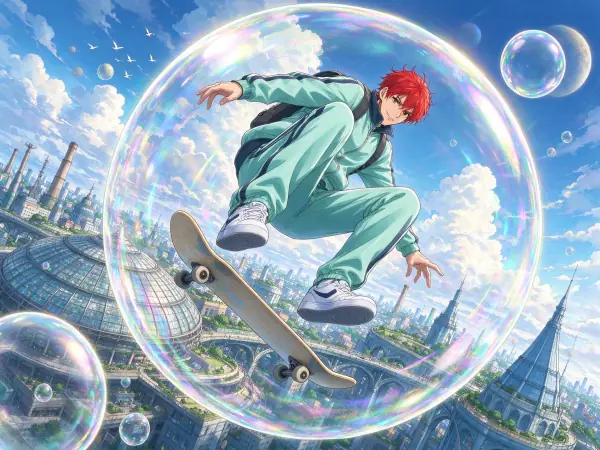 Anime Poster
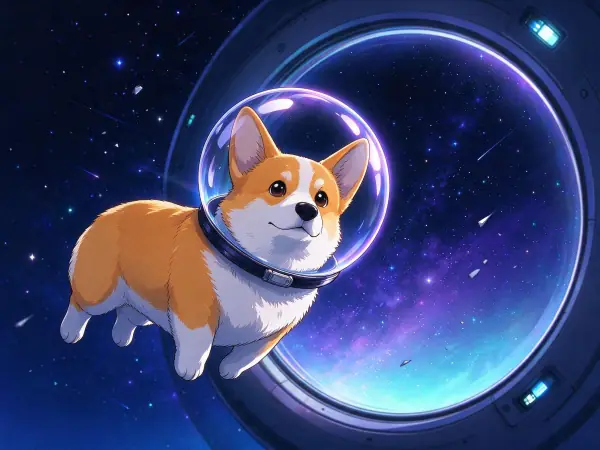 Anime Night
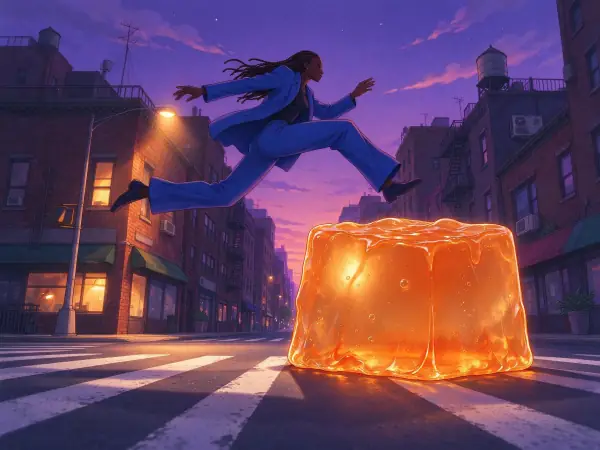 Lo-fi Evening
 Pastel Anime
Bring it to life
Effects that turn a still in this look into a short video.
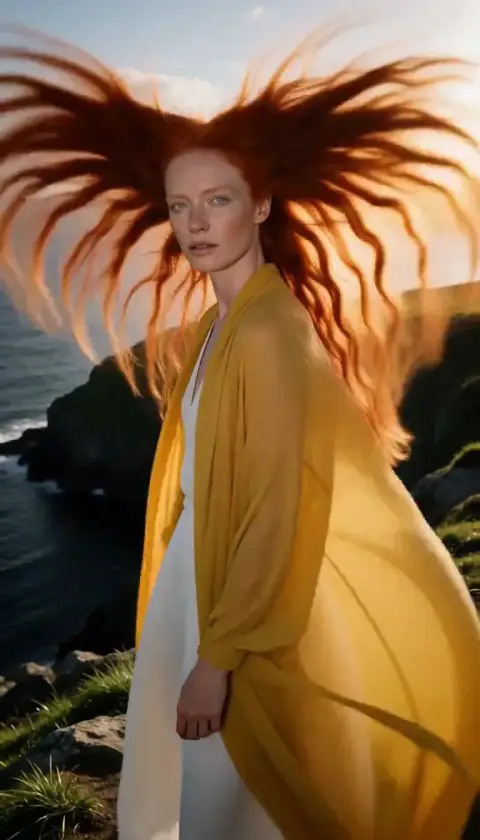 Hair in the Wind
 Slow Push-In