


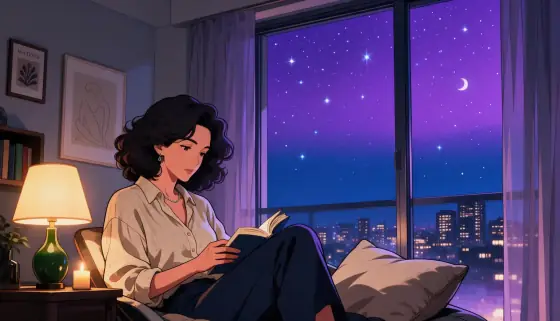

Anime Night Scene AI Generator: Anime Night
Violet night skies and soft bloom on every light.
- From a description only
- Best shape: 16:9
Works on
- Seedream 5.0 Pro
- Qwen Image 3.0
- Nano Banana 2.1
- Seedream 5.0 Flash
About Anime Night
You write the subject; the style supplies the night. Quiet moments work best: someone reading by an open window, a man walking home under streetlights, a cat asleep on a sill beneath the stars, a lighthouse sweeping its beam over a dark sea. The pull between one warm light and the cool sky is where the feeling comes from.
Use it for music and playlist covers, wallpapers, visual-novel backdrops, chapter openers and any image that should feel like the calm right before something is said out loud. For bright daylight key art, use Anime Poster; for a cozy desk-lamp mood at dusk, Lo-fi Evening; for grainy retro TV color, 90s Anime.
Subjects to paste as they are: “a woman reading on a window seat with the window open”, “a man walking home along a quiet street with his hands in his coat pockets”, “a ginger cat asleep on a windowsill”. Give each one a light source and let the sky do the rest.
Finishes that work on top: Soft glow pushes the glow even further, Film grain adds a slightly worn broadcast feel. Golden hour is switched off here; a sunset and a starry sky do not mix.
Tips
- Give the scene one warm light — a desk lamp, a lit window, a streetlight. The bloom and the violet sky are built around that contrast.
- Describe the place as well as the subject. The frame is 16:9, and “by an open window overlooking the city” gives the sky room to spread.
- Quiet actions read best: reading, waiting, walking home, looking up. The style is about the pause, not the chase.
- Want more stars? Add “under a sky full of stars and a thin crescent moon” to your subject.
- For a tight character close-up, Anime Poster is the better pick; this style wants distance and a lot of sky.
What the style adds
Your words go where it says “your subject”. Everything else is added for you.
your subject, anime cel-shaded night scene, clean line art, two-tone shading, glowing night-sky gradient of violet and navy, soft bloom on every light source, drifting stars, cinematic widescreen composition
Models and price
- Seedream 5.0 Pro36 credits
- Qwen Image 3.030 credits
- Nano Banana 2.148 credits
- Seedream 5.0 Flash29 credits
One 1K image from a description. The button always shows the exact price before you spend anything.
How to use Anime Night
- Describe itWrite who or what should be in the picture. A small action and a clear place work best.
- Pick a shapeKeep the suggested ratio and model, or change them in the bar at the bottom.
- Paint itPress “Paint it”. The price is on the button before you spend anything.
Questions about Anime Night
Can I use Anime Night on my own photo?
Not yet. This style works from a description: write what you want to see and the style adds the look.
How much does one Anime Night image cost?
29 credits for one 1K image on Seedream 5.0 Flash. 2K costs more, and the button shows the exact price before you run it.
Will this style change how the person looks?
No. It sets the line art, shading, color and night sky. Whoever you describe keeps their features, clothing and pose; they are simply drawn as a cel-shaded anime frame.
Why is it always night?
That is the look: a violet-to-navy sky, stars and glowing lights. For a daytime anime frame, use Anime Poster or Lo-fi Evening.
Why can’t I add Golden hour?
Golden hour lights the scene with a low sunset sun, which fights the starry night sky. The two are marked as incompatible, so the finish is hidden while this style is on.
Similar styles
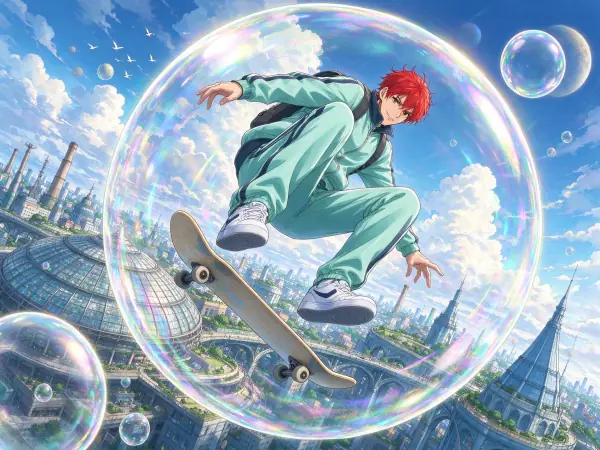 Anime Poster
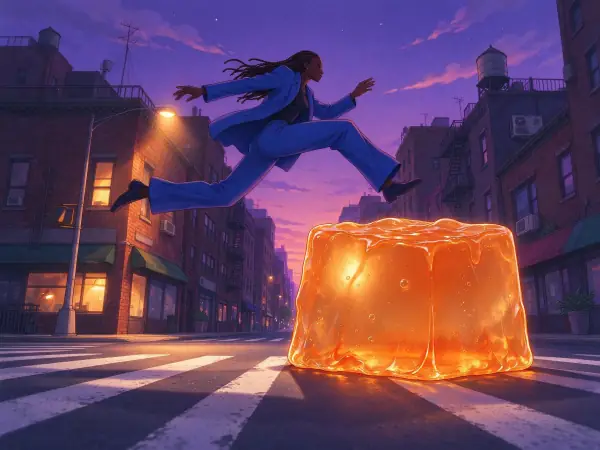 Lo-fi Evening
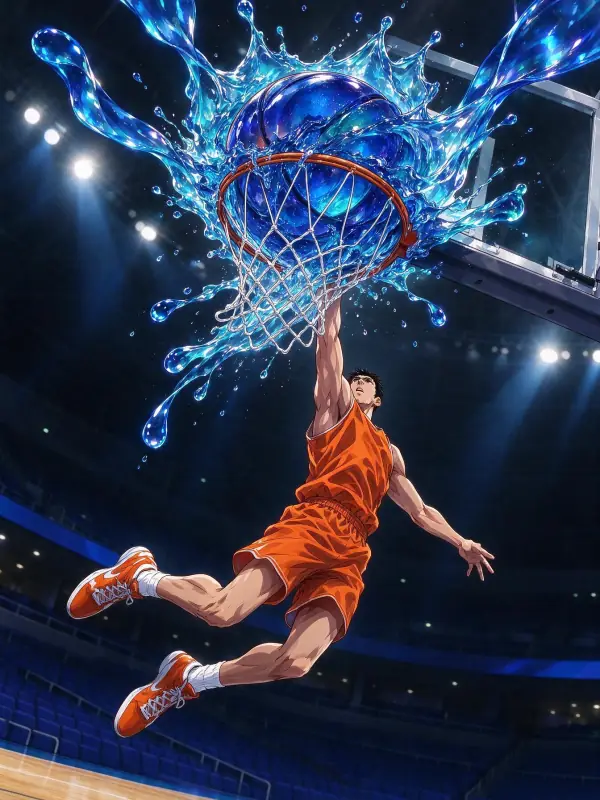 Glossy Anime
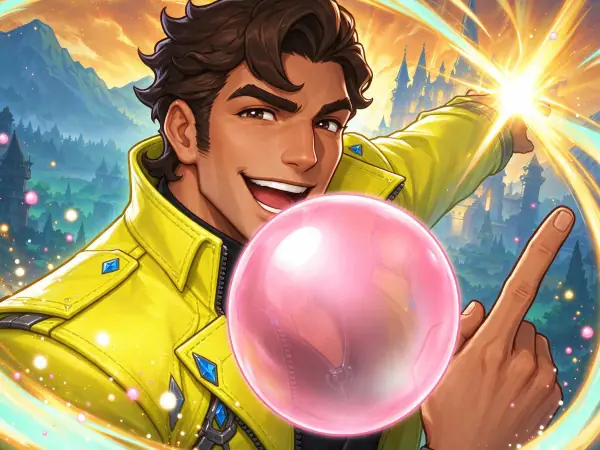 Game Splash Art
Bring it to life
Effects that turn a still in this look into a short video.
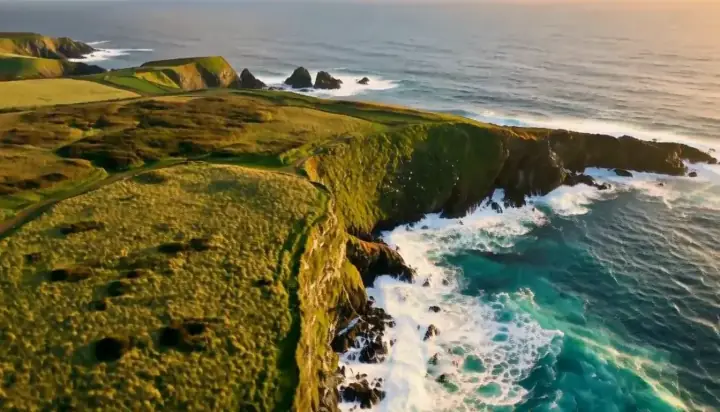 Drone Rise
 Slow Push-In