


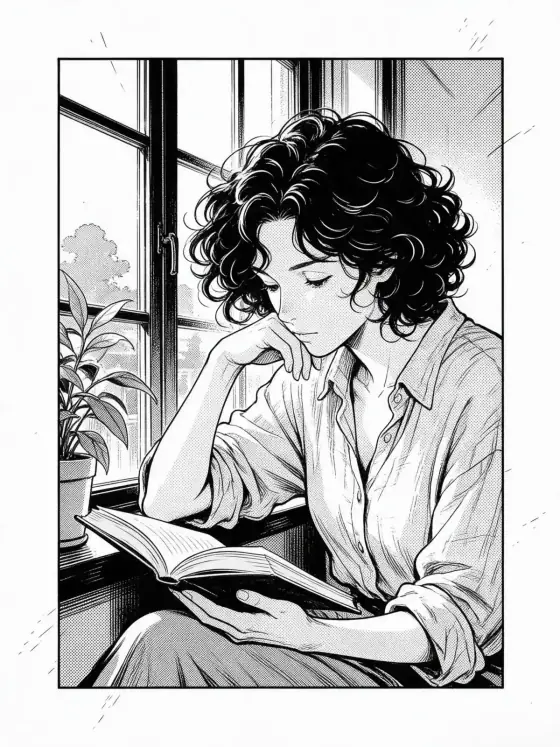

Manga Panel AI Generator: Manga Panel
Sharp ink lines and black-and-white screentone.
- Works on your own photo
- Best shape: 3:4 · 2:3
Works on
- Seedream 5.0 Pro
- Qwen Image 3.0
- Nano Banana 2.1
- Seedream 5.0 Flash
About Manga Panel
Manga Panel turns your subject into a single black-and-white manga panel. Sharp ink linework does the drawing, dotted screentone does the shading, and the frame is cropped dramatically, the way a page cuts in close for the moment that matters. Subtle speed lines add energy even to a still pose, the margins stay clean and white, and — on purpose — there are no speech bubbles or lettering, so the panel is yours to fill.
You write the subject; the style supplies the ink. It is strongest on characters with a clear silhouette: someone reading by a window, a man in a long coat turning to look back, a cat asleep on a sill, a lighthouse on jagged rocks with lines of wind behind it. Hair, fabric and weather all turn into bold graphic shapes.
Use it for comic pitches and storyboards, character introductions, webcomic panels, zine and poster art, and profile headers that should look hand-inked. For full-color anime, use Anime Poster or 90s Anime; for soft smudged drawing instead of crisp ink, Charcoal.
Subjects to paste as they are: “a detective in a trench coat looking back over his shoulder in the rain”, “a woman on a rooftop with her scarf blowing in the wind”, “a cat leaping between two balconies”. Motion and weather give the speed lines something to follow.
Finishes: Black & white and Soft glow are switched off here — the panel is already black and white, and bloom would blur the ink. Film grain works if you want the texture of an old printed page.
Tips
- Give the subject an action or a turn: looking back, stepping forward, a scarf in the wind. Manga panels love a moment of motion.
- Add weather for drama: “in heavy rain”, “in a sudden gust of wind”. The screentone turns it into graphic texture.
- Keep it to one or two figures. Crowds turn into a wall of hatching.
- The panel has no lettering by design. Add speech bubbles and sound effects afterwards in an editor.
What the style adds
Your words go where it says “your subject”. Everything else is added for you.
your subject, black and white manga panel, sharp ink linework, screentone shading, dramatic panel cropping, subtle speed lines, clean white margins, no lettering
Models and price
- Seedream 5.0 Pro36 credits
- Qwen Image 3.030 credits
- Nano Banana 2.148 credits
- Seedream 5.0 Flash29 credits
One 1K image from a description. The button always shows the exact price before you spend anything.
How to use Manga Panel
- Describe itWrite who or what should be in the picture. A small action and a clear place work best. Or switch to “My photo” and drop in a picture you have the right to use.
- Pick a shapeKeep the suggested ratio and model, or change them in the bar at the bottom.
- Paint itPress “Paint it”. The price is on the button before you spend anything.
Questions about Manga Panel
Can I use Manga Panel on my own photo?
Yes. Switch to “My photo” at the bottom, drop in a picture you have the right to use, and the style redraws it while keeping the composition and pose.
How much does one Manga Panel image cost?
29 credits for one 1K image on Seedream 5.0 Flash. 2K costs more, and the button shows the exact price before you run it.
Why can’t I add color?
The panel is black and white by design, which is also why Black & white and Soft glow are hidden with it. For color images with a comic feel, use Anime Poster or Webtoon.
Can I make a full page with several panels?
Each image is one panel. Generate several with the same subject description and lay them out in an editor; keeping the clothing and setting identical in every prompt helps them read as one story.
Similar styles
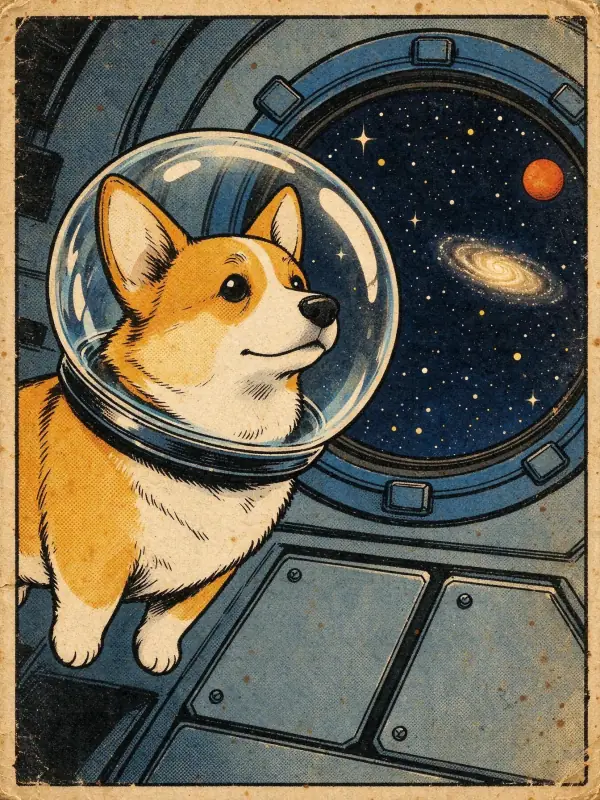 Vintage Comic
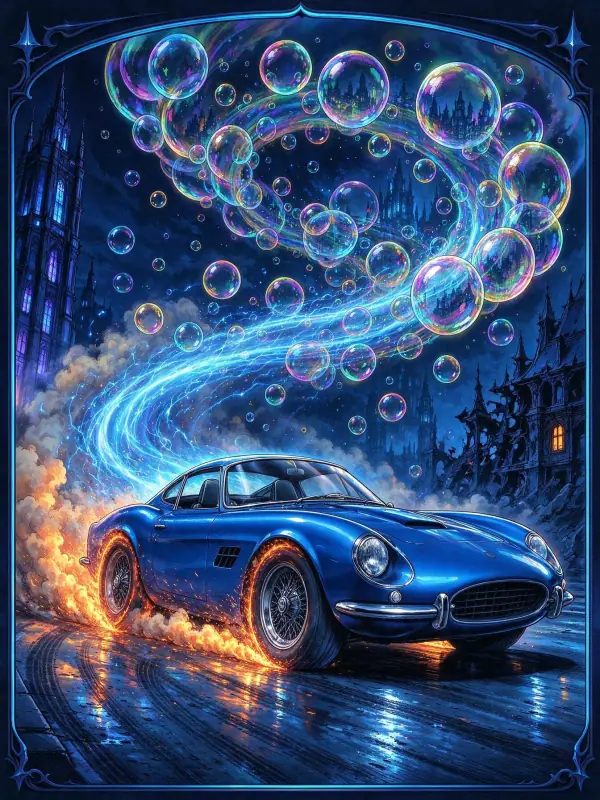 Action Comic
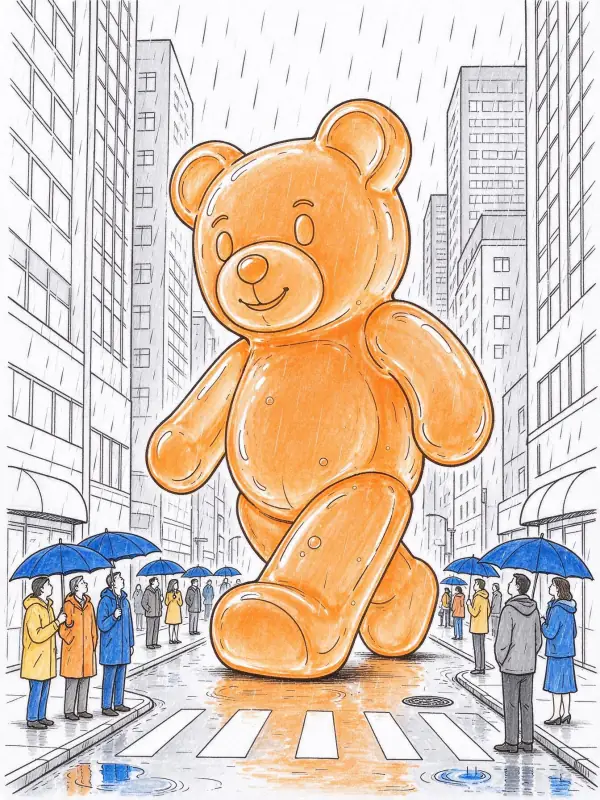 Line Art
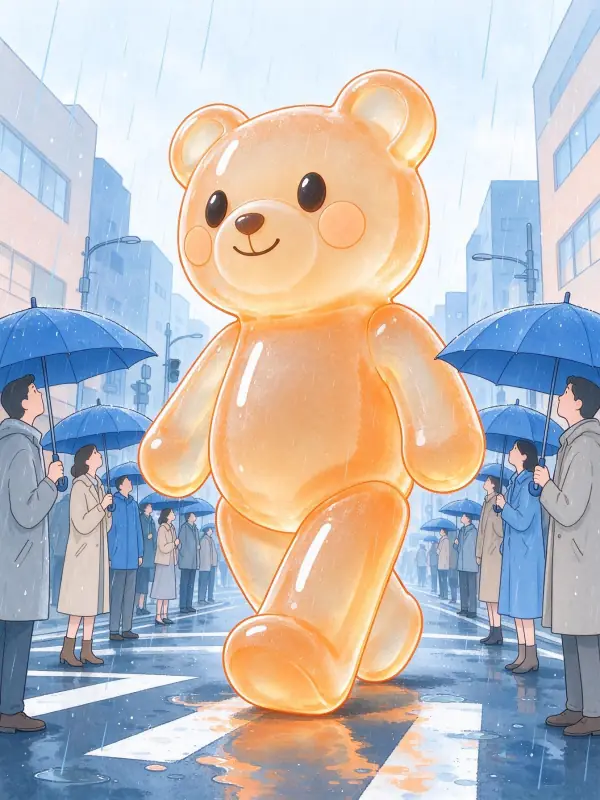 Pastel Anime
Bring it to life
Effects that turn a still in this look into a short video.
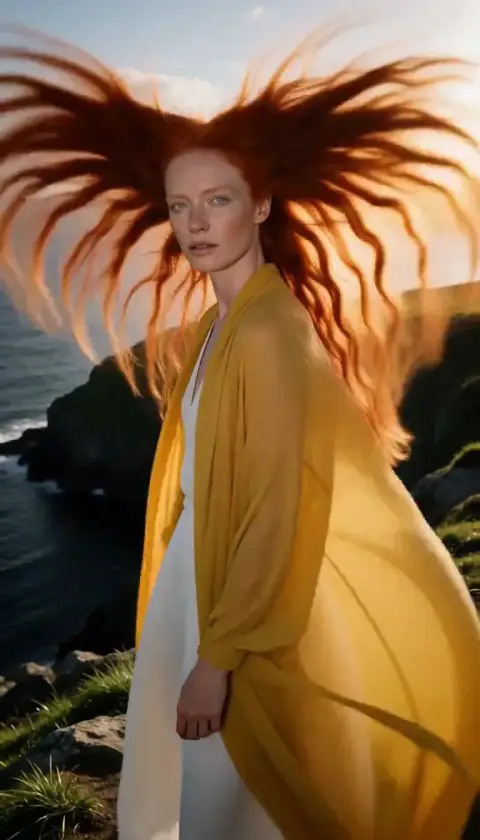 Hair in the Wind
 Slow Push-In