


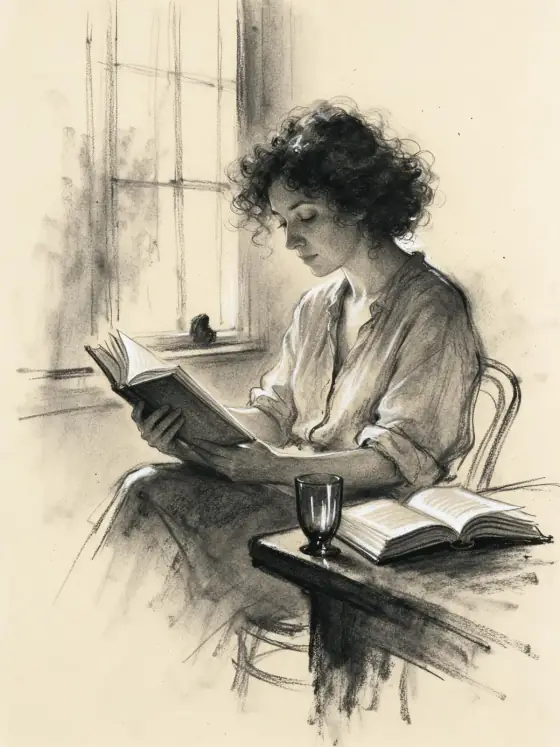

Charcoal Drawing AI Generator: Charcoal
Smudged charcoal with deep velvety blacks.
- Works on your own photo
- Best shape: 3:4 · 2:3
Works on
- Seedream 5.0 Pro
- Qwen Image 3.0
- Nano Banana 2.1
- Seedream 5.0 Flash
About Charcoal
Charcoal draws your subject the way an artist works with a stick of charcoal and a kneaded eraser. Tones are built from smudges rather than lines, so everything melts into soft, smoky gradients; the darkest areas turn a deep, velvety black; highlights are lifted back out with the eraser; and the grain of the paper catches the charcoal and shows through everywhere. Around the drawing, the paper stays bare.
Use it for portrait gifts, book and album covers, editorial illustrations, character studies and mood boards. It is not the choice when you need color or crisp graphic lines; for clean ink, use Manga Panel, and for brush and wash, Ink Wash.
Subjects to paste as they are: “a woman reading by a tall window”, “an old fisherman mending a net on a pier”, “a cat curled asleep on a windowsill”. One subject and one light source give the smudges a clear direction.
Finishes that work on top: Film grain adds more paper texture, Soft glow softens the highlights further. Skip Black & white; the drawing is already black and white.
Tips
- Name a single light source — a window, a lamp, low sun. Charcoal lives on strong light and shadow.
- If you want a tighter, more finished drawing, add “detailed academic study” to your subject.
- Leave backgrounds out of your subject; the untouched paper is part of the look.
What the style adds
Your words go where it says “your subject”. Everything else is added for you.
your subject, smudged charcoal drawing on toothy paper, soft smoky gradients, deep velvety blacks, eraser-lifted highlights, loose expressive marks, generous untouched paper around the drawing
Models and price
- Seedream 5.0 Pro36 credits
- Qwen Image 3.030 credits
- Nano Banana 2.148 credits
- Seedream 5.0 Flash29 credits
One 1K image from a description. The button always shows the exact price before you spend anything.
How to use Charcoal
- Describe itWrite who or what should be in the picture. A small action and a clear place work best. Or switch to “My photo” and drop in a picture you have the right to use.
- Pick a shapeKeep the suggested ratio and model, or change them in the bar at the bottom.
- Paint itPress “Paint it”. The price is on the button before you spend anything.
Questions about Charcoal
Can I use Charcoal on my own photo?
Yes. Switch to “My photo” at the bottom, drop in a picture you have the right to use, and the style redraws it while keeping the composition and pose.
How much does one Charcoal image cost?
29 credits for one 1K image on Seedream 5.0 Flash. 2K costs more, and the button shows the exact price before you run it.
Can I add a touch of color?
Yes. Add “with a single touch of red chalk” or “on warm toned paper” to your subject; the drawing stays charcoal, with that accent.
How is it different from Ink Wash?
Ink Wash uses brush and diluted ink with lots of empty space. Charcoal is dry and smudged, with deeper blacks and a visible paper grain.
Similar styles
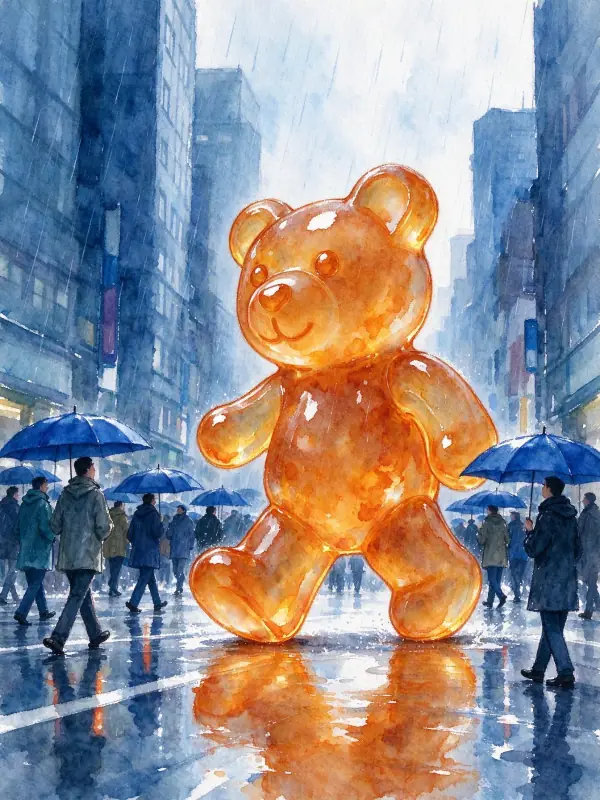 Watercolor
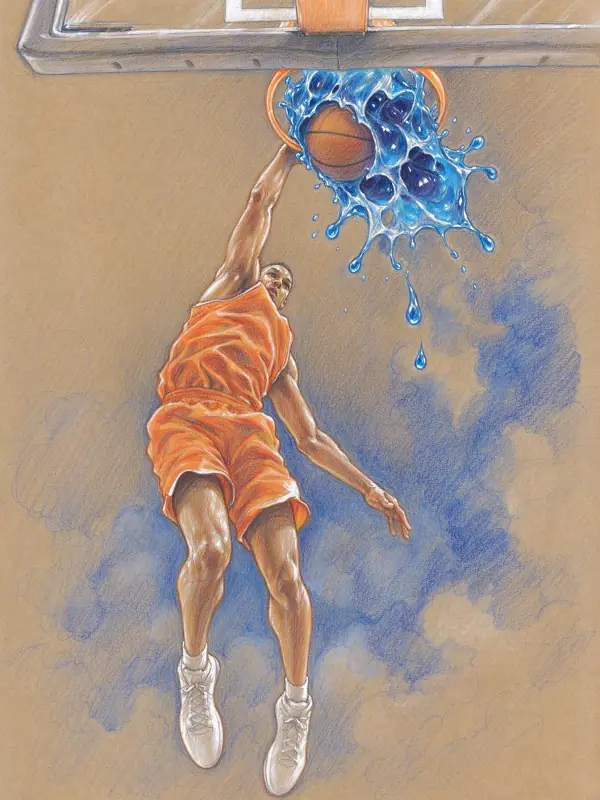 Colored Pencil
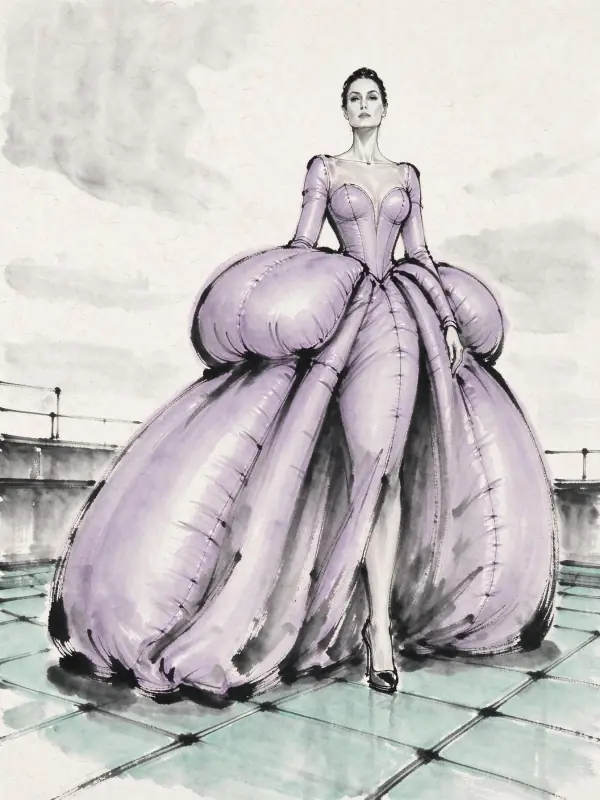 Ink Wash
 City Pop
Bring it to life
Effects that turn a still in this look into a short video.
 Live Portrait
 Slow Push-In