


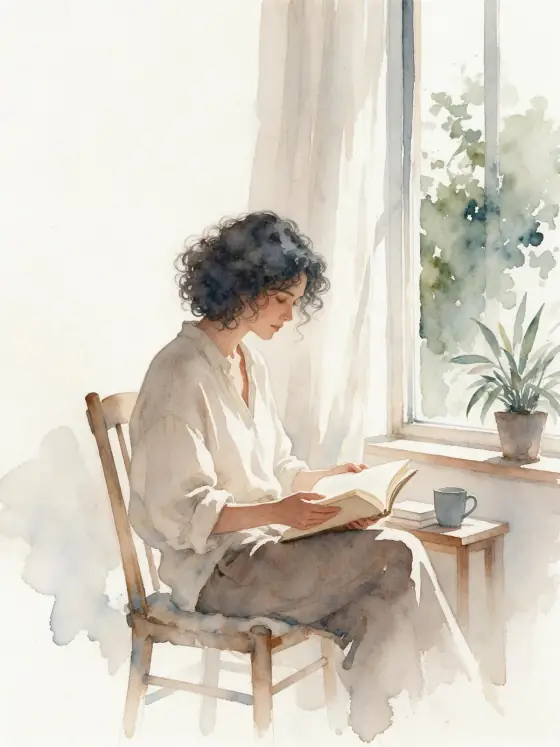

Watercolor AI Generator: Watercolor
Loose blooms of color on textured paper.
- Works on your own photo
- Best shape: 3:4
Works on
- Seedream 5.0 Pro
- Qwen Image 3.0
- Nano Banana 2.1
- Seedream 5.0 Flash
About Watercolor
Watercolor paints your subject the way a good illustrator does in a sketchbook: loose washes that bloom into each other, pigment gathering at soft edges, the grain of cold-press paper showing through, and plenty of white left untouched. A limited palette keeps it calm and elegant.
It is forgiving and flattering. Portraits, pets, flowers, buildings, food and landscapes all look good in it. Write a simple subject — a woman in a sun hat with a bicycle, a man reading on a park bench, a cat in a basket, a lighthouse on a cliff, a bowl of lemons — and the style handles the painting.
Use it for greeting cards, wedding stationery, children’s book mockups, travel journals, menus and gentle branding. The white space makes the images easy to combine with text.
It is also one of the most forgiving styles for first-time users: even a short subject comes back looking finished and hand-made. Portraits keep a light, sketchbook feel rather than turning into heavy paintings, which suits invitations and personal gifts.
Subjects to paste as they are: “a woman in a sun hat walking a bicycle down a country lane”, “a man reading on a park bench under blossoming trees”, “a small white lighthouse on a green cliff”. Light, open scenes leave the paper room to breathe.
Finishes that work on top: Golden hour for warm washes, Soft glow for a dreamier, more diffused painting. Black & white works too, for a quiet grey wash study.
Tips
- Mention a season or weather — spring blossom, autumn leaves, light rain. Watercolor loves atmosphere.
- If you want a particular palette, name two or three colors; otherwise the style keeps it limited.
- For photo-to-watercolor, pick an image that is not too busy. Clutter turns into muddy washes.
- Flowers, fruit and simple architecture are the easiest subjects for a first try; they look good in almost any palette.
What the style adds
Your words go where it says “your subject”. Everything else is added for you.
your subject, loose watercolor illustration, wet-on-wet color blooms, visible cold-press paper texture, soft pigment edges, limited palette, generous white space
Models and price
- Seedream 5.0 Pro36 credits
- Qwen Image 3.030 credits
- Nano Banana 2.148 credits
- Seedream 5.0 Flash29 credits
One 1K image from a description. The button always shows the exact price before you spend anything.
How to use Watercolor
- Describe itWrite who or what should be in the picture. A small action and a clear place work best. Or switch to “My photo” and drop in a picture you have the right to use.
- Pick a shapeKeep the suggested ratio and model, or change them in the bar at the bottom.
- Paint itPress “Paint it”. The price is on the button before you spend anything.
Questions about Watercolor
Can I use Watercolor on my own photo?
Yes. Switch to “My photo” at the bottom, drop in a picture you have the right to use, and the style redraws it while keeping the composition and pose.
How much does one Watercolor image cost?
29 credits for one 1K image on Seedream 5.0 Flash. 2K costs more, and the button shows the exact price before you run it.
Why is there so much white space?
Untouched paper is part of watercolor. If you want a fuller image, add a background to your subject.
Can I get a stronger, more saturated watercolor?
Name the colors you want in your subject, for example “in deep blues and warm ochre”. The style keeps the loose washes but follows your palette.
Similar styles
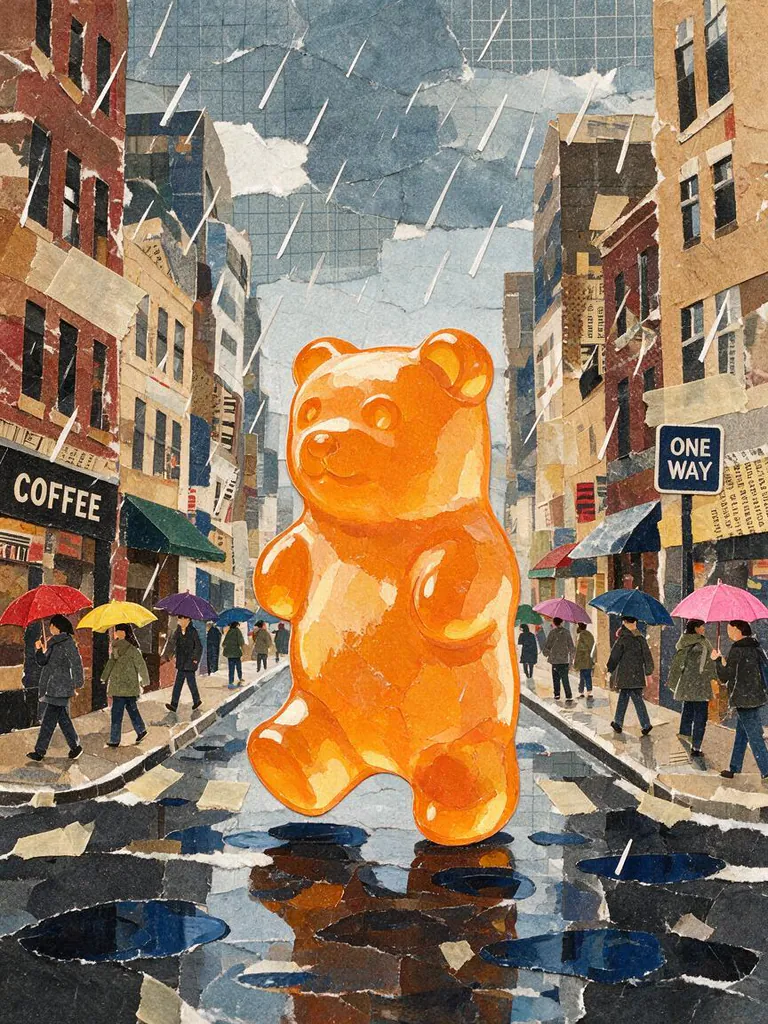 Paper collage
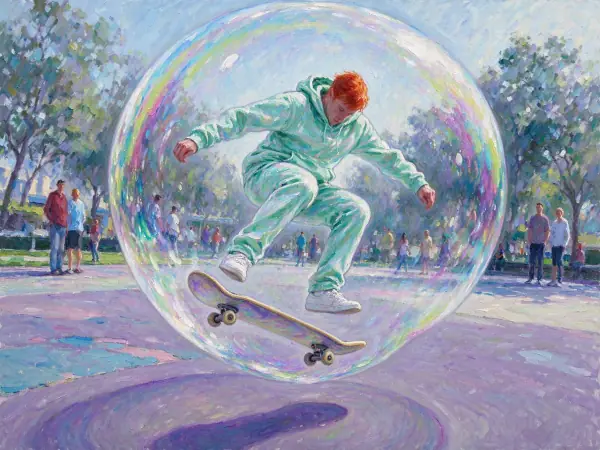 Impressionist
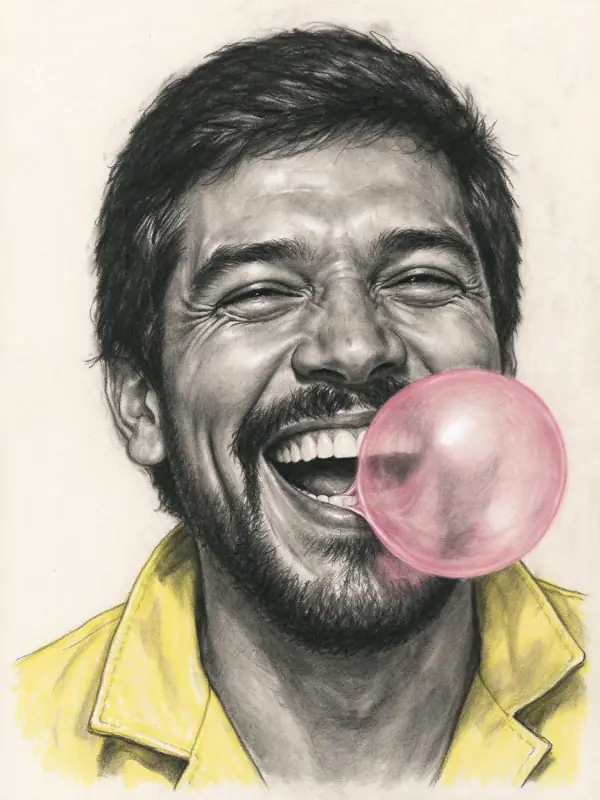 Charcoal
 Colored Pencil
Bring it to life
Effects that turn a still in this look into a short video.
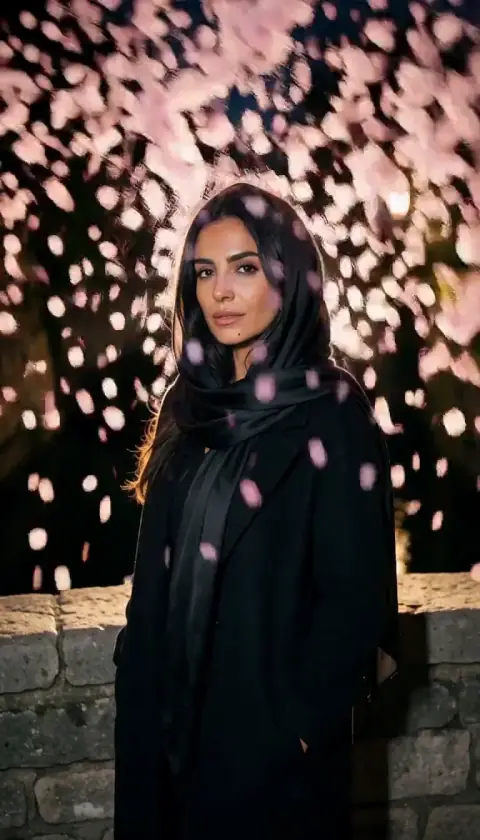 Petal Storm
 Slow Push-In