


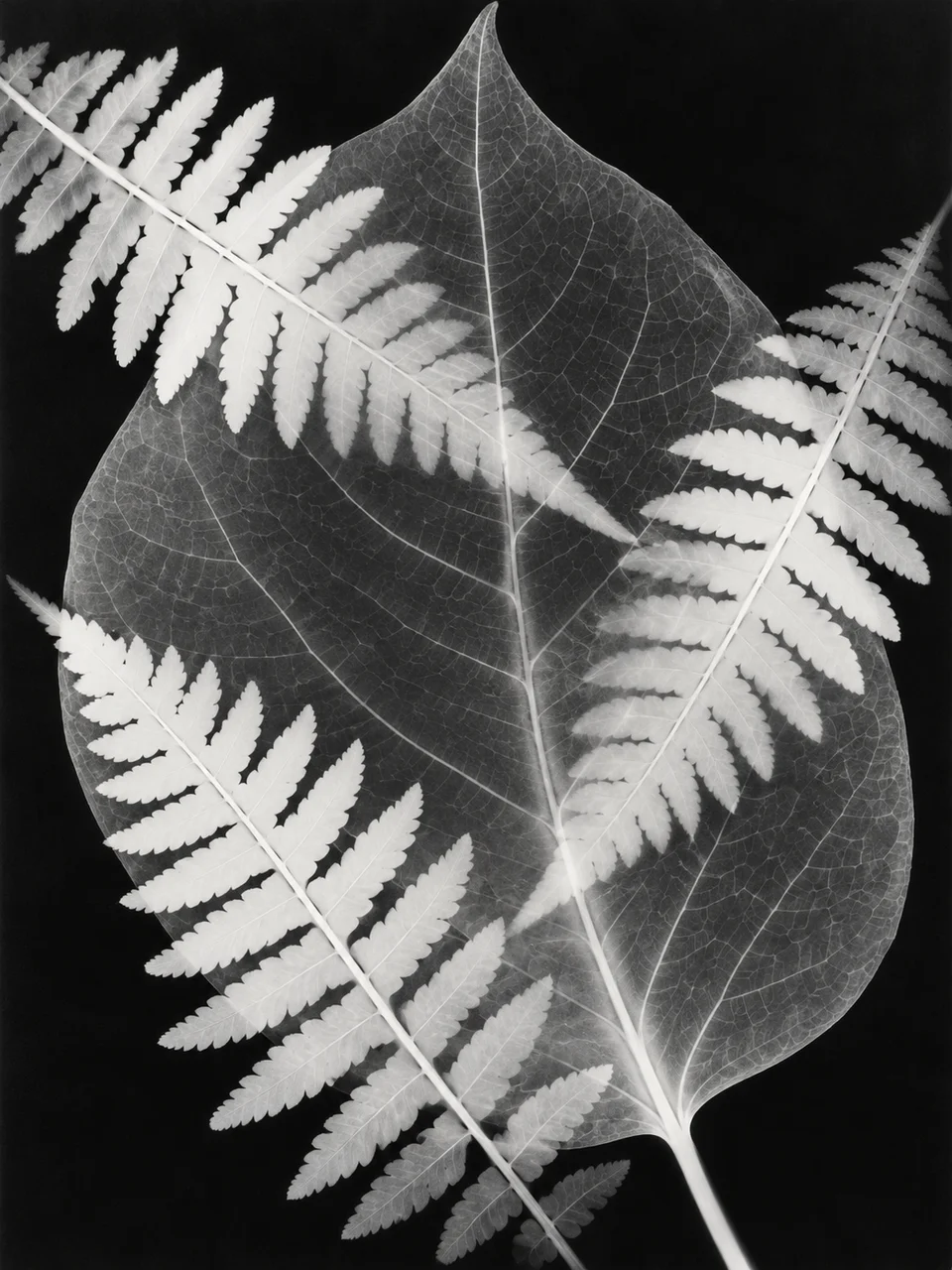
Plant Silhouette AI Art Generator: Botanical Photogram
Light-sensitive paper records translucent botanical silhouettes.
- From a description only
- Best shape: 3:4 · 4:5 · 1:1
Works on
- Seedream 5.0 Pro
- Qwen Image 3.0
- Nano Banana 2.1
- Seedream 5.0 Flash
About Botanical Photogram
Botanical Photogram uses the language of camera-less photography: objects placed over light-sensitive paper leave pale shapes against darker exposed areas. Dense stems appear white, thinner plant tissue admits light, and overlapping leaves produce subtle gray relationships. Contact with the paper makes an edge crisp; lifting a petal lets its boundary soften. The composition reads as a surface arrangement rather than a photographed garden, with black negative space giving each stem and translucent shape room.
Build an arrangement from a written description of ginkgo leaves, fern fronds, pressed poppies, or branching grasses. Choose two or three plant forms with different thicknesses so the tonal range has a reason to vary. Explain whether stems cross or sit apart, and which leaves touch the paper. A sparse arrangement allows veins and delicate seed heads to remain legible; dense overlapping material becomes a larger abstract patch of pale and gray shapes.
Begin with “three ginkgo leaves and a fine grass stem arranged diagonally on black photographic paper” or “a fern frond crossing two translucent poppy petals”. Another option is “branching meadow grasses with wide black space between the seed heads”. Changing the distance from paper changes edge quality: flat leaves produce precise silhouettes, while lifted petals create softer halos. Choose one raised element among several flat ones to make that difference clear without losing the arrangement.
Tips
- Mix one dense leaf with a delicate petal to create both white and translucent gray areas.
- Specify contact with the paper when you want sharply defined botanical contours.
- Leave black gaps between complex fronds so individual leaflets do not merge.
- Use a diagonal stem to organize a square arrangement without adding a drawn outline.
- Keep the palette monochrome; blue would suggest a different photographic printing tradition.
What the style adds
Your words go where it says “your subject”. Everything else is added for you.
your subject. Make a camera-less botanical photogram on photographic paper. Layer opaque and translucent plant parts to create white silhouettes, soft grey overlaps and dense black negative space. Keep contact edges crisp where objects touch the paper and soft where lifted; no drawn outlines or cyanotype blue.
Models and price
- Seedream 5.0 Pro36 credits
- Qwen Image 3.030 credits
- Nano Banana 2.148 credits
- Seedream 5.0 Flash29 credits
One 1K image from a description. The button always shows the exact price before you spend anything.
How to use Botanical Photogram
- Describe itWrite who or what should be in the picture. A small action and a clear place work best.
- Pick a shapeKeep the suggested ratio and model, or change them in the bar at the bottom.
- Paint itPress “Paint it”. The price is on the button before you spend anything.
Questions about Botanical Photogram
Can I use Botanical Photogram on my own photo?
Not yet. This style works from a description: write what you want to see and the style adds the look.
How much does one Botanical Photogram image cost?
29 credits for one 1K image on Seedream 5.0 Flash. 2K costs more, and the button shows the exact price before you run it.
Will the plants show their natural colors?
The plants become tonal impressions on photographic paper, so natural green and flower colors give way to white, gray, and black. Identify species by leaf shape, vein structure, and stem arrangement rather than by color alone.
Why do some edges look softer than others?
The style imitates how objects behave at different distances from light-sensitive paper. Close contact gives a clearer edge, while lifted leaves or petals let light spread beneath them and produce a softer boundary.
How is this different from Autochrome Garden?
Autochrome Garden depicts plants within a luminous color photograph. Botanical Photogram arranges their silhouettes directly across a monochrome paper surface, emphasizing transparency, overlap, and the contrast between physical contact and lifted edges.
Similar styles
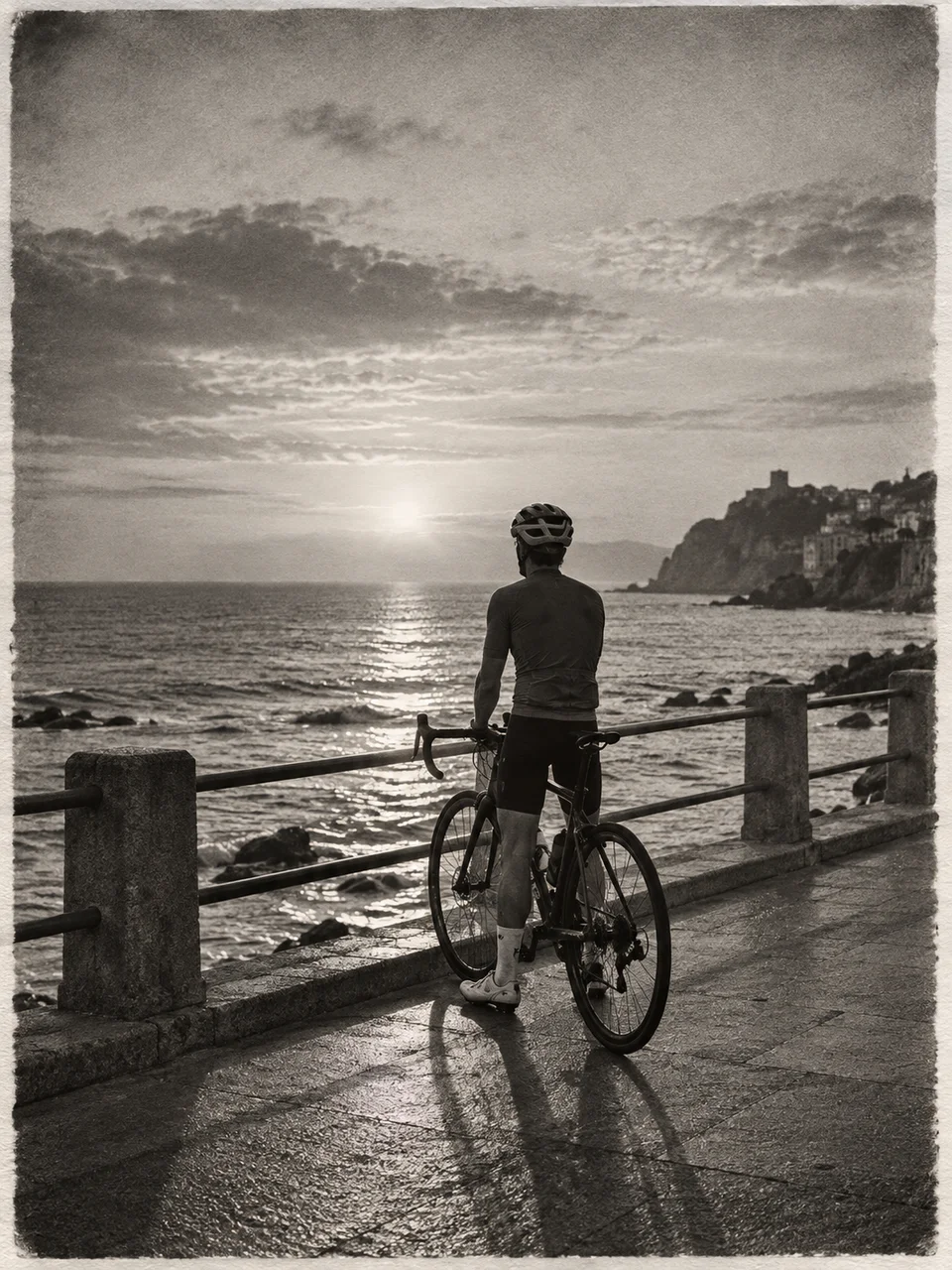 Silver Gelatin
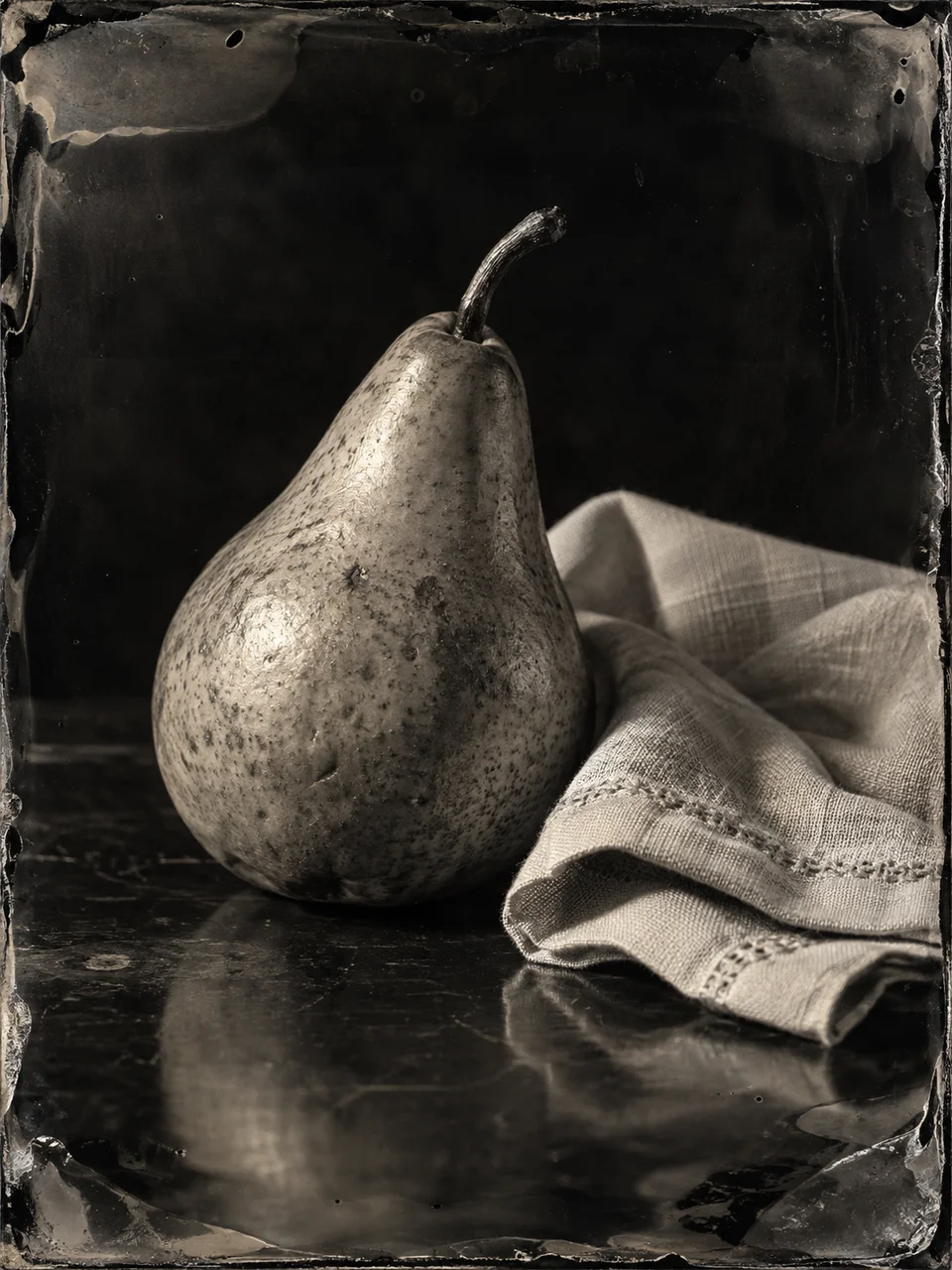 Ambrotype Glass
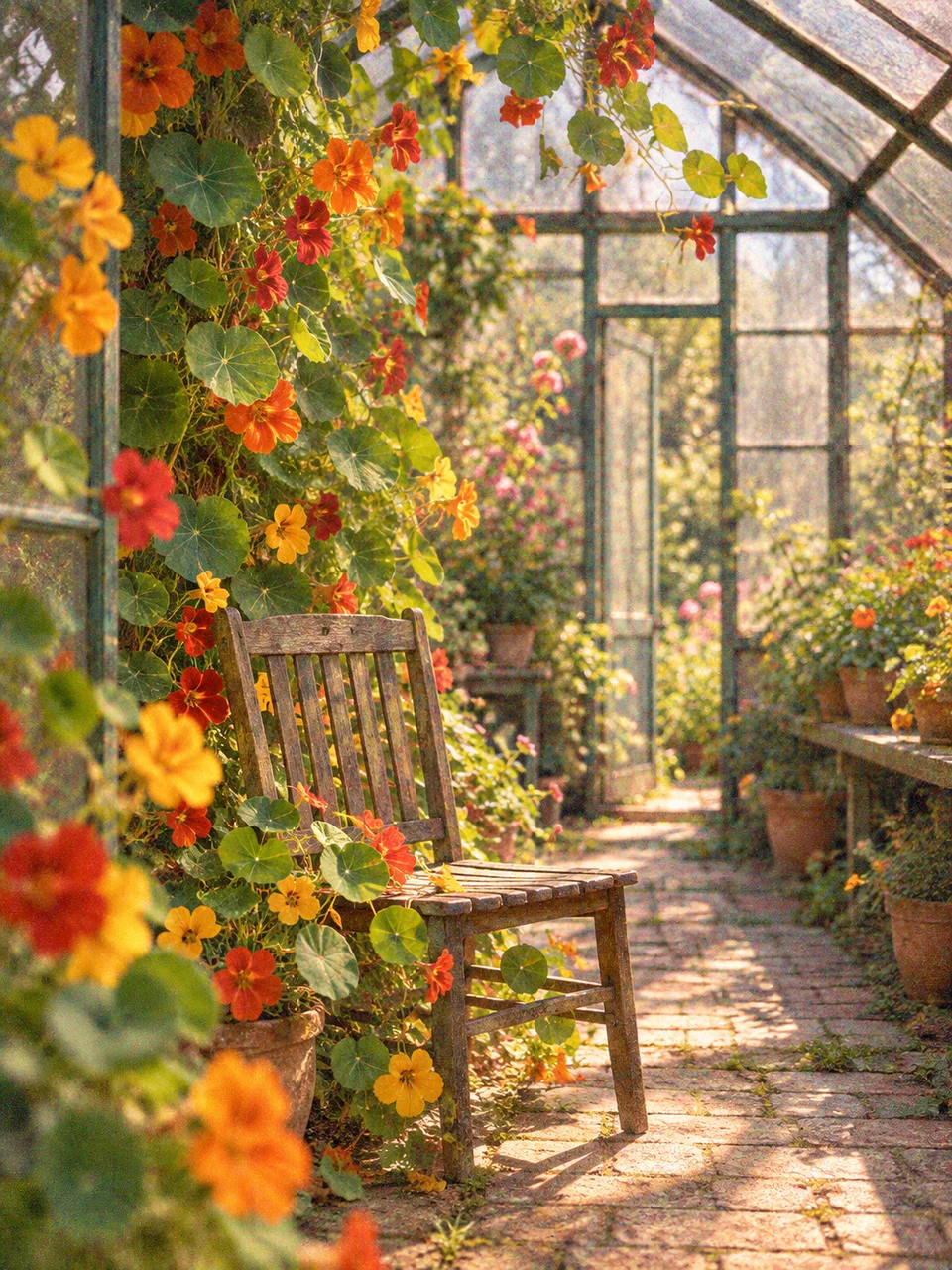 Autochrome Garden
 Cross Processed Chrome
Bring it to life
Effects that turn a still in this look into a short video.
 Ink Bleed
 Overgrowth