


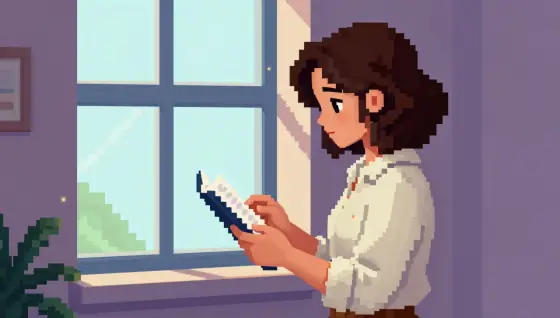

Pixel Art AI Generator: 16-Bit Pixel
Retro game sprites with chunky pixels.
- Works on your own photo
- Best shape: 16:9 · 1:1
Works on
- Seedream 5.0 Pro
- Qwen Image 3.0
- Nano Banana 2.1
- Seedream 5.0 Flash
About 16-Bit Pixel
16-Bit Pixel turns your subject into a scene from a console game of the early nineties: crisp square pixels, a limited retro palette, dithered gradients in the sky and shadows, tiny glowing highlights on lamps and water, and a side-view framing that looks like a level you could walk through. It is nostalgic without being blurry — every edge is a hard pixel step.
You write the subject; the style supplies the pixels. Places and quiet moments are its sweet spot: a lighthouse on a pixel cliff at dusk, a cat on a windowsill with rain outside, someone reading in a tiny lamplit room, a man walking down a street of pixel shopfronts. The style keeps the outfit and details you wrote, simplified into pixel shapes.
Subjects to paste as they are: “a lighthouse on a rocky cliff at sunset”, “a small ramen shop on a rainy night street”, “a knight resting by a campfire in a forest clearing”. Name the time of day — the palette changes completely between dawn, dusk and night.
Tips
- Name the time of day or weather. Sunset, night rain and snow each give the limited palette a strong mood.
- Wide scenes work better than close-ups: pixel art tells its story through the setting.
- Glowing things — lanterns, windows, campfires, neon signs — get the tiny highlights that make the scene feel alive.
- Keep it wordless. Game scenes often come with interface text; if a stray letter appears, run it again.
- Name a mood color if you like: “in a purple and teal palette”, “in warm sepia tones”. The limited palette follows it.
What the style adds
Your words go where it says “your subject”. Everything else is added for you.
retro 16-bit video game pixel art of your subject, low-resolution sprite graphics with large crisp square pixels, limited retro palette, dithered gradients, tiny glowing highlights, side-view game-like framing
Models and price
- Seedream 5.0 Pro36 credits
- Qwen Image 3.030 credits
- Nano Banana 2.148 credits
- Seedream 5.0 Flash29 credits
One 1K image from a description. The button always shows the exact price before you spend anything.
How to use 16-Bit Pixel
- Describe itWrite who or what should be in the picture. A small action and a clear place work best. Or switch to “My photo” and drop in a picture you have the right to use.
- Pick a shapeKeep the suggested ratio and model, or change them in the bar at the bottom.
- Paint itPress “Paint it”. The price is on the button before you spend anything.
Questions about 16-Bit Pixel
Can I use 16-Bit Pixel on my own photo?
Yes. Switch to “My photo” at the bottom, drop in a picture you have the right to use, and the style redraws it while keeping the composition and pose.
How much does one 16-Bit Pixel image cost?
29 credits for one 1K image on Seedream 5.0 Flash. 2K costs more, and the button shows the exact price before you run it.
Will this style change how the person looks?
It changes the medium, not the person. People are drawn as small pixel sprites, but the outfit, colors and pose you wrote carry over.
Is it real pixel art, with every pixel placed on a grid?
It looks like it, and the pixels are crisp and square, but it is a generated image rather than a hand-placed sprite sheet. For game use, scale it down and clean up the palette in a pixel editor.
Similar styles
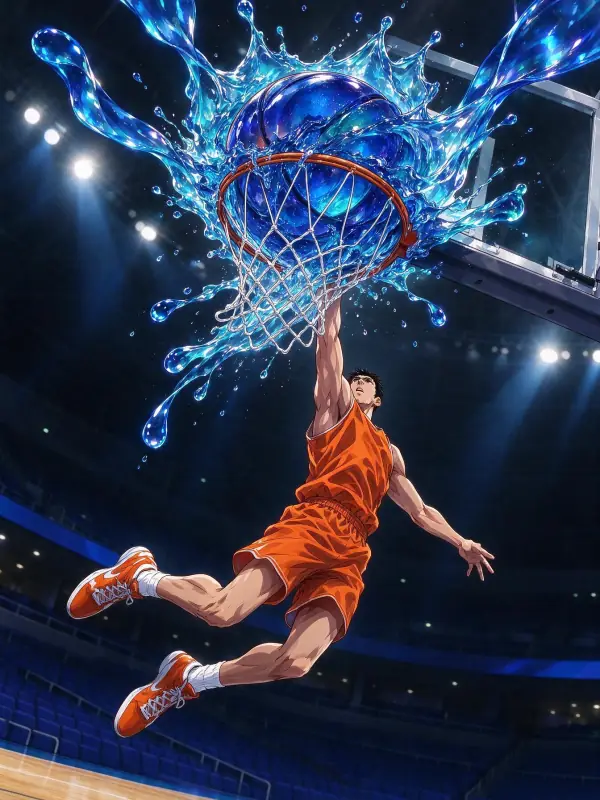 Glossy Anime
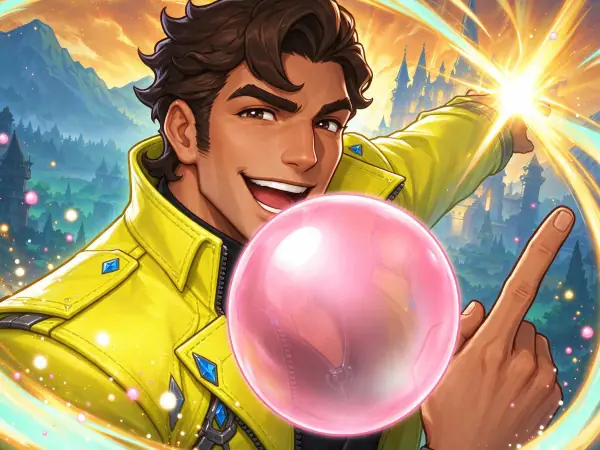 Game Splash Art
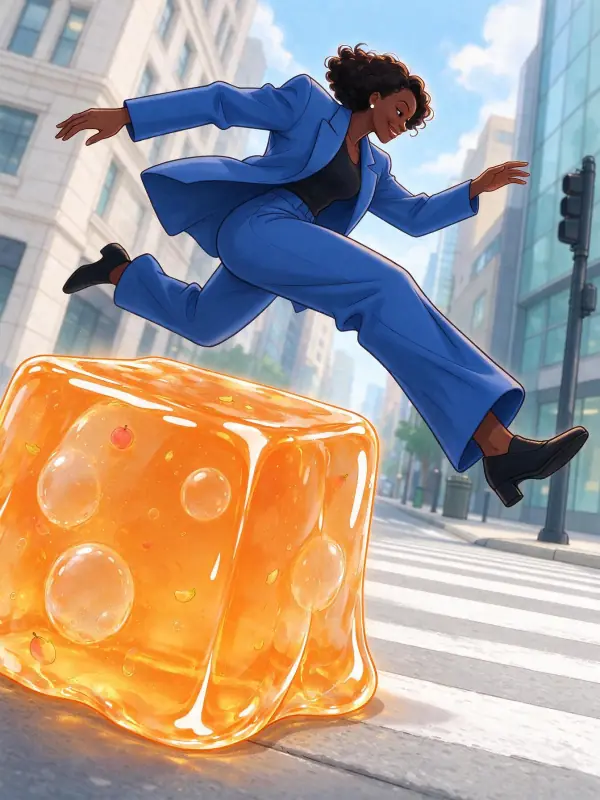 Webtoon
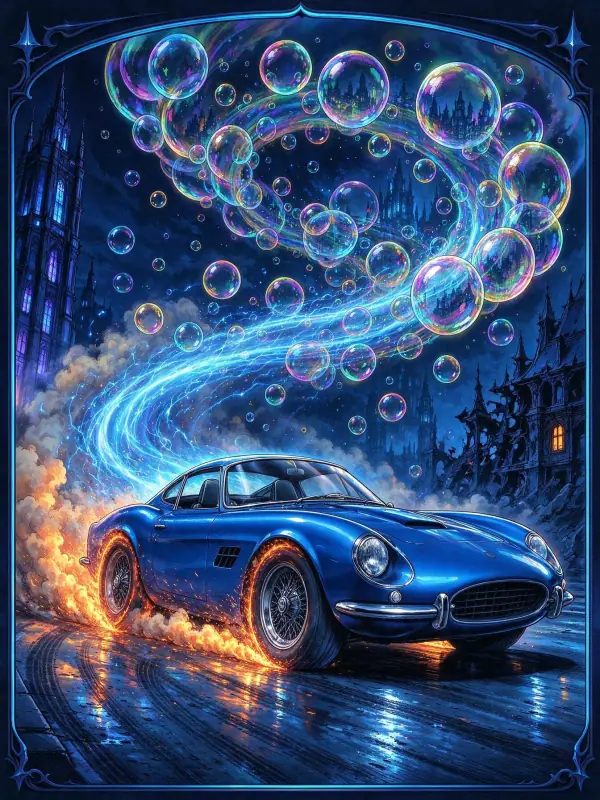 Action Comic
Bring it to life
Effects that turn a still in this look into a short video.
 Rain Falls
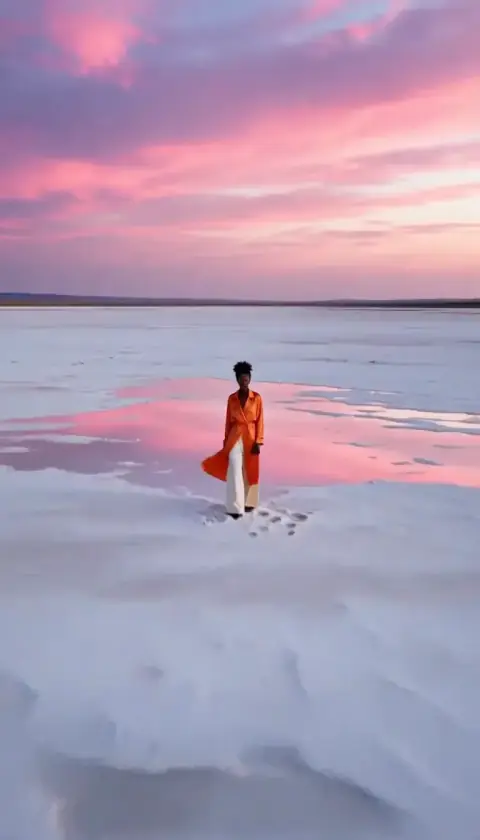 Big Reveal