
A topic provides the thread
For a rover discovering a glowing mineral, decide what the audience should learn. One clear question gives visuals and narration a shared purpose.


A product guide by PopNow
Follow a tiny rover’s discovery to see how topic, visuals, narration and captions come together—and how to shape your own series with PopNow.
Product overview
Vadoo AI presents a faceless-video workflow: start with a topic or prompt, choose a visual style and combine generated scenes, voiceover and captions. Its site also describes using uploaded footage. The goal is a complete short, not an isolated image.
For a rover discovering a glowing mineral, decide what the audience should learn. One clear question gives visuals and narration a shared purpose.
Vadoo’s official pages describe style choices, voiceovers and subtitles. Review how those elements support the story: an attractive shot should still match the sentence being spoken.
Vadoo describes video exports for social platforms. Before publishing, check framing, subtitle placement and audio at the destination, and review the complete export.
Ask a question, show the rover investigating and end with an explanation. Check the science first: a convincing visual is not evidence.
Keep the rover orange and the setting lunar. Specify the audience and narration language to make a coherent episode rather than unrelated clips.
Check pronunciation, captions and transitions. Confirm usage rights for uploaded footage, music and voice assets before publishing.
PopNow
Content Factory takes a topic into narrated episodes. Use its plan and controls, then review before sharing. Start with one clear story to judge the pacing before expanding your series.
Describe the rover’s discovery, choose the available style and duration, and review the episode plan. Website creation uses credits; check the displayed price before generating.
Bring finished media into the editor to refine the sequence. Review the whole episode after edits.
Import your own exported media, preview it and save it privately. This carries finished files, not a Vadoo account, subscription or editable generation project.
No. Check factual claims, narration, captions, continuity and usage rights before publication. A face-free format does not remove editorial responsibility.
No account transfer is described here. You can work with exported media you own; the original subscription and generation settings stay with the source service.
Content Factory and manual website creation use credits. The developer API has a separate dollar balance; credits and API dollars are not interchangeable.
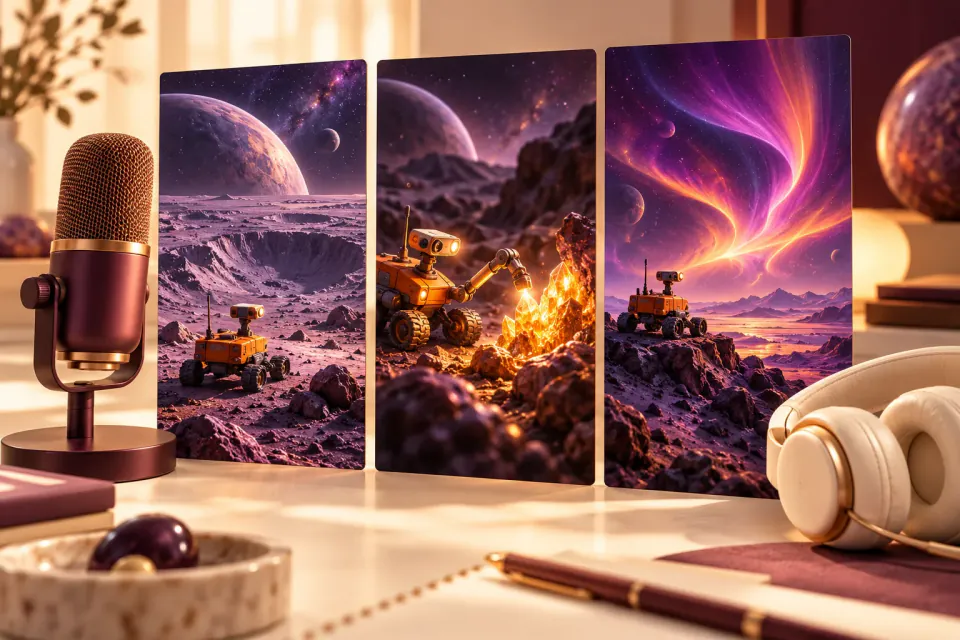
No. The hero is concept artwork for this guide, illustrating a possible story direction rather than a service output or a quality comparison.
An independent guide published by PopNow. Product names belong to their respective owners; no affiliation or endorsement is implied.
Start with a creative tool, or explore the API for your own application.