
Establish the defining features
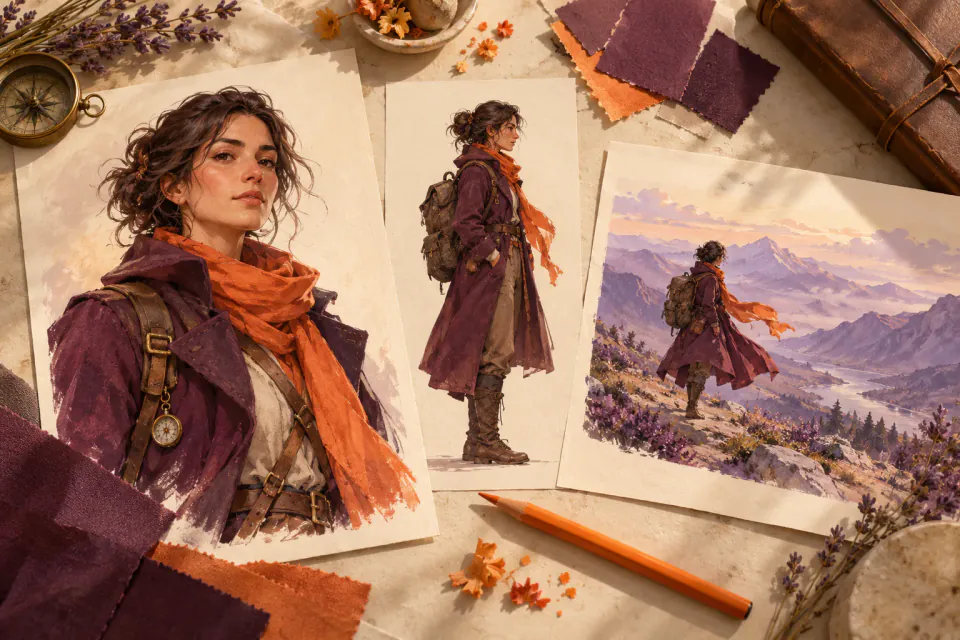
Define face, hair, silhouette and a signature outfit. A concise reference is easier to judge than an expanding list of adjectives.


A product guide by PopNow
An independent PopNow guide to character references and repeatable decisions, without promising identical faces in every output.
Product overview
OpenArt’s Character Builder moves from a first version to an appearance reference and new scenes. The official OC guide starts from text, an image or a preset and acknowledges variation under difficult poses or lighting. Review consistency rather than assuming it.
Define face, hair, silhouette and a signature outfit. A concise reference is easier to judge than an expanding list of adjectives.
Keep the character description stable while changing setting or action. This helps locate the source of unwanted differences.
Save approved images and prompts. OpenArt recommends references and consistent prompts, and distinguishes character from style training. A downloaded image does not contain trained weights.
Invent a character you have rights to develop. Define visible traits and a mood. Start with a simple view.
Approve one clear image before testing another pose. Compare eyes, hair and accessories; reject scenes that lose the character.
Download approved media with prompt notes. Native training, account history and saved identities are not restored by importing images.
PopNow
Develop a written character brief in OC Maker, or work with your own reference images in Characters and Canvas. These are separate creative steps, not a connection to OpenArt’s Character Builder or training system.
Start in OC Maker with a clear written brief. Compare the generated design against the intended traits.
Create a new image set in Characters. Review each result rather than assuming a permanent identity lock.
Arrange images and notes on Canvas for planning. Imported layouts do not automatically execute another platform’s project.
No. PopNow wrote this independent guide using linked official sources and a practical character-design exercise.
No. Pose, light and model choice can change details. Keep references, compare outputs and revise before publishing.
No. Media and included notes are distinct from trained weights, saved identities and the original account.
Use material you own or are allowed to use. Check applicable rights and the selected service’s rules before generating or sharing.
An independent guide published by PopNow. Product names belong to their respective owners; no affiliation or endorsement is implied.
Start with a creative tool, or explore the API for your own application.