
Camera intent before decoration
A push can emphasize a reveal; a wider move can introduce a location. Inspect results rather than treating a preset as a guaranteed camera path.


A product guide by PopNow
An independent PopNow guide to camera-led creation, from a chosen still to footage you can develop further.
Product overview
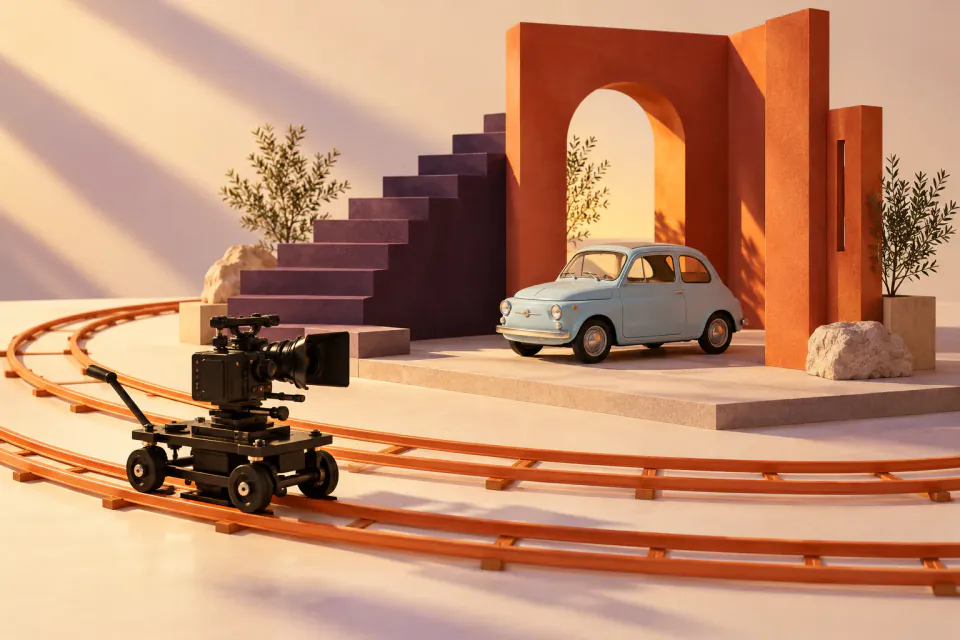
Higgsfield puts camera language near the center of creation. Its Camera Controls catalog includes Dolly In, Crane Up and Arc Left. Its DoP guide starts with an image and a motion or effect preset. Ask what the viewer should notice before adding effects.
A push can emphasize a reveal; a wider move can introduce a location. Inspect results rather than treating a preset as a guaranteed camera path.
DoP starts with a keyframe and preset. Keep the product readable and leave room for movement. Fix composition before animation.
A generated clip still needs a place in the sequence. Choose its boundaries, its connection to the next shot and its sound.
Use a product image you have permission to use. Check silhouette, background and framing. Name the detail you want to reveal.
Choose a preset and one action, such as a bottle turning toward light. Review motion, object shape and background stability.
Download a selected take and save its prompt separately. A finished video does not transfer an editable Higgsfield project.
PopNow
Keep Higgsfield for its camera workflow. Use your own exports in PopNow for another animation, an edit or organizing earlier work. The services have separate accounts and tools.
Animate an approved still with an available model. Review its price before generating.
Bring clips into the editor for timing and assembly. Evaluate the sequence, not only individual shots.
Preview downloaded files and optional notes. Subscriptions, account credits and native workflows do not transfer.
No. This is an independent product guide by PopNow. The links below point to the source platform’s own documentation.
No exact match is promised. Camera behavior depends on the selected model, input and request; a familiar move name is not an identical implementation.
No. Bring exported media you own. Accounts, credits and trained identities stay with their original service.
No. Importing and generating are different actions. Check the selected PopNow tool and its displayed cost before starting new work.
An independent guide published by PopNow. Product names belong to their respective owners; no affiliation or endorsement is implied.
Start with a creative tool, or explore the API for your own application.