
Separate enlargement from invention
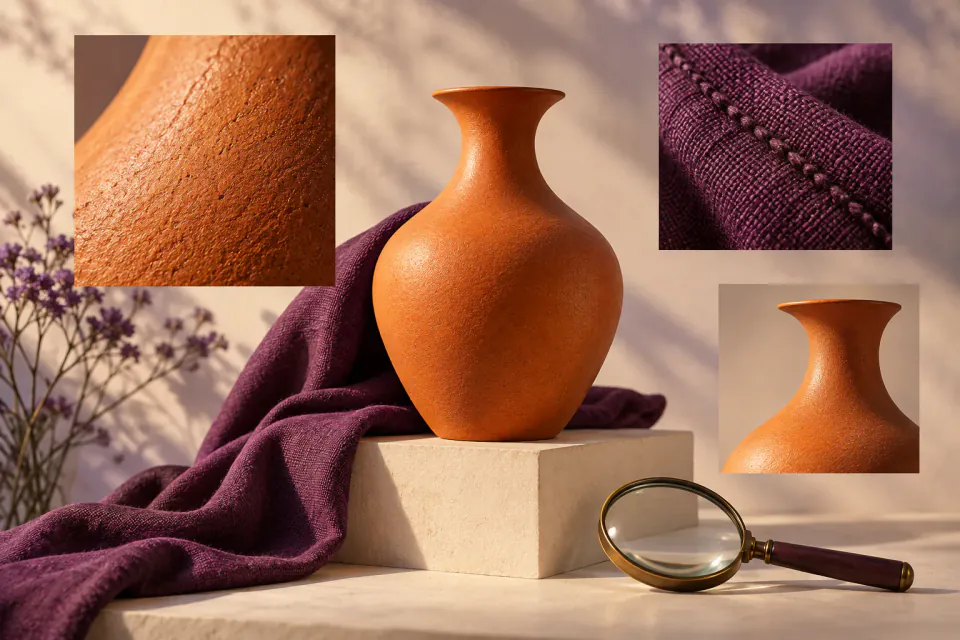
More pixels need not mean new freckles, fabric fibers or grain. Begin modestly and compare important areas rather than maximizing controls.


A product guide by PopNow
An independent PopNow guide to refinement, redesign and images you already own.
Product overview
Magnific distinguishes Classic upscaling from a Creative model with Creativity and Resemblance controls. Stronger texture does not prove the source contained that detail. Decide whether the job needs fidelity, richer interpretation or an actual design change.
More pixels need not mean new freckles, fabric fibers or grain. Begin modestly and compare important areas rather than maximizing controls.
Read product labels, count openings and check outlines. Inspect expression and skin in portraits. A plausible improvement can still be an inaccurate reproduction.
The official transition page distinguishes original Magnific.ai from the current wider platform. It points to legacy creations and ZIP export. Follow your account’s instructions; do not assume exports or subscriptions are shared.
Use an image you own and retain the original. List features that must stay accurate, such as logo shape, seams or buttons.
Try a restrained upscale. Compare the whole image and matching close-ups. Reject attractive texture that changes the product.
Correct unwanted objects or backgrounds directly. Upscaling does not fix composition. Keep the approved result, original and notes.
PopNow
Choose a PopNow operation for the actual problem. This guide does not claim access to Magnific’s proprietary models or identical settings. Review available tools and displayed costs.
Use image upscaling for larger delivery. Check invented texture and altered edges before export.
Use image editing for an object, background or composition change. State the change explicitly.
Preview downloaded media and supported notes. Source accounts and native project materials remain separate.
No. It is an independent PopNow product guide, with official source links below.
No. Generated detail can look convincing while changing the original. Compare important features and retain an untouched source.
This guide makes no such claim. Choose from the models and tools actually listed in PopNow.
A PDF or finished image is not an editable source project. Supported manifests can describe reference layouts; they do not restore every original node or execution behavior.
An independent guide published by PopNow. Product names belong to their respective owners; no affiliation or endorsement is implied.
Start with a creative tool, or explore the API for your own application.