


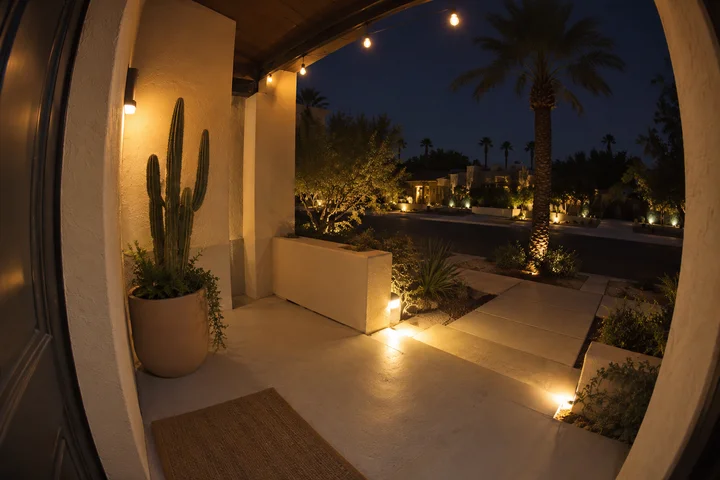
AI video effect · Santa on your doorbell cam
Featured in October 2026
Santa on your doorbell cam: Catch him delivering gifts
Upload a still from your doorbell camera and catch Santa dropping off gifts on your porch.
1Add a photo
- One person or pet, clearly in view
- A little empty space around them leaves room for the gag
- Bright, sharp photos get the funniest results
More optionsMiniMax H3
More options5s
5-second video · usually ready in about 1 min
More to try
All effects


What the Santa on your doorbell cam effect does
Santa Doorbell Cam stages a short gift delivery inside the viewpoint of a home doorbell camera. Santa climbs the steps, leaves wrapped presents, notices the lens and gives a quick wave before leaving. A fixed wide angle and slight camera noise carry the everyday security-footage appearance.
Use an empty porch still that clearly shows the door and approach. The existing location matters here because the photograph is the starting frame, rather than a portrait that gets moved into a different setting. Keep the finished visit presented as a fictional holiday scene.
The idea behind Santa on your doorbell cam
A pretend security-camera sighting of Santa is a recurring December holiday format. The ordinary porch viewpoint makes the impossible visitor feel like a small domestic discovery, especially when the visitor notices the lens.
This version is designed for the lead-up to Christmas on December 25. Gifts, a quick wave and departure provide a complete seasonal story without needing a long greeting or a staged family photograph.
How to use Santa on your doorbell cam
- Choose an empty entryway Upload a porch-camera still with the approach and doorway in view.
- Stage the holiday visitor Keep the default H3 tier that produced the desert, snow and brick samples.
- Review the complete visit Watch the arrival, gift placement and camera greeting before the departure, preserving the fixed-camera story.
Which photos work best for Santa on your doorbell cam
Works well
- An empty doorbell-camera view of a porch
- Visible steps and clear space beside the door
Avoid
- People blocking the entry path
- A tight door detail without a visible approach
Santa on your doorbell cam examples
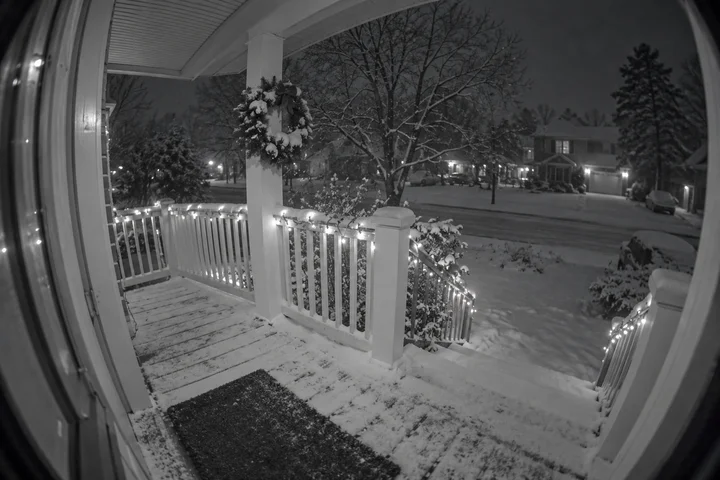
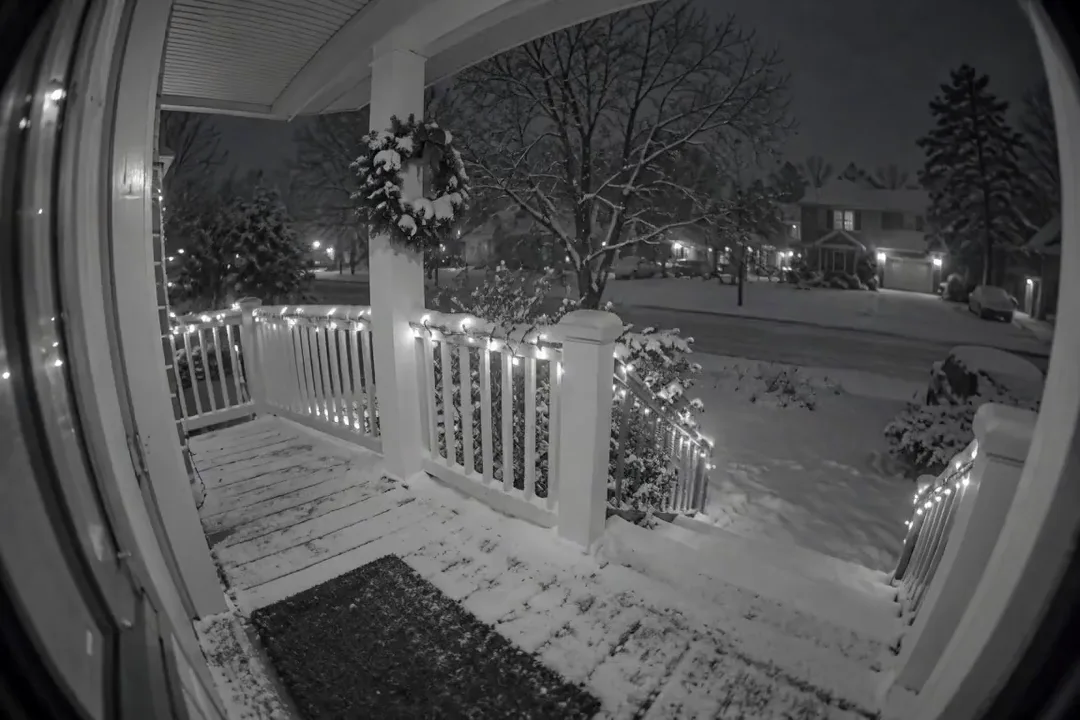
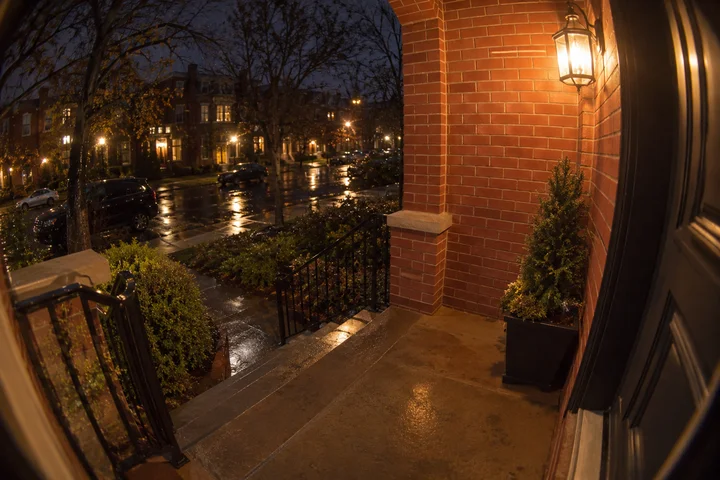
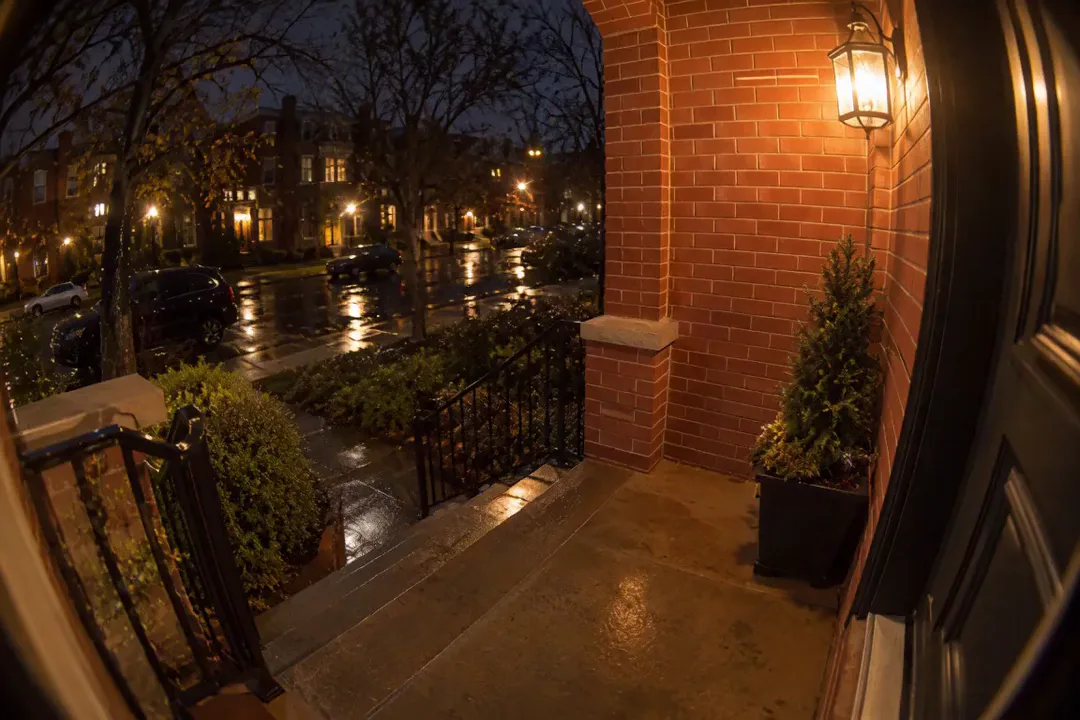
What we saw when we tested Santa on your doorbell cam
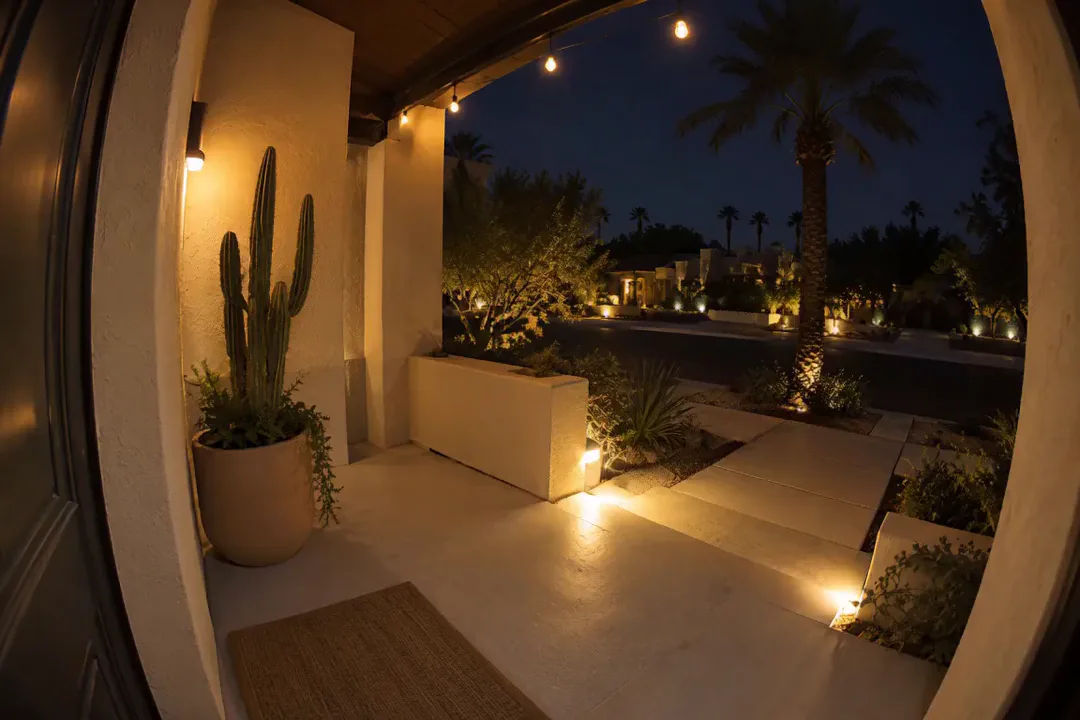
In our test runs, the desert, snowy and brick-porch versions all showed Santa coming up the steps, leaving gifts, leaning near the camera and departing. The viewing notes confirm the fisheye perspective and noisy camera texture.
The desert porch is the main sample, followed by the snowy view and the brick porch. Their shared visit sequence shows that the supplied scene was tested across different entryway appearances; it does not promise exact preservation of every architectural detail in a new input.
How Santa on your doorbell cam does on each model
- MiniMax H3 (185 credits · about 55 s) Default; MiniMax H3 made the samples for 185 credits, with a typical render time of 53 seconds.
- MiniMax H3 · 4s (148 credits · about 55 s) MiniMax H3 · 4s costs 148 credits and is cheaper, but remains untested with this prompt; the published examples do not verify its finish.
- Seedance 2.0 Mini · 480p (124 credits · about 2 min)
The prompt behind Santa on your doorbell cam
Home doorbell camera footage with the same fixed fisheye angle, lighting and image quality as the first frame: Santa Claus in a classic red suit with a full white beard walks up the front steps carrying a big sack, sets two wrapped gifts down by the door, notices the camera, leans in with a jolly wave and a wink, then hurries back down the steps as a few snowflakes and a faint sparkle trail drift behind him. Realistic security-camera look, slight noise, static camera. No timestamp, no text, no logos.Tips for a better Santa on your doorbell cam result
- Choose a still with clear steps and enough room near the threshold for the gifts.
- Avoid cropping away the wide-angle edges if you want the ordinary doorbell-camera feeling to remain.
Santa on your doorbell cam: questions and answers
Can a warm-climate porch work for the Santa visit?
The main public sample uses the desert porch, alongside snowy and brick versions of the same gift-delivery sequence.
Do I upload a selfie for this doorbell effect?
Use a still from an empty porch camera instead, with the entry path and space near the door clearly visible.
Does the camera follow Santa up the steps?
The requested camera stays fixed with the source’s fisheye perspective, letting Santa move through the existing view.
How does Santa acknowledge the porch camera?
The supplied scene has him lean toward the lens with a cheerful wave and wink before hurrying away.
Is the resulting doorstep visit a record of a real event?
It is a generated fictional Christmas visit made from your porch picture, so present it as a holiday creation.
Related effects and tools
- Snowfall · Soft flakes thicken into a cozy snowstorm.
- Snow Globe · Snow starts to fall, then the camera pulls back: you are inside a snow globe.
- VHS Home Video · Scan lines, tracking noise and a wave from the past.
- Trim the fictional doorstep visit