Kling AI has a free usage channel on its own service, alongside paid memberships; the exact allowance and model access need checking in your account. Kling 3.0 on PopNow is paid per generation: a silent five-second 720p clip costs 336 credits. Below is what we could verify about the free tier and three original tests to help you plan a first run.
What does the Kling AI free tier include in 2026?
We checked Kling's official membership page and its publicly served interface text on October 29, 2026. The interface distinguishes a free generation queue from paid membership and names Standard, Pro, Premier and Ultra plans. We could not reliably verify a current numerical allowance or a complete plan-price table from the accessible official page, so we do not repeat older daily-credit numbers here.
Before paying, check the account's available models, queue, allowance expiry and renewal terms. A free channel does not establish that Kling 3.0, every resolution or every audio option is included. Treat a promotional offer and a recurring allowance as separate things, and read the terms shown beside the offer.
How much is Kling 3.0 on PopNow?
PopNow uses its own credit balance. For the settings in this article, text to video costs 336 credits for five seconds, and image to video costs 336 credits for five seconds. Both use 720p with Sound off. A balance on Kling's own service does not transfer to PopNow.
Duration, resolution and sound affect the quote. Read the price on Generate after choosing your settings, rather than assuming the starting price covers every configuration. A longer clip gives the model more time to move objects, but also gives you more footage to inspect; it is sensible to establish the idea with a short test first.
How do you try Kling 3.0 with a controlled first prompt?
- Open the Kling 3.0 model page and choose Create Video for text, or Image to Video for an opening image. The model page opens the generator with Kling 3.0 selected.
- Describe one subject, one action and one camera movement. For an image input, describe what happens next instead of rewriting every visible detail.
- Set five seconds and 720p, keep the shot type on single, and turn Sound off to match our tests. For text prompts we used 16:9.
- Check the quote on Generate, then submit one version. Play the whole result and inspect the beginning, middle and end before deciding on another run.
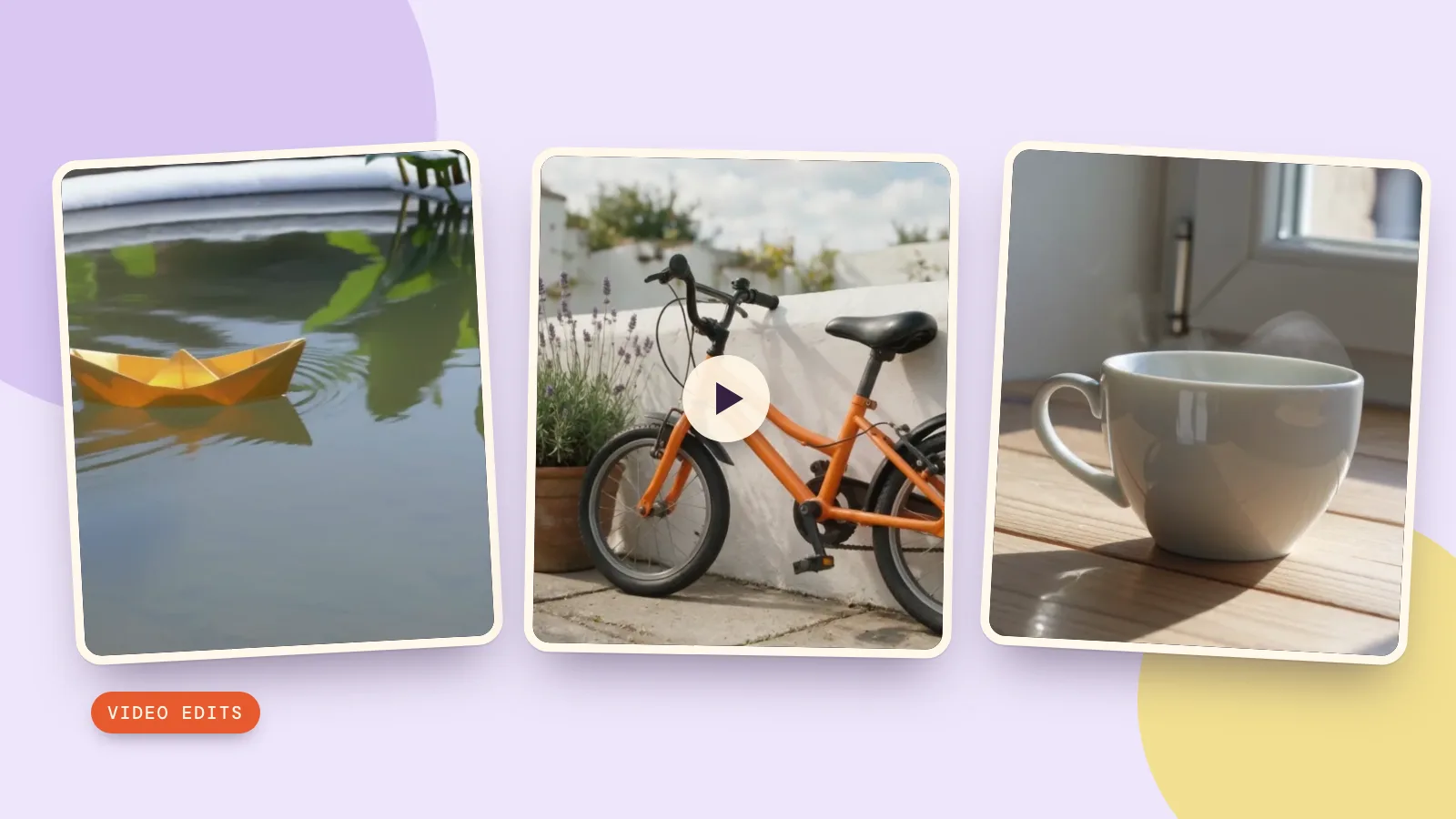
The prompt cards below preserve the exact prompts and settings we ran. For the bicycle card, add the provided opening image yourself: copying a motion prompt alone does not supply its source image. Our tests were generated on October 29, 2026 with the same Kling 3.0 endpoints available through PopNow; all subjects and the input image were created for this guide.
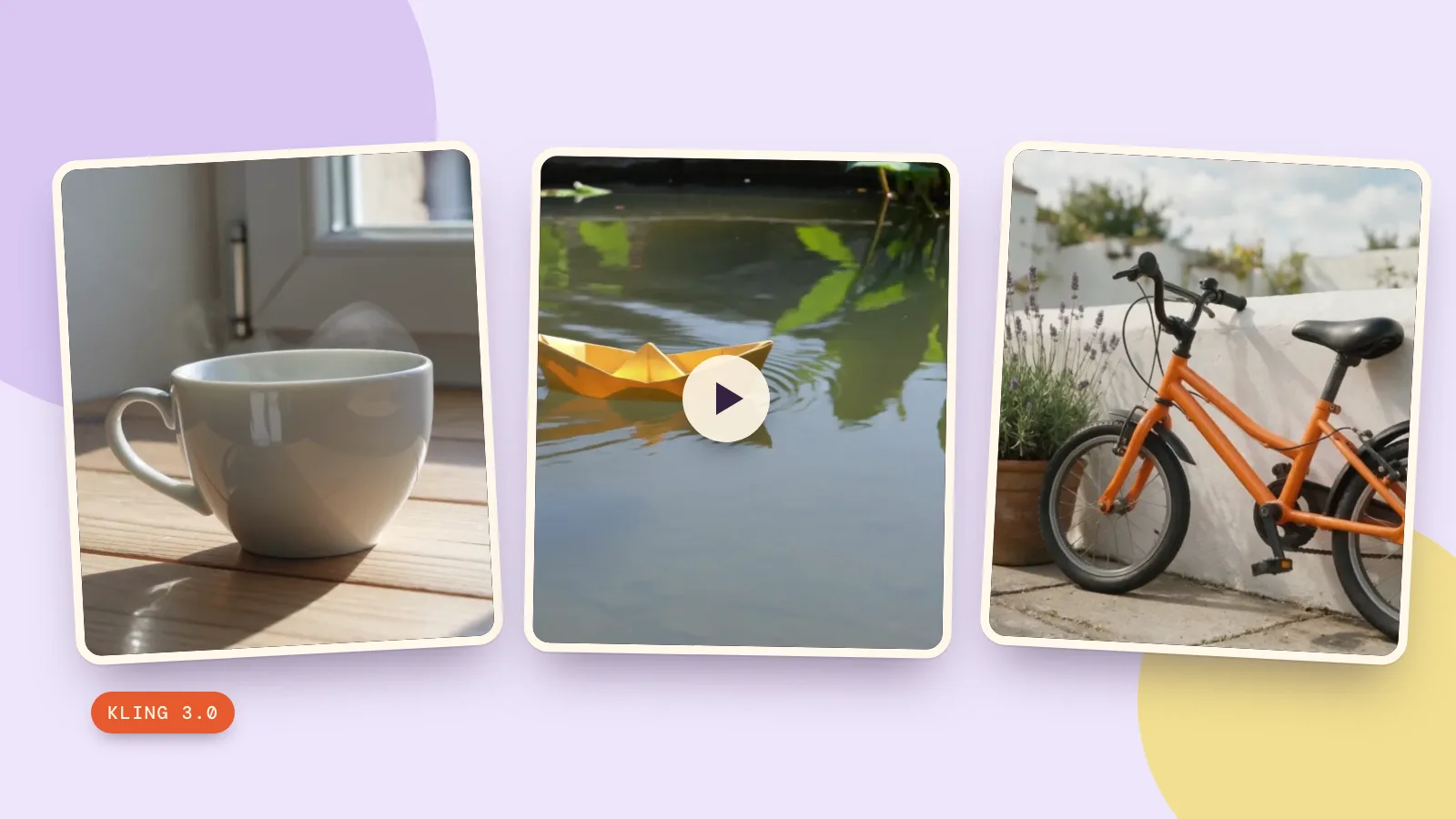
What did three five-second Kling 3.0 tests produce?
1. Steam rising from a teacup
This text-to-video test separates object stability from motion: the cup should remain solid while steam moves and the camera approaches. The clip is useful for checking the rim and handle, because a moving camera makes small shape changes easier to notice. It costs 336 credits with our settings.
A plain white ceramic teacup on a wooden table beside a sunlit window. A thin curl of steam rises slowly. Gentle camera push in, one continuous shot, no cuts. Natural realistic light, no people, no text, no logos.
2. A paper boat crossing a pond
The second text prompt asks for a locked camera and a moving subject. The yellow boat travels across the frame while ripples spread through the leaf reflections. This gives a clear action without asking five seconds to contain a launch, a journey and a landing. The settings cost 336 credits.
A small yellow paper boat floats slowly across a calm shallow garden pond. Soft reflections of green leaves ripple around it. Locked camera, one continuous shot, no cuts. Realistic daylight, no people, no text, no logos.
3. An opening image with gentle motion
We first generated this original bicycle image with Seedream 5.0 Pro at 1K, for 36 credits. Then we supplied it to Kling 3.0 as the opening frame and requested a breeze and a camera push. The image-to-video run costs 336 credits separately from making the image.
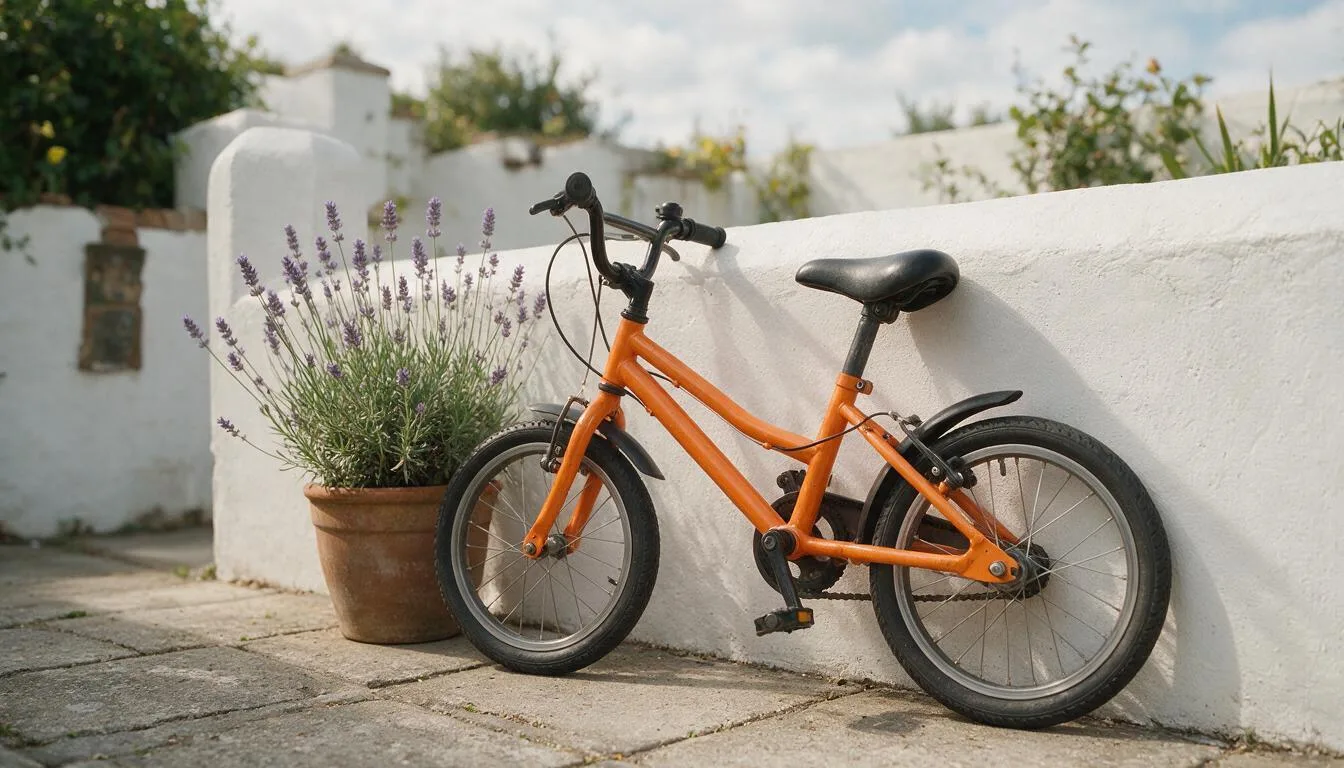
A soft breeze gently moves the lavender flowers while the orange bicycle remains still against the white wall. Slow camera push in, one continuous shot, no cuts. Keep the objects and their colors unchanged. No people, no text, no logos.
This is a different kind of control from a text prompt: the still supplies the arrangement and colors. It does not guarantee that every spoke or leaf stays identical. Compare the original with the final second, especially around thin edges, and reject a take if objects visibly bend or appear unexpectedly.
How should you compare the same prompt across models?
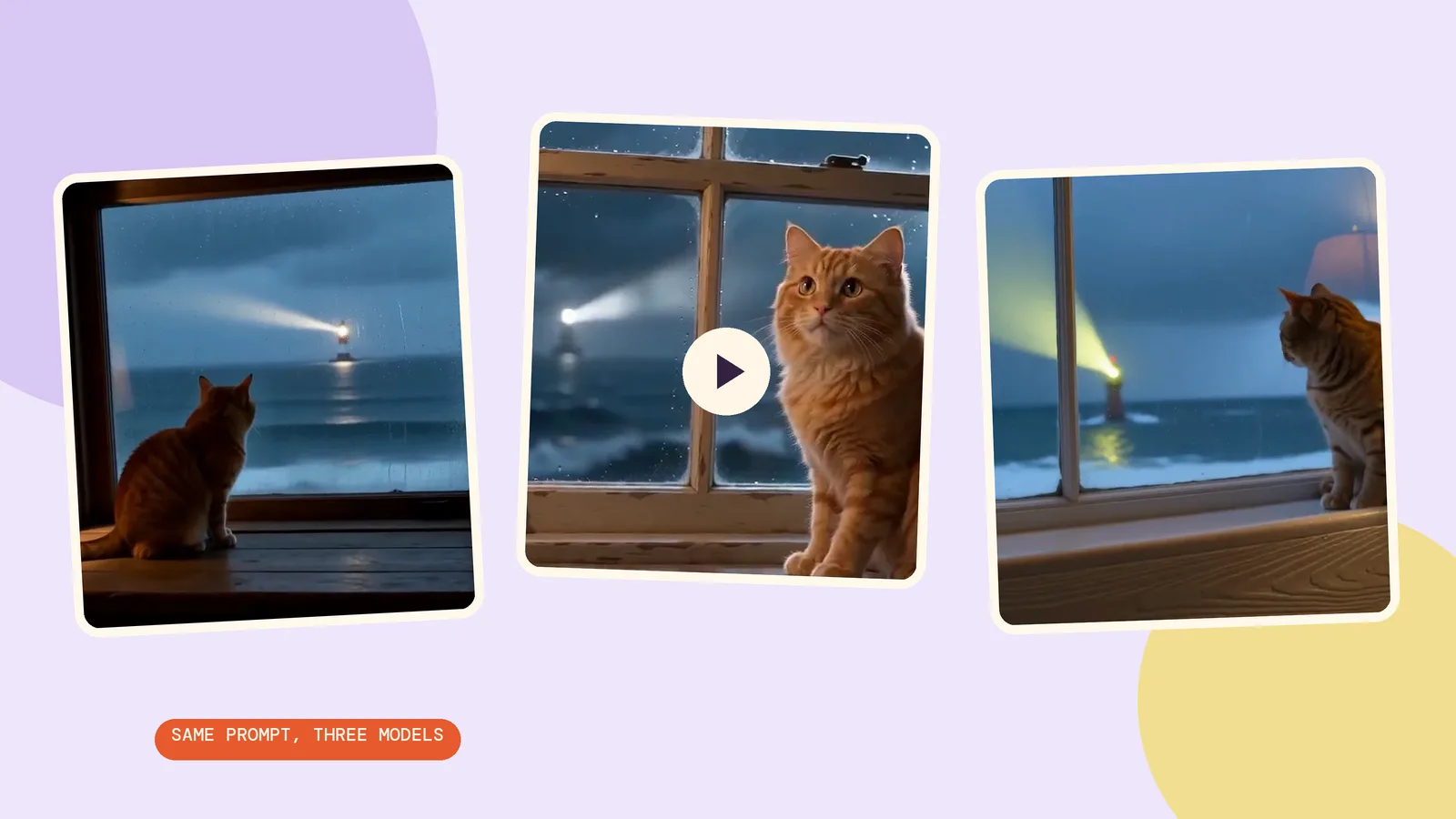
Use the same duration, aspect ratio and sound setting, then compare action, object stability and camera movement. Our three clips are a Kling 3.0 test, not a ranking against models we did not run. A comparison is most useful when you know the specific problem you want to solve, such as keeping the boat's outline steady or avoiding an unwanted cut.
Open model comparisons to explore alternatives before another generation, or return to the video generator to change settings. Check each model's quote independently: settings and billing units can differ even when the prompt text is identical. Change one instruction at a time so you can tell which change helped.
FAQ
Is Kling AI free to use?
Its own interface includes a free usage channel. Check your account for the current allowance and eligible models; we could not verify a universal numerical quota on October 29, 2026. PopNow's Kling generations are paid per run.
How much is Kling AI?
Kling's own membership price depends on the plan and billing terms displayed there. On PopNow, our silent five-second Kling 3.0 text-to-video configuration costs 336 credits. These are separate services and balances.
Can I use Kling 3.0 for free on PopNow?
No. Check the generation quote and your balance before submitting. An offer shown on Kling's own website does not apply to a PopNow run.
Does Kling 3.0 pricing change with sound or resolution?
Yes. The examples here use 720p with Sound off. Turning sound on or selecting a different resolution changes the configuration, so check the updated Generate quote before starting.
Is an image needed for every Kling video?
No. Create Video starts from text, as in the teacup and paper-boat tests. Image to Video needs an opening image, as in the bicycle test; the prompt card gives you the motion instructions, and you supply the image.