You can make AI Christmas cards by uploading a photo, choosing a card scene, and entering a short greeting on PopNow's Christmas creator. Generate one version, check every letter and face, then download the image and crop it to your printer's template. The card scenes create a single illustrated or photographic card front; a folded card still needs an inside and back arranged separately.
A good card needs more than a festive portrait: the message must read clearly, the border must survive trimming, and the picture must fit the final paper. We tested three cards on October 29, 2026, using fictional adults generated for this guide. Each card used the page's Seedream 5.0 Pro engine at HD, 2K, for 72 credits; all three card edits total 216 credits, excluding the source portraits.
How do you turn your photo into a Christmas card?
- Choose a clear source photo. Use your own picture or one you have permission to edit. Keep faces large enough to inspect, evenly lit, and away from the edges. For a family card, start with a group portrait where everyone is visible.
- Choose the card scene. Open Pick a scene, then Cards & fun. Photo card puts the portrait on a cream card with pine and gold accents. Vintage card paints the people into a mid-century winter illustration. The page initially selects By the fireplace, so change the scene before looking for the greeting field.
- Set clothing and shape. Keep mine asks for the original clothing; Festive adds the scene's suggested outfit where applicable. Both card scenes use 3:4. Keep that for the first draft, then check your print template before ordering.
- Write the message. In Card greeting, enter up to 40 characters. Start with something short, such as Merry Christmas, Joy to You, or Peace and Joy. Put instructions about spacing in Add your own touch, rather than adding them to the greeting itself.
- Generate one card. The page defaults to HD, which is 2K; Standard is 1K and costs 36 credits per image. Press Make my Christmas photo. The button keeps that name even when the selected scene makes a card.
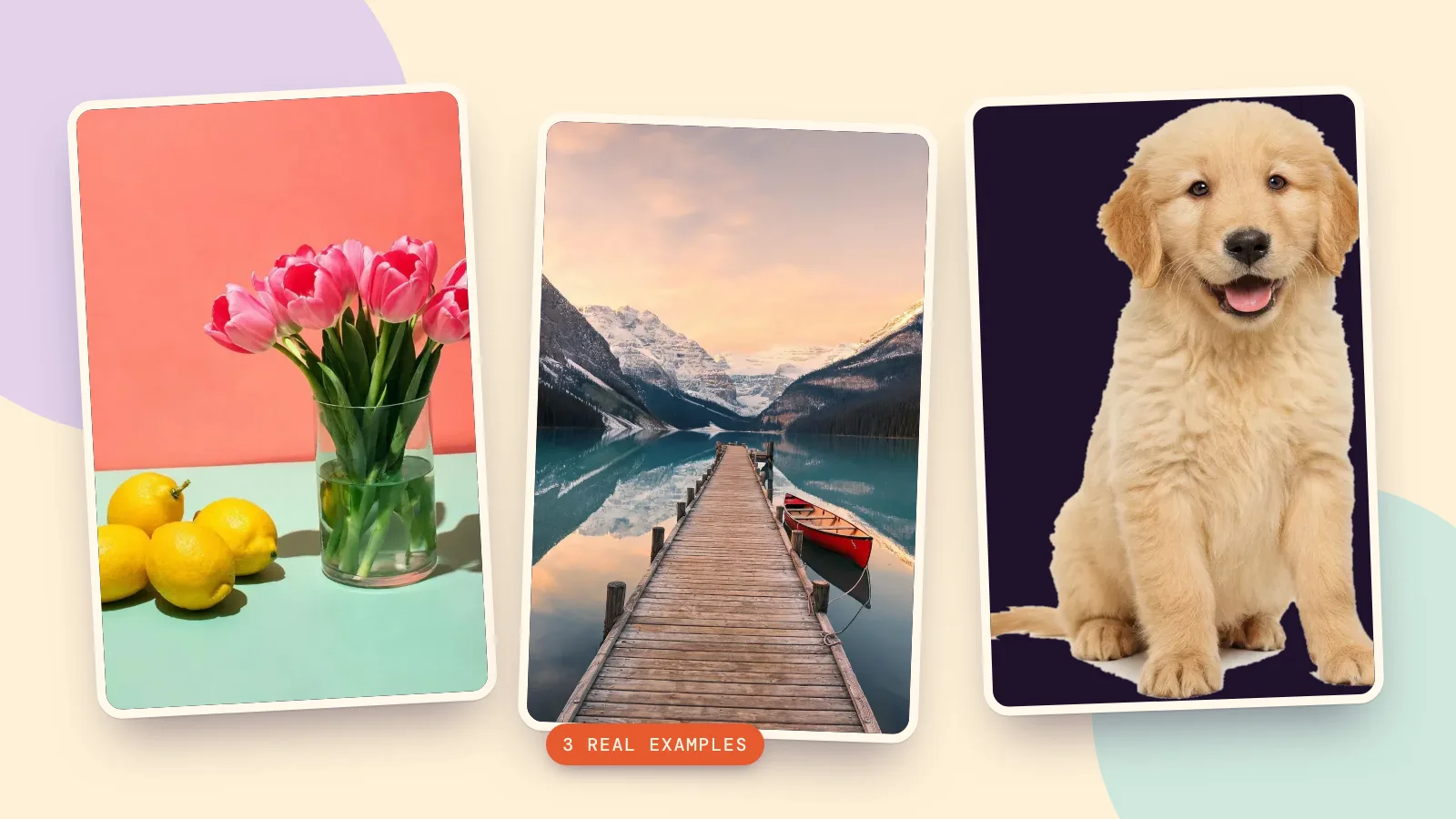
- Proof and save. Read the greeting letter by letter, check glasses and hands, and inspect the border. Download the full generated file for printing; the smaller pictures in this article are web previews.
What do three real AI generated Christmas cards look like?
These are three separate source-to-card edits, with no manual replacement of the lettering. The exact prompts below come from the landing page's card instructions plus our extra spacing request. Each prompt card needs a source photo added before you generate; it cannot supply your portrait for you.
1. How do you make a simple cream photo card?
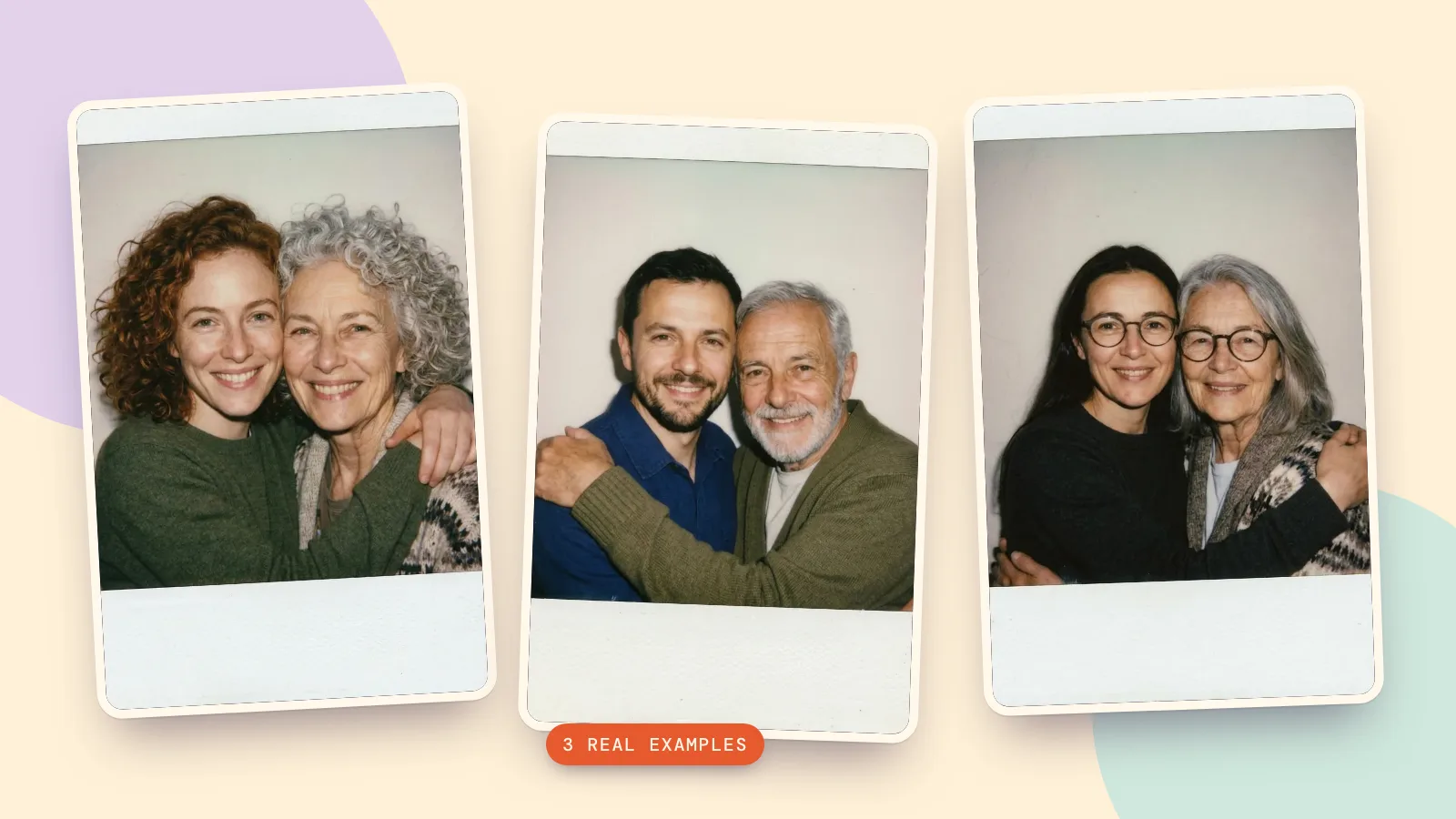
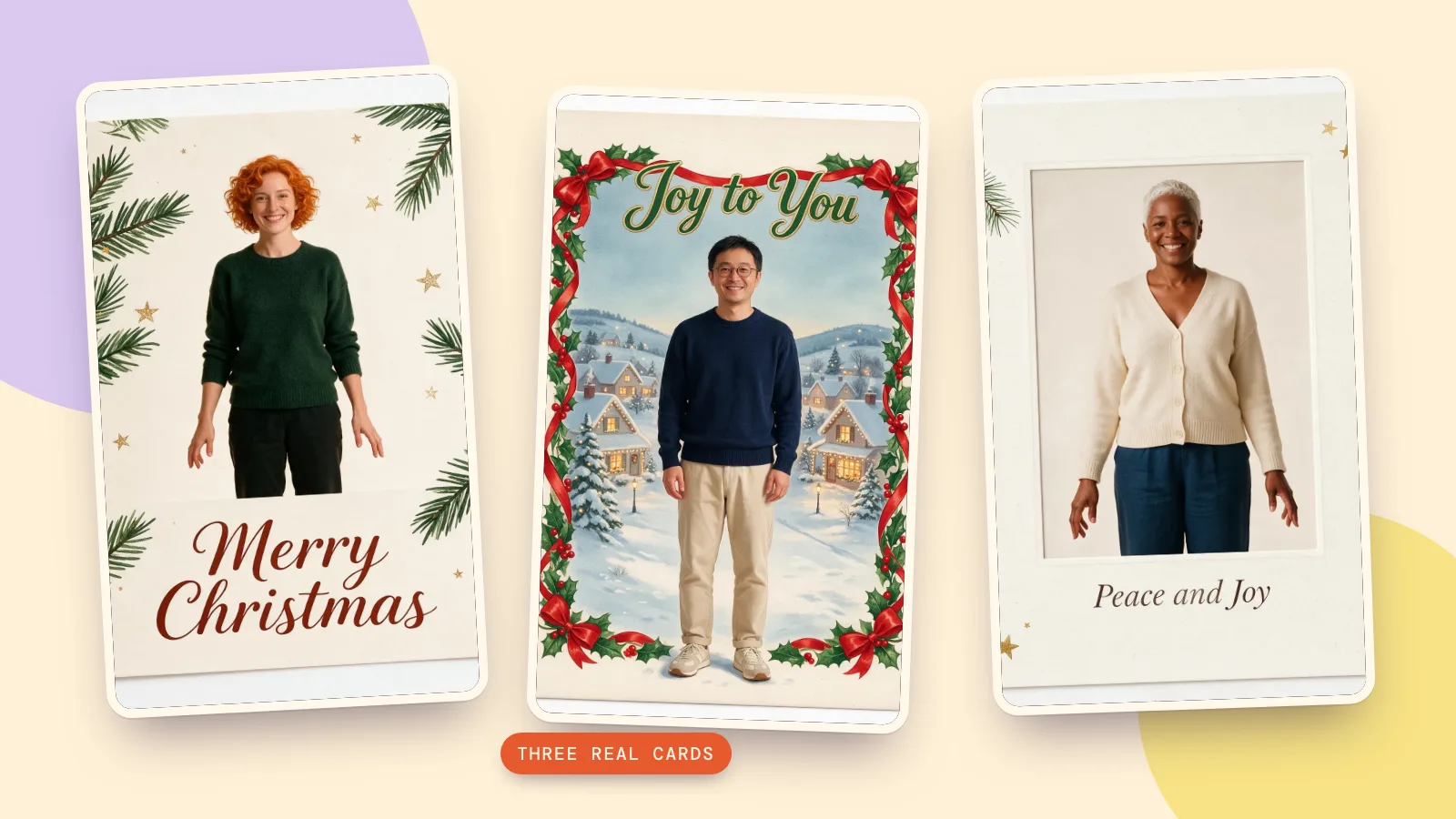
Our first source is a fictional adult with copper curls and a green sweater. We chose Photo card, kept her clothing, and requested Merry Christmas below the portrait. A short two-word greeting leaves room for a readable message without squeezing the picture into a corner.
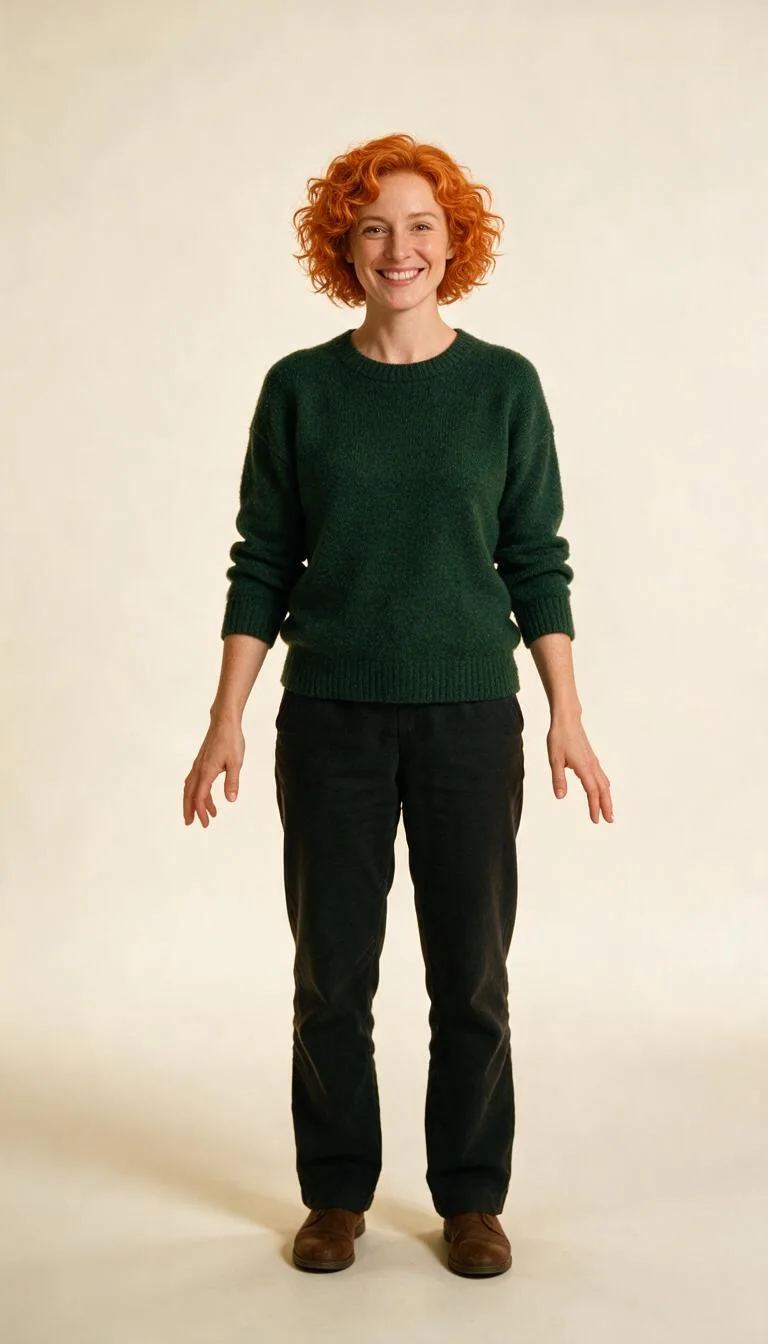 Source portrait
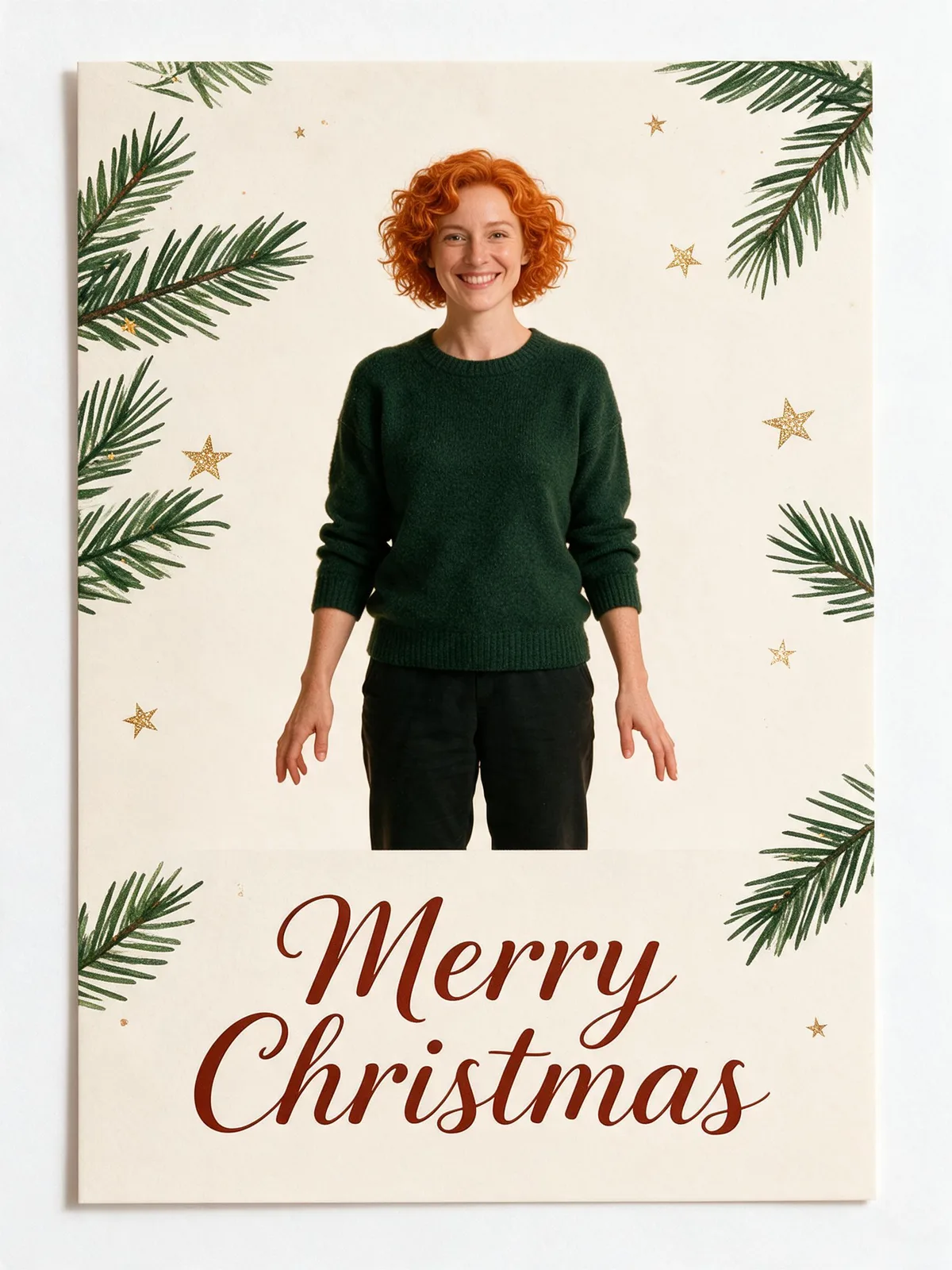 Photo card
Turn this photo into a bright, warm Christmas photo: place the people from the photo in a modern holiday photo card: the photo framed on a cream card with a hand-drawn pine branch, a few gold stars and plenty of clean space, like a printed greeting card. Keep their own clothes exactly as in the photo. Also: keep the greeting centered below the portrait with generous margins; no logos. Add the greeting "Merry Christmas" in elegant festive lettering, spelled exactly as written, and no other text. Keep every person exactly the same: same face and features, skin tone, hairstyle, glasses and age, with a natural, happy expression. Festive, joyful and well lit.
2. How do you make a painted vintage card?
The second source is a fictional adult wearing round glasses. We selected Vintage card with Festive clothing and the greeting Joy to You. The result combines a nearly photographic portrait with a painted snowy village and ribbon border. It kept the navy sweater despite the request for vintage clothing, so treat the outfit instruction as a request to check rather than a guaranteed change.
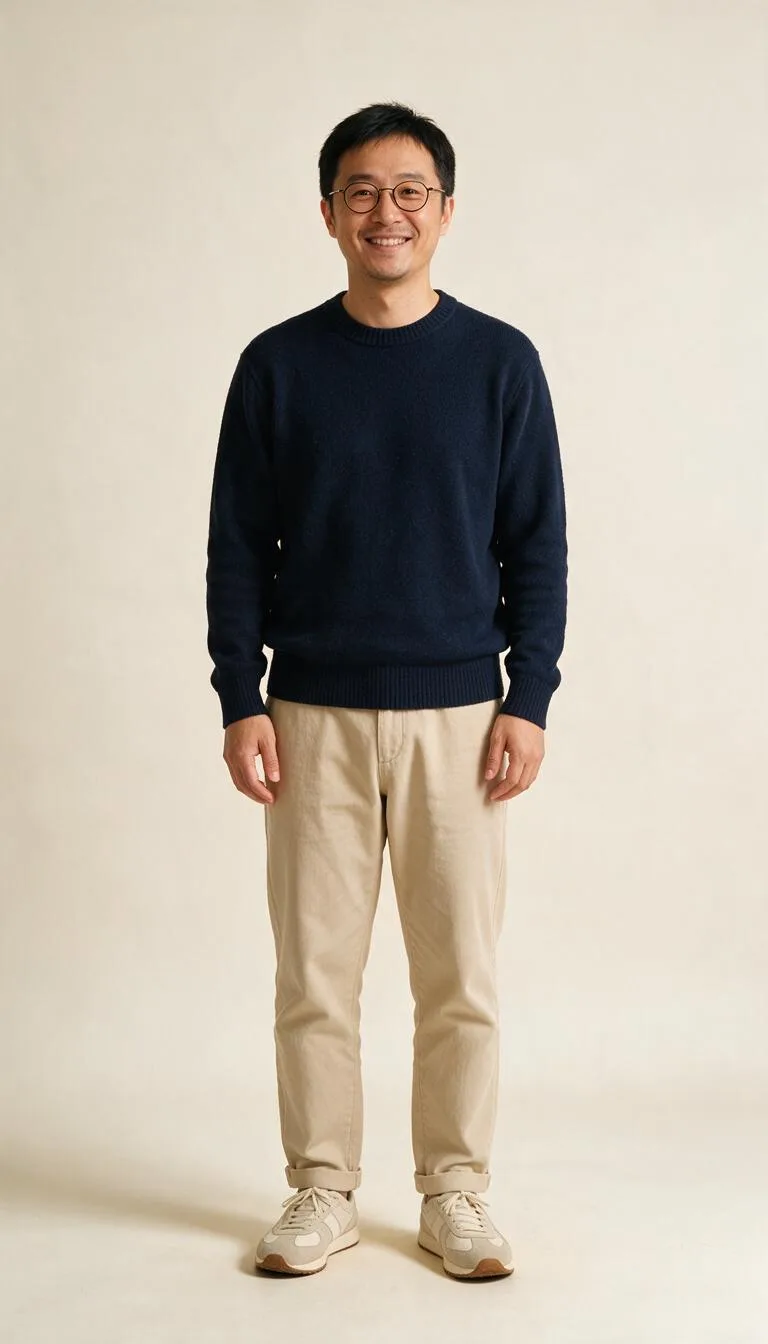 Source portrait
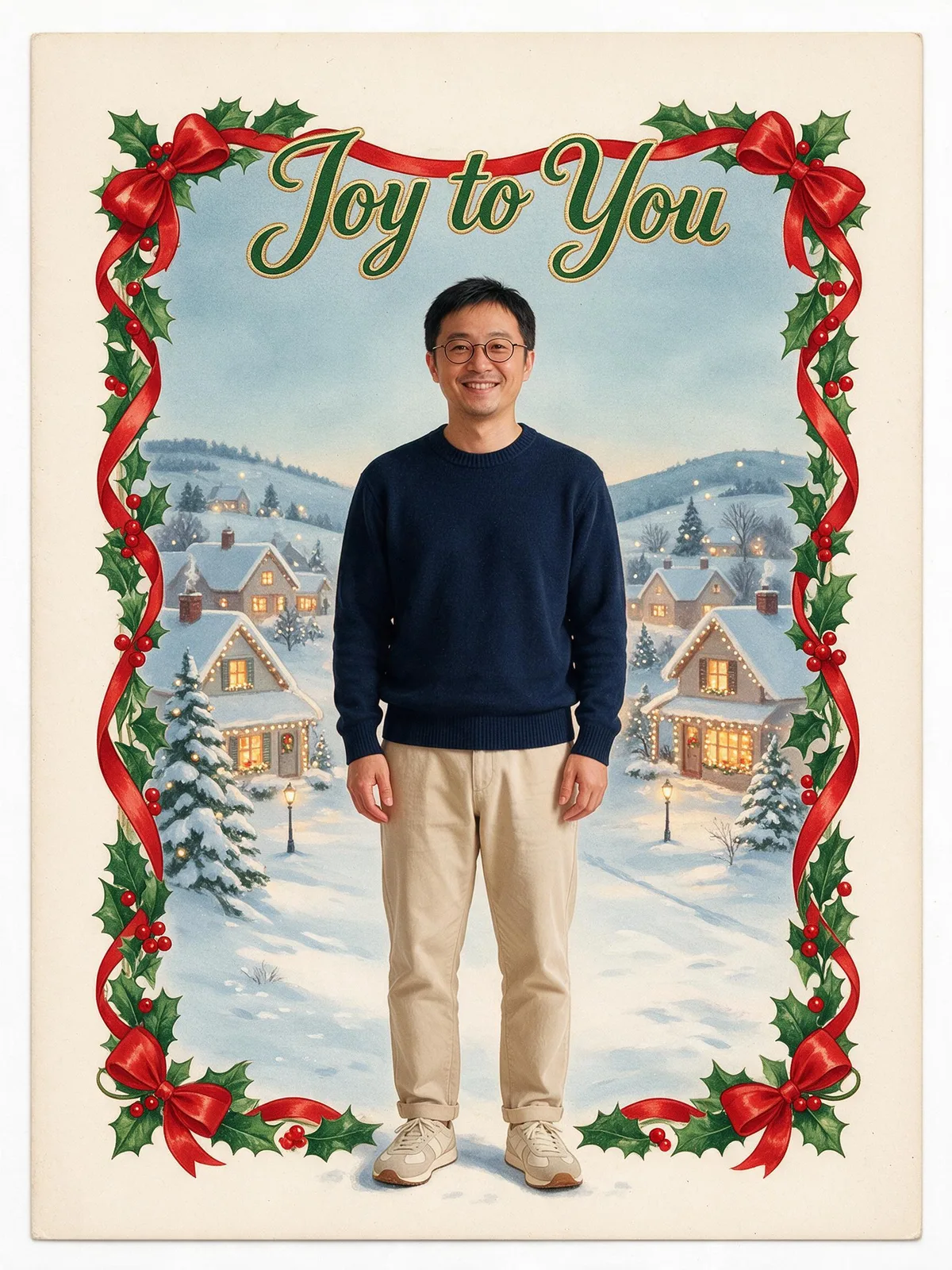 Vintage card
Turn this photo into a bright, warm Christmas photo: place the people from the photo in a vintage 1950s illustrated Christmas greeting card: painted in a nostalgic mid-century gouache style with a snowy village, holly and a red ribbon border, the people shown as charming painted portraits in the middle. Dress them in cozy vintage winter clothes. Also: leave a wide cream border around the greeting; no logos. Add the greeting "Joy to You" in elegant festive lettering, spelled exactly as written, and no other text. Keep every person exactly the same: same face and features, skin tone, hairstyle, glasses and age, with a natural, happy expression. Festive, joyful and well lit.
3. How do you make a card with a quieter greeting?
Our third fictional adult has short silver hair and a cream cardigan. Photo card with Peace and Joy makes a useful alternative when you want a warm message without a long personal sign-off. Compare the portrait and lettering as separate parts of the proof: a good face does not automatically mean the text is correct.
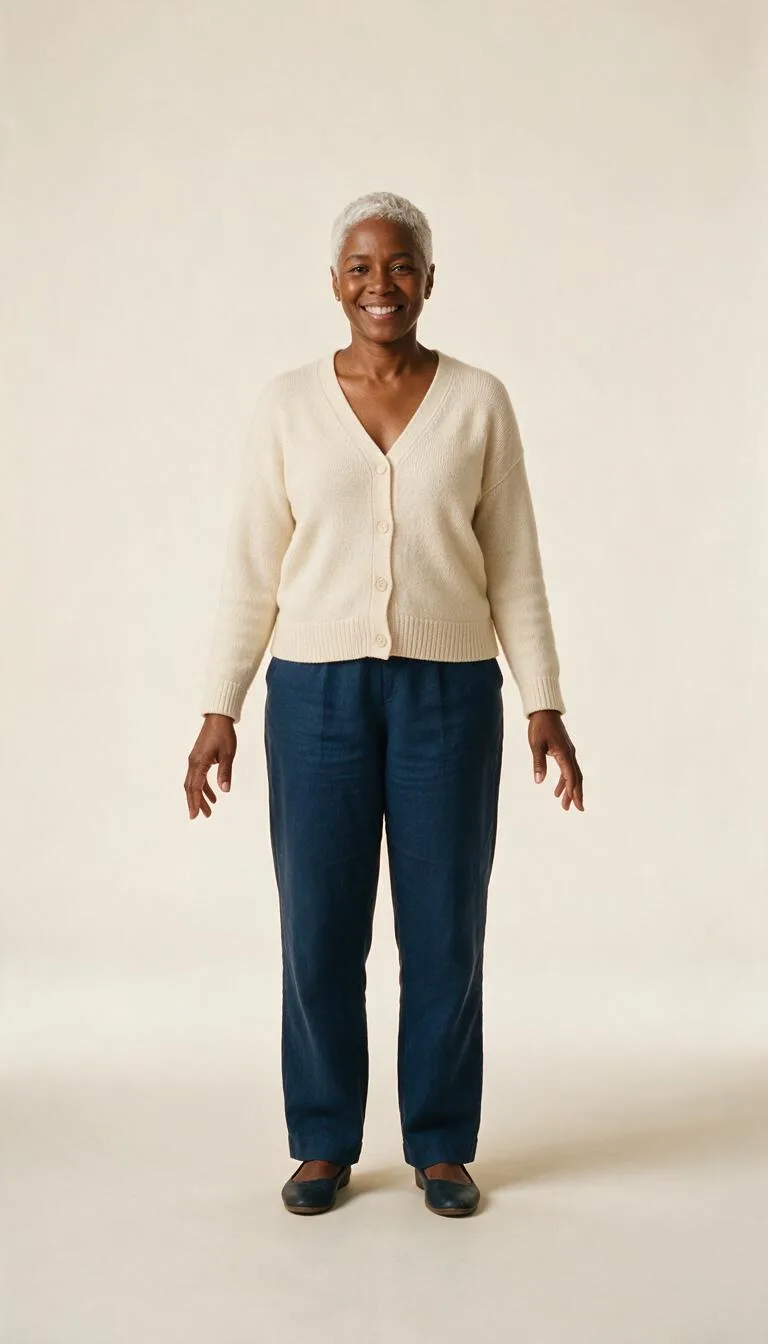 Source portrait
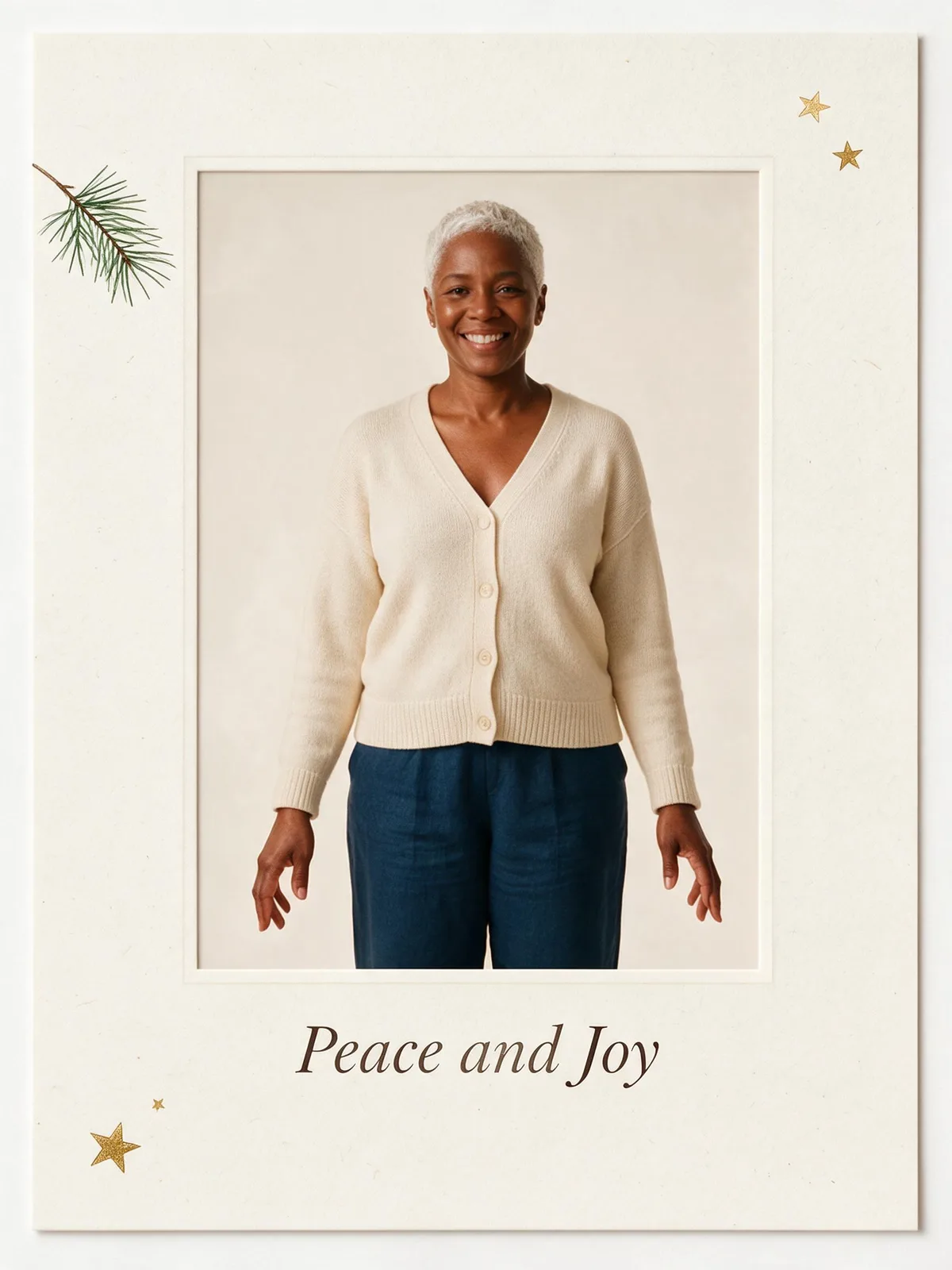 Photo card
Turn this photo into a bright, warm Christmas photo: place the people from the photo in a modern holiday photo card: the photo framed on a cream card with a hand-drawn pine branch, a few gold stars and plenty of clean space, like a printed greeting card. Keep their own clothes exactly as in the photo. Also: use a simple centered portrait with the greeting below; no logos. Add the greeting "Peace and Joy" in elegant festive lettering, spelled exactly as written, and no other text. Keep every person exactly the same: same face and features, skin tone, hairstyle, glasses and age, with a natural, happy expression. Festive, joyful and well lit.
How do you prepare the card for printing?
- Ask for the printer's template first. Confirm the finished size, the trim line, and whether extra image area is required beyond that line. Keep faces and the entire greeting inside the safe area the printer marks.
- Match the crop. A 3:4 image is close to a portrait card but differs from 5:7 and 2:3. A centered crop can remove decoration or letters; move the crop to protect the message rather than stretching the image.
- Check the original pixel dimensions. At 300 pixels per inch, a 5 by 7 inch card needs 1500 by 2100 pixels, and a 4 by 6 inch card needs 1200 by 1800. Compare those numbers with the downloaded file after cropping. A 2K label alone does not guarantee every print size.
- Order or print one proof. View it at the intended size. Check that fine gold details remain visible and that the text reads without zooming. For a folded card, put this image on the front panel and add the inside message in your layout application.
For more portrait ideas before making the card, see our Christmas photoshoot guide. When the occasion changes, the New Year card maker gives you a separate seasonal starting point.
How should you compare the same prompt across models?
These samples test Seedream 5.0 Pro only. If you explore different models, keep the source portrait, greeting and framing request the same, then compare the spelling, likeness and border spacing. Changing the model and the greeting at once makes it harder to tell what improved. A model that draws attractive pine branches can still need another pass on a name.
FAQ
Can I use a ChatGPT Christmas card prompt on PopNow?
You can adapt a written card description by keeping its scene, style and exact greeting together, then adding it to an image-editing workflow with your photo. On this page, use the built-in card scene and put a small extra request in Add your own touch. The prompt cards show our actual Seedream instructions; they are not a test of ChatGPT or a guarantee that another model will match these results.
Is there an AI Christmas card generator free of charge?
PopNow's card generation uses credits. HD costs 72 credits per card and Standard costs 36 credits. Check the price on the button before generating, and start with one version while deciding on the layout.
Can AI generated Christmas cards include my own greeting?
Yes. Photo card and Vintage card have a Card greeting field with a 40-character limit. Short messages are easier to inspect than several lines of text. Check each letter, punctuation mark and name in the image before sharing or printing.
Can I make a Christmas card from a family photo?
Yes. Start with a clear group photo and use a card scene. Every additional person means another face to inspect, so avoid tiny faces in a wide shot. All people shown in our samples are fictional adults; for your card, use photos you have permission to edit.
Can I change the text without generating again?
The generated greeting is part of the image, rather than a separate editable text layer in the Christmas tool. If you need precise typography or a longer message, create the portrait artwork and place your final text in a layout application. Keep the downloaded original and inspect the exported print file again.