


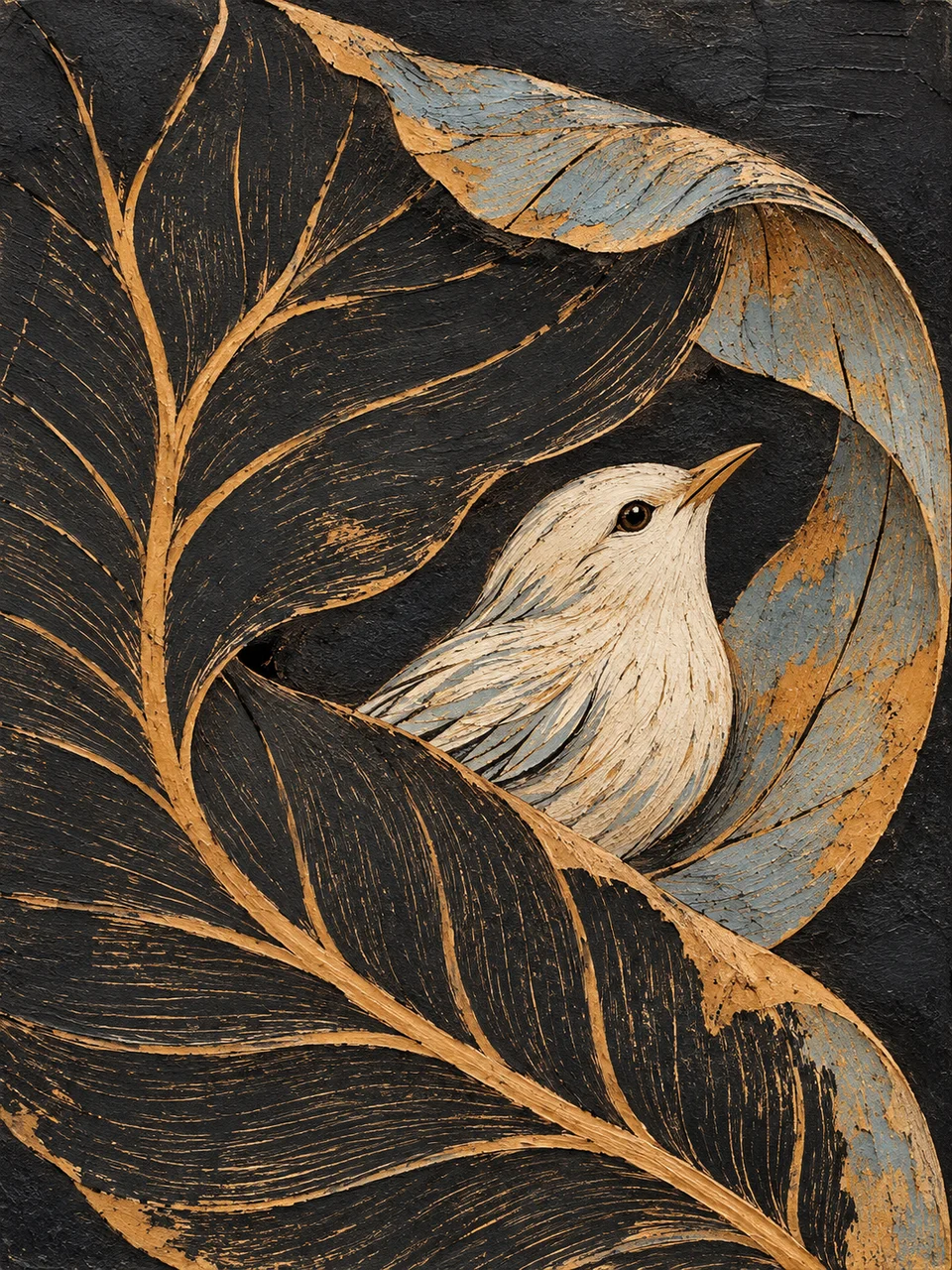
Sgraffito AI Art Generator: Sgraffito Panel
Scratched contours reveal the color beneath the surface.
- From a description only
- Best shape: 3:4 · 4:5 · 1:1
Works on
- Seedream 5.0 Pro
- Qwen Image 3.0
- Nano Banana 2.1
- Seedream 5.0 Flash
About Sgraffito Panel
Sgraffito Panel treats drawing as the removal of a surface layer. In sgraffito, scratches reveal a contrasting layer underneath; the marks can describe both an edge and the physical act of cutting through material. Here a dark upper paint layer opens onto warm ochre and pale blue. Broad unbroken patches give the incisions room, making the result feel like a worked panel rather than a photograph covered in distressed texture.
A heron among reeds, a hillside village and a curled fish all provide directional forms for the scratches to follow. A tree with a few spreading branches can work especially well when dark gaps remain between limbs. Describe the subject's main contour and the areas that should stay solid. You build the image from a written description, with exposed color carrying the drawing instead of fine photographic detail.
Try “a heron among reeds scratched through dark paint to ochre and pale blue” or “a hillside village with broad dark roofs and incised paths.” A simpler subject is “a curled fish with a few directional scale marks.” Longer scratches make stems, feathers and branches feel more energetic; shorter grouped cuts bring attention to texture. Leaving a large untouched region gives either treatment a calmer and more legible surrounding field.
Tips
- Choose forms with a clear directional flow so scratches describe structure instead of random surface wear.
- Reserve a substantial dark area to balance the lighter lines exposed by the cuts.
- Let ochre and pale blue appear in different regions when you want the lower layers to feel distinct.
- Simplify feathers, scales or roof tiles into grouped incisions rather than covering every area with marks.
- Use a panel-like composition with a clear focal contour and enough blank dark space around it.
What the style adds
Your words go where it says “your subject”. Everything else is added for you.
your subject. Build a sgraffito image by scratching through a dark upper paint layer to reveal warm ochre and pale blue beneath. Keep exposed marks directional, varied and physically incised. Let broad unbroken areas balance the scratchwork; avoid noisy all-over distress or photographic detail.
Models and price
- Seedream 5.0 Pro36 credits
- Qwen Image 3.030 credits
- Nano Banana 2.148 credits
- Seedream 5.0 Flash29 credits
One 1K image from a description. The button always shows the exact price before you spend anything.
How to use Sgraffito Panel
- Describe itWrite who or what should be in the picture. A small action and a clear place work best.
- Pick a shapeKeep the suggested ratio and model, or change them in the bar at the bottom.
- Paint itPress “Paint it”. The price is on the button before you spend anything.
Questions about Sgraffito Panel
Can I use Sgraffito Panel on my own photo?
Not yet. This style works from a description: write what you want to see and the style adds the look.
How much does one Sgraffito Panel image cost?
29 credits for one 1K image on Seedream 5.0 Flash. 2K costs more, and the button shows the exact price before you run it.
Will it look like an old damaged photograph?
The scratches should construct the subject by revealing color beneath paint. Describe deliberate contours and directional cuts so the marks feel purposeful, rather than like damage scattered over an otherwise photographic image.
How does it differ from Drypoint Burr?
Drypoint Burr depicts ink held along scratched plate lines, producing soft dark contours on paper. Sgraffito Panel opens lighter colored layers beneath a dark coating, so the scratches themselves carry the exposed color.
Can I make a finely detailed portrait?
A simplified portrait with a strong profile is a better fit than tiny facial detail. Use a few major planes and clear hair direction so the scratched marks explain the head without becoming a noisy field.
Similar styles
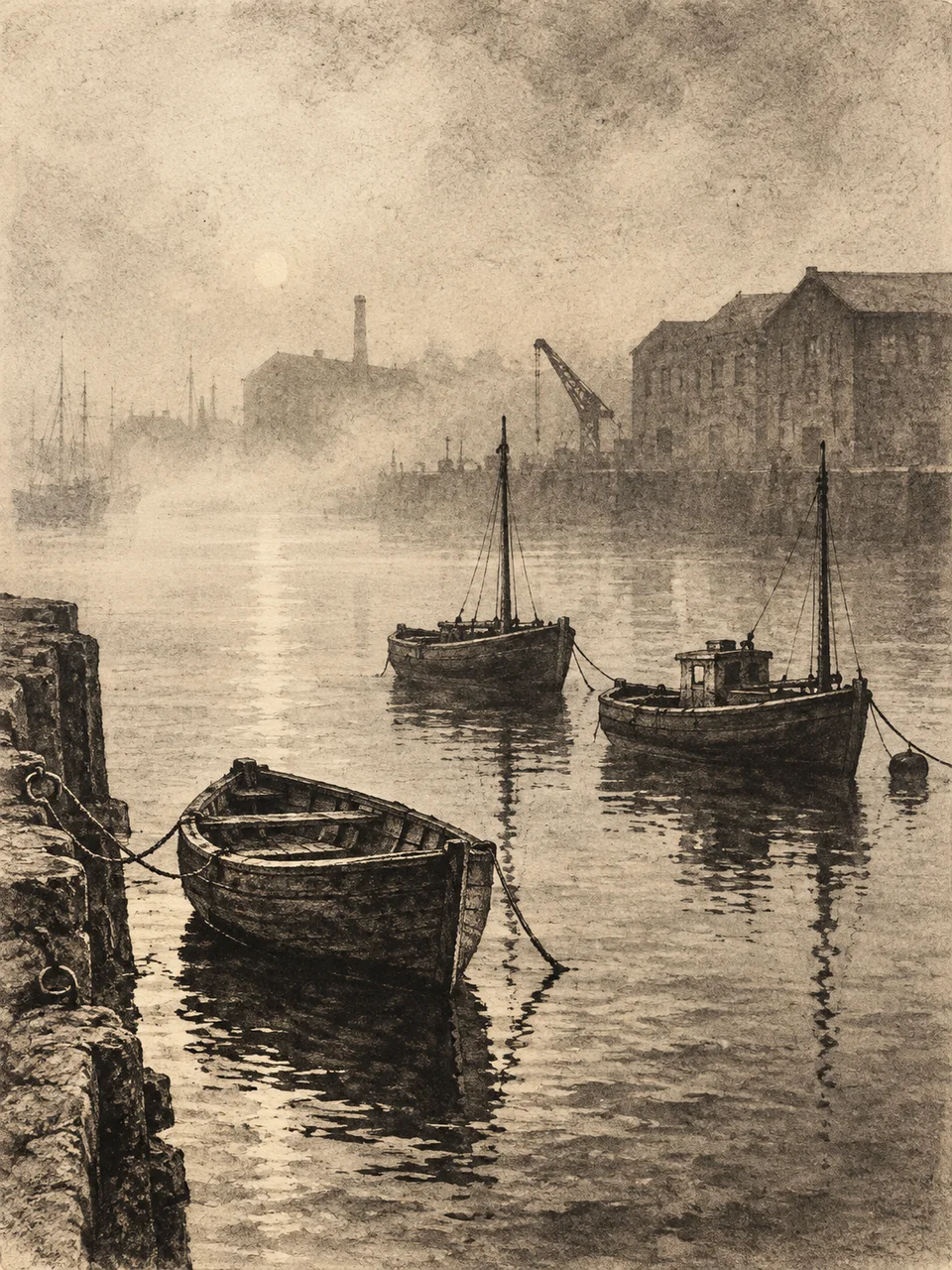 Aquatint Atmosphere
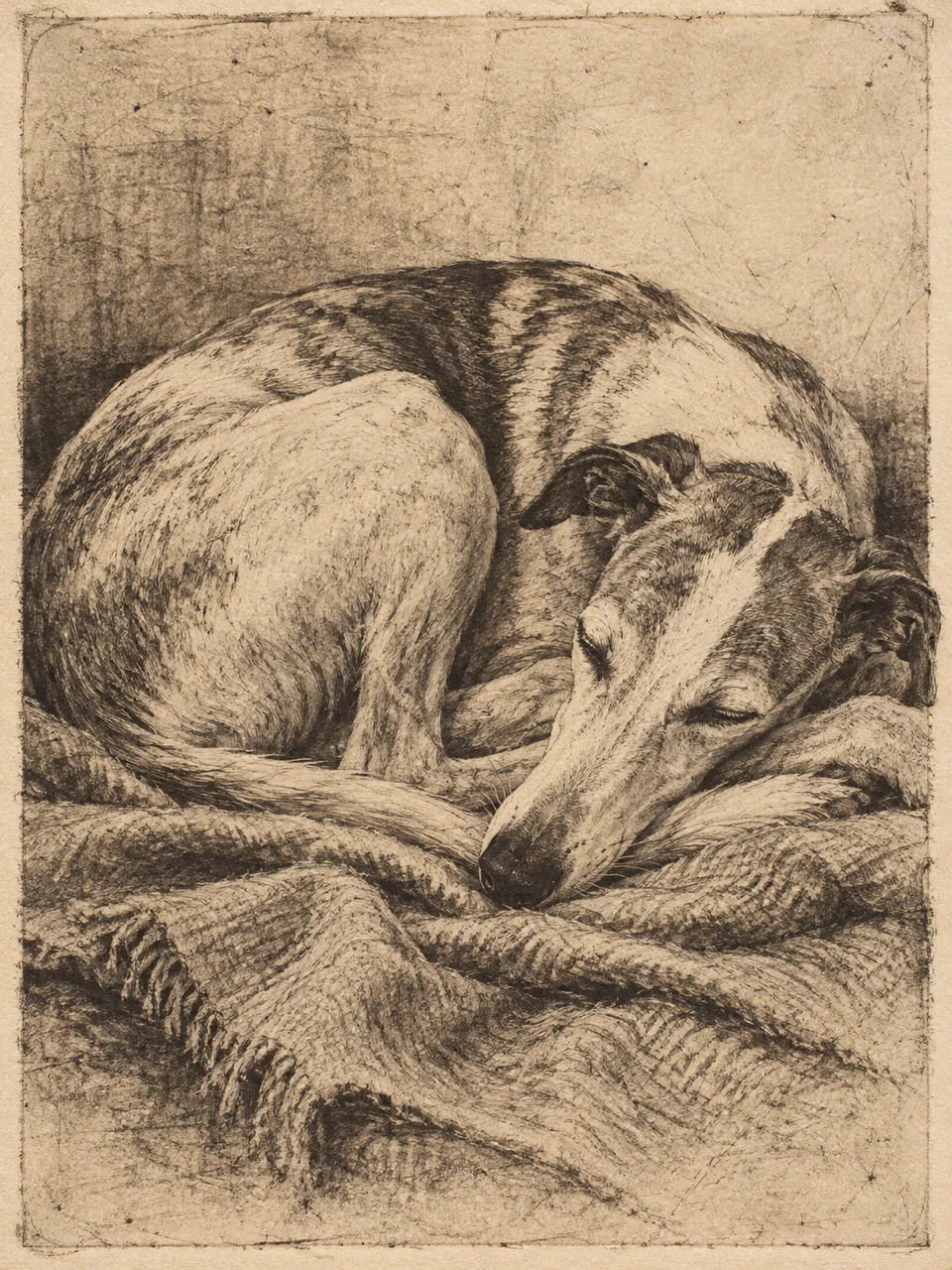 Drypoint Burr
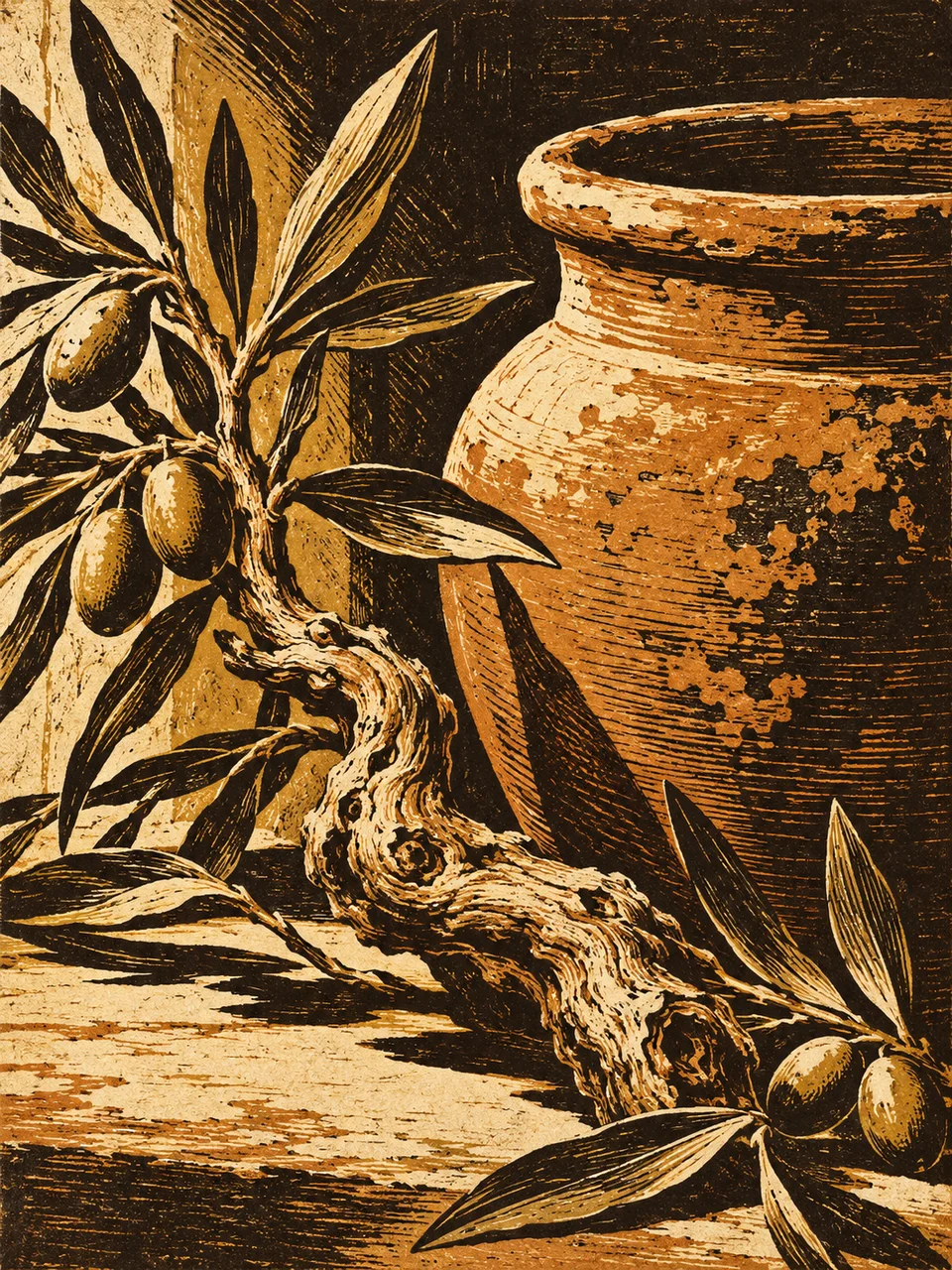 Chiaroscuro Woodcut
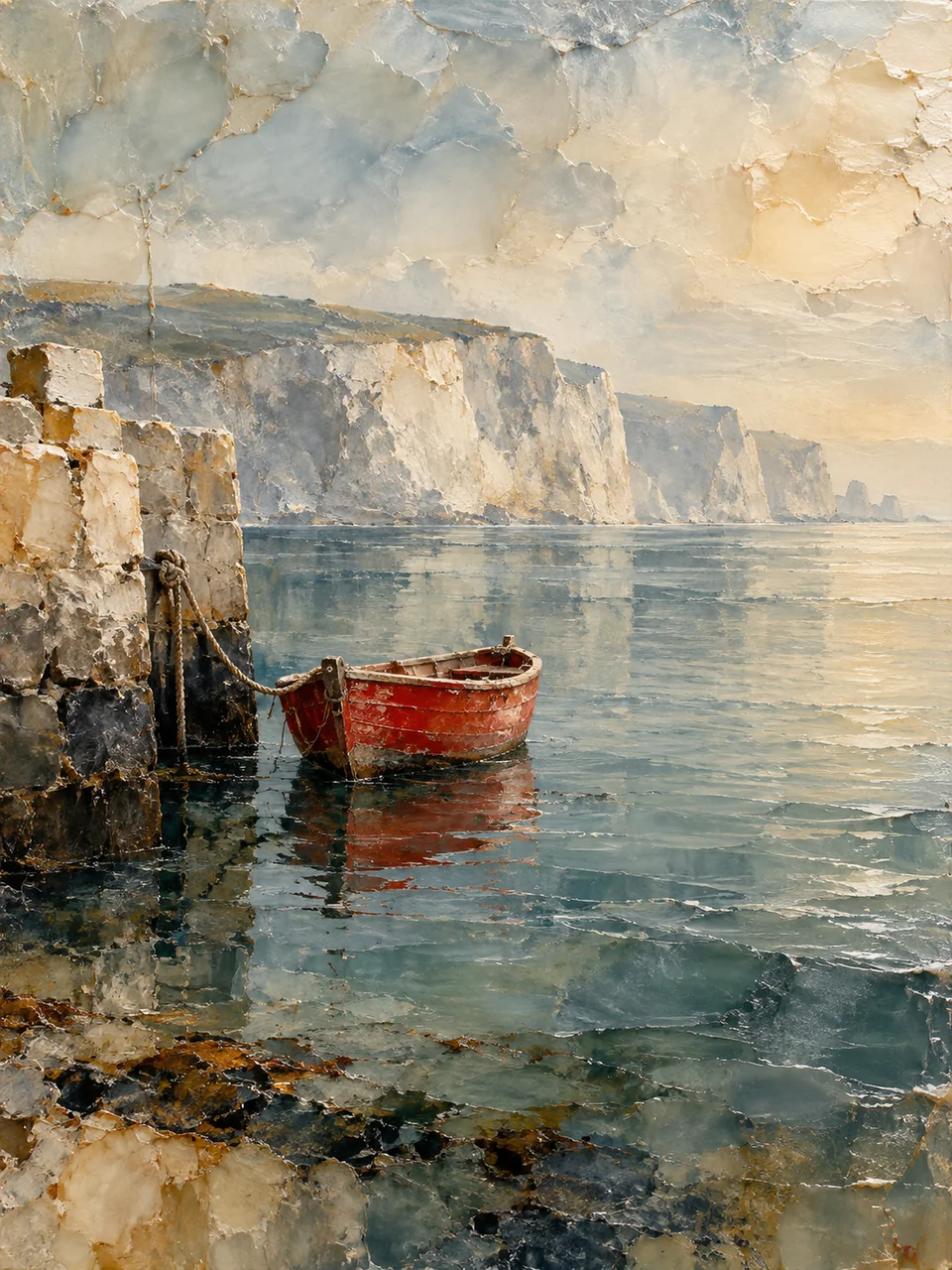 Encaustic Memory
Bring it to life
Effects that turn a still in this look into a short video.
 Slow Push-In
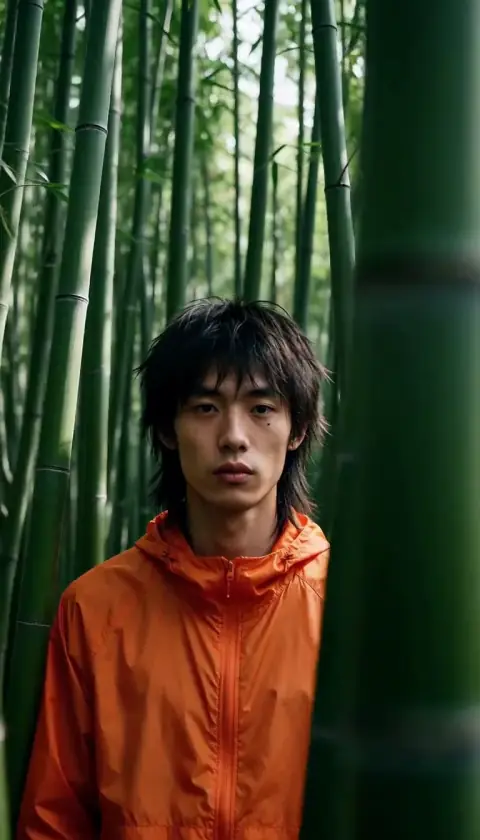 Slider Parallax