


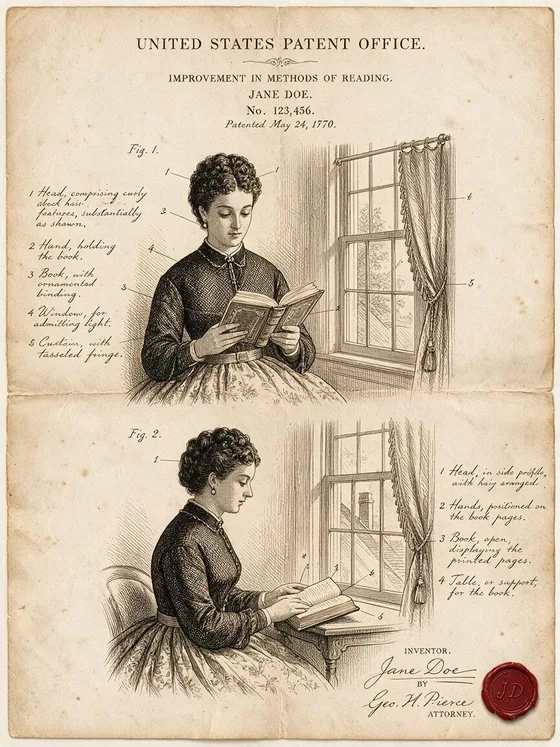

Patent Drawing
A vintage patent sheet with Fig. 1 and ink notes.
- Works on your own photo
- Best shape: 3:4 · 4:3
Works on
- Seedream 5.0 Pro
- Qwen Image 3.0
- Nano Banana 2.1
- Seedream 5.0 Flash
What the style adds
Your words go where it says “your subject”. Everything else is added for you.
your subject, drawn as a vintage 19th-century patent document: precise black ink technical illustration with numbered callouts, front and side views marked Fig. 1 and Fig. 2, fine cross-hatching, handwritten fountain-pen notes in the margins, aged yellowed paper with fold creases, a small red wax seal in the corner
Models and price
- Seedream 5.0 Pro36 credits
- Qwen Image 3.030 credits
- Nano Banana 2.148 credits
- Seedream 5.0 Flash29 credits
One 1K image from a description. The button always shows the exact price before you spend anything.
How to use Patent Drawing
- Describe itWrite who or what should be in the picture. A small action and a clear place work best. Or switch to “My photo” and drop in a picture you have the right to use.
- Pick a shapeKeep the suggested ratio and model, or change them in the bar at the bottom.
- Paint itPress “Paint it”. The price is on the button before you spend anything.
Questions about Patent Drawing
Can I use Patent Drawing on my own photo?
Yes. Switch to “My photo” at the bottom, drop in a picture you have the right to use, and the style redraws it while keeping the composition and pose.
How much does one Patent Drawing image cost?
29 credits for one 1K image on Seedream 5.0 Flash. 2K costs more, and the button shows the exact price before you run it.
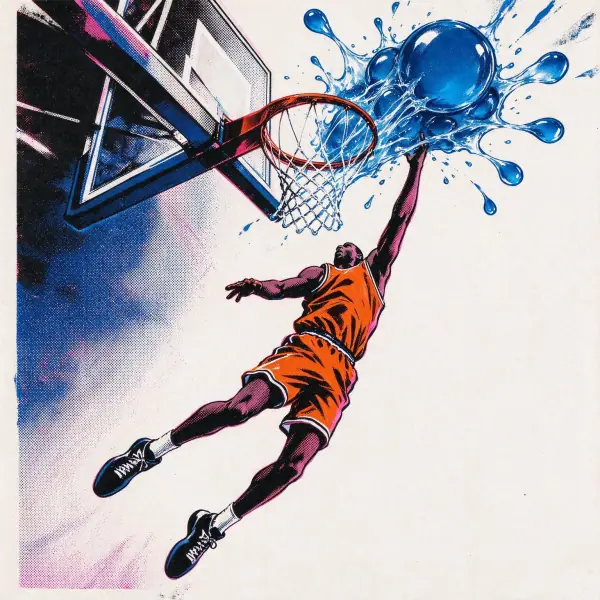 Pop Art
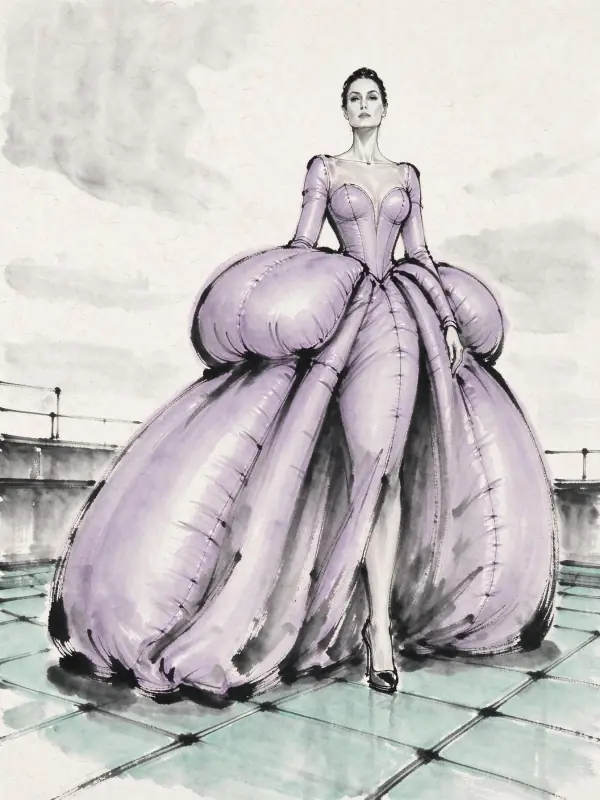 Ink Wash
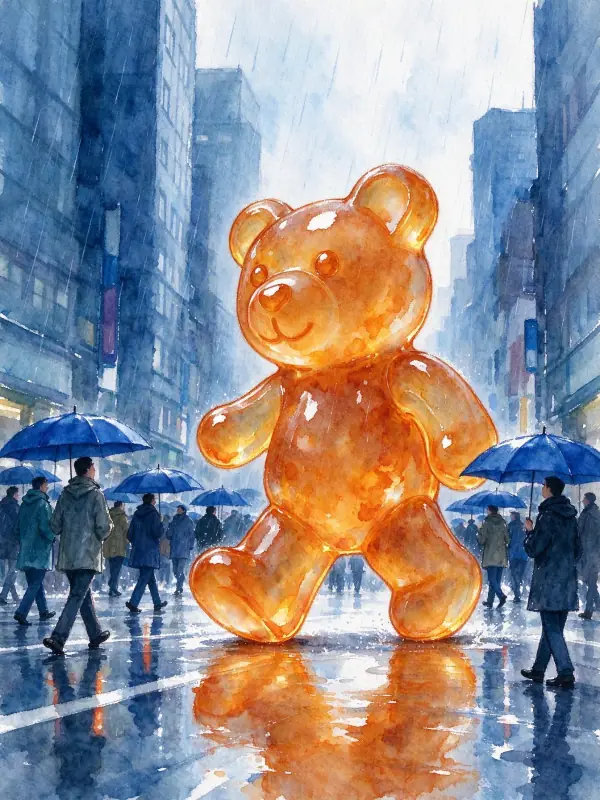 Watercolor
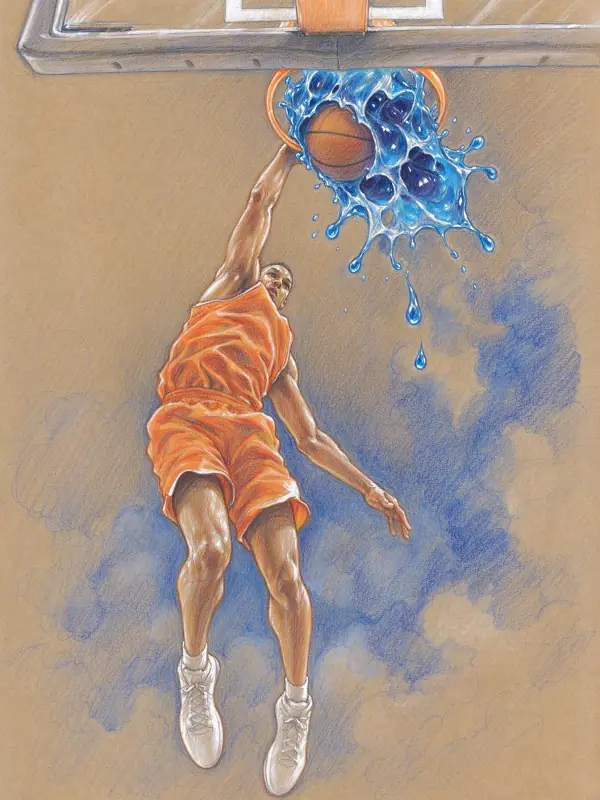 Colored Pencil