


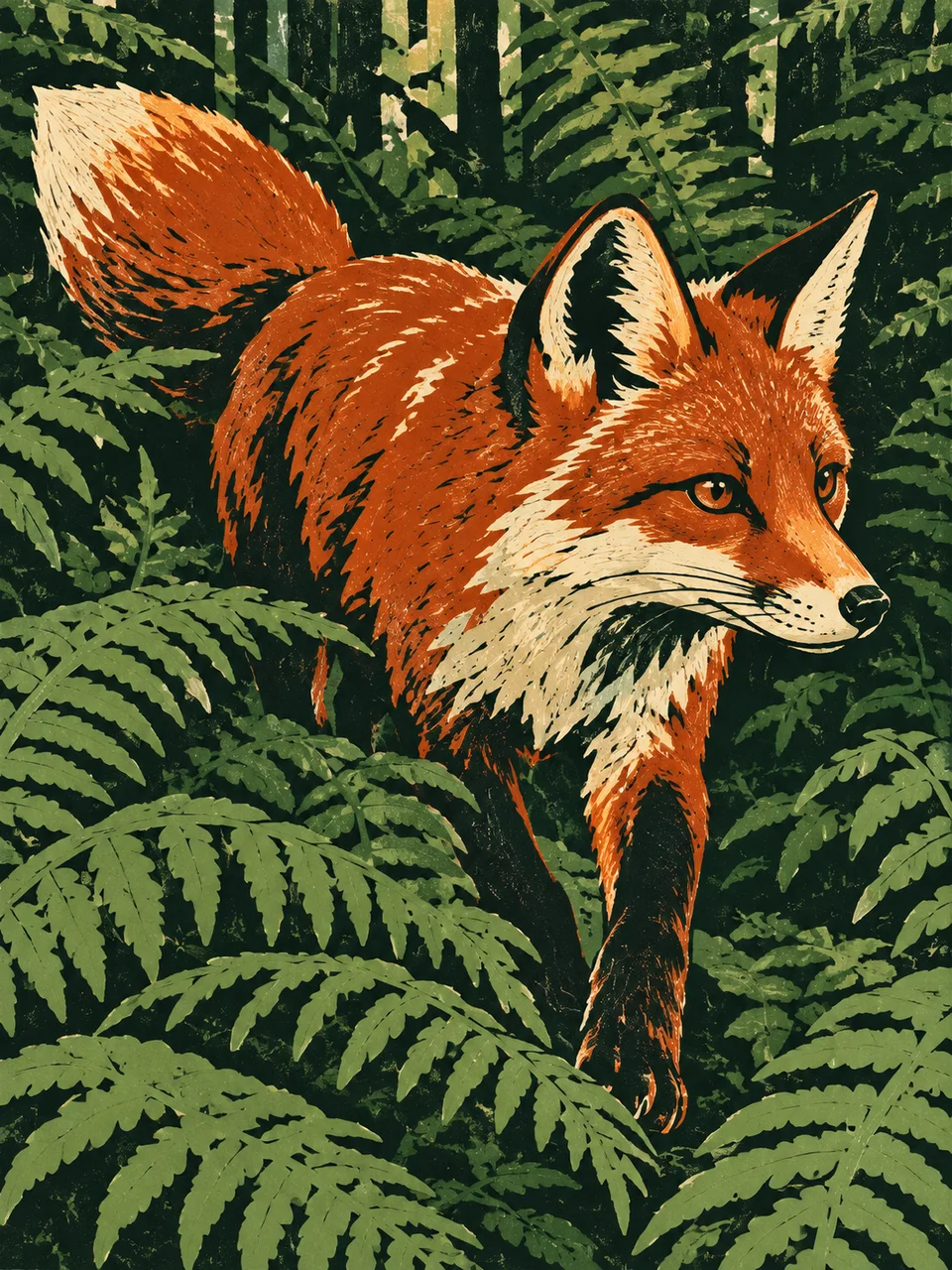
Linocut AI Art Generator: Reduction Linocut
A few carved color layers build bold, economical form.
- From a description only
- Best shape: 3:4 · 4:5 · 1:1
Works on
- Seedream 5.0 Pro
- Qwen Image 3.0
- Nano Banana 2.1
- Seedream 5.0 Flash
About Reduction Linocut
Reduction Linocut builds a scene from a few decisive printed color planes. In the traditional process, one block is progressively carved between printings, preserving different parts for successive colors. This look echoes the economical shapes and close registration of that method. Four opaque layers form the image, with small gouge marks and uneven ink coverage keeping the result tactile. Volume comes from connected shapes rather than smoothly blended shading.
A fox among reeds, a seaside cottage, a bowl of oranges and a cyclist climbing a hill all offer clear silhouettes. Look for subjects that stay readable when reduced to several large color areas. Describe the dominant shape, surrounding negative spaces and a compact palette. This page works from a written description, rebuilding the scene as carved planes instead of applying printed texture to an existing photograph.
Try “a fox standing among tall reeds in rust, cream, blue and dark brown” or “a seaside cottage above a curved path with four bold ink colors.” Another subject is “a bowl of oranges beside a striped cloth.” Larger foreground shapes make gouge marks easier to see; a more distant view compresses small features, so simplify windows, leaves and other details that would compete with the main silhouette.
Tips
- Limit the palette to four clearly separated colors that can serve distinct parts of the composition.
- Describe open gaps between branches, legs or buildings so the negative shapes remain intentional.
- Use a bold outer silhouette before adding any small carved surface marks.
- Let one dark layer anchor the forms while lighter layers describe their planes and surrounding space.
- Keep tiny lettering and intricate ornaments out of the subject to preserve the carved economy.
What the style adds
Your words go where it says “your subject”. Everything else is added for you.
your subject. Create a reduction linocut using four carefully registered opaque ink layers. Preserve carved gouge marks, irregular ink coverage and interlocking negative shapes. Build volume from cut color planes rather than gradients. Use a confident focal silhouette with no lettering, logos or fake artist marks.
Models and price
- Seedream 5.0 Pro36 credits
- Qwen Image 3.030 credits
- Nano Banana 2.148 credits
- Seedream 5.0 Flash29 credits
One 1K image from a description. The button always shows the exact price before you spend anything.
How to use Reduction Linocut
- Describe itWrite who or what should be in the picture. A small action and a clear place work best.
- Pick a shapeKeep the suggested ratio and model, or change them in the bar at the bottom.
- Paint itPress “Paint it”. The price is on the button before you spend anything.
Questions about Reduction Linocut
Can I use Reduction Linocut on my own photo?
Not yet. This style works from a description: write what you want to see and the style adds the look.
How much does one Reduction Linocut image cost?
29 credits for one 1K image on Seedream 5.0 Flash. 2K costs more, and the button shows the exact price before you run it.
Will the colors blend like paint?
The style favors separate opaque areas with clear boundaries. Some layers may overlap visually, but the main effect comes from interlocking color shapes rather than a broad range of blended shades.
How is Reduction Linocut different from Chiaroscuro Woodcut?
Reduction Linocut emphasizes a compact set of bold colored shapes and economical cuts. Chiaroscuro Woodcut uses a more unified tonal family to build sculptural light and shade through multiple carved layers.
Can I use it for an animal portrait?
Yes. A clear profile or three-quarter head works well, especially when ears and muzzle form a strong outline. Describe large fur markings instead of individual hairs so the face stays readable in cut planes.
Similar styles
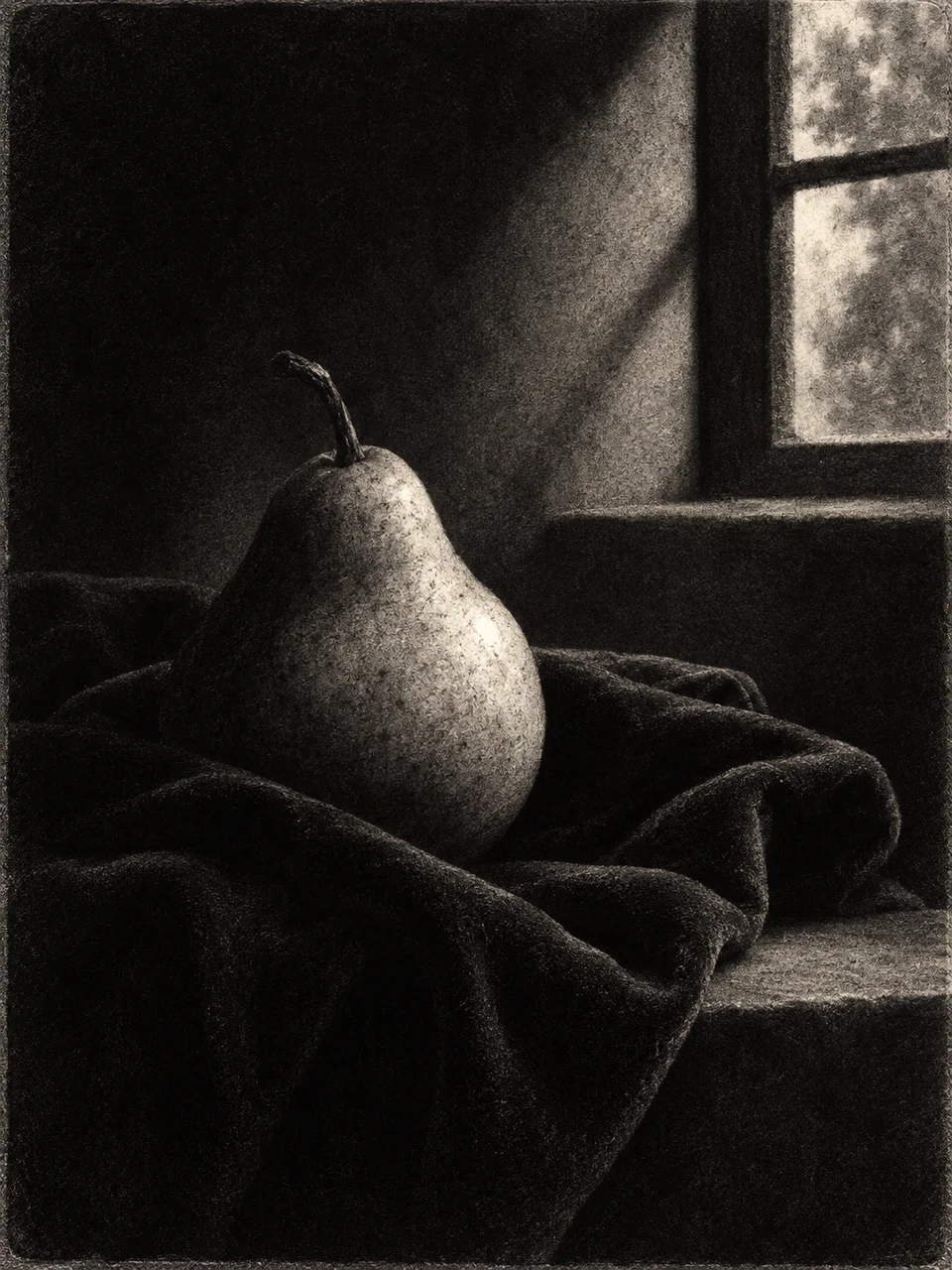 Mezzotint Velvet
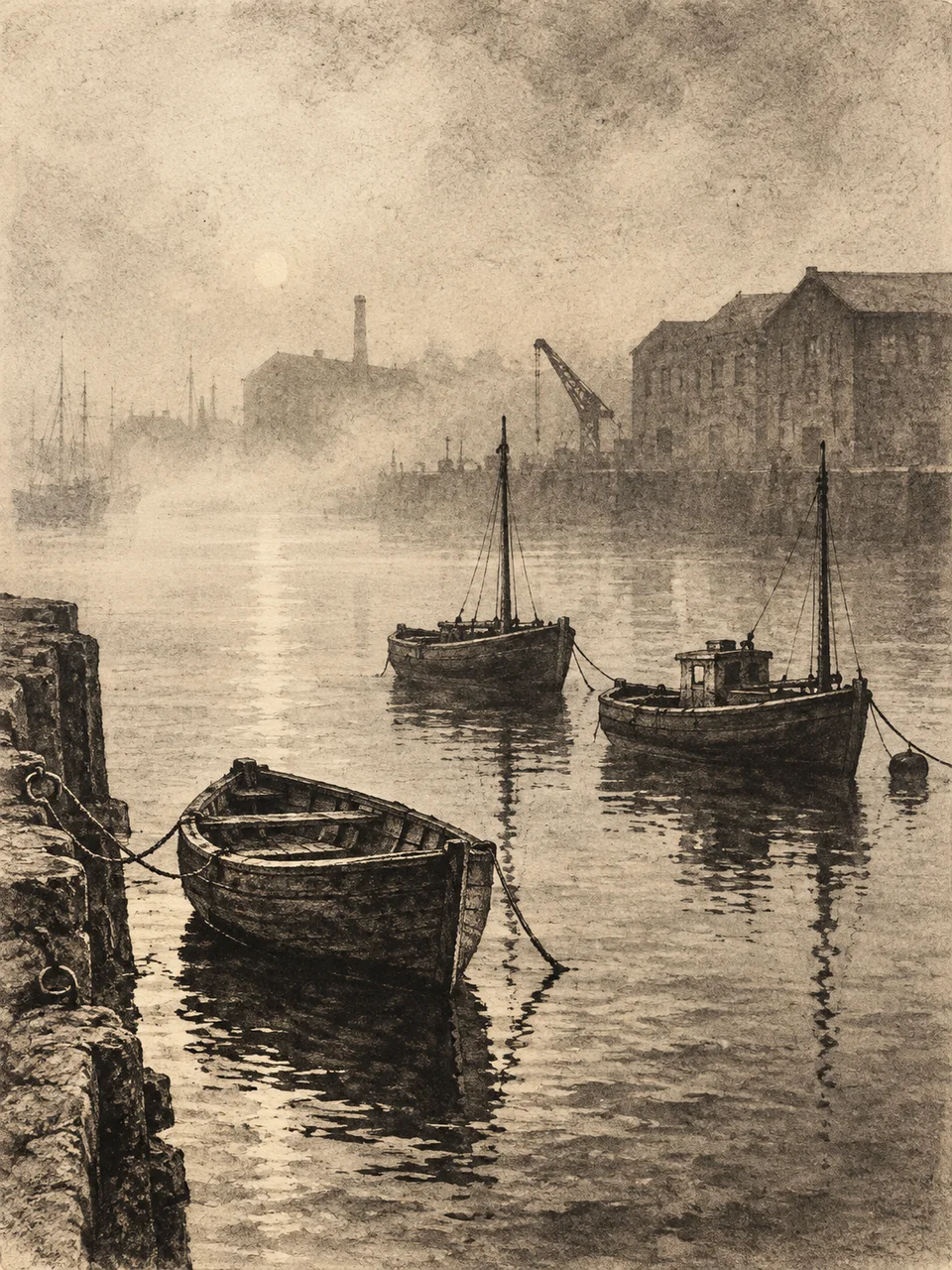 Aquatint Atmosphere
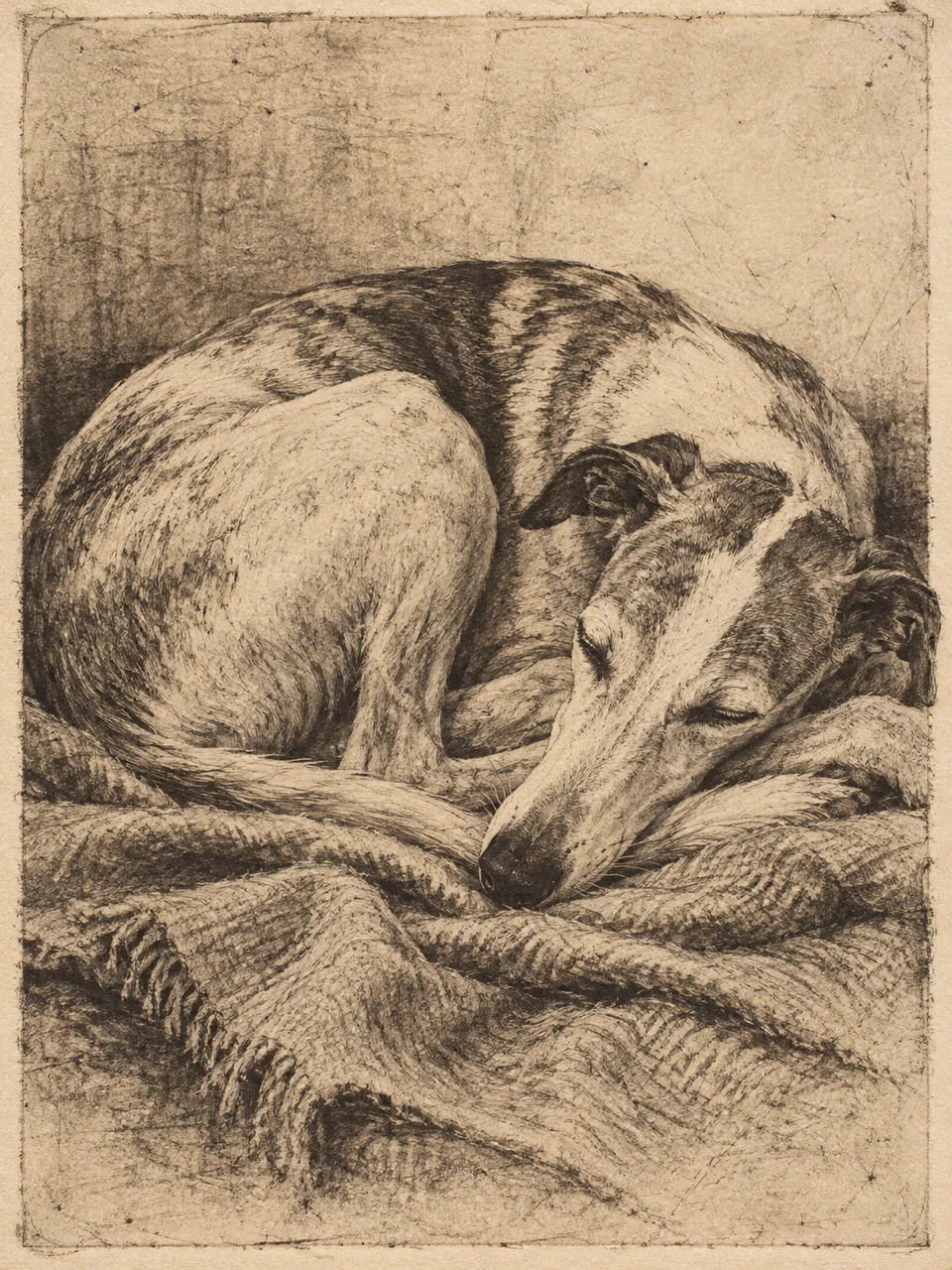 Drypoint Burr
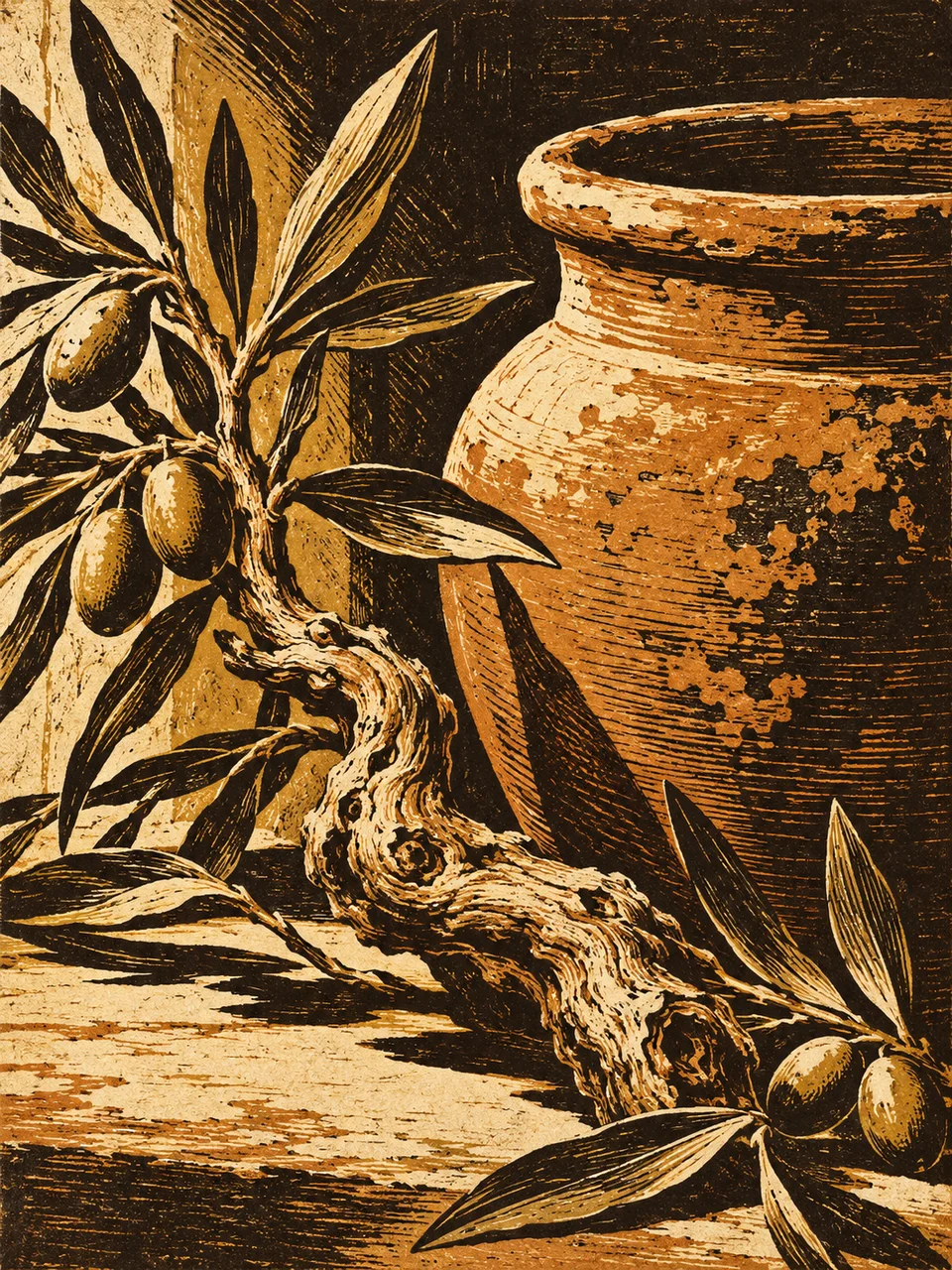 Chiaroscuro Woodcut
Bring it to life
Effects that turn a still in this look into a short video.
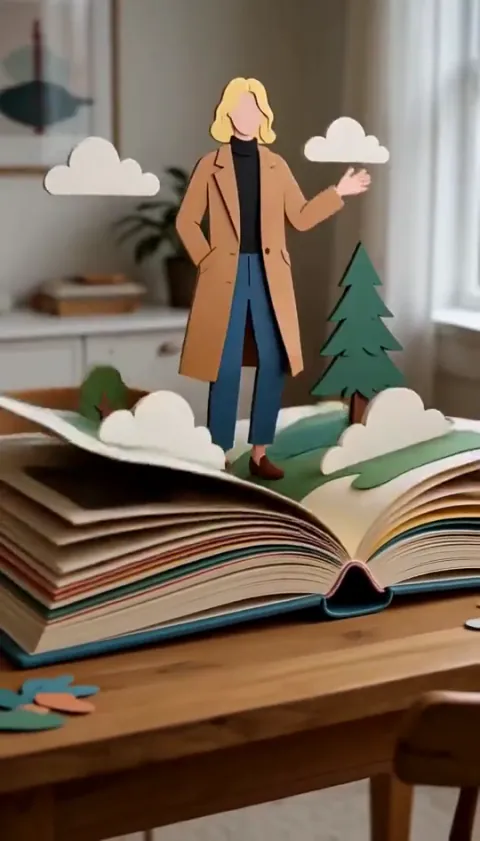 Pop-Up Book
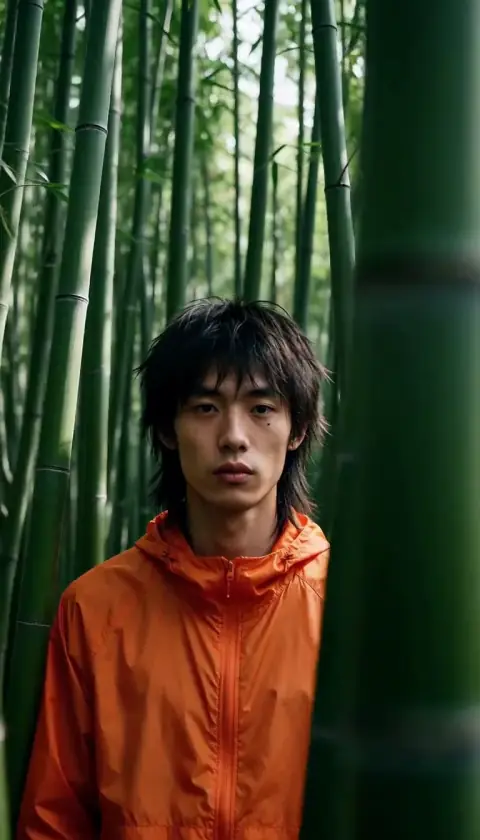 Slider Parallax