



Korean Photo Booth AI Generator: Photo Booth
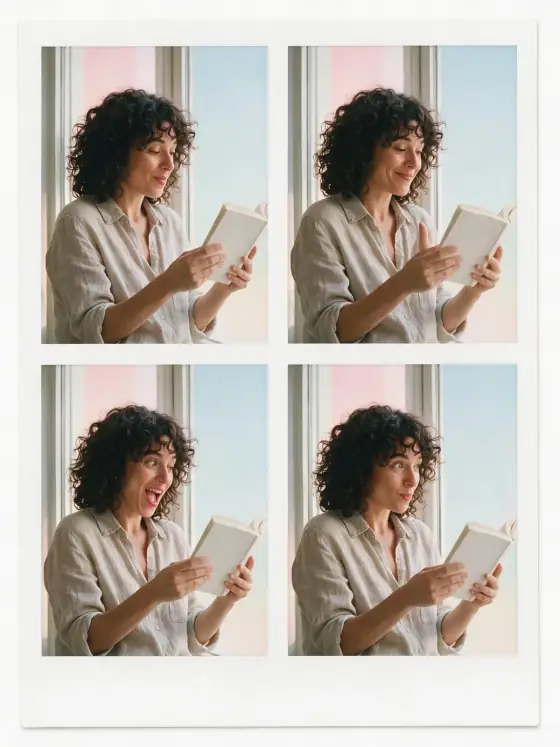
Four candid frames in a two-by-two strip.
- From a description only
- Best shape: 3:4
Works on
- Seedream 5.0 Pro
- Qwen Image 3.0
- Nano Banana 2.1
- Seedream 5.0 Flash
About Photo Booth
Photo Booth turns your subject into a self-serve photo booth print: the same moment captured four times, arranged two by two on a single sheet with a plain white border. Light comes evenly from slightly above, the backdrop is a clean pastel, and every frame is crisp and modern, with a small, playful change between shots — a glance, a smile, a tilt of the head.
You write the subject; the style builds the sheet. A person reading gets four frames of reading, looking up, laughing at a line and turning a page; a man adjusting his collar tries four slightly different expressions; a cat on a sill goes from sleepy to curious; even a lighthouse gets four postcard frames under a pastel sky. The same subject appears in every frame, so it reads as one visit to the booth rather than four different people.
Subjects to paste as they are: “a man in a knitted beanie making silly faces”, “a golden retriever wearing a party hat”, “a woman in a denim jacket holding a bouquet of tulips”. For a single high-key portrait, try Dewy Studio; for a square snapshot with flash falloff, Instant Film; for black-and-white portraits, Mono Studio.
Tips
- Give the subject something to play with — a hat, flowers, a drink, sunglasses. Props make the four frames feel different.
- Mention a mood such as “laughing” or “surprised”; the style varies it across the frames.
- Two friends in one booth work too: write “two friends in matching scarves” and both appear in all four frames.
- If you want a date or names on the border, add them afterwards in an editor.
What the style adds
Your words go where it says “your subject”. Everything else is added for you.
your subject, photo booth print, the same moment captured in four frames arranged two by two, soft even light from slightly above, clean pastel backdrop, crisp modern clarity, playful candid variations between frames, plain white border without lettering, any book or package in frame has a blank unmarked cover
Models and price
- Seedream 5.0 Pro36 credits
- Qwen Image 3.030 credits
- Nano Banana 2.148 credits
- Seedream 5.0 Flash29 credits
One 1K image from a description. The button always shows the exact price before you spend anything.
How to use Photo Booth
- Describe itWrite who or what should be in the picture. A small action and a clear place work best.
- Pick a shapeKeep the suggested ratio and model, or change them in the bar at the bottom.
- Paint itPress “Paint it”. The price is on the button before you spend anything.
Questions about Photo Booth
Can I use Photo Booth on my own photo?
Not yet. This style works from a description: write what you want to see and the style adds the look.
How much does one Photo Booth image cost?
29 credits for one 1K image on Seedream 5.0 Flash. 2K costs more, and the button shows the exact price before you run it.
Will this style change how the person looks?
No. The template describes the layout, the light and the backdrop, nothing about people. Whoever you write is who you get, four times over.
Do all four frames show the same subject?
Yes, that is the point: one subject, one moment, four small variations. If a result ever mixes things up, run it again; simple subjects keep the frames most consistent.
How is it different from Instant Film?
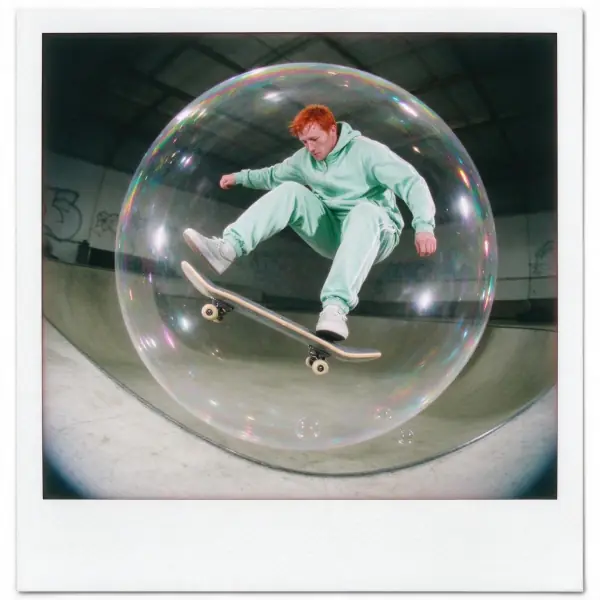
Instant Film is one square snapshot with flash falloff, a vignette and a thick white border. Photo Booth is four clean, evenly lit frames on one sheet, with a pastel backdrop and a playful sequence.
Similar styles
 Airy Film
 90s TV Drama
 Instant Film
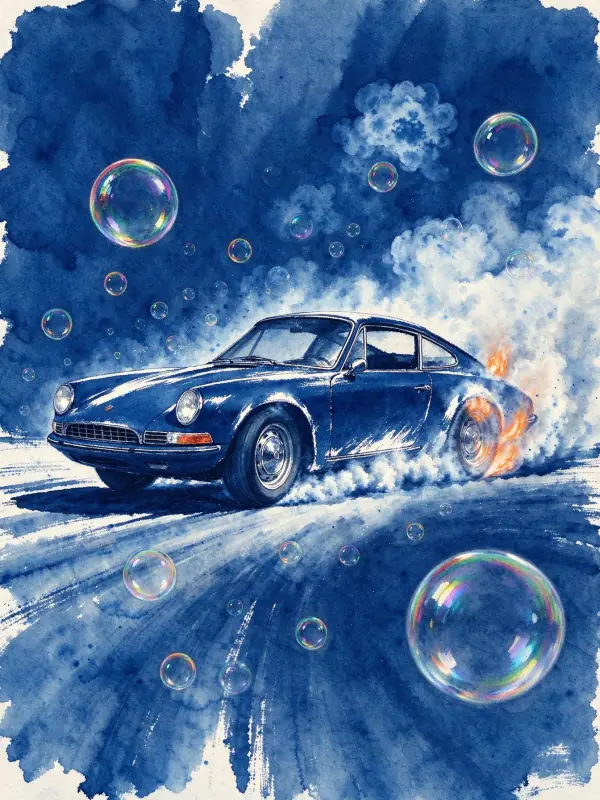 Cyanotype
Bring it to life
Effects that turn a still in this look into a short video.
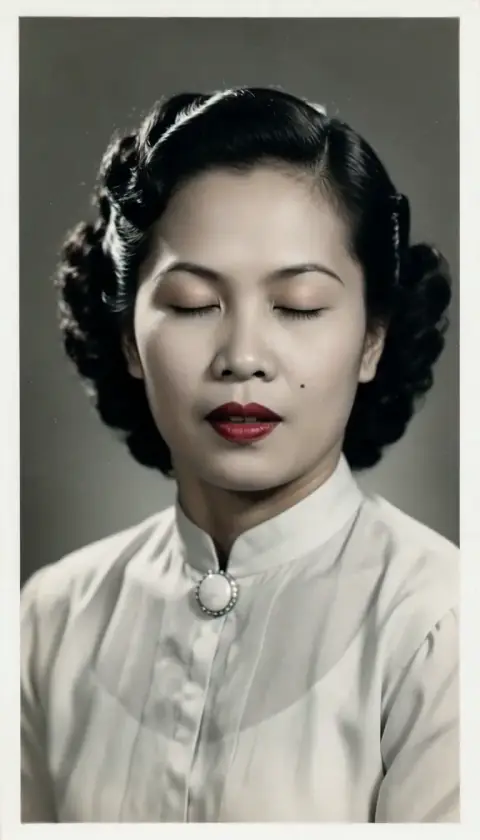 Live Portrait
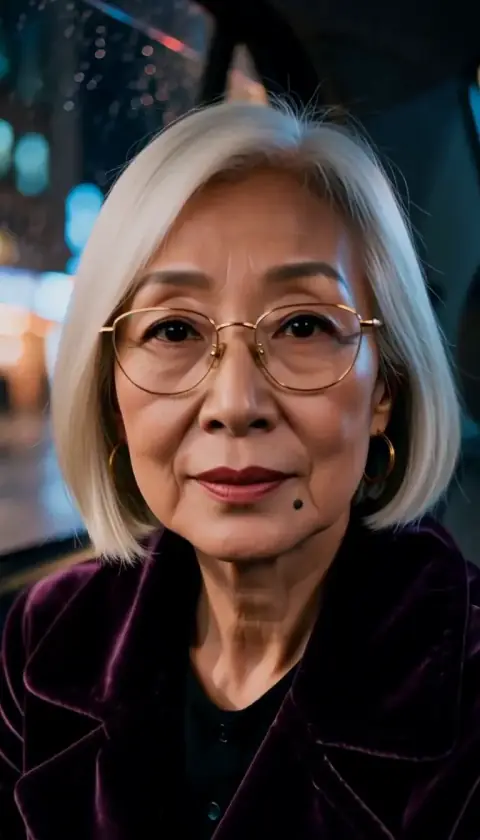 The Turn