


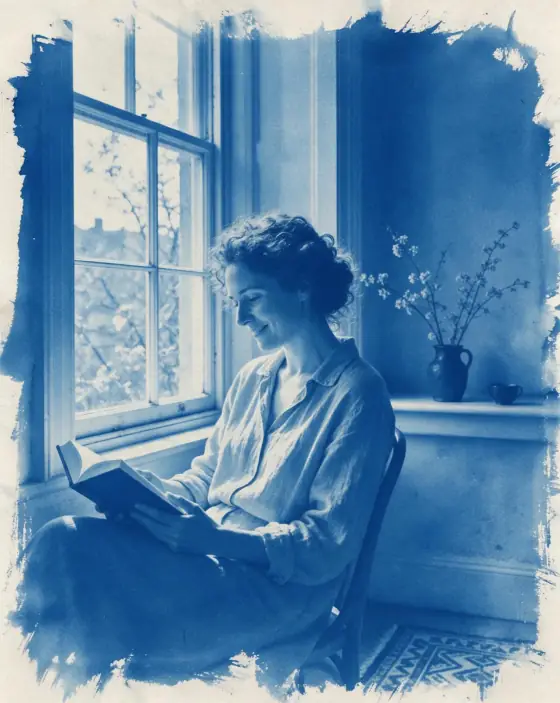

Cyanotype AI Photo Generator: Cyanotype
Prussian-blue sun prints on watercolor paper.
- Works on your own photo
- Best shape: 4:5 · 3:4
Works on
- Seedream 5.0 Pro
- Qwen Image 3.0
- Nano Banana 2.1
- Seedream 5.0 Flash
About Cyanotype
Cyanotype turns your subject into one of the oldest photographic processes: a sun print in rich Prussian blue on white paper. Everything is rendered in shades of a single blue, the highlights stay the color of the paper, and the edges of the print fade out unevenly where the chemistry was brushed on by hand. The paper has a soft, fibrous texture you can almost feel.
You write the subject and the style supplies the process. It is lovely on things with strong shapes — leaves and flowers, a lighthouse, a bicycle, a cat on a sill — and it gives portraits a quiet, archival calm, as if they had been found in a box of family prints. Because the palette is fixed, the image always feels coherent, whatever you write.
Use it for wedding and event stationery, botanical prints, posters, book covers, album art and interior prints. It is not the choice for vivid color; for that, use Risograph or Retro Future.
Subjects to paste as they are: “a woman reading by a tall window”, “a sprig of fern and two ginkgo leaves on white paper”, “a small lighthouse on a rocky point”. Clear silhouettes read beautifully in a single color.
Finishes that work on top: Film grain adds more paper grain. Skip Black & white; the blue is the whole point.
Tips
- Strong shapes print best: leaves, flowers, silhouettes, architecture. Fine detail softens in a single blue.
- Mention a bright background — a window, the sky, white paper — so the highlights stay crisp.
- For botanical prints, describe the plants laid flat on paper; it is the classic way cyanotypes were made.
- If the edges feel too rough, add “with clean trimmed edges” to your subject.
What the style adds
Your words go where it says “your subject”. Everything else is added for you.
your subject, cyanotype sun print, rich Prussian blue and paper white, soft uneven exposure at the edges, textured watercolor paper, faint brushed chemistry marks, quiet archival stillness
Models and price
- Seedream 5.0 Pro36 credits
- Qwen Image 3.030 credits
- Nano Banana 2.148 credits
- Seedream 5.0 Flash29 credits
One 1K image from a description. The button always shows the exact price before you spend anything.
How to use Cyanotype
- Describe itWrite who or what should be in the picture. A small action and a clear place work best. Or switch to “My photo” and drop in a picture you have the right to use.
- Pick a shapeKeep the suggested ratio and model, or change them in the bar at the bottom.
- Paint itPress “Paint it”. The price is on the button before you spend anything.
Questions about Cyanotype
Can I use Cyanotype on my own photo?
Yes. Switch to “My photo” at the bottom, drop in a picture you have the right to use, and the style redraws it while keeping the composition and pose.
How much does one Cyanotype image cost?
29 credits for one 1K image on Seedream 5.0 Flash. 2K costs more, and the button shows the exact price before you run it.
Similar styles
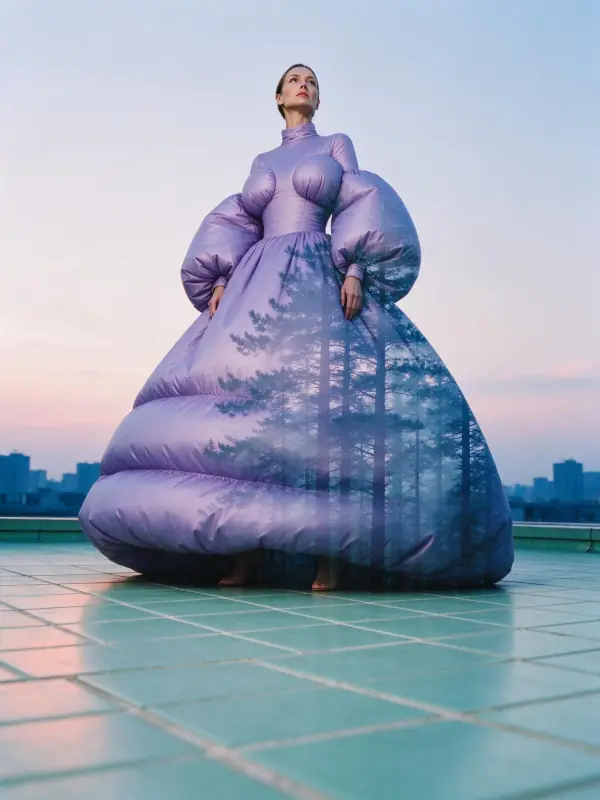 Double Exposure
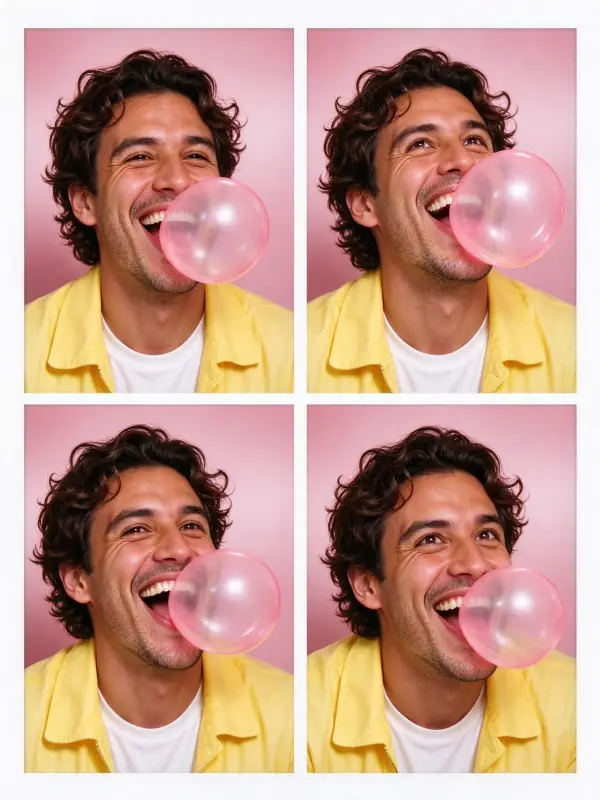 Photo Booth
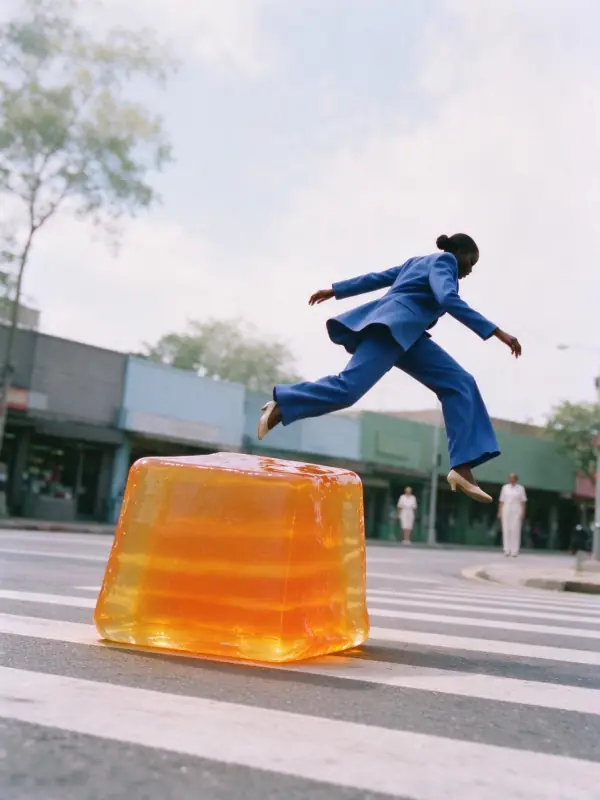 Airy Film
 90s TV Drama
Bring it to life
Effects that turn a still in this look into a short video.
 Slow Push-In
 16mm Film