


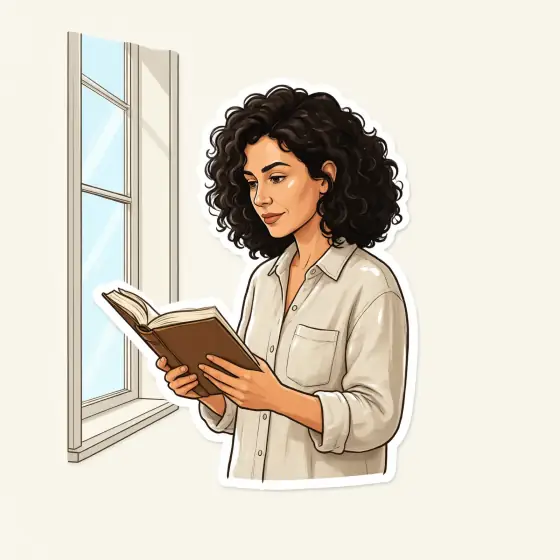

Sticker Design AI Generator: Sticker
A glossy die-cut sticker with a thick white edge.
- Works on your own photo
- Best shape: 1:1
Works on
- Seedream 5.0 Pro
- Qwen Image 3.0
- Nano Banana 2.1
- Seedream 5.0 Flash
About Sticker
Sticker turns your subject into a sticker that looks like it just came off the sheet: bold simplified shapes, flat bright colors, a thick white border that follows the silhouette, and a glossy vinyl sheen catching the light. It sits alone on a plain light backdrop, so the outline is clean and easy to cut around.
You write the subject; the style supplies the vinyl. It loves anything with a strong silhouette and a bit of personality: a cat in a knitted hat, a cup of coffee with a heart of steam, a small lighthouse with a red roof, a man in a raincoat holding an umbrella. People come out as simplified cartoon versions that keep the outfit, hairstyle and colors you wrote.
Subjects to paste as they are: “a ginger cat wearing a tiny knitted hat”, “a steaming mug of cocoa with marshmallows”, “a man in a yellow raincoat holding a blue umbrella”. One subject per sticker gives the cleanest outline.
Tips
- One subject per sticker. Groups and scenes blur the outline into a blob.
- Give it a pop of personality — a small prop or a clear expression. Stickers live on charm.
- Want a set? Keep the same wording and change one detail per prompt: the mug, then the teapot, then the croissant.
- The style asks for no text. If you want lettering, add it later in a design tool so it is spelled correctly.
- For print, cut along the white border; the plain backdrop makes it easy to remove.
What the style adds
Your words go where it says “your subject”. Everything else is added for you.
die-cut sticker design of your subject, thick white outline, bold simplified cartoon shapes, glossy vinyl sheen, flat bright colors, isolated on a plain light backdrop
Models and price
- Seedream 5.0 Pro36 credits
- Qwen Image 3.030 credits
- Nano Banana 2.148 credits
- Seedream 5.0 Flash29 credits
One 1K image from a description. The button always shows the exact price before you spend anything.
How to use Sticker
- Describe itWrite who or what should be in the picture. A small action and a clear place work best. Or switch to “My photo” and drop in a picture you have the right to use.
- Pick a shapeKeep the suggested ratio and model, or change them in the bar at the bottom.
- Paint itPress “Paint it”. The price is on the button before you spend anything.
Questions about Sticker
Can I use Sticker on my own photo?
Yes. Switch to “My photo” at the bottom, drop in a picture you have the right to use, and the style redraws it while keeping the composition and pose.
How much does one Sticker image cost?
29 credits for one 1K image on Seedream 5.0 Flash. 2K costs more, and the button shows the exact price before you run it.
Is the background transparent?
No. The sticker sits on a plain light backdrop, which makes it easy to remove with a background remover before printing.
Similar styles
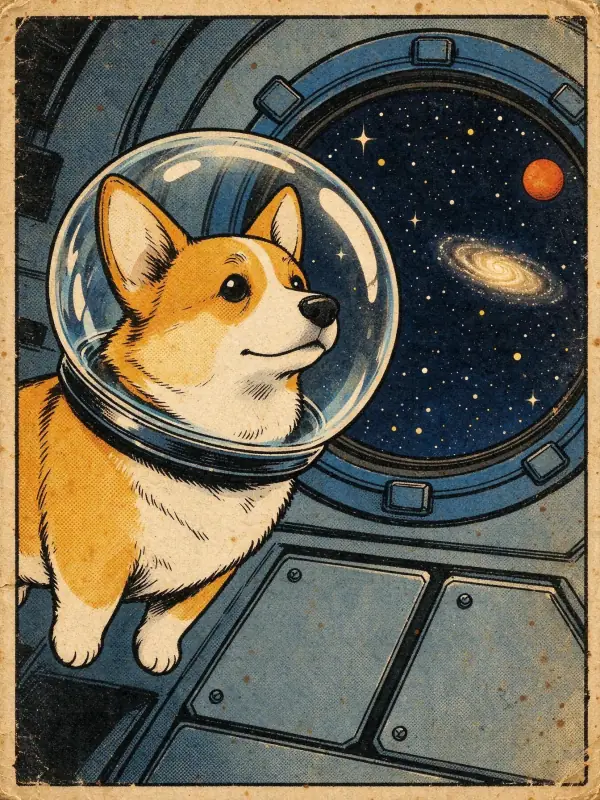 Vintage Comic
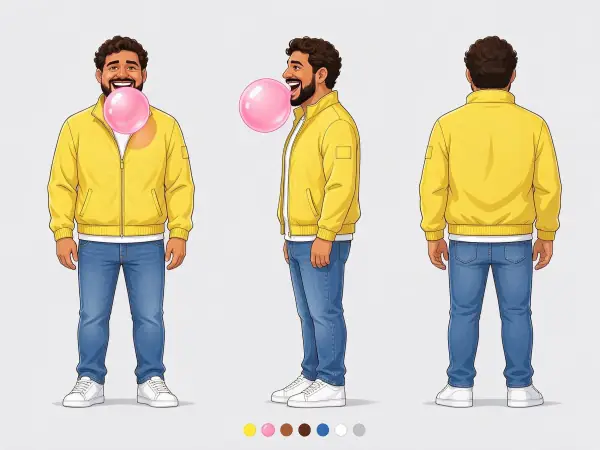 Character Sheet
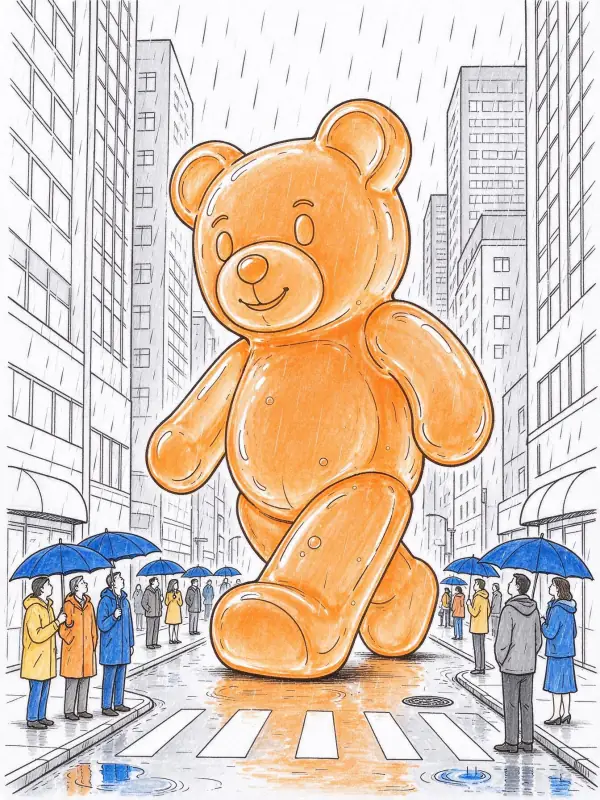 Line Art
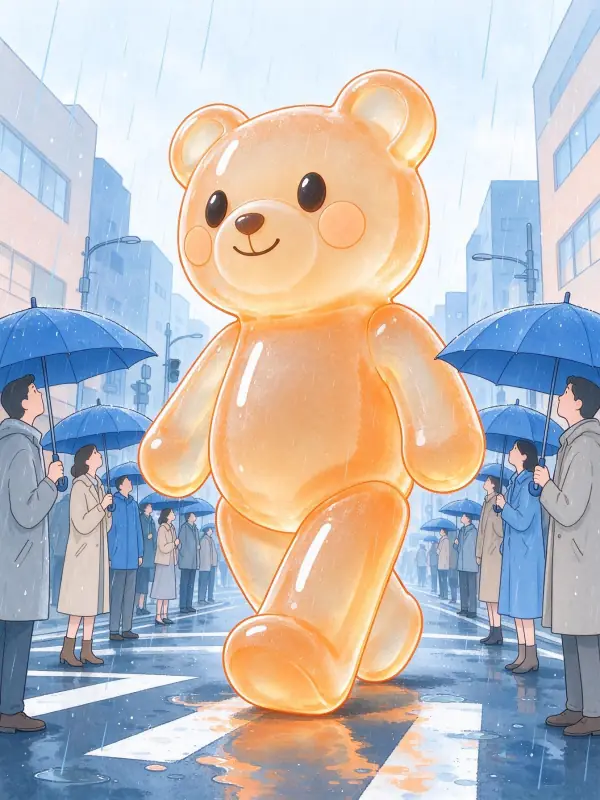 Pastel Anime
Bring it to life
Effects that turn a still in this look into a short video.
 Orbit Rush
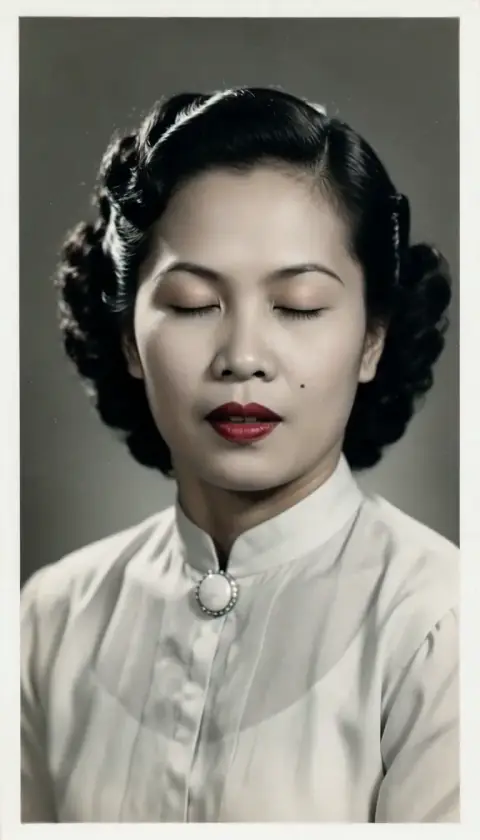 Live Portrait