


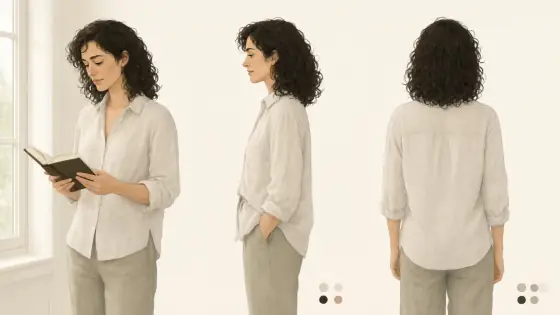

Character Reference Sheet AI Generator: Character Sheet
Front, side and back views on one page.
- From a description only
- Best shape: 16:9 · 4:3
Works on
- Seedream 5.0 Pro
- Qwen Image 3.0
- Nano Banana 2.1
- Seedream 5.0 Flash
About Character Sheet
Use it for original characters, comic and game pre-production, cosplay planning, 3D modeling references, tabletop miniatures and pitch decks. When the design is set, take it to Game Splash Art for a hero image or Pastel Anime for a single illustration.
Finishes: Black & white turns the sheet into a clean inked reference.
Tips
- Describe the outfit from head to toe. Every item you name appears in all three views.
- Keep the pose simple. A standing figure is what makes front, side and back line up.
- Name two or three main colors. The swatch dots pick them up and keep the palette consistent.
- Views can come out in a different order or with a slight three-quarter angle. If you need a strict layout, run it a couple of times and pick the cleanest.
What the style adds
Your words go where it says “your subject”. Everything else is added for you.
your subject, character design reference sheet, the same figure shown from front, side and back on a clean neutral page, consistent flat colors, small color swatch dots, tidy wordless layout
Models and price
- Seedream 5.0 Pro36 credits
- Qwen Image 3.030 credits
- Nano Banana 2.148 credits
- Seedream 5.0 Flash29 credits
One 1K image from a description. The button always shows the exact price before you spend anything.
How to use Character Sheet
- Describe itWrite who or what should be in the picture. A small action and a clear place work best.
- Pick a shapeKeep the suggested ratio and model, or change them in the bar at the bottom.
- Paint itPress “Paint it”. The price is on the button before you spend anything.
Questions about Character Sheet
Can I use Character Sheet on my own photo?
Not yet. This style works from a description: write what you want to see and the style adds the look.
How much does one Character Sheet image cost?
29 credits for one 1K image on Seedream 5.0 Flash. 2K costs more, and the button shows the exact price before you run it.
Will this style change how the person looks?
No. It describes the layout, views and flat color only. The character keeps the features and outfit you wrote, repeated in every view.
Why are there no labels like “front” and “back”?
Text inside generated images is often misspelled, so the sheet is wordless by design. Add your own labels afterwards if you need them.
Are the three views always perfectly consistent?
They are close, not identical: small details can drift between views. Name the key details clearly and generate a few versions; one will usually be clean enough to work from.
Similar styles
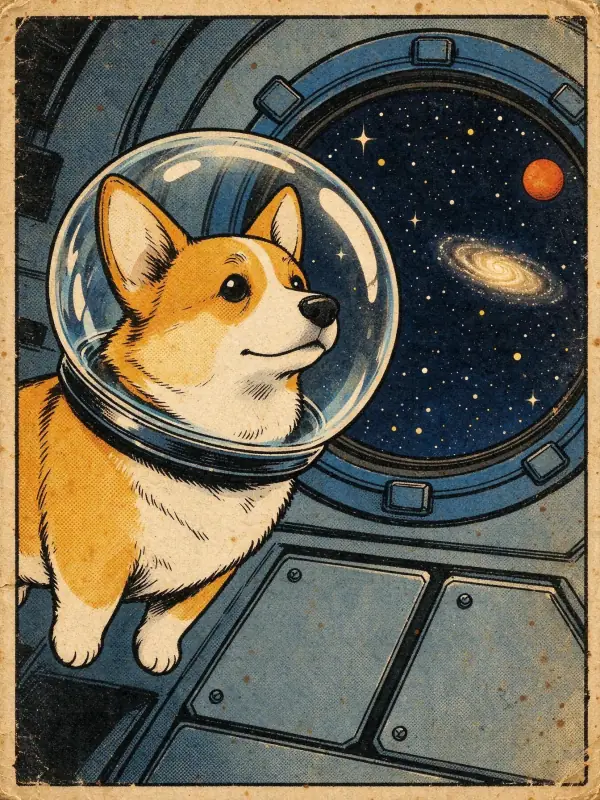 Vintage Comic
 Sticker
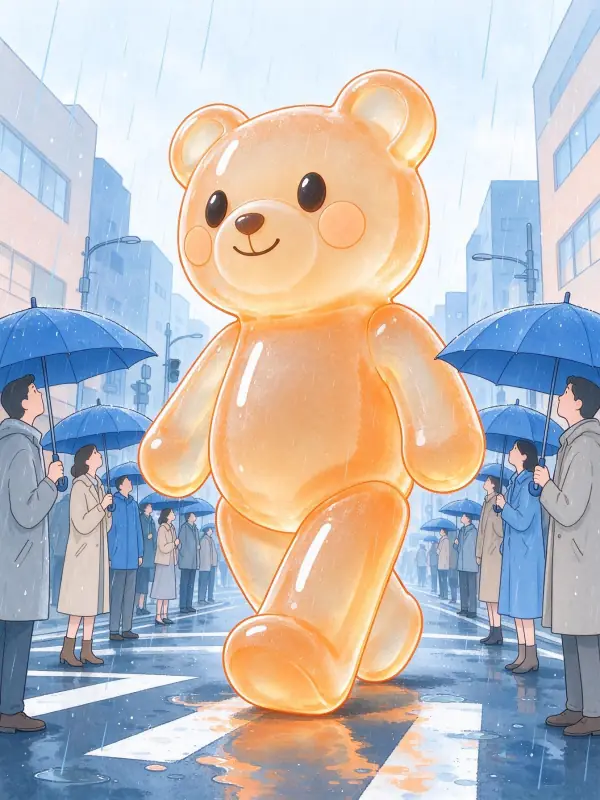 Pastel Anime
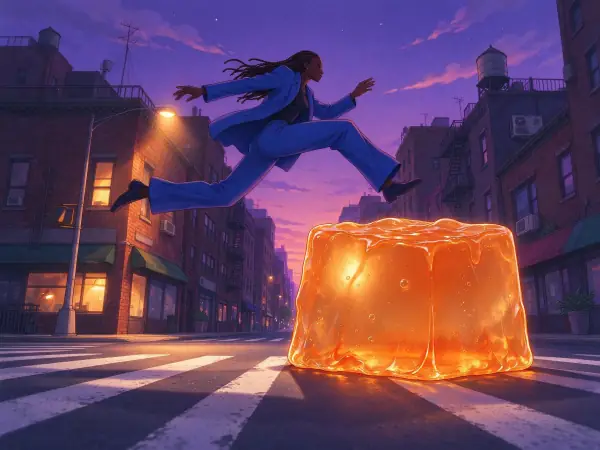 Lo-fi Evening
Bring it to life
Effects that turn a still in this look into a short video.
 Orbit Rush
 The Turn