


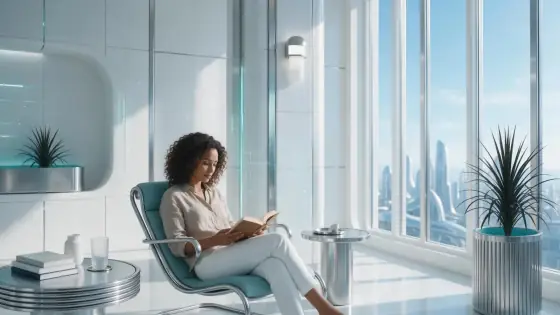

Futuristic AI Art Generator: Chrome Future
Brushed chrome and white ceramic in bright daylight.
- From a description only
- Best shape: 16:9
Works on
- Seedream 5.0 Pro
- Qwen Image 3.0
- Nano Banana 2.1
- Seedream 5.0 Flash
About Chrome Future
Chrome Future is a daylight take on cyberpunk: instead of rain and neon, a clean, bright, optimistic future. Brushed chrome and white ceramic surfaces, subtle holographic interfaces catching the sun, cool teal accents and architecture so precise and symmetrical it looks designed by a single hand.
Write a subject and place it in tomorrow: a woman at a transparent workstation, a man waiting on a sky-bridge platform, a robot gardener tending a rooftop, a cat on a floating shelf, a lighthouse rebuilt as a chrome tower. The style keeps everything calm and premium rather than gritty.
Use it for tech brands, product launches, architecture and interior concepts, keynote visuals and science-fiction stories that do not want to look like every other neon city. The widescreen recommended frame suits banners and slides.
It is also a smart choice when a brief says “futuristic” but the brand is calm, medical, financial or architectural: the look signals progress without any of the menace that neon and rain bring along. Keep people in light clothing and let the materials shine. Architecture concepts, pitch decks and product launches all benefit from its calm, confident mood.
Subjects to paste as they are: “a woman working at a transparent desk on a sky-bridge”, “a robot gardener tending plants on a white rooftop”, “a maglev train gliding into a glass station at noon”. Bright light, clean surfaces and one futuristic object are enough to set the scene.
Finishes that work on top: Soft glow adds glow to the holographic details, Film grain gives it the texture of a film set. Golden hour is disabled because warm low sun fights the cool daylight look.
Tips
- Name one futuristic element — a transparent screen, a drone, a maglev train, a floating garden.
- White, silver and teal clothing blends best with the palette.
- Architecture and interiors are strong subjects even without people.
- Keep night and neon out of your wording; the style is built on daylight.
- Plants and water soften the chrome: a green terrace, a reflecting pool or a vertical garden makes the future feel livable.
What the style adds
Your words go where it says “your subject”. Everything else is added for you.
your subject, clean futuristic scene in bright daylight, brushed chrome and white ceramic surfaces, subtle holographic interface glints, cool teal accents, precise symmetrical architecture
Models and price
- Seedream 5.0 Pro36 credits
- Qwen Image 3.030 credits
- Nano Banana 2.148 credits
- Seedream 5.0 Flash29 credits
One 1K image from a description. The button always shows the exact price before you spend anything.
How to use Chrome Future
- Describe itWrite who or what should be in the picture. A small action and a clear place work best.
- Pick a shapeKeep the suggested ratio and model, or change them in the bar at the bottom.
- Paint itPress “Paint it”. The price is on the button before you spend anything.
Questions about Chrome Future
Can I use Chrome Future on my own photo?
Not yet. This style works from a description: write what you want to see and the style adds the look.
How much does one Chrome Future image cost?
29 credits for one 1K image on Seedream 5.0 Flash. 2K costs more, and the button shows the exact price before you run it.
Is it a cyberpunk style?
It is the opposite mood: bright, clean and calm. It keeps the technology and leaves out the neon rain.
Does it change the people I describe?
No. It describes materials, light and architecture only. The people come from your words.
Why can’t I add Golden hour?
The style is built on cool, bright daylight, and warm low sun fights it, so the combination is disabled.
Is it suitable for tech product visuals?
Yes. Describe the product on a clean surface or inside a bright futuristic interior, and the chrome and ceramic materials give it a premium, launch-ready look.
Similar styles
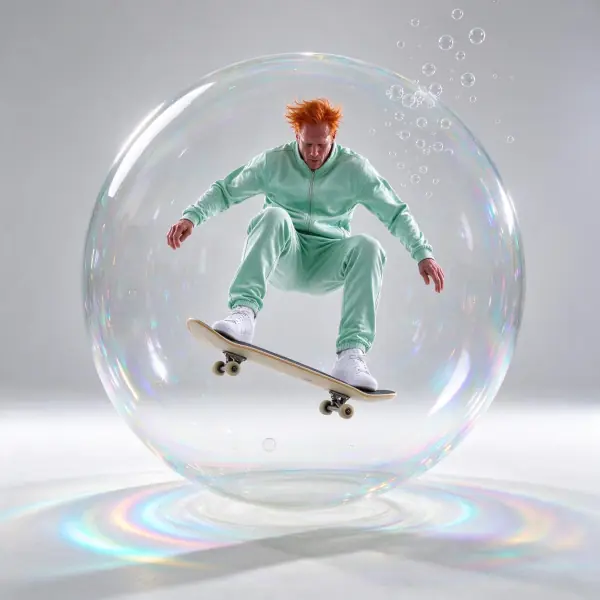 Blown Glass
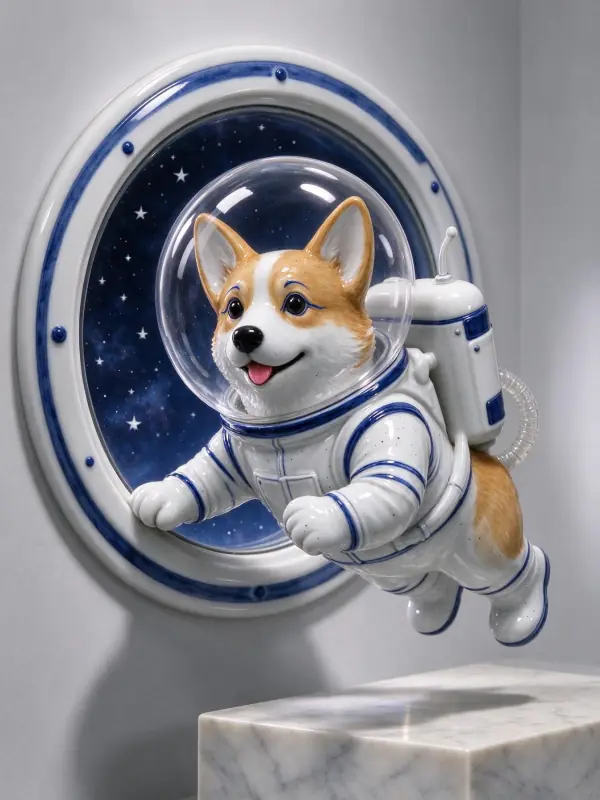 Porcelain
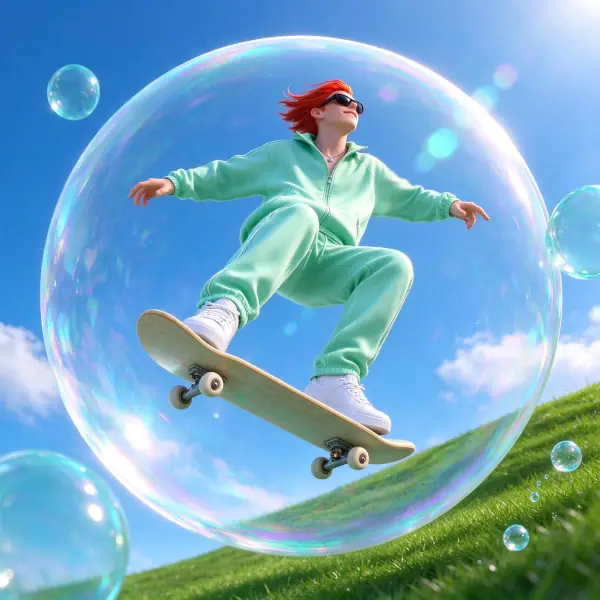 Aqua Gloss
 Inflatable
Bring it to life
Effects that turn a still in this look into a short video.
 Drone Rise
 Big Reveal
 Orbit Rush