


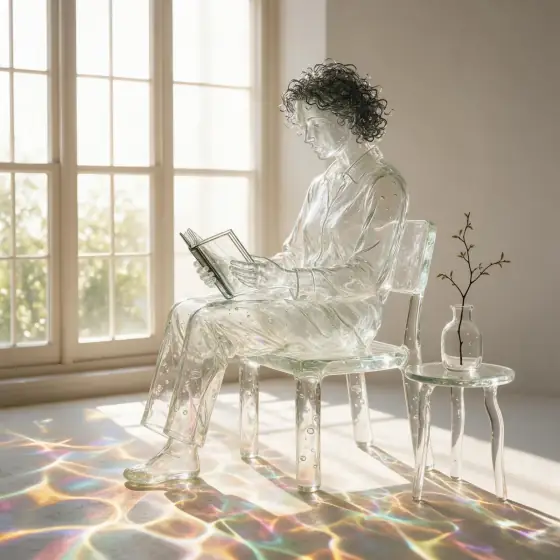

Glass Sculpture AI Generator: Blown Glass
Translucent glass full of tiny bubbles.
- Works on your own photo
- Best shape: 1:1
Works on
- Seedream 5.0 Pro
- Qwen Image 3.0
- Nano Banana 2.1
- Seedream 5.0 Flash
About Blown Glass
Blown Glass remakes your subject as a piece of hand-blown art glass. Light passes straight through it, bends inside, catches on tiny trapped air bubbles and spills out the other side as colored caustics on the white surface below. A bright studio backlight keeps everything crisp, so the result looks like a product shot of an object you could pick up — except the object is whatever you wrote.
Use it for gift and trophy concepts, fragrance visuals, square social posts, app and brand icons, and any image that should feel precious and bright. For a painted toy look, use Vinyl Figure; for liquid metal, Chrome Future; for handmade paper, Papercut.
Subjects to paste as they are: “a curled-up sleeping cat”, “a small lighthouse on a round rock”, “a hummingbird hovering over a single flower”. One clear subject with a simple shape gives the glass room to refract.
Finishes that work on top: Soft glow adds a gentle glow around the highlights. Skip Black & white; the colored caustics are half the look.
Tips
- Name a tint if you want color in the glass: “amber glass cat”, “pale blue glass whale”. Without it, the glass comes out mostly clear.
- Leave the background out. The style already places the subject on a white surface under a backlight; a busy scene fights the refractions.
- Add “filled with tiny bubbles and a few gold flecks” to your subject for a more handmade, artisan feel.
What the style adds
Your words go where it says “your subject”. Everything else is added for you.
your subject, rendered as translucent hand-blown glass, internal refractions and tiny air bubbles, colored caustics cast on a white surface below, bright studio backlight, crisp clean detail
Models and price
- Seedream 5.0 Pro36 credits
- Qwen Image 3.030 credits
- Nano Banana 2.148 credits
- Seedream 5.0 Flash29 credits
One 1K image from a description. The button always shows the exact price before you spend anything.
How to use Blown Glass
- Describe itWrite who or what should be in the picture. A small action and a clear place work best. Or switch to “My photo” and drop in a picture you have the right to use.
- Pick a shapeKeep the suggested ratio and model, or change them in the bar at the bottom.
- Paint itPress “Paint it”. The price is on the button before you spend anything.
Questions about Blown Glass
Can I use Blown Glass on my own photo?
Yes. Switch to “My photo” at the bottom, drop in a picture you have the right to use, and the style redraws it while keeping the composition and pose.
How much does one Blown Glass image cost?
29 credits for one 1K image on Seedream 5.0 Flash. 2K costs more, and the button shows the exact price before you run it.
Why is the background almost white?
The style shoots the glass on a white surface with a bright backlight, like a product photo, so the caustics have somewhere to land. For a moodier setting, add “on a black stone surface” to your subject.
How is it different from Chrome Future?
Chrome Future is reflective liquid metal: it mirrors its surroundings. Blown Glass is transparent: light passes through it and throws color onto the surface below.
Similar styles
 Voxel
Voxel Papercut
 Aqua Gloss
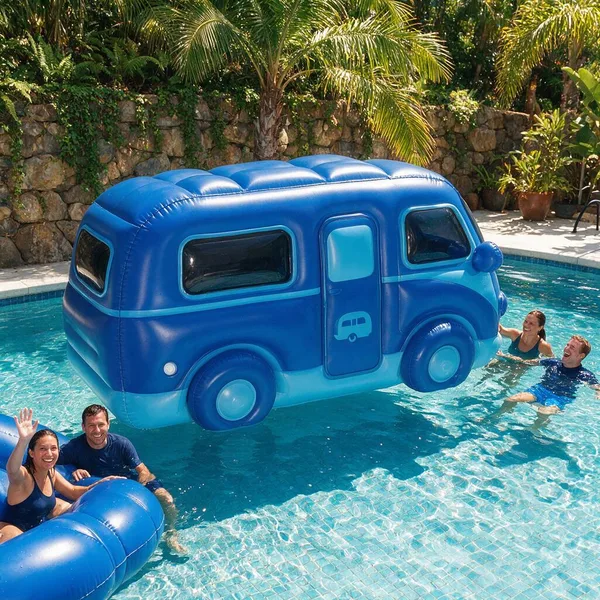 Inflatable
Bring it to life
Effects that turn a still in this look into a short video.
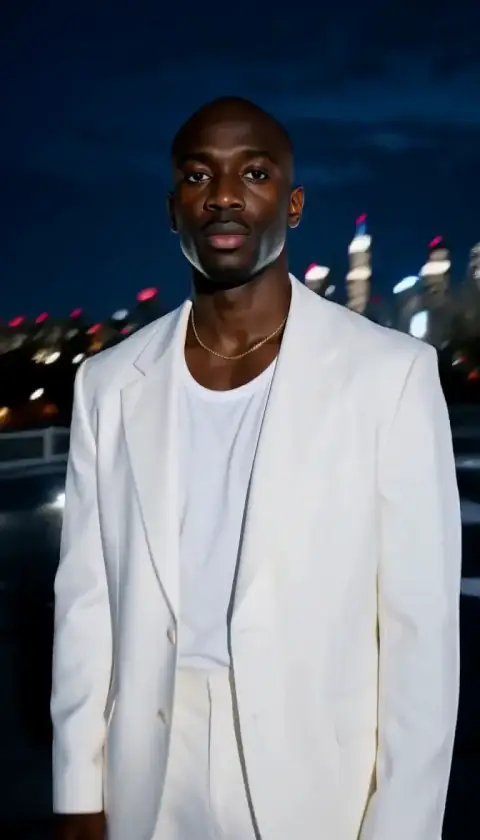 Orbit Rush
 Slow Push-In