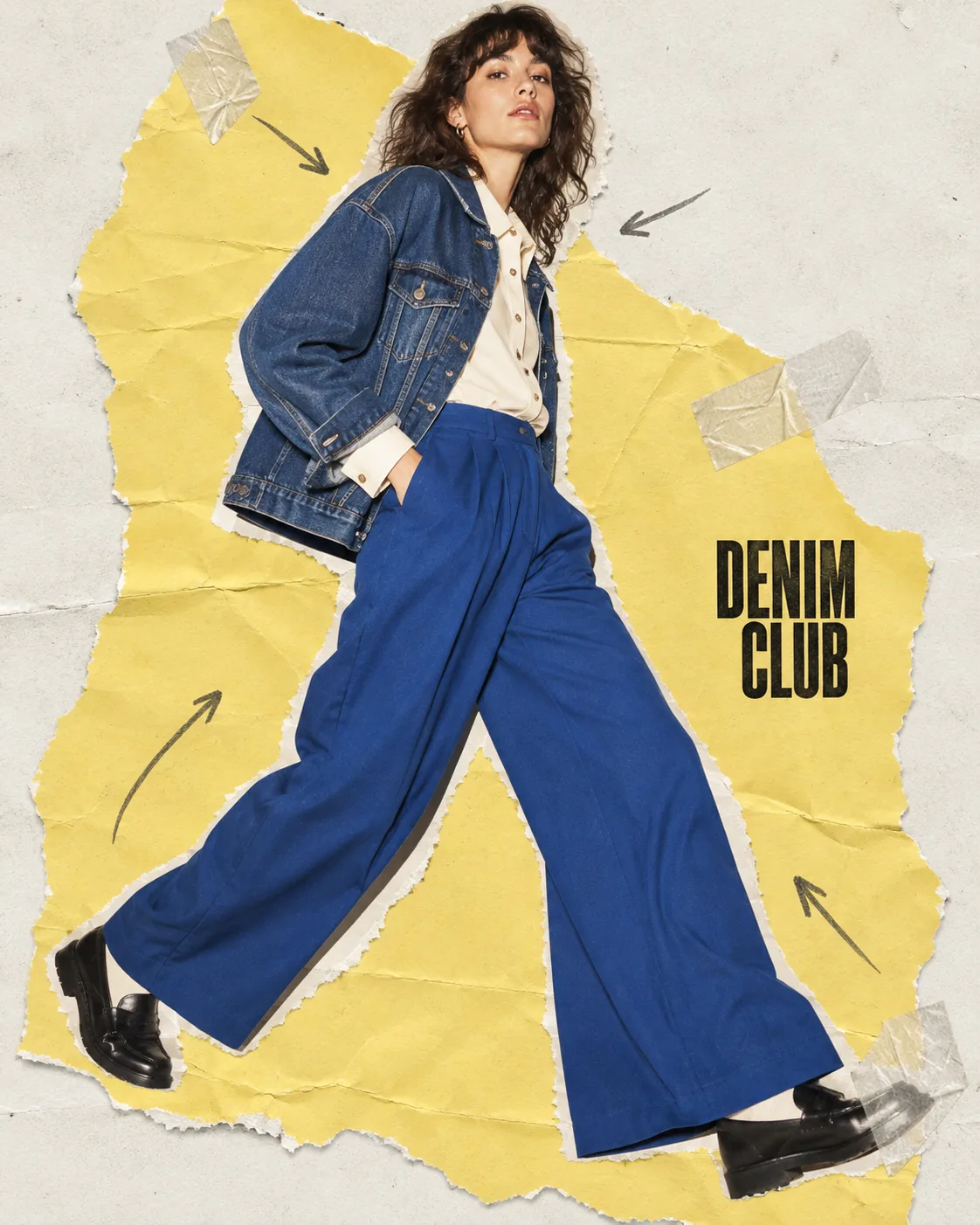
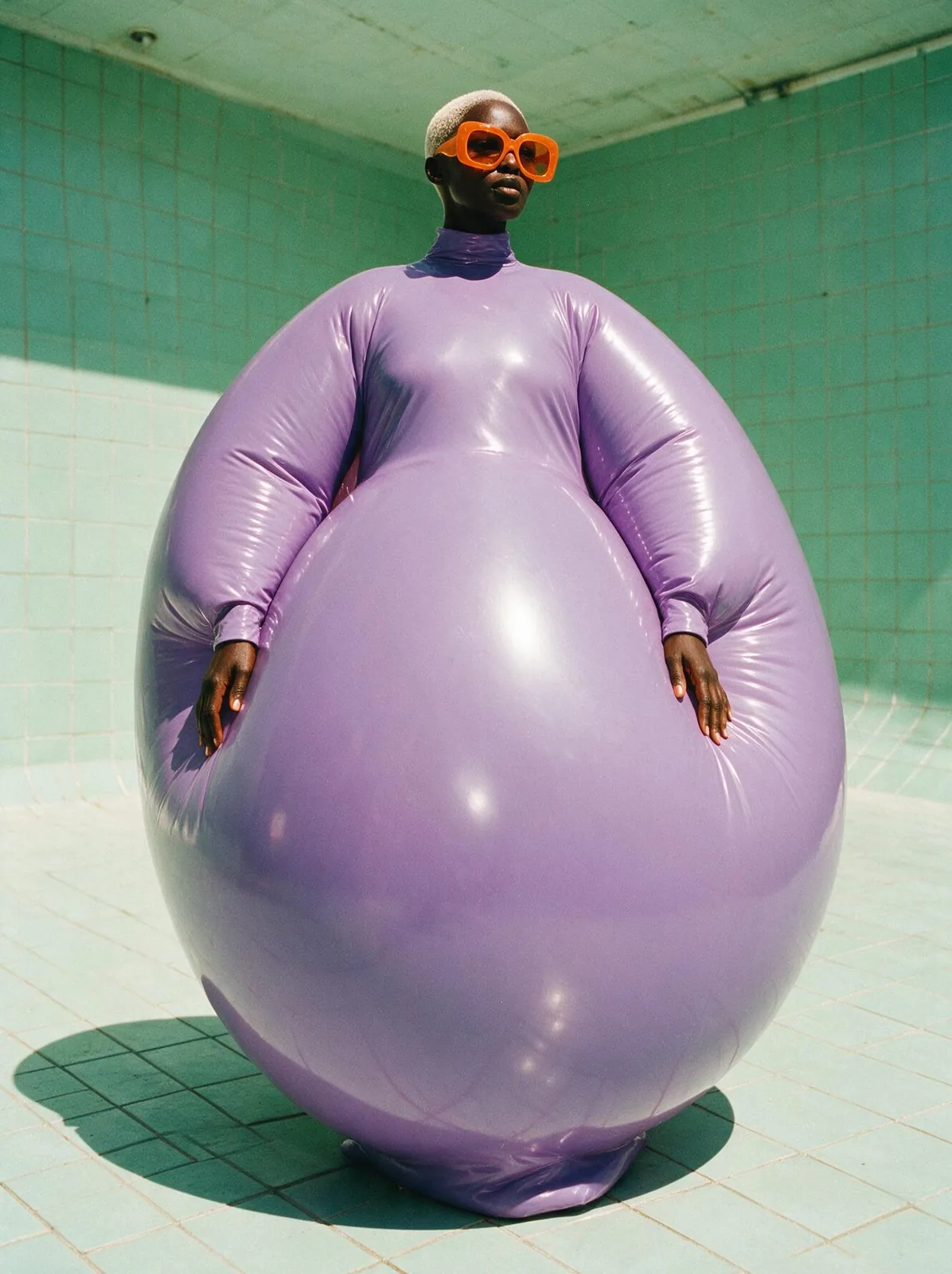
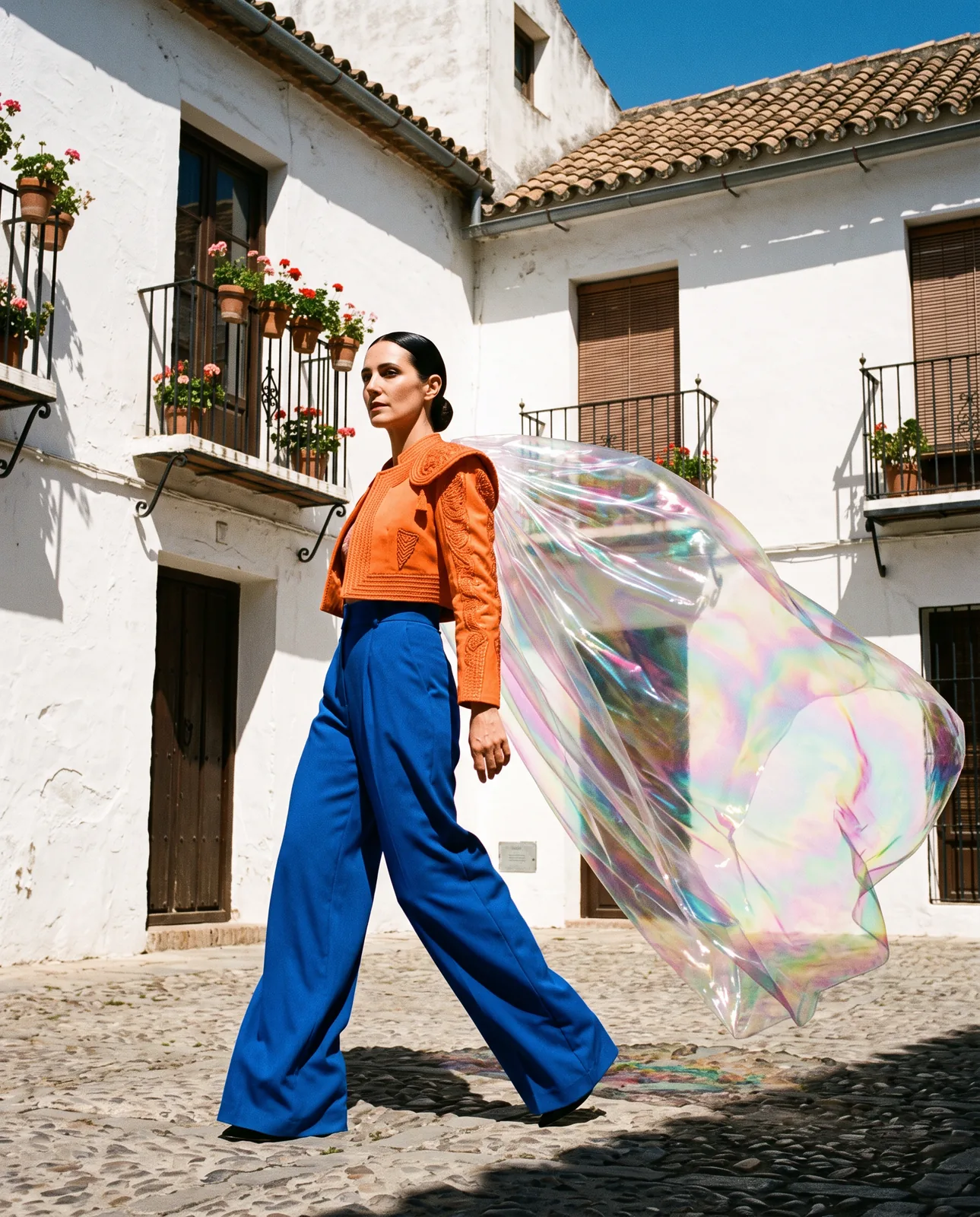
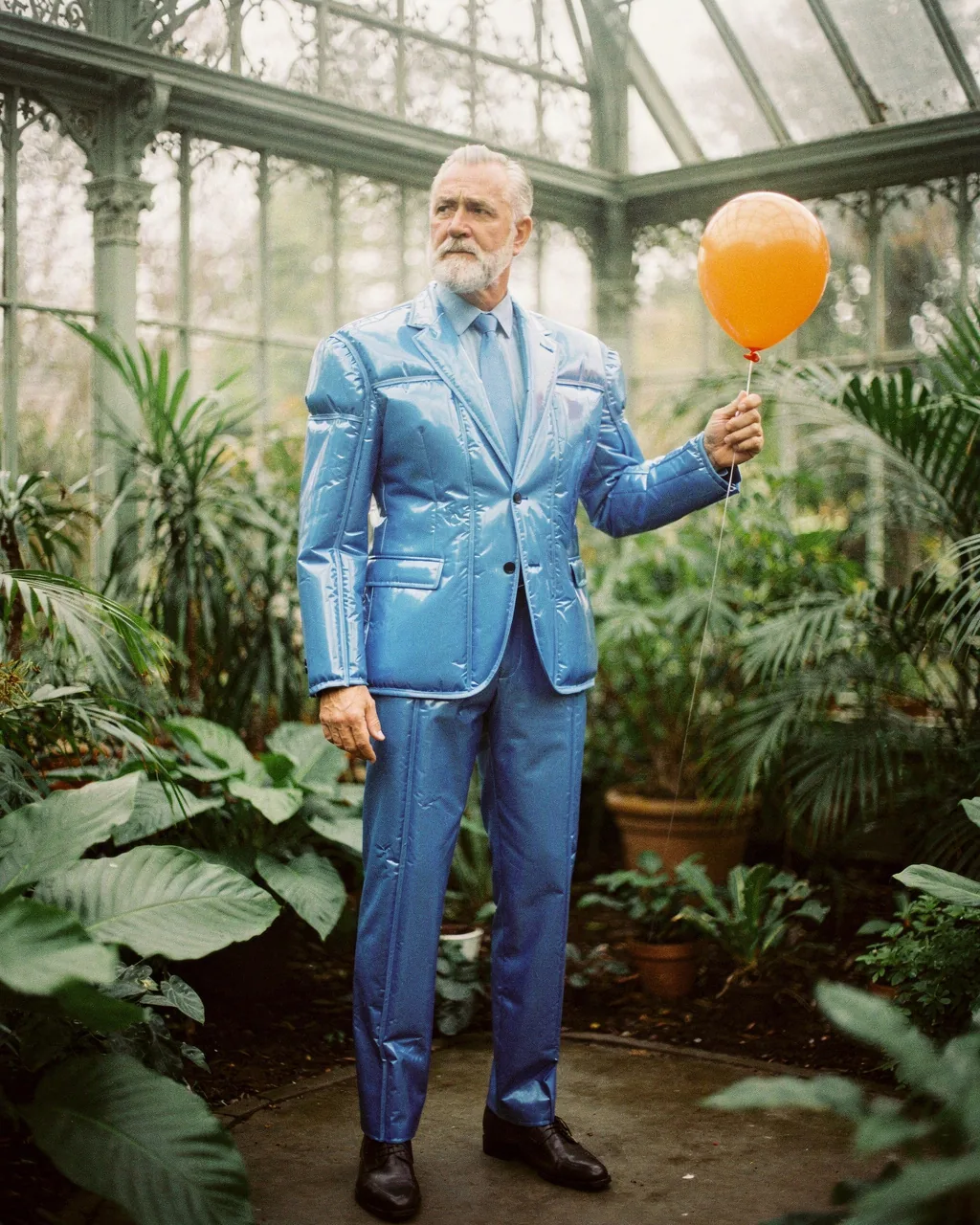
Denim Paper Club, made with GPT Image 2.5 Sunburst
Example made with GPT Image 2.5 Sunburst

Text to imageFashion

GPT Image 2.5 Sunburst poster design promptDenim Paper Club

The exact text-to-image prompt behind this picture, made with GPT Image 2.5 Sunburst.

Prompt

Vertical 4:5 portrait frame. A fashion collage poster with one large cutout photograph of an adult model in an indigo denim jacket, buttoned cream shirt and long cobalt trousers, stepping across torn butter yellow paper. Small graphite arrows and translucent tape frame the figure without creating panels. Direct flash photography meets tactile scanned paper, playful early digital editorial mood, a compact black title reads "DENIM CLUB", no logos, no other text.

Prompts are kept in their original English to help reproduce the example. Copy one as it is, or adapt it for your project.

Opens GPT Image 2.5 Sunburst with this prompt and the settings below filled in.

135 tested GPT Image prompts →

Settings

Mode
Text to image
Aspect ratio
4:5
Quality
high
Price
From 2 credits

The exact price shows before you generate.

Make your own version

  1. The words in quotes, "DENIM CLUB", are printed in the picture. Keep them short and change them to your own.
  2. playful early digital editorial mood sets the whole feel of the shot. Swap it for another camera style to change the vibe.

Where this idea comes from

Inspired by an idea from @noorlewisx, collected in Evolink-AI/awesome-gpt-image-2-API-Prompts under CC0 1.0. PopNow wrote this prompt and made the example above.

Portrait prompt guide

Why this portrait prompt works

An editorial fashion poster layers a full-body model in tailored denim over mixed-media paper cutouts and minimal graphic accents. GPT Image 2.5 Sunburst renders the distinct textures cleanly, balancing direct flash on the subject against the fiber texture of torn paper and sharp title typography. The prompt succeeds because it establishes a clear collage hierarchy, preventing graphic details from cluttering the subject.

  1. Subject and layout setupVertical 4:5 portrait frame. A fashion collage poster with one large cutout photograph of an adult model in an indigo denim jacket,

    Establishes the editorial poster layout and central denim styling. Removing this produces an ordinary portrait instead of a dynamic mixed-media cutout composition.

  2. Wardrobe and background palettebuttoned cream shirt and long cobalt trousers, stepping across torn butter yellow paper.

    Dictates the complementary color scheme and physical interaction with the collage base. Changing these colors shifts the contrast and breaks the warm yellow grounding layer.

  3. Graphic collage elementsSmall graphite arrows and translucent tape frame the figure without creating panels.

    Adds subtle scrapbook accents around the model. The negative instruction prevents the model from splitting into multiple comic or comic-strip panels.

  4. Lighting and texture stylingDirect flash photography meets tactile scanned paper, playful early digital editorial mood,

    Blends crisp high-contrast flash lighting with raw physical paper textures. Without this phrase, the lighting turns flat and digital rather than tangible and tactile.

  5. Typography and text constrainta compact black title reads "DENIM CLUB", no logos, no other text.

    Commands GPT Image 2.5 Sunburst to render precise headline lettering while strictly banning unwanted random gibberish or brand badges across the poster.

Keeping the same face

To maintain the same character identity across multiple editorial poster generations, keep facial structure and key physical traits locked while varying poses or background paper colors.

Facial bone structure and skin tone
Specify fixed markers such as high cheekbones and a warm olive undertone across all generation variations.
Hairstyle and grooming
Define a concrete cut, like a close-cropped buzz or slicked-back dark hair, to maintain consistency across changing poses.
Subject age and expression
Keep the adult age bracket and a neutral direct-to-camera gaze so the editorial demeanor does not fluctuate.
Posing and posture
Maintain the dynamic stepping stride so the physical proportion relative to the cutout paper remains steady.

Three ways to make it yours

Mature Studio Denim

Shifts the subject to an older female model with layered stonewash tones over terracotta paper for a richer autumn look.

Prompt

Vertical 4:5 portrait frame. A fashion collage poster with one large cutout photograph of a mature woman in a stonewash denim blazer, crisp white turtleneck and wide-leg raw denim jeans, stepping across torn terracotta paper. Small graphite arrows and translucent tape frame the figure without creating panels. Direct flash photography meets tactile scanned paper, playful early digital editorial mood, a compact black title reads "DENIM CLUB", no logos, no other text.

Black Denim Utility

Uses a monochrome dark workwear styling and soft sage paper background to create a bolder urban graphic contrast.

Prompt

Vertical 4:5 portrait frame. A fashion collage poster with one large cutout photograph of a tall Black male model in an oversized black denim jacket, charcoal vest and matching dark denim trousers, stepping across torn sage green paper. Small graphite arrows and translucent tape frame the figure without creating panels. Direct flash photography meets tactile scanned paper, playful early digital editorial mood, a compact black title reads "DENIM CLUB", no logos, no other text.

Bleached Denim Grid

Swaps in acid-wash textures and cool sky blue tones for a brighter, spring editorial spread.

Prompt

Vertical 4:5 portrait frame. A fashion collage poster with one large cutout photograph of a South Asian adult model in an acid-wash denim trucker jacket, olive knit tee and relaxed ecru jeans, stepping across torn sky blue paper. Small graphite arrows and translucent tape frame the figure without creating panels. Direct flash photography meets tactile scanned paper, playful early digital editorial mood, a compact black title reads "DENIM CLUB", no logos, no other text.

Model and settings

Keep the aspect ratio at 4:5 to maintain the standard vertical proportions of an editorial print poster. Use text-to-image mode with high quality enabled so GPT Image 2.5 Sunburst renders crisp typography and clean paper edges without fuzziness. If adapting this prompt for digital wallpapers or horizontal banners, switch the ratio to 9:16 or 16:9 while retaining the single cutout subject framing.

  • FLUX.2 ProChoose FLUX.2 Pro if you want strict control over exact hex color codes for the paper cutout tones alongside photoreal fabric rendering.
  • Nano Banana ProSwitch to Nano Banana Pro if you plan to introduce dense editorial layouts, layered captions, or multi-element paper diagrams.

If the portrait comes out wrong

Plastic or overly airbrushed skin texture on the model.
Reinforce the photography style by adding the phrase raw film grain and natural skin texture right after direct flash photography.
The model splits into multiple comic or photo strip panels.
Strengthen the layout restraint by writing single cutout figure on seamless background, strictly no multi-panel split.
Title text generates illegible or hallucinated letters.
Enclose the title strictly in quotes and ensure no logos, no other text remains at the prompt's conclusion.
Distorted hands or extra fingers during dynamic stepping poses.
Specify relaxed natural hands at sides or hands tucked into jacket pockets to simplify hand geometry for the model.

Questions about this portrait prompt

How do I change the text while keeping the clean layout?

Replace the words DENIM CLUB inside the quotation marks with your desired short title, keeping it under three words. GPT Image 2.5 Sunburst handles short, capitalized titles best when surrounded by the negative text constraint.

Why does the background sometimes turn into a realistic street instead of a paper collage?

This happens when the model interprets the stepping action too literally. Ensure the prompt explicitly pairs stepping across torn butter yellow paper with tactile scanned paper to anchor the graphic cutout look.

Can I add extra graphic stickers without ruining the clean poster look?

Yes, but list specific small elements like mini barcode stamp or subtle masking tape strips. Keep them minimal and retain without creating panels to stop the generator from fragmenting the image.