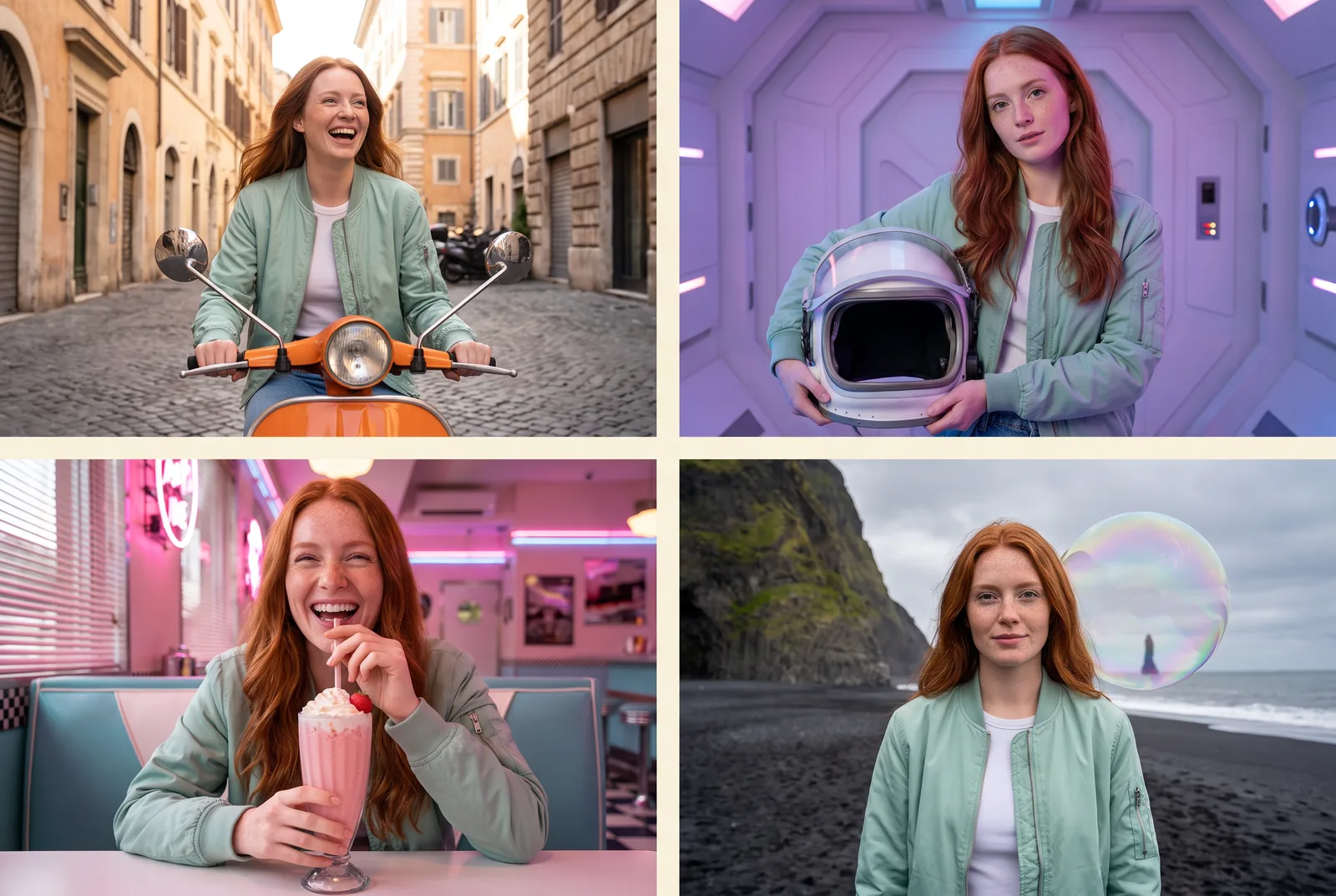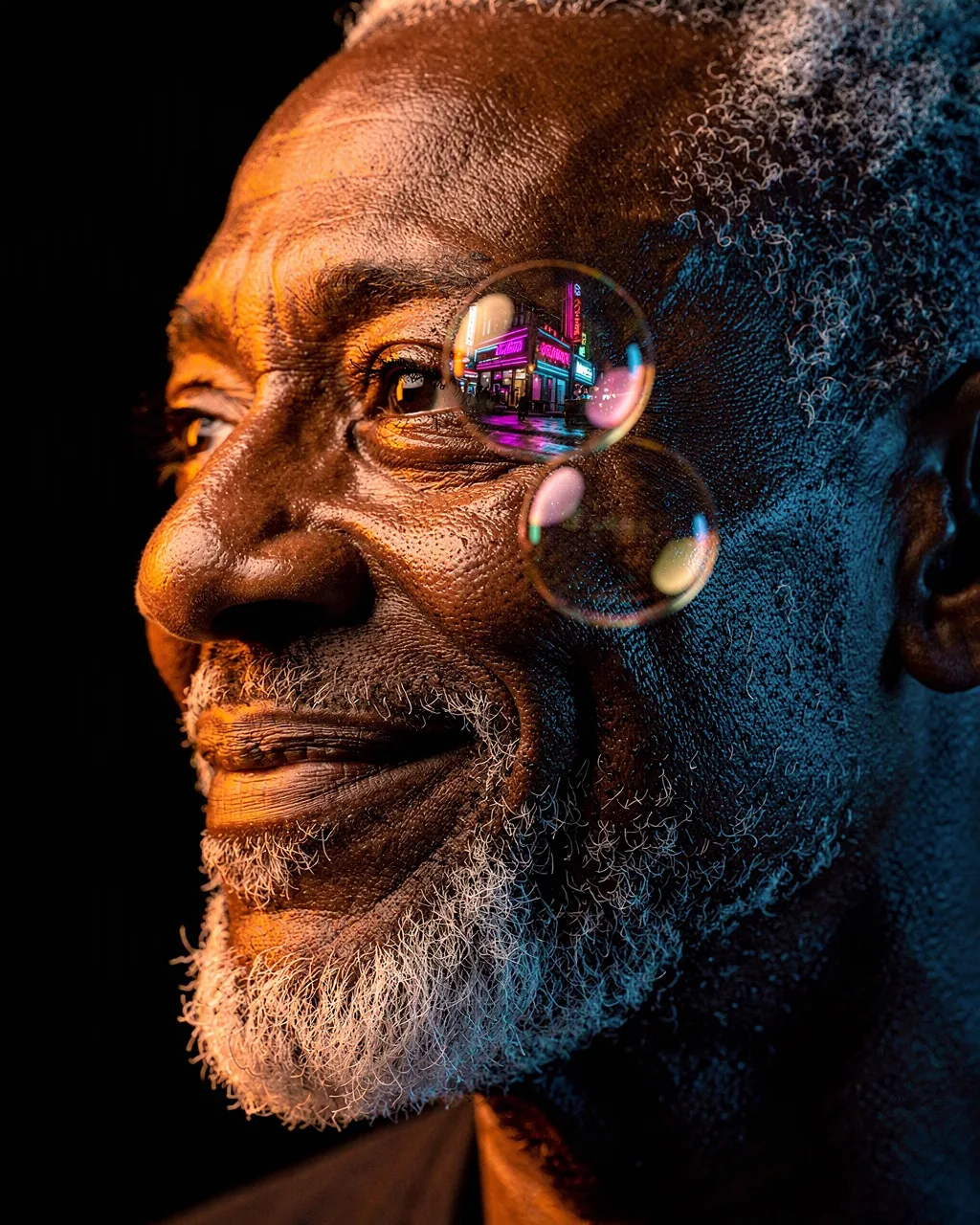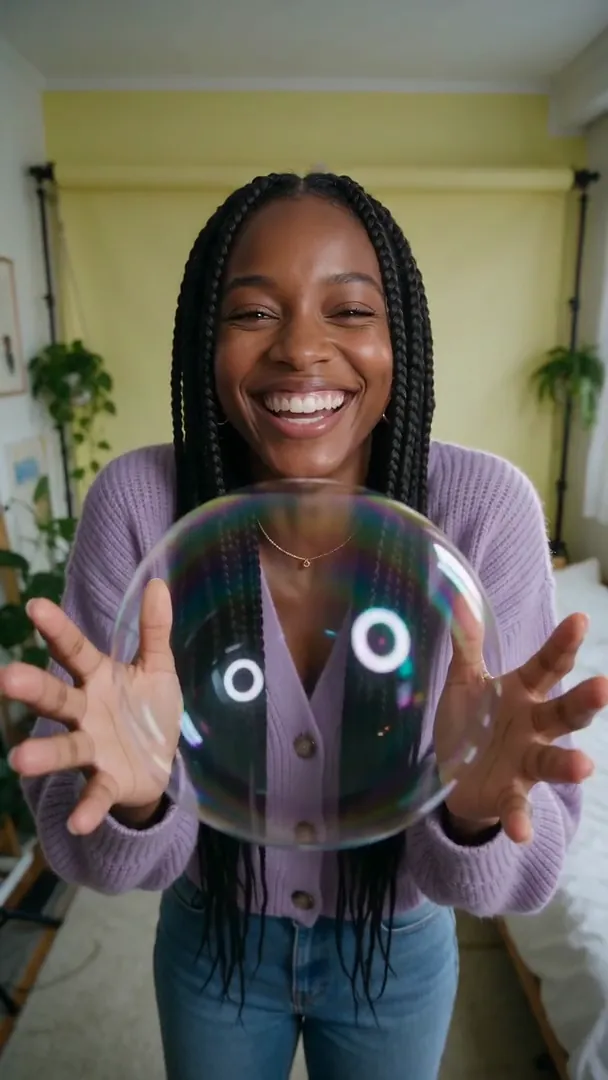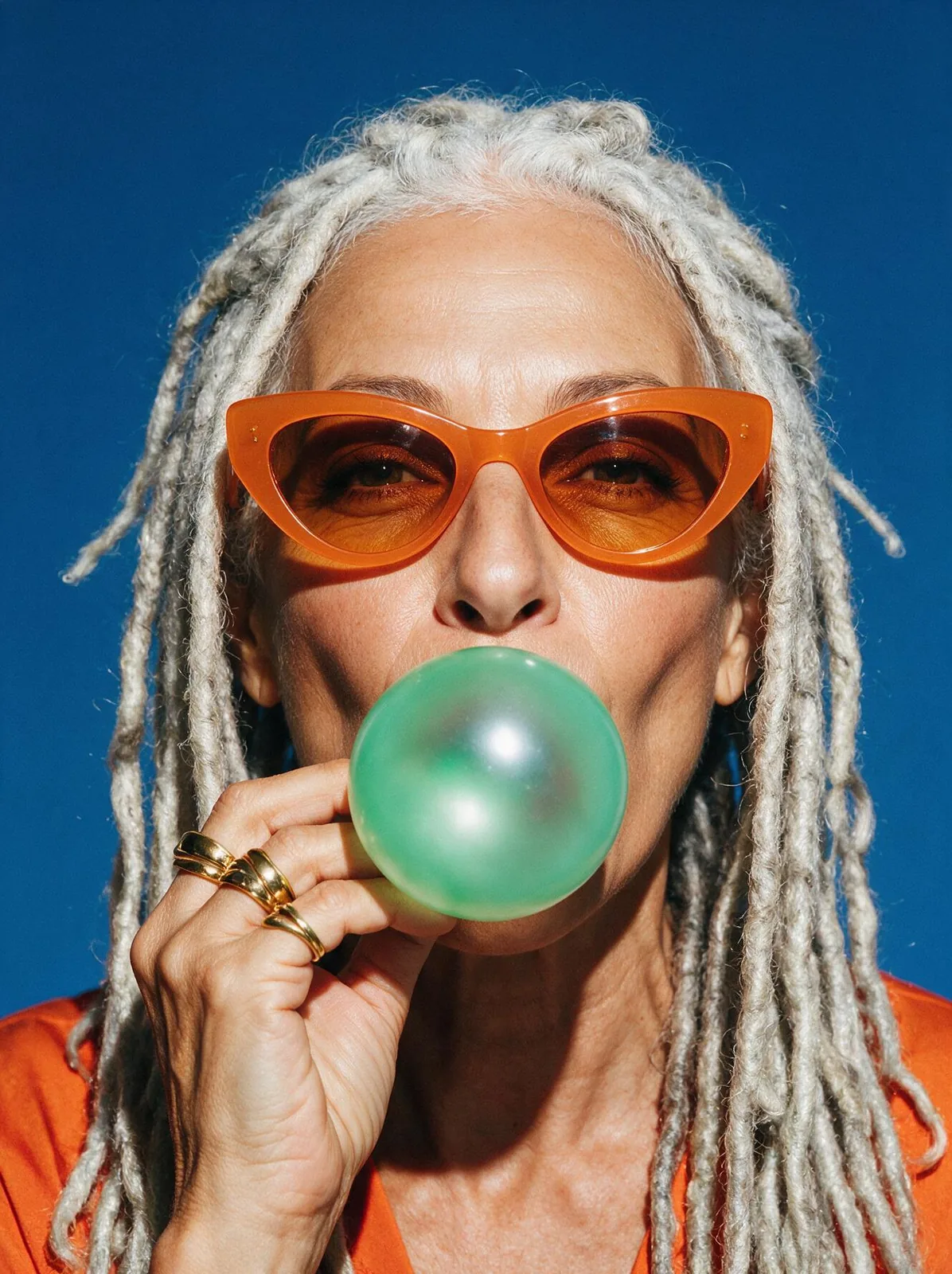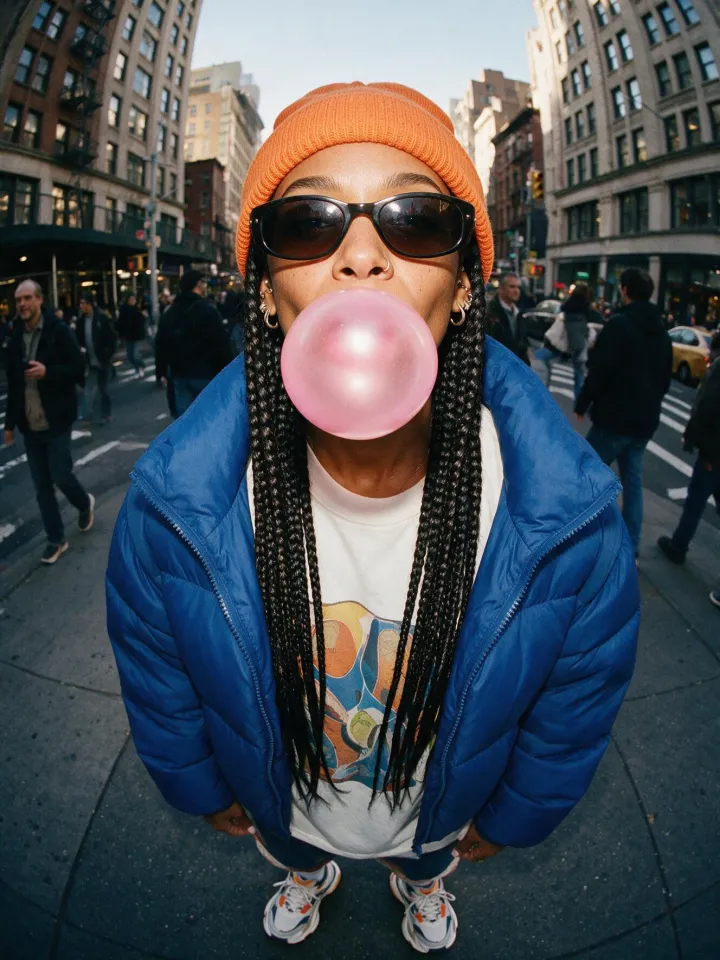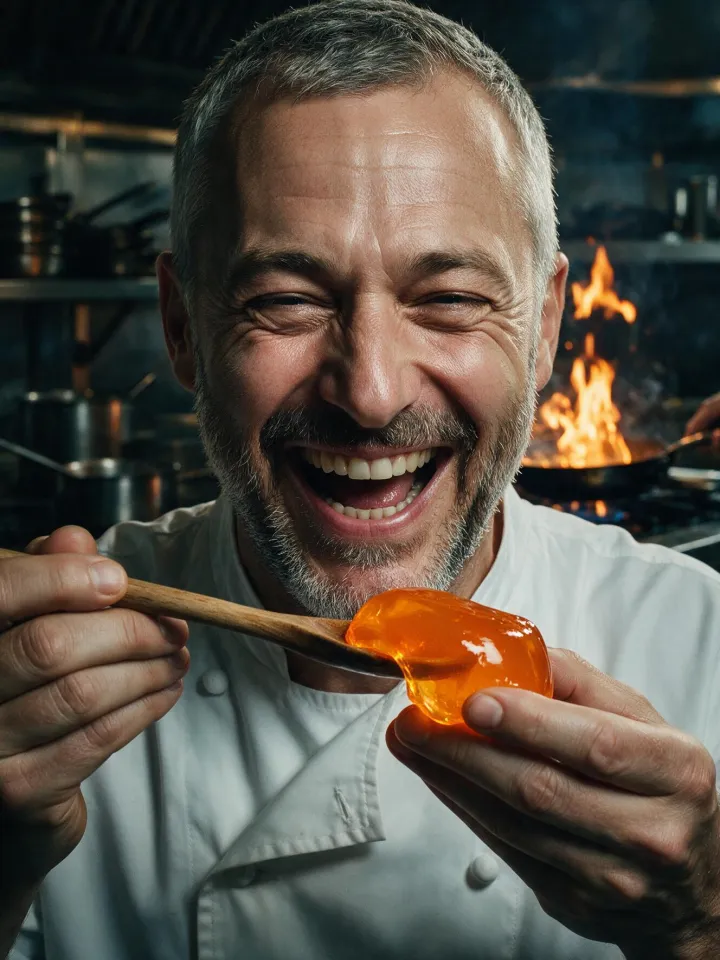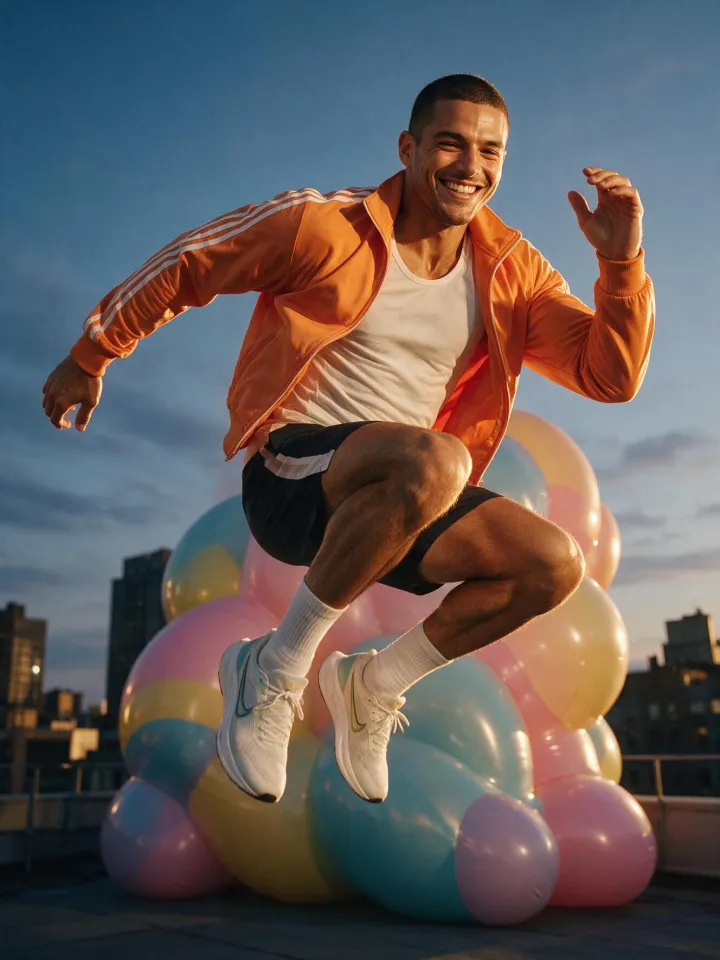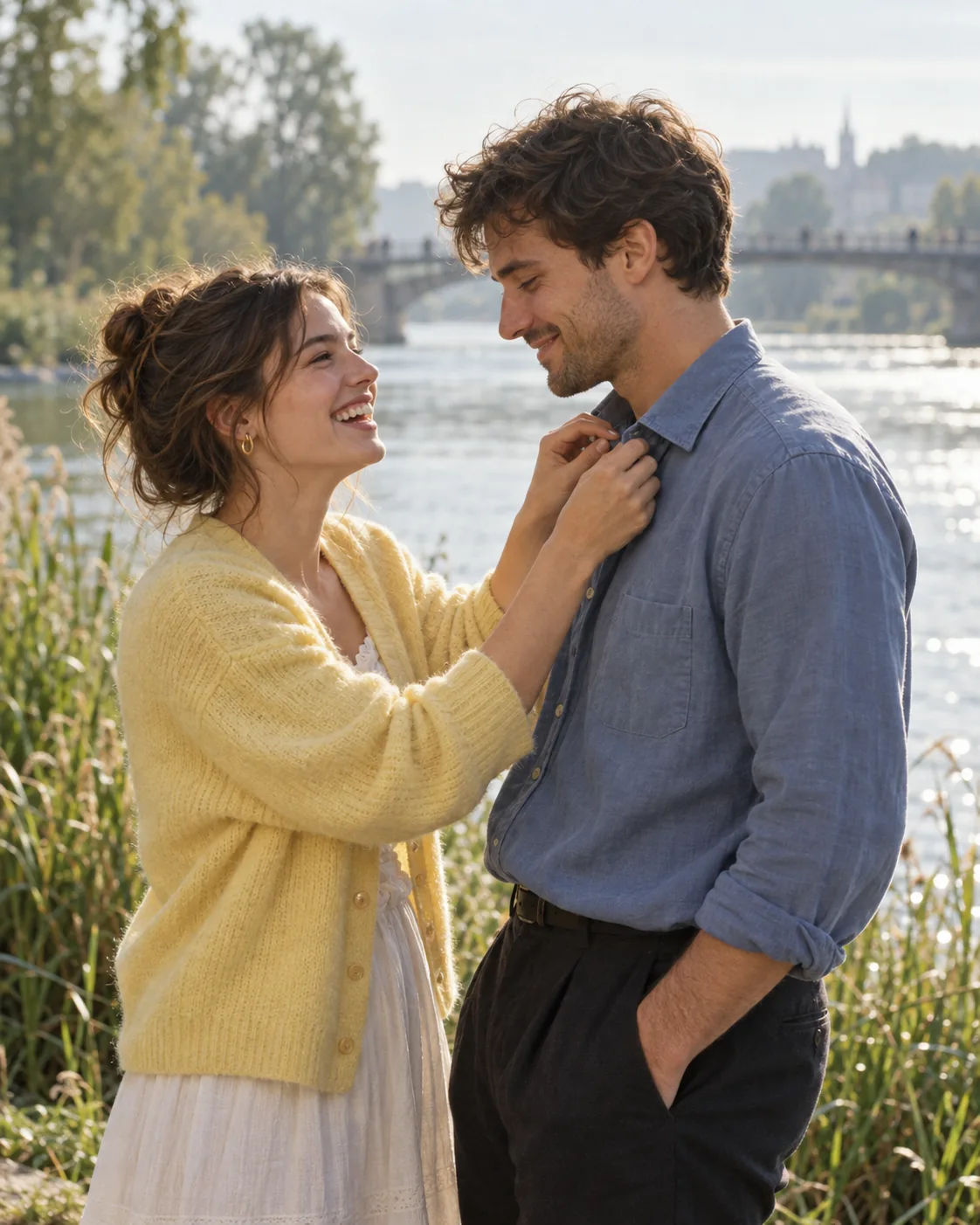
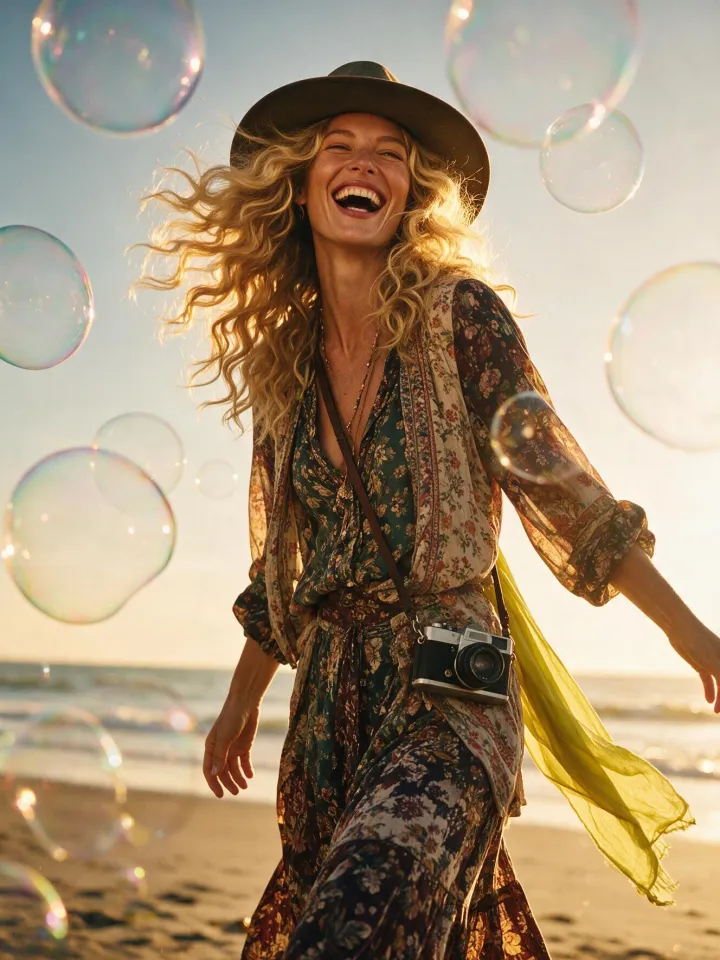
Riverside Collar, made with GPT Image 2.5 Sunburst
Example made with GPT Image 2.5 Sunburst

Text to imagePortraits

GPT Image 2.5 Sunburst portrait promptRiverside Collar

The exact text-to-image prompt behind this picture, made with GPT Image 2.5 Sunburst.

Prompt

Vertical 4:5 portrait frame. Two adult partners stand beside a broad river, one laughing while straightening the other's windblown shirt collar, wearing a butter yellow cardigan and a dusty blue overshirt with dark trousers. Reeds and a distant footbridge dissolve behind them in soft morning light. Eye level 85mm color negative portrait, mint highlights, warm natural skin, subtle grain and relaxed affection, no text.

Prompts are kept in their original English to help reproduce the example. Copy one as it is, or adapt it for your project.

Opens GPT Image 2.5 Sunburst with this prompt and the settings below filled in.

135 tested GPT Image prompts →

Settings

Mode
Text to image
Aspect ratio
4:5
Quality
high
Price
From 2 credits

The exact price shows before you generate.

Make your own version

  1. The prompt ends with no text. Leave that in, or the model may add random lettering.

Where this idea comes from

Inspired by an idea from @iamaiistudio, collected in Evolink-AI/awesome-gpt-image-2-API-Prompts under CC0 1.0. PopNow wrote this prompt and made the example above.

Portrait prompt guide

Why this portrait prompt works

A candid outdoor couple portrait captures an authentic, tender interaction beside a wide waterway at dawn. The prompt works exceptionally well with GPT Image 2.5 Sunburst because it pairs an active, natural gesture with a grounded color palette and vintage film descriptors. The color negative phrasing prevents plastic smoothing while preserving soft environmental depth behind the figures.

  1. Frame and scene setupVertical 4:5 portrait frame. Two adult partners stand beside a broad river,

    It fixes the vertical orientation for mobile viewing and anchors two figures within a spacious landscape. Changing this shifts the composition from an intimate environmental shot to a cramped or isolated studio portrait.

  2. Candid character actionone laughing while straightening the other's windblown shirt collar,

    This active gesture breaks rigid posing and gives the model a clear reason for hand placement. Removing it often causes awkward floating hands, stiff posture, or generic catalog smiles.

  3. Wardrobe and palette assignmentwearing a butter yellow cardigan and a dusty blue overshirt with dark trousers.

    It assigns complementary pastel and earth tones across the two subjects, separating them cleanly. Altering these colors changes the visual temperature balance against the cool water and reeds.

  4. Background separation and atmosphereReeds and a distant footbridge dissolve behind them in soft morning light.

    This establishes depth of field and soft illumination wrapping around the couple. Deleting the dissolving elements can cause background objects to compete with the faces for sharpness.

  5. Film aesthetic stylingEye level 85mm color negative portrait, mint highlights, warm natural skin, subtle grain and relaxed affection, no text.

    The 85mm focal length flatters facial features, while negative film cues ensure realistic skin texture instead of artificial gloss. Removing this sentence defaults to a sharp, high-contrast digital look.

Keeping the same face

To maintain consistent character identities across a multi-shot sequence with this prompt, lock down distinct facial structures and groom details before varying backgrounds or poses.

Partner physical features
Replace the generic couple reference with exact traits like a 32-year-old woman with a short auburn bob and a 35-year-old man with a trimmed beard and square jaw.
Wardrobe continuity
Keep the butter yellow cardigan and dusty blue overshirt verbatim across iterations if shooting the same day, or specify a consistent recurring accessory like a watch.
Skin and hair textures
Specify precise hair types, curl patterns, and skin undertones so the generation engine does not invent new facial genetics between shots.

Three ways to make it yours

Mature Orchard Walk

Swaps the young river setting for an orchard with an older couple sharing an affectionate hair adjustment.

Prompt

Vertical 4:5 portrait frame. Two mature partners in their late fifties stand beside a misty apple orchard, one smiling softly while tucking a loose silver curl behind the other's ear, wearing a forest green knit sweater and a beige canvas jacket. Weathered wooden crates dissolve behind them in soft morning light. Eye level 85mm color negative portrait, warm natural skin, subtle grain and quiet affection, no text.

Coastal Cliff Breeze

Moves the action to a coastal cliff with thicker cold-weather garments while retaining the hands-on gesture.

Prompt

Vertical 4:5 portrait frame. Two adult partners stand beside a windy cliff edge, one laughing while fastening the other's wool coat toggle, wearing a rust orange wool pea coat and a cream cable-knit scarf with dark trousers. Sea spray and distant headlands dissolve behind them in soft morning light. Eye level 85mm color negative portrait, mint highlights, warm natural skin, subtle grain, no text.

Urban Rooftop Morning

Transfers the intimate morning styling to an architectural city backdrop.

Prompt

Vertical 4:5 portrait frame. Two tall adult partners stand beside a brick rooftop parapet, one chuckling while adjusting the other's rumpled lapel, wearing an olive trench coat and an ochre crewneck sweater with slate trousers. Water towers and low skyline dissolve behind them in soft morning light. Eye level 85mm color negative portrait, warm natural skin, subtle grain and gentle affection, no text.

Model and settings

Generate in text-to-image mode using the 4:5 aspect ratio, which perfectly suits vertical portraiture and mobile display. Keep the quality set to high to allow GPT Image 2.5 Sunburst to resolve fine fabric knits, windblown hair, and delicate hand anatomy cleanly. If adapting this prompt for wide desktop wallpapers or editorial spreads, switch the aspect ratio to 16:9 while leaving the quality at high.

  • FLUX.2 ProChoose FLUX.2 Pro when you want precise hex color control over the cardigan and overshirt while maintaining lifelike film textures.
  • Seedream 5.0 ProChoose Seedream 5.0 Pro if you want to upload reference photos of real people to preserve exact facial likenesses in this riverside scene.

If the portrait comes out wrong

Hands distort or produce fused fingers while touching the collar.
Rephrase the action to one laughing with a hand resting gently against the other's shoulder near the collar to simplify the finger interaction.
Skin appears waxy, overly retouched, or plastic-like under bright light.
Add visible pores, fine lines, natural skin texture directly before warm natural skin and ensure color negative portrait remains in the text.
The two partners swap clothing colors or blend their garments together.
Specify person placement explicitly, such as partner on the left in a butter yellow cardigan and partner on the right in a dusty blue overshirt.
The morning lighting turns harsh or looks like midday sun.
Replace soft morning light with diffused golden hour dawn light with gentle long shadows.

Questions about this portrait prompt

How do I make the two people look like a specific couple?

Replace the phrase two adult partners with specific physical descriptions, specifying each person's age, skin tone, facial hair, eye color, and hairstyle. Adding distinct traits like a woman with high cheekbones or a man with wire-rimmed glasses prevents the faces from blending into a single generic look.

Why does the collar adjustment gesture sometimes create messy hands?

Complex interactions where hands touch fabric close to the neck can confuse anatomy rendering. If fingers look merged or unnatural, simplify the prompt to a less complex gesture, such as resting an open palm on the other partner's shoulder or holding hands.

How can I prevent the 85mm lens effect from blurring too much of the background?

The word dissolve instructs the model to create heavy background blur. Replace dissolve behind them with softly visible in the background and change 85mm to 35mm environmental portrait to bring more river and landscape detail into focus.