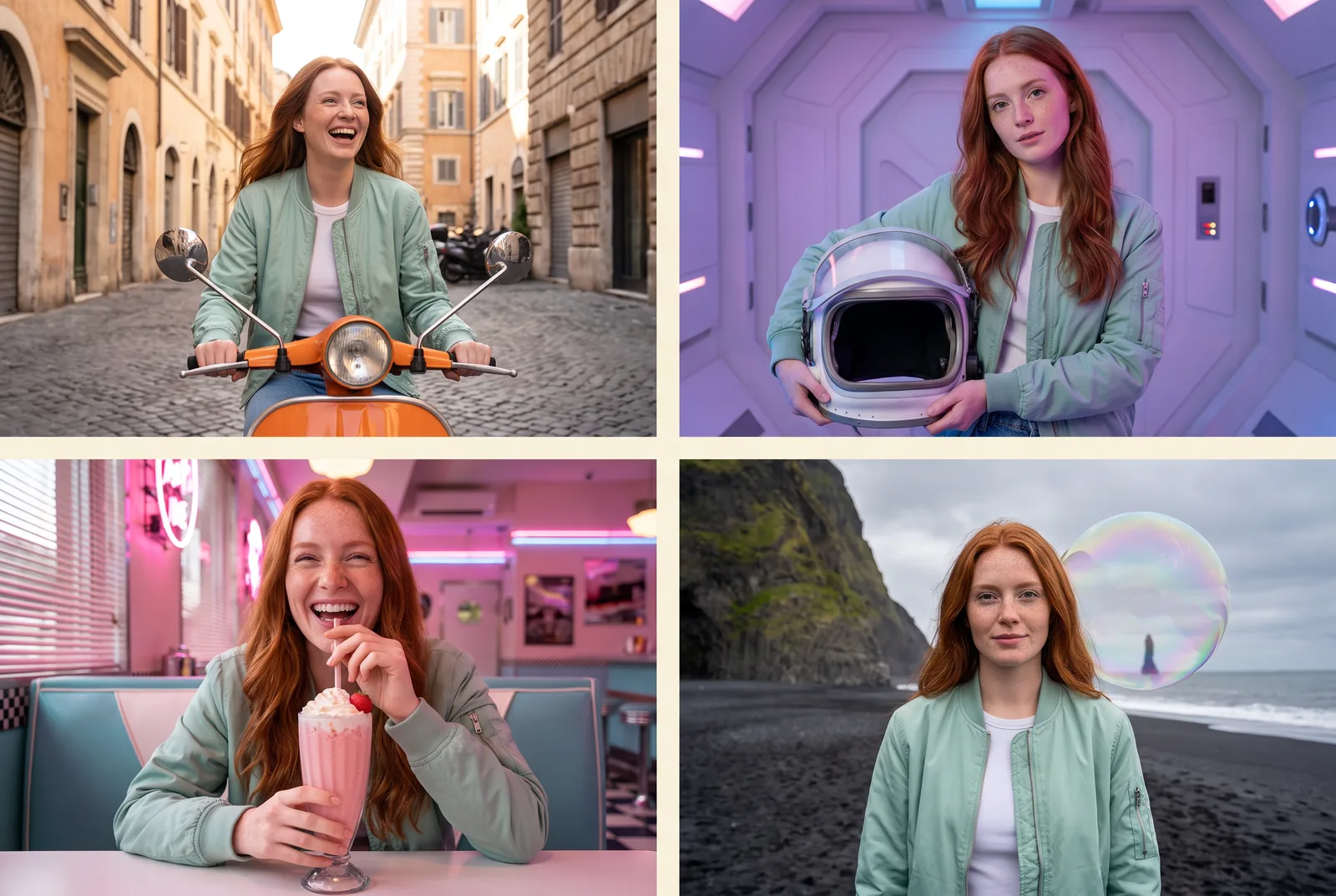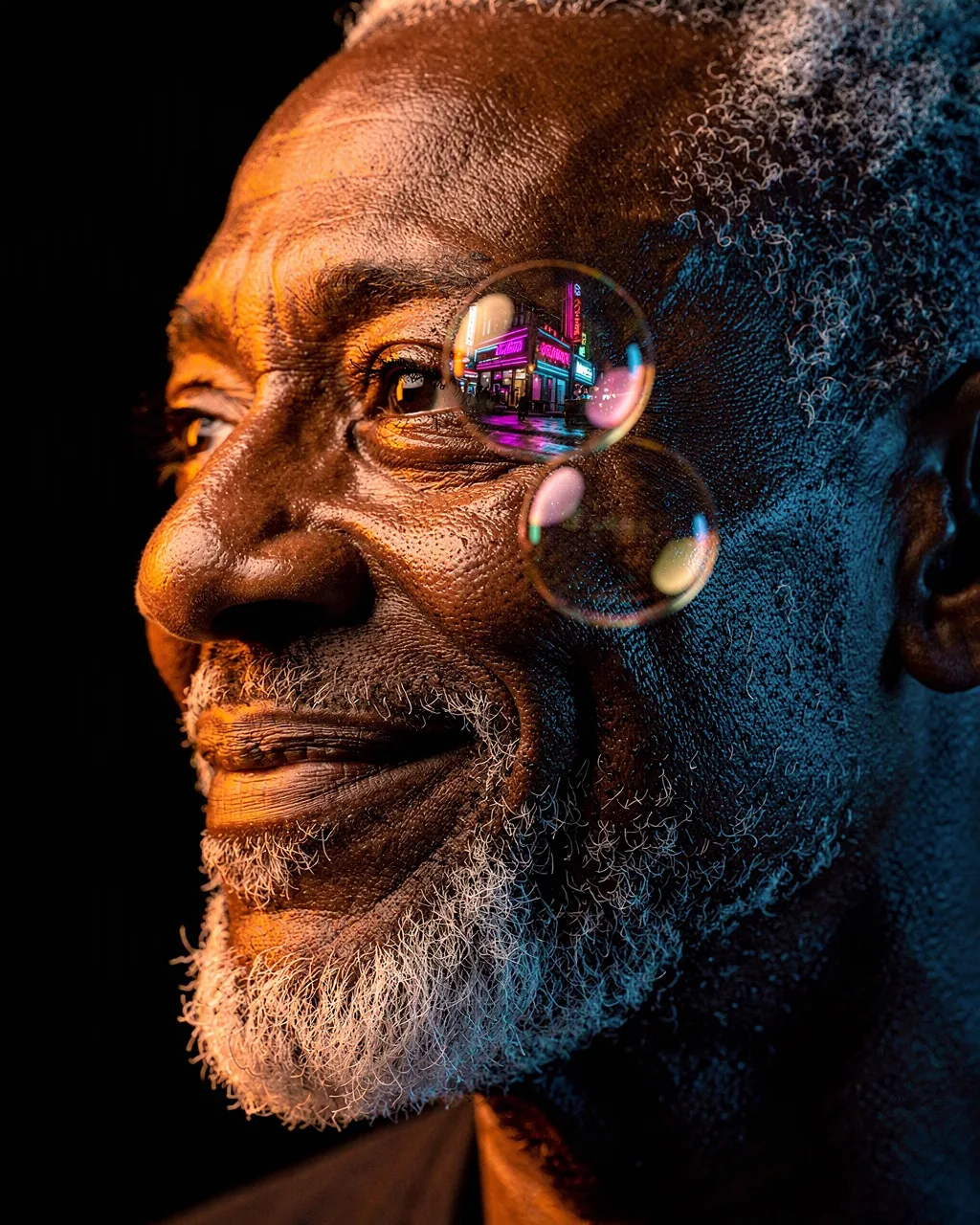
Golden Drizzle, made with GPT Image 2.5 Sunburst
Example made with GPT Image 2.5 Sunburst

Text to imagePortraits

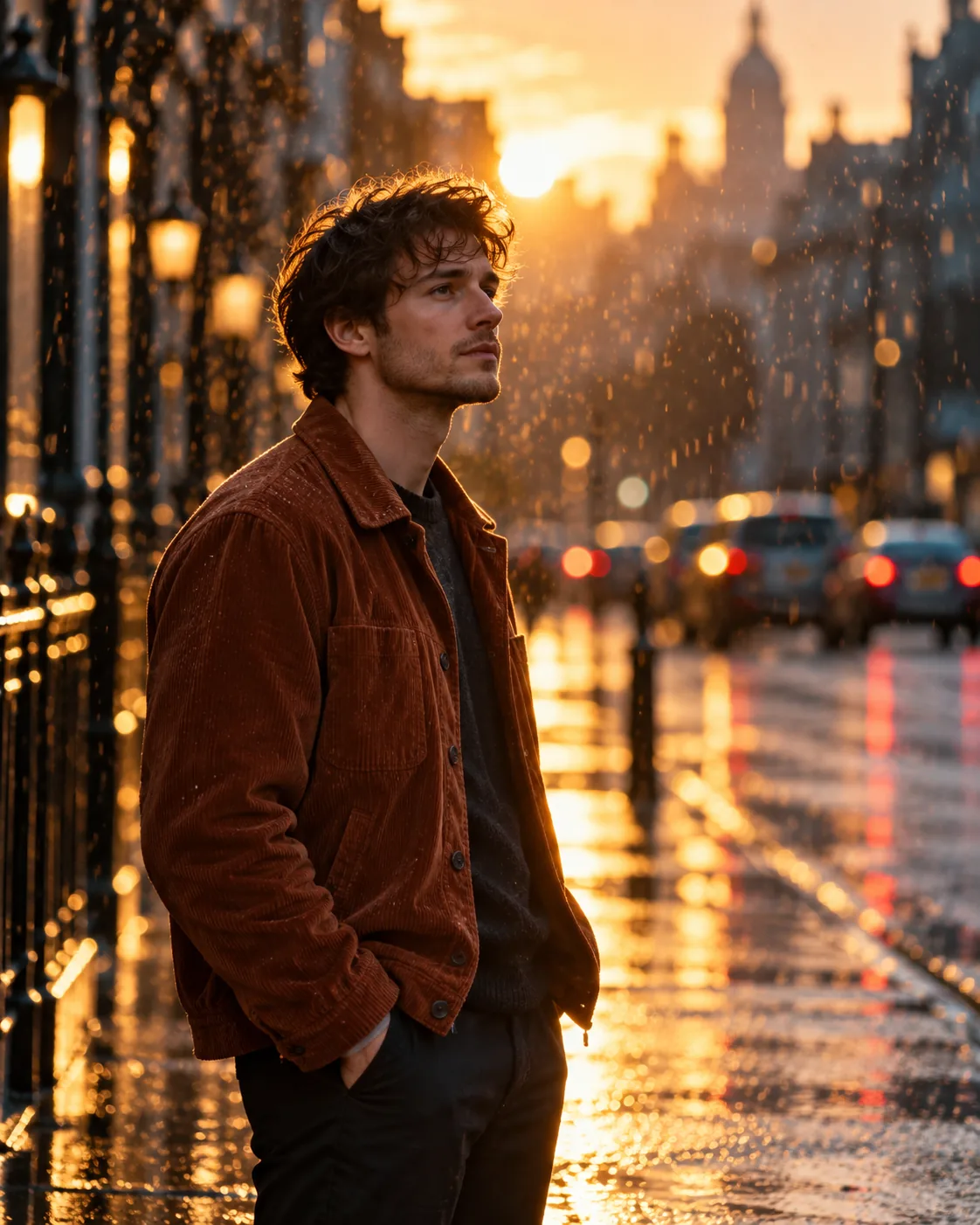
GPT Image 2.5 Sunburst portrait promptGolden Drizzle

The exact text-to-image prompt behind this picture, made with GPT Image 2.5 Sunburst.

Prompt

Vertical 4:5 portrait frame. A young man in a rust corduroy jacket standing alone on a wet city sidewalk at golden hour, the low sun backlighting a light drizzle so every raindrop glows amber, long telephoto lens compressing the street behind him into soft blue shadow, quiet contemplative expression, cinematic street portrait, no readable signs.

Prompts are kept in their original English to help reproduce the example. Copy one as it is, or adapt it for your project.

Opens GPT Image 2.5 Sunburst with this prompt and the settings below filled in.

135 tested GPT Image prompts →

Settings

Mode
Text to image
Aspect ratio
4:5
Quality
high
Price
From 2 credits

The exact price shows before you generate.

Make your own version

  1. For a different mood, rewrite only the light: the low sun backlighting a light drizzle so every raindrop glows amber.
  2. cinematic street portrait sets the whole feel of the shot. Swap it for another camera style to change the vibe.

Where this idea comes from

Inspired by an idea from @harboriis, collected in Evolink-AI/awesome-gpt-image-2-API-Prompts under CC0 1.0. PopNow wrote this prompt and made the example above.

Portrait prompt guide

Why this portrait prompt works

A young man in a textured rust corduroy jacket stands under backlit golden rain on a wet city sidewalk, framed like an evocative movie still. GPT Image 2.5 Sunburst renders the warm rim light against cool blue city shadows with rich contrast, while the telephoto perspective cleanly separates him from the urban background. It works because the warm amber drops play directly off the muted slate street tones.

  1. subject and wardrobe anchorVertical 4:5 portrait frame. A young man in a rust corduroy jacket

    It introduces the character and distinct textured garment. Swapping the rust corduroy for a raincoat or dark wool coat completely shifts the color balance and casual, vintage-styled mood.

  2. environmental setting and timingstanding alone on a wet city sidewalk at golden hour,

    This defines the pavement reflections and warm time of day. Without the wet sidewalk, you lose the glossy ground reflections that bounce light upward into the subject's face.

  3. primary lighting effectthe low sun backlighting a light drizzle so every raindrop glows amber,

    It creates the luminous rim-lighting effect where falling moisture catches direct sunbeams. Removing this turns the rain into dull gray streaks and eliminates the glowing atmosphere.

  4. camera lens perspectivelong telephoto lens compressing the street behind him into soft blue shadow,

    This forces a shallow depth of field that flattens distance and pushes city traffic into creamy bokeh. A wide-angle phrase would instead reveal sharp storefronts and wide architecture.

  5. mood and background cleanupquiet contemplative expression, cinematic street portrait, no readable signs.

    It guides facial subtlety and prevents garbled storefront lettering. Omitting the sign instruction often causes the model to generate distracting pseudo-text and neon clutter in the background.

Keeping the same face

To maintain the same person across multiple generations or match your own appearance, lock these specific physical and clothing traits in the prompt text.

Facial bone structure and age
Replace young man with explicit markers such as sharp jawline, high cheekbones, early thirties to prevent the model from cycling different facial archetypes.
Hairstyle and grooming
Add precise hair descriptions like short textured wavy brown hair and trimmed stubble so hair length and facial hair remain static across takes.
Rust corduroy jacket
Keep the exact fabric weave, wide-wale texture, and rust tone across prompts to let wardrobe continuity anchor the subject's visual identity.

Three ways to make it yours

Olive trench in twilight mist

Swaps the subject to an older woman in classic outerwear while preserving the amber drizzle and cool telephoto background.

Prompt

Vertical 4:5 portrait frame. An older woman with silver braided hair in a tailored olive trench coat standing alone on a wet city sidewalk at golden hour, the low sun backlighting a light drizzle so every raindrop glows amber, long telephoto lens compressing the street behind her into soft blue shadow, quiet contemplative expression, cinematic street portrait, no readable signs.

Dusk transit shelter portrait

Changes the subject and micro-setting to a transit stop while maintaining identical backlighting and lens compression.

Prompt

Vertical 4:5 portrait frame. A tall Black man in a dark denim jacket standing alone by a glass tram shelter on a wet avenue at golden hour, the low sun backlighting a light drizzle so every raindrop glows amber, long telephoto lens compressing the street behind him into soft blue shadow, quiet contemplative expression, cinematic street portrait, no readable signs.

Canal bridge evening drizzle

Transfers the scene to a stone bridge with a different subject and warm knitwear, keeping the luminous raindrops intact.

Prompt

Vertical 4:5 portrait frame. A South Asian woman in a mustard wool sweater standing alone on a stone canal bridge at golden hour, the low sun backlighting a light drizzle so every raindrop glows amber, long telephoto lens compressing the street behind her into soft blue shadow, quiet contemplative expression, cinematic street portrait, no readable signs.

Model and settings

Keep the vertical 4:5 aspect ratio because it perfectly accommodates head-to-waist framing while leaving headroom for backlit drizzle. Set quality to high so GPT Image 2.5 Sunburst accurately renders individual amber water drops and subtle corduroy fabric texture without smudging. If you need a cinematic landscape shot for desktop backgrounds, change the ratio to 16:9 while retaining high quality in text-to-image mode.

  • Seedream 5.0 ProChoose this model if you want to feed in reference photos of a real person to maintain strict facial consistency while recreating this wet golden hour scene.
  • FLUX.2 ProSelect this model when you need ultra-photorealistic skin pore details and exact color grading between the rust jacket and blue background shadows.

If the portrait comes out wrong

The subject's skin appears waxy, overly smoothed, or airbrushed under the golden lighting.
Add natural skin texture, visible pores, unretouched complexion directly after the subject description, and ensure quality remains set to high.
Raindrops look like harsh white streaks or flat gray haze instead of glowing golden beads.
Strengthen the lighting phrase to intense low golden backlight illuminating suspended water droplets against dark shadow to force backlit contrast.
The subject's hands appear warped, merged into coat pockets, or display extra fingers.
Specify hand placement explicitly by adding hands tucked neatly inside jacket pockets to remove complex finger generation from the composition.

Questions about this portrait prompt

How do I stop the background city signs from showing gibberish words?

GPT Image 2.5 Sunburst naturally renders clean text, which can cause unwanted background neon letters. Keep the phrase no readable signs and add heavily blurred background bokeh to push urban background storefronts completely out of focus.

Why are the glowing raindrops blurring into a solid yellow fog?

When rain prompts lack scale, the model might interpret drizzle as atmospheric smoke. Emphasize distinct particles by keeping light drizzle so every raindrop glows amber and avoid broad terms like heavy downpour or golden fog that wash out the background.

Can I change the jacket color without altering the street reflections?

Yes, swap rust corduroy jacket for another specific hue such as forest green wool coat. Be sure to keep glowing amber raindrops and soft blue shadow unchanged so the warm-versus-cool environmental color balance stays intact.