


by MiniMaxVideoNew

MiniMax H3 HighSpeed
768p video with sound from text, images or references
- Up to 768p
- 4–15s clips
- Start and end frames
- Up to 9 reference images
- 6 aspect ratios
From 300 credits for a 5-second clip≈ $0.30· Create Video
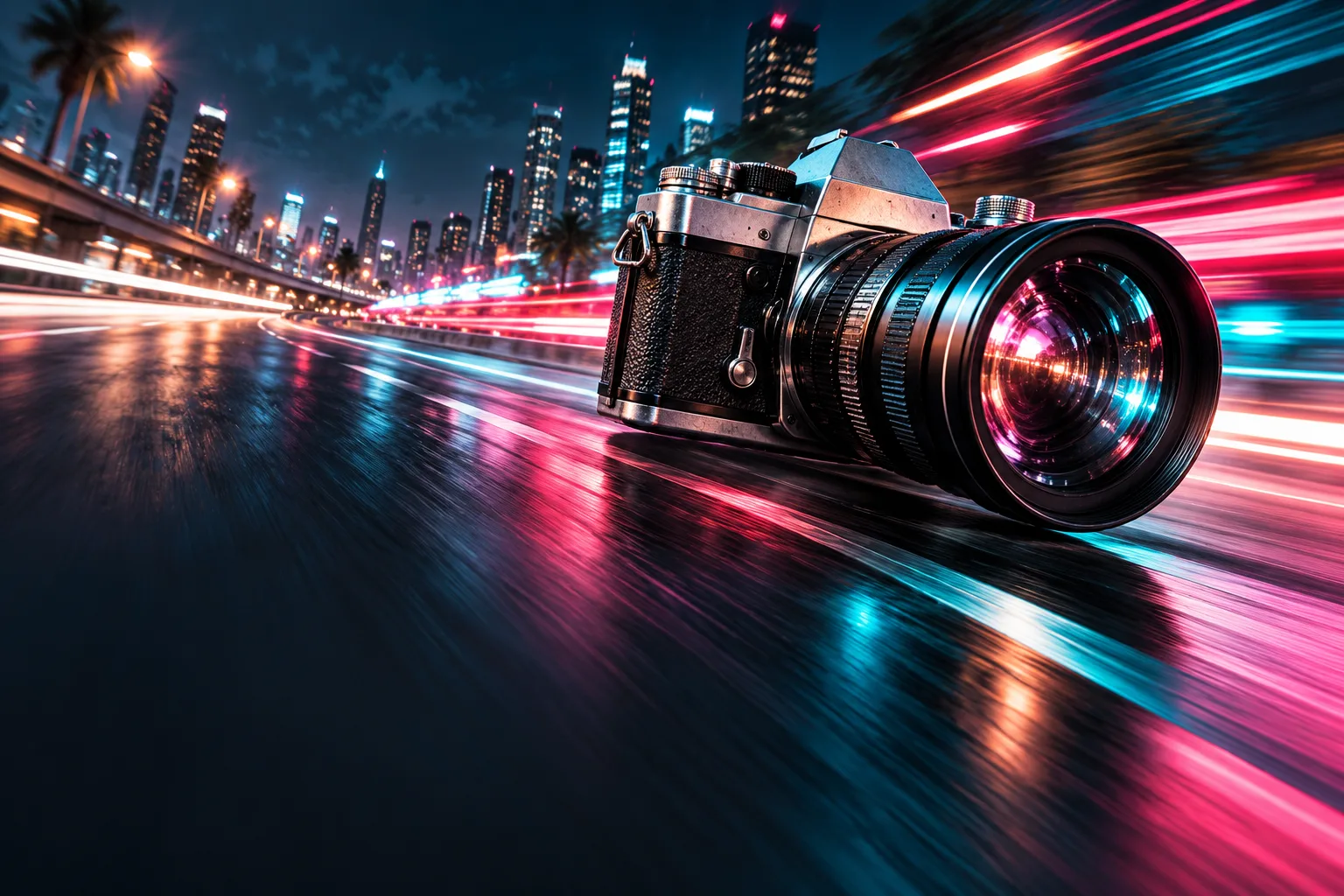 MiniMax H3 HighSpeed
What it's like to use
MiniMax H3 HighSpeed creates 4–15-second videos with sound at 768p. Start from text, an image or image, video and audio references. Image-to-video also accepts an optional closing frame.
Good for
- 768p scenes combining action and sound
- Shots guided by opening and closing storyboard frames
- Scenes guided by image, motion and audio references
What MiniMax H3 HighSpeed can do
 Create VideoGenerate a video clip from a text prompt.From 300 creditsfor a 5-second clip
 Image to VideoBring a still image to life with motion and sound.From 300 creditsfor a 5-second clip
 Reference to VideoKeep characters, outfits and places consistent from your references.From 300 creditsfor a 5-second clip
Which MiniMax H3 to use
- Try ideasMiniMax H3 LiteThe same three-part prompts for less, up to 768p. Good for working out a scene.200 credits5s · 768p
- Make the setMiniMax H3The everyday pick: text, photo or reference photos, up to 30 seconds, 2K for finals.185 credits5s · 768p
- Final takeMiniMax H3 MaxMore motion and detail for a hero shot; starts from text or from first and last frames.452 credits5s · 768p
- Fix a takeMiniMax H3 EditChange the light, weather or style of a clip you already have; people and motion stay.150 credits
Prompt shape for MiniMax H3 HighSpeed
integrated_multimodal_description: [Shot 1] [framing, who stands where, the action, the camera, any line with its speaker]
overall_soundscape: [ambience and physical sounds]
non_diegetic_music: [the score, or N/A]
integrated_multimodal_description: [Shot 1] Medium shot of a lighthouse keeper (S1, on screen, deep calm voice) climbing the last steps of a spiral staircase with a lantern; the camera rises with him and settles as he reaches the lamp room. He says: "Right on time."
overall_soundscape: Boots on iron steps, wind pressing against the glass.
non_diegetic_music: N/A
How to prompt MiniMax H3 HighSpeed
- Describe the scene, movement, camera and sound. Put spoken lines in double quotes and identify the speaker.
- Start with the 5-second default, then adjust the duration in whole seconds from 4 to 15.
- Reference mode accepts up to 9 images, 3 videos and 3 audio clips. Include at least one image or video; audio alone is not accepted. Refer to them as Image 1, Video 1 and Audio 1.
Settings worth knowing
resolution768p- 480p or 768p while you work it out, 2K for the take you keep.
aspect_ratio16:9 · 9:16 · 1:1 · 4:3 · 3:4 · 21:9- The shape of the frame: wide, square or tall.
duration_seconds4–15s- How long the clip runs. Seconds past 15 cost twice as much, so build long scenes from shorter clips.
reference_image_urls≤ 9- Photos of the people or things to keep. Call them Picture 1, Picture 2 in the prompt.
image_url- The photo the clip starts from. Describe only what happens next.
last_image_url- The photo the clip should end on.
reference_video_urls≤ 3- Clips whose motion, camera or style the result should follow.
reference_audio_urls≤ 3- Audio to match: a voice, music or a rhythm.
How it compares
MiniMax H3 Lite offers the same three input modes with a choice of 480p or 768p. H3 HighSpeed outputs 768p only.


Good to know
Prompts accept 1–7,000 characters. Reference video and audio clips are 2–15 seconds each, with up to 15 seconds in total for each type. These variants do not offer video extension.
Common problems with MiniMax H3 HighSpeed
- Problem
- Camera commands in square brackets are ignored.
- Why
- Bracket commands such as [Push in] come from older models.
- Fix
- Describe the move in words inside the description field, for example: the camera slowly pushes in.
- Problem
- Music you did not ask for plays under the clip.
- Why
- An empty music field invites added music.
- Fix
- Write non_diegetic_music: N/A when you want no score.
- Problem
- The wrong person moves their lips.
- Why
- Speakers are not tagged, so the model guesses.
- Fix
- Give each speaker an ID such as (S1), and say that people who are not speaking keep their lips closed.
- Problem
- A face described only in words looks different each time.
- Why
- Text alone redraws the person on every run.
- Fix
- Start from a photo, or use reference mode with three or four clear photos.
Questions about MiniMax H3 HighSpeed
How much does MiniMax H3 HighSpeed cost?
On PopNow, the cheapest run of MiniMax H3 HighSpeed costs 300 credits ($0.30) for a 5-second clip.
What can MiniMax H3 HighSpeed do?
On PopNow, MiniMax H3 HighSpeed works in these modes: Create Video, Image to Video, and Reference to Video. Pick one in the studio and add a prompt or an upload.
How long and how sharp are MiniMax H3 HighSpeed videos?
Clips run 4–15s at up to 768p.
How should I write prompts for MiniMax H3 HighSpeed?
Describe the scene, movement, camera and sound. Put spoken lines in double quotes and identify the speaker. Start with the 5-second default, then adjust the duration in whole seconds from 4 to 15. Reference mode accepts up to 9 images, 3 videos and 3 audio clips. Include at least one image or video; audio alone is not accepted. Refer to them as Image 1, Video 1 and Audio 1.
MiniMax H3 HighSpeed or MiniMax H3 Lite?
MiniMax H3 Lite offers the same three input modes with a choice of 480p or 768p. H3 HighSpeed outputs 768p only.
Do I need to install anything to use MiniMax H3 HighSpeed?
No. MiniMax H3 HighSpeed runs in your browser on PopNow: write a prompt or add a file, choose the settings and download the result. Sign up and you can generate straight away.