


AI video effect · Black Friday product drop ad
Featured in October 2026
Black Friday product drop ad from one photo
One product photo becomes a glossy launch commercial with light sweeps and a slow hero spin.
1Add a photo
- One product on a plain surface
- Center it with space all around
- Soft, even light keeps the edges crisp
More optionsMiniMax H3
More options5s
5-second video · usually ready in about 1 min
More to try
All effects





What the Black Friday product drop ad effect does
Product Drop Ad takes one item off its surface and gives it a slow studio rotation. Warm light sweeps trace the shape while the surrounding scene becomes dark, then the camera moves in for a hero view. The item itself remains the focus rather than a caption or price card.
Choose a clean product photograph with a distinct silhouette. This is a visual concept for a launch edit, and generated details deserve careful review before the clip represents an actual item for sale. The two public examples show useful shape retention, but the rejected attempt demonstrates why inspection still matters.
The idea behind Black Friday product drop ad
Black Friday on November 27 and Cyber Monday on November 30, 2026 create a practical seasonal use for short product visuals. A floating studio reveal offers a compact way to introduce one item without turning the entire clip into a discount card.
The broader appeal is material and shape: rotating an ordinary product under moving light can make a simple launch edit feel more deliberate. Actual offers and item specifications can be added separately after the generated product has been checked.
How to use Black Friday product drop ad
- Isolate the launch item Upload a clear single-product photograph with its complete outline visible.
- Render the studio movement Keep the default H3 sample tier for the floating reveal and light sweeps.
- Compare the real design Inspect the shape and colors across the clip before using it in a product presentation.
Which photos work best for Black Friday product drop ad
Works well
- A single product with clearly visible edges
- A clean photo with faithful colors
Avoid
- Several overlapping products
- An item too small to inspect closely
Black Friday product drop ad examples
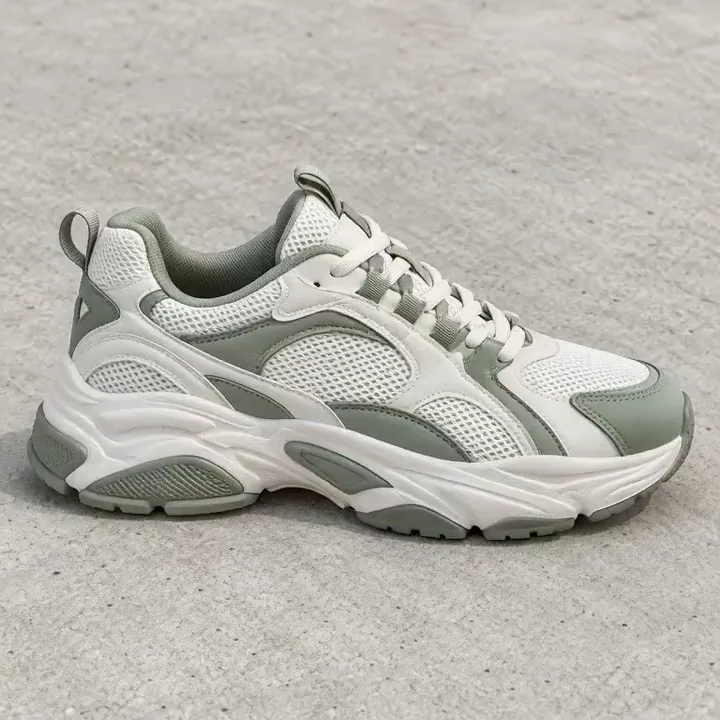
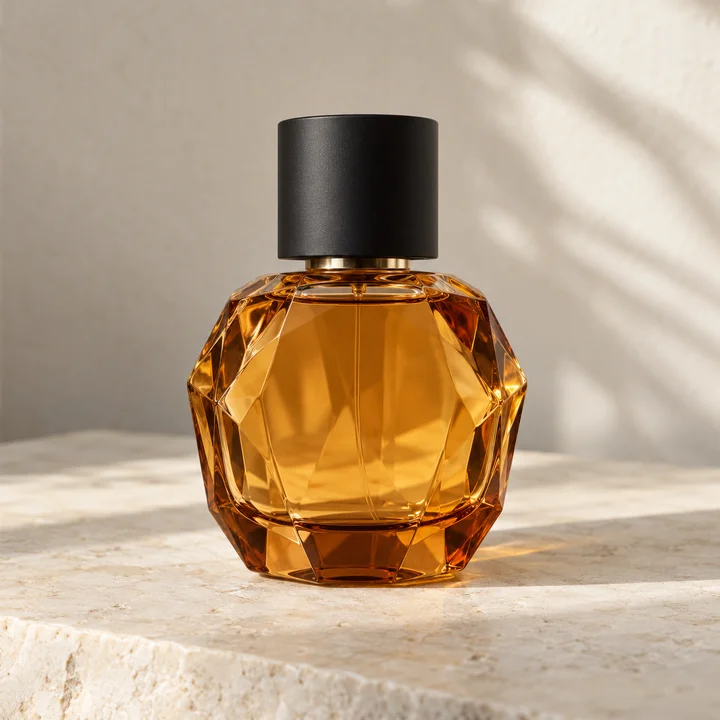
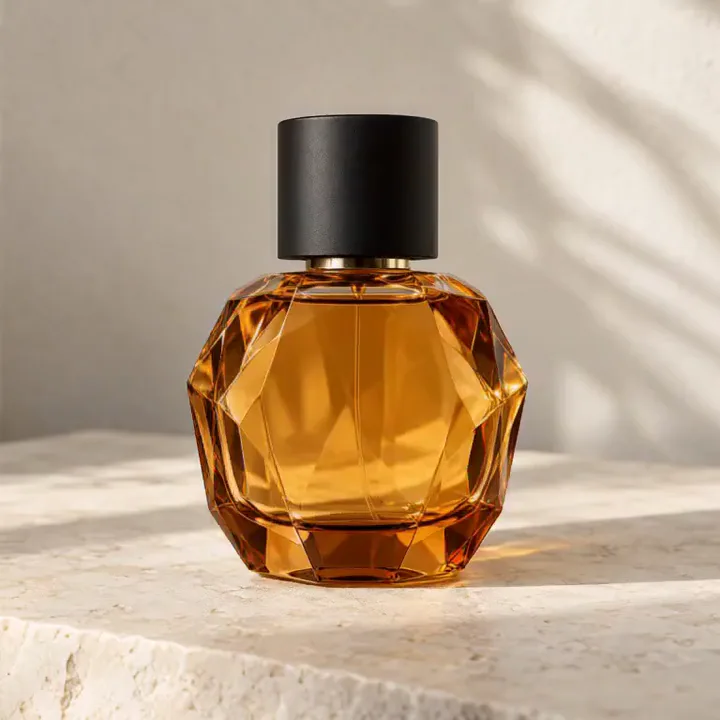
What we saw when we tested Black Friday product drop ad
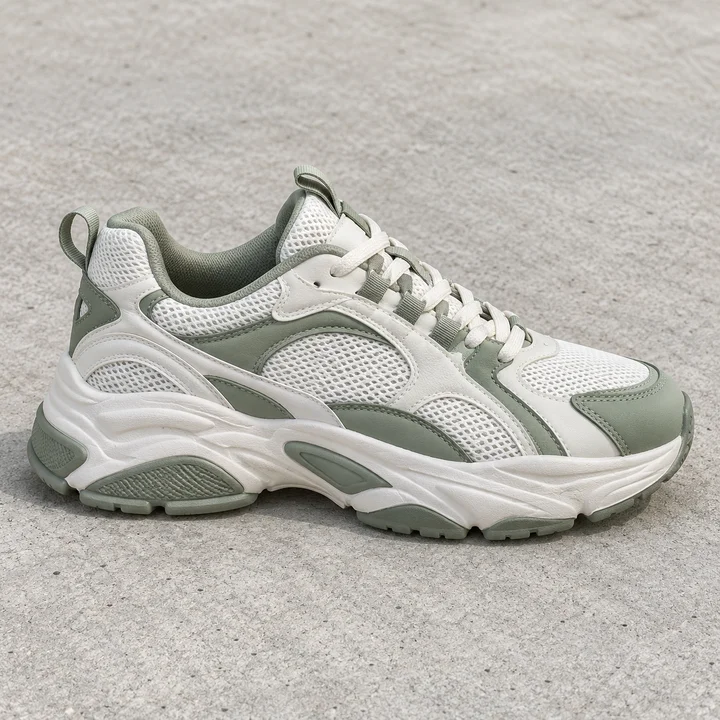
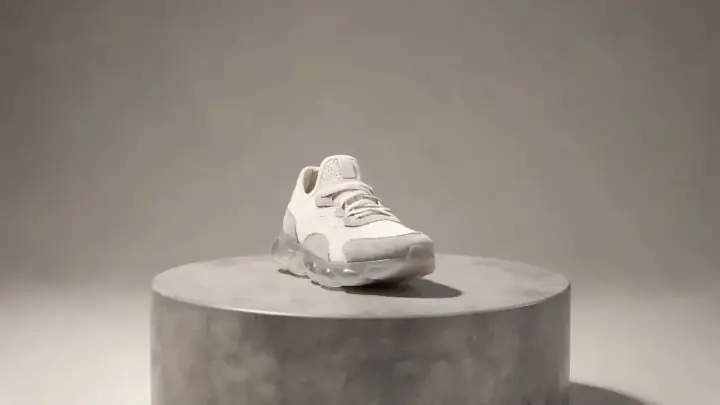
In our test runs, the sneaker and perfume samples floated, received moving light sweeps and ended with a camera push. The viewing notes report that their shapes stayed unchanged.
A headphone attempt was not published because the generated item changed into a recognizable branded-looking headphone shape. That failed example is a concrete limit on product fidelity, even though the two displayed items retained their forms.
How Black Friday product drop ad does on each model
- MiniMax H3 (185 credits · about 55 s) Default; MiniMax H3 made the samples for 185 credits, with a typical render time of 53 seconds.
- MiniMax H3 · 4s (148 credits · about 55 s) MiniMax H3 · 4s costs 148 credits and is cheaper, but remains untested with this prompt; the published examples do not verify its finish.
- Seedance 2.0 Mini · 480p (124 credits · about 2 min)
The prompt behind Black Friday product drop ad
Premium product commercial: the product lifts gently off the surface and floats in mid-air, slowly rotating to show its sides, while the background fades into a sleek dark studio. Sweeping beams of warm light glide across its surfaces, glossy reflections and fine golden particles drift around it, then a soft burst of light flares behind it as the camera pushes in for the hero shot. Smooth, high-end launch-ad look. The product's shape, colors and details stay exactly the same. No text, no price tags, no logos.Tips for a better Black Friday product drop ad result
- Use a product image with readable seams, edges and color transitions for a meaningful comparison afterward.
- Review a full rotation before adding sales copy so an attractive frame does not hide changed geometry elsewhere.
Black Friday product drop ad: questions and answers
Did every tested product keep its original design?
The sneaker and perfume did, but a headphone attempt changed shape and was excluded from the public examples.
Does the product ad generate a Black Friday price card?
The preset concentrates on floating motion, light and a close-up, with no requested price tags or written offer.
Why inspect the item’s sides during the rotation?
The newly exposed surfaces are generated, so they need comparison with the real product before the video is used to describe it.
Which public objects demonstrate the floating studio look?
A sneaker and a perfume bottle are the two displayed examples, in that order.
Should I treat the smooth launch finish as proof of product accuracy?
A polished presentation alone cannot establish fidelity, as the withheld headphone result shows despite the successful public examples.
Related effects and tools
- 360 Turntable · Your product or pet spins a full circle on the spot.
- Ingredients Burst · Fruit and droplets explode around your product in slow motion.
- Liquid Splash · A glossy wave swirls around your product, then a crisp push-in.
- Prepare a clear product reference
- Build a product advertising edit