


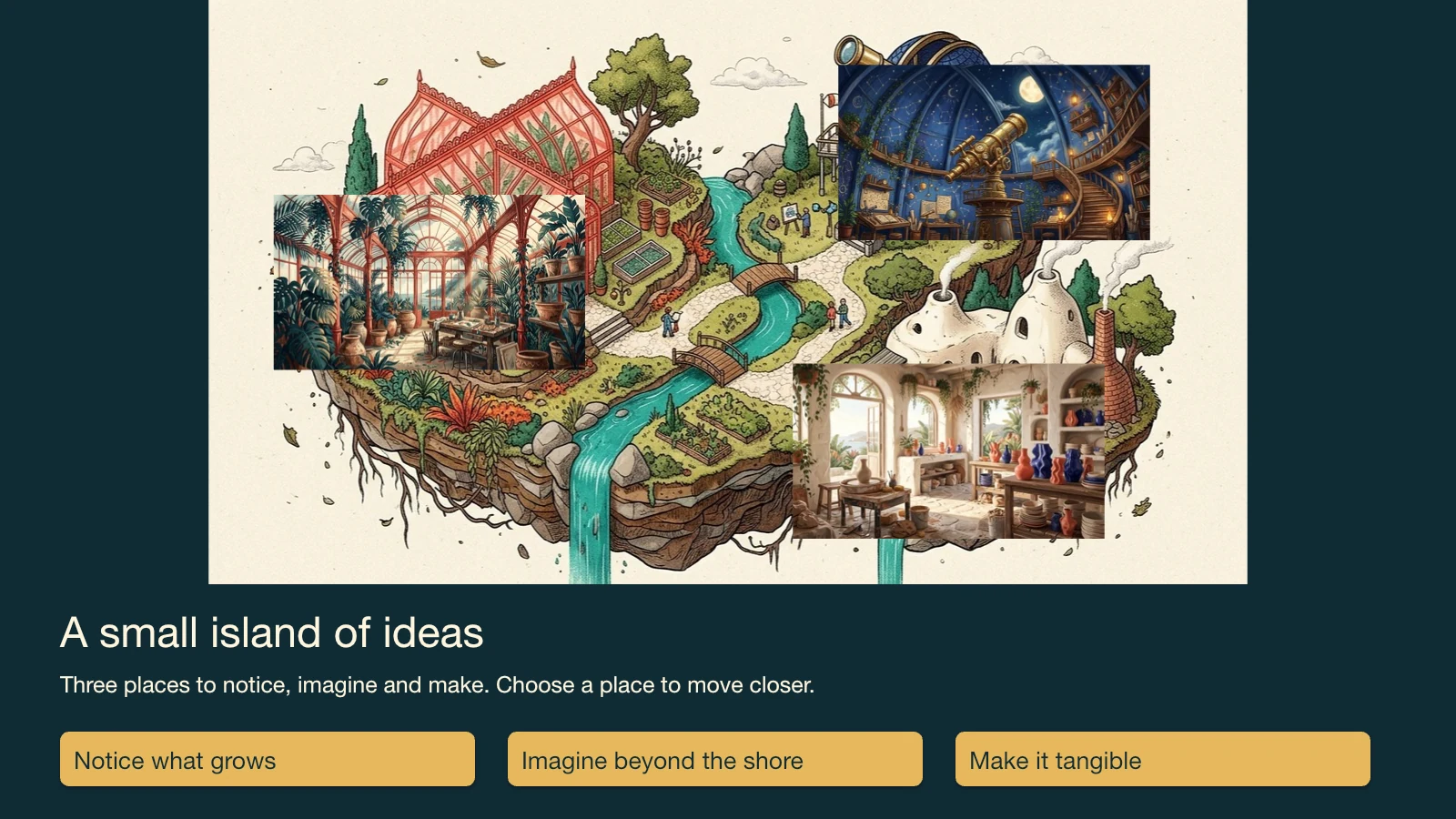
Four image-led views occupy explicit bounds in a shared 1600 × 900 world. The offline presentation transforms its camera to the selected region; the PowerPoint keeps the corresponding static view compositions, editable captions and internal navigation links.
- Uses PopNow for
- Images
- Needs
- Python 3 · browser
Generation is optional when you have suitable input material.
v1.0.0 · Updated Oct 25, 2026 · 16.9 MB · Use it for personal and client work; please don't resell or share the package.
What you get
Native editable PowerPoint with separate images, text and internal links
Offline HTML presentation, editable project and actual build audit
Good for
- Nonlinear visual essays, creative portfolios and spatial storytelling.
Not for
- PowerPoint camera animation identical to the HTML view or arbitrary three-dimensional world navigation.
How it works
Includes a local renderer
Prepare the actual input
An overview plus three related original scenes; the island example is included.
Apply the supported controls
Replace the overview and three detailed scenes. Change view bounds within the world. Edit concise titles and captions and choose a navigation path.
Build and review the result
Open output/index.html in a browser. Also open output/presentation.pptx in a PowerPoint-compatible viewer; verify the internal links and editable objects. HTML-only motion does not become native PowerPoint animation.
How the workflow runs
How Spatial Zoom Story Deck works
Four image-led views occupy explicit bounds in a shared 1600 × 900 world. The offline presentation transforms its camera to the selected region; the PowerPoint keeps the corresponding static view compositions, editable captions and internal navigation links.
What's inside the skill
What you can change
- Replace the overview and three detailed scenes.
- Change view bounds within the world.
- Edit concise titles and captions and choose a navigation path.
What to review before delivery
- The builder checks view bounds and image references.
- Exercise every destination and return link; inspect the real PPTX’s editable objects.
See the package files
These are selected working files from this edition, with their actual role. The complete download also contains instructions and applicable license notices.
Maps the world rectangles to overview/detail layouts and connected navigation.
scripts/story.pyLocal validation, protected output and artifact construction.
scripts/build.pyRunnable example with actual supported controls.
examples/project.jsonMechanism-specific limits and visual review criteria.
references/production.md
Why use this skill
Start with this package
Four image-led views occupy explicit bounds in a shared 1600 × 900 world. The offline presentation transforms its camera to the selected region; the PowerPoint keeps the corresponding static view compositions, editable captions and internal navigation links. The package supplies the working example, bounded inputs and export route so these do not need to be designed from a plain prompt.
What PopNow adds
Use PopNow for the missing Images in this workflow. Keep adequate material you already own, then bring new assets back into the editing and assembly steps described here.
Compare the options
A prompt, your own skill, or this workflow?
Start with a prompt
Your agent can create from a plain request. The brief, visual rules, asset choices, output format and review process still need to be established for that project.
Write your own skill
You choose and maintain the reusable instructions, defaults, file structure and checks. This is useful when your process needs different rules or integrations.
A workflow created for PopNow
This workflow was built for PopNow. Its source files, included dependencies and applicable notices are part of the package; the scope described below belongs to this edition.
Guide reviewed Oct 25, 2026
What will this cost?
The included original assets can be reused by the local builder. Replacing artwork or adding optional sound through PopNow requires a quote for that exact request. Local processing does not spend generation funds; the agent and external editing/viewing work are outside those generation charges.
Generation is optional when you have suitable input material. Free skill. New media is quoted before it runs.
The skill package
Free to install under your account's download allowance. The package license covers your own and client work; redistribution is excluded.
Existing assets and local work
Reusing suitable assets, editing files and running local assembly do not call a PopNow generation model. Your computer and any required runtime still do the work.
New AI images, clips or sound
Quoted for the actual model, inputs, count, duration and resolution. Extra alternatives, revisions or optional enhancement passes can add generation requests.
Your agent and hosting
Any subscription, hosted computer, deployment or other provider fee belongs to that service. Installing this skill does not include those services.
Check the cost of your version first
Your assistant can inspect the available models and quote the exact request first. You choose which optional passes to include and approve spending before generation.
Ask your assistant
Use the PopNow skill "Spatial Zoom Story Deck" for my project. List the inputs you can reuse, quote only the missing media, show the quoted total and flag any unpriced steps. Separate optional enhancements, and wait for my approval before starting anything paid.
How PopNow billing works
Connections using a PopNow API key, including API-key MCP connections, spend from the separate API balance in USD. A ChatGPT or Claude connection authorized through OAuth spends website credits. These balances are separate; the quote shown by your connection is the approval basis.
Download allowances and current account conditions apply. A free package does not mean unlimited free generation.
How to use it
You say
Use the PopNow skill "Spatial Zoom Story Deck" (spatial-zoom-story-deck) for this: Explore a visual world through linked camera views, then export editable PowerPoint pages for each destination. Start with the bundled project, make the requested edits and inspect the actual output.
Then try
Replace the overview and three detailed scenes.
Change view bounds within the world.
What to have ready
- An overview plus three related original scenes; the island example is included.
- Python/Pillow/python-pptx and a current browser.
Similar skills
View all →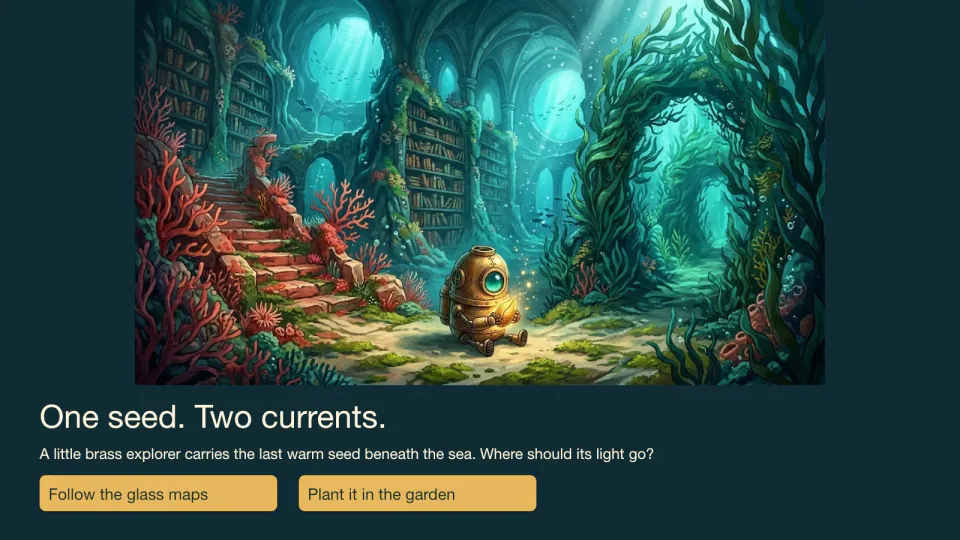 Slides
Choice-Path Adventure Deck
+25Create an illustrated branching story with reachable choices, different endings and native PowerPoint links.
 Slides
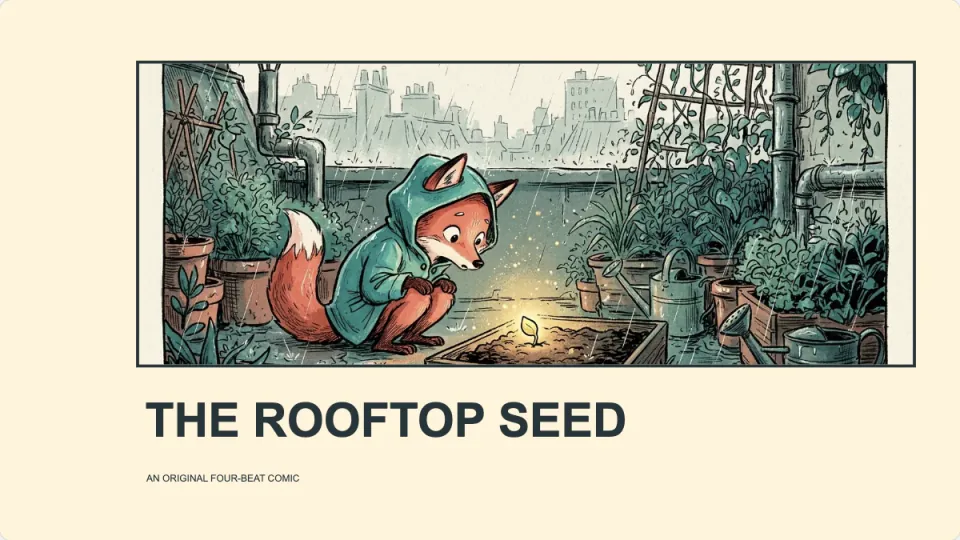
Comic Panel Story Deck
+25A presented comic story with bold picture panels, editable dialogue balloons and a clear reading order.
 Slides
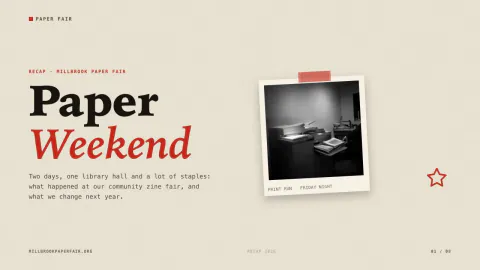
Zine Collage Presentation
+25Cream, black and poster-red pages with taped grainy photos, sticky notes, red number tabs and typewriter text.
 Slides
Panoramic Accordion Folio
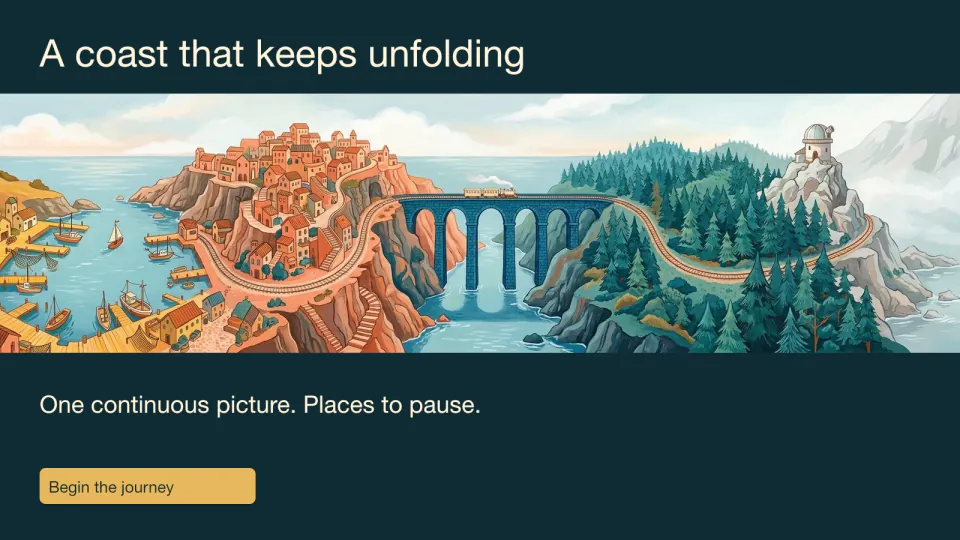
+25Divide one continuous artwork into registered fold panels, an editable presentation and a measured print proof.
 Slides
Surreal Editorial Presentation
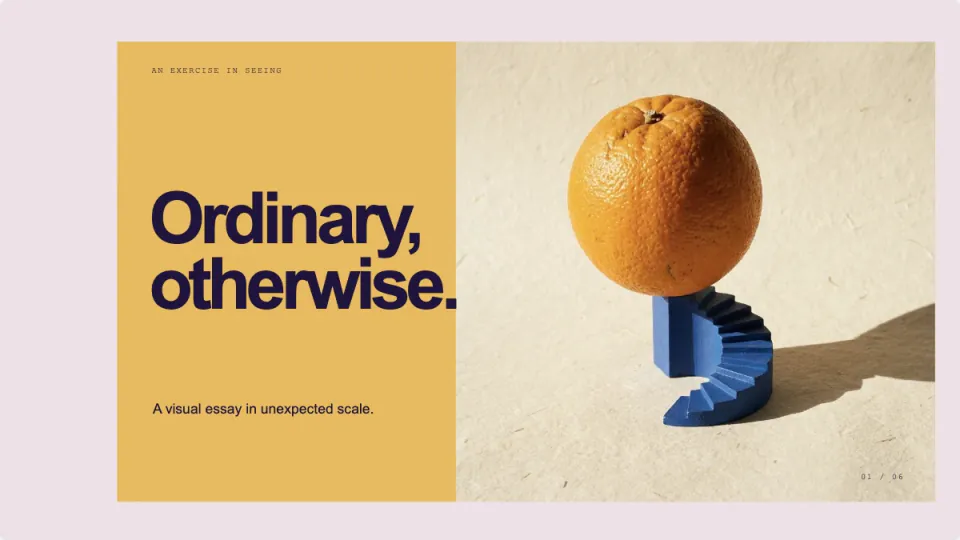
+25Build a visual essay with unexpected object scale, bold colour, huge type and editable photo compositions.
 Slides
Magazine-Style Presentation
+25A print-magazine style deck with compressed headlines, craft photos and mustard and vermilion fields.
 Slides
Travel Journal Presentation
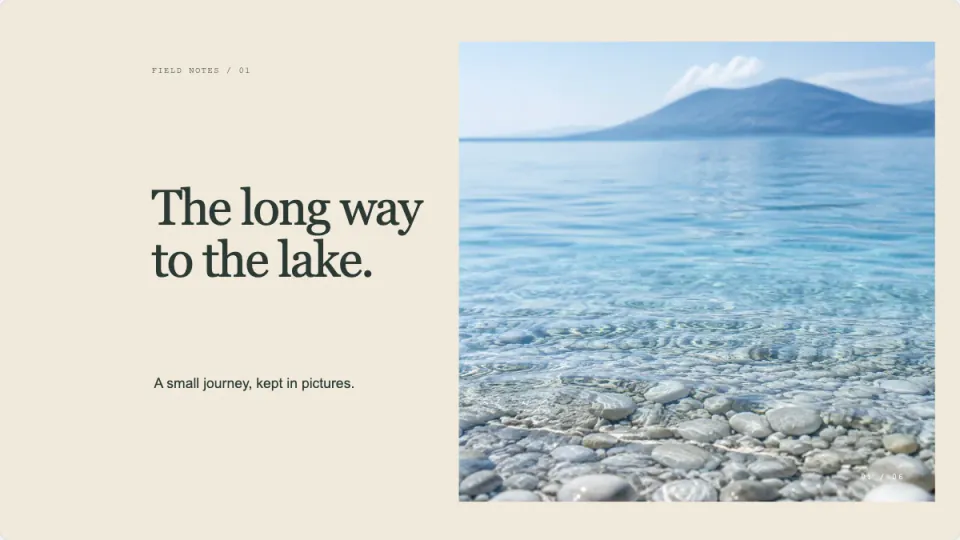
+25Turn a journey into editable photo spreads, a visual route, small discoveries and a closing postcard.
 Slides
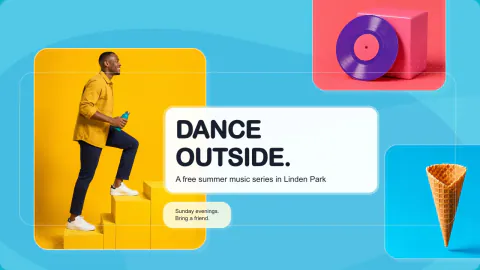
Colorful Pop Presentation
+25Cyan, coral, pink and gold color fields with bold studio photos, rounded panels and big friendly headlines.
 Slides
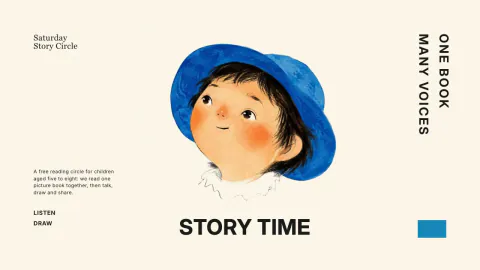
Storybook Presentation Template
+25Gouache child portraits on ivory paper, giant black chapter numbers, vertical labels and small text islands.
 Slides
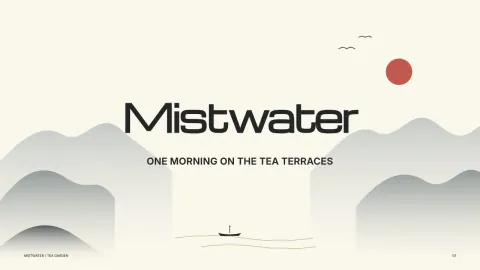
Ink Wash Presentation
+25A calm ink painting style deck: misty brush landscapes on rice paper, vermilion accents and wide headings.
 Slides
Cut-Paper Workshop Deck
+25A warm, handmade workshop deck with cut-paper accents and bright photo collages of people.
 Slides
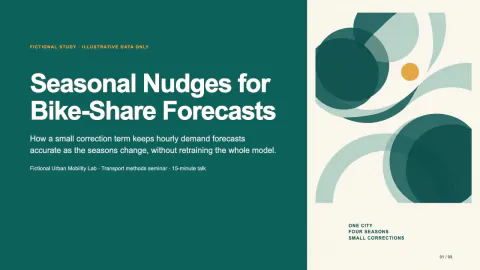
Research Presentation Slides
+25Projection-ready research talk slides with one message per frame, equations, results and speaker notes.
 Slides
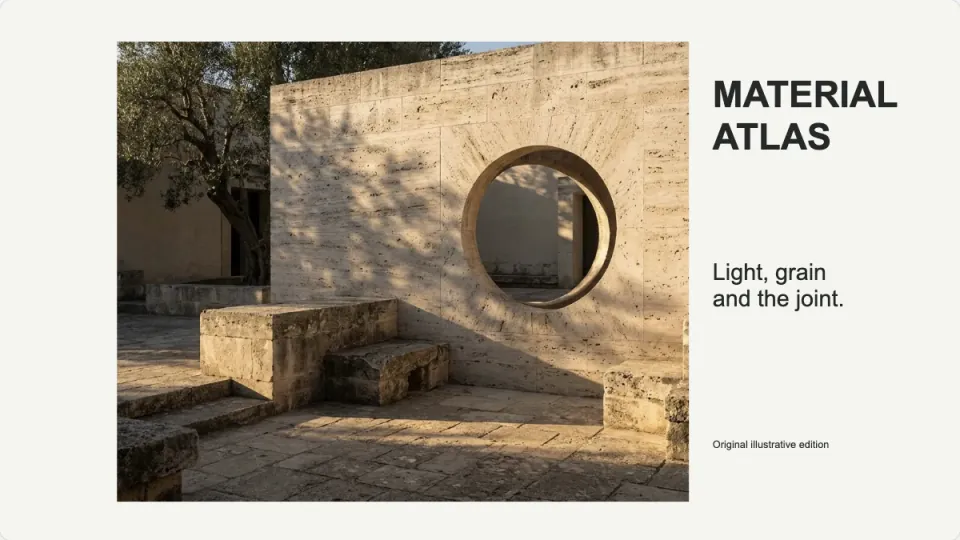
Architecture Material Atlas
+25A tactile visual atlas of clay, timber, glass and stone, with editable material notes and source labels.
 Slides
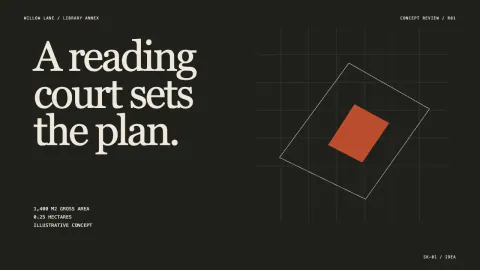
Architecture Project Presentation
+25A design review deck: one spatial argument per page, editable plans and massing, and a clear ask.
 Slides
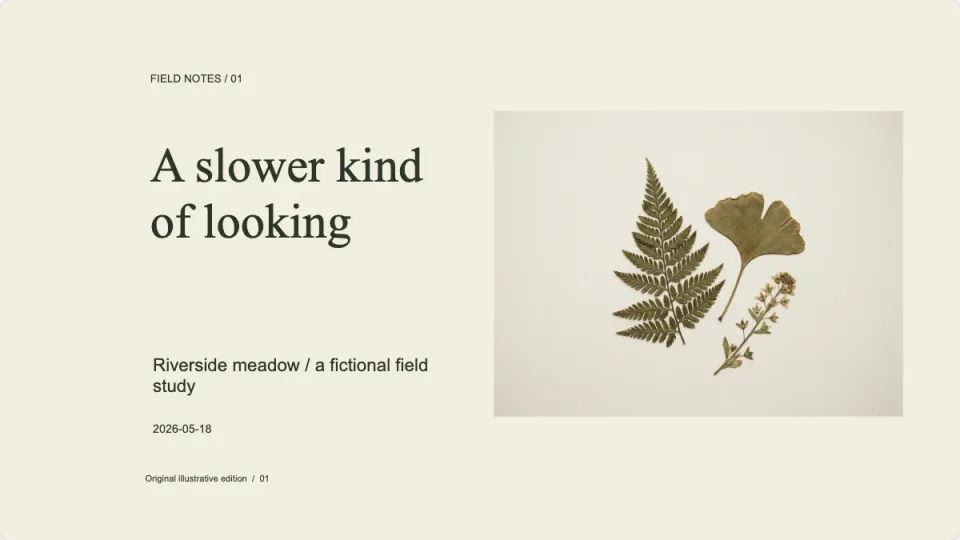
Botanical Field Journal
+25A photo-led field notebook with specimen studies, habitat spreads and editable observation labels.
 Slides
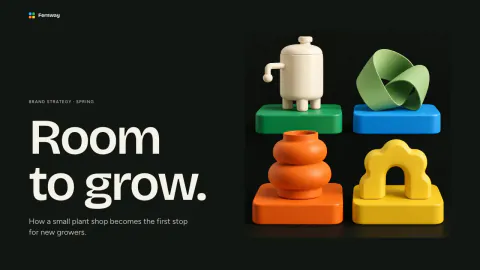
Brand Strategy Deck
+25Big cream headlines on near-black, one bright color tile per page and playful matte 3D still lifes.
 Slides
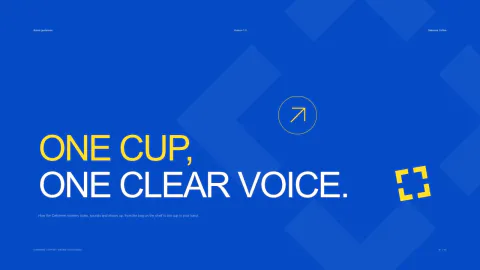
Brand Guidelines Deck
+25A brand book as slides: blue chapter pages, logo grid, color circles, type specimen and mockups.
 Slides
Brand Presentation Deck
+25A magazine-style brand story deck from origin to belief, visual codes and future, fully editable.
 Slides
Community Event Deck
+25A bright event presentation: one bold color per page, round candid photos and paper-confetti shapes.
 Slides
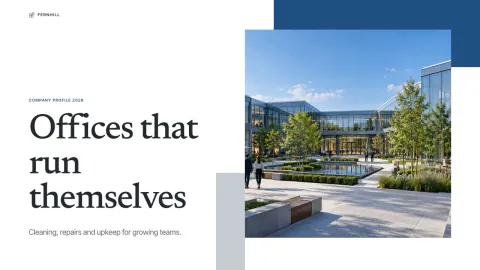
Company Profile Deck
+25A short company introduction: deep blue panels, framed office photos, big numbers and few words.
 Slides
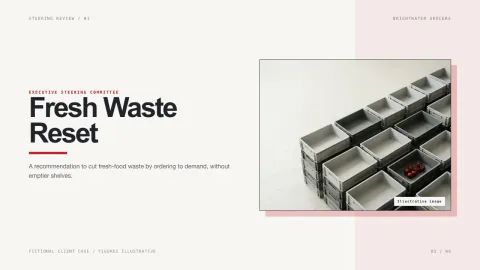
Consulting Slide Deck
+25A consulting-style recommendation deck: every title is a conclusion and the last page asks for a decision.
 Slides
Editable PowerPoint Template
+25A polished deck built only from live text, shapes and charts, so the PowerPoint export stays fully editable.
 Slides
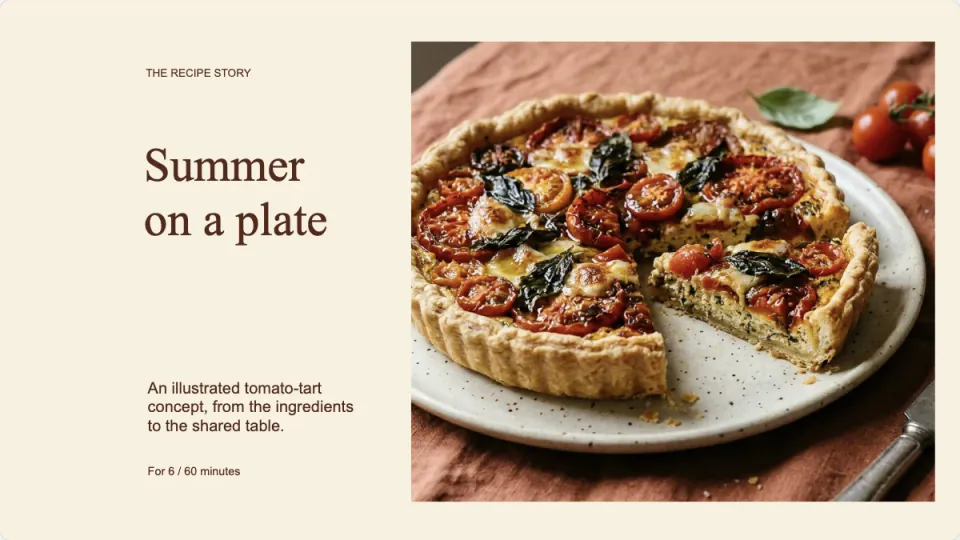
Food Story Recipe Deck
+25Tell a recipe through ingredients, preparation and a shared table, with serving amounts that scale correctly.
 Slides
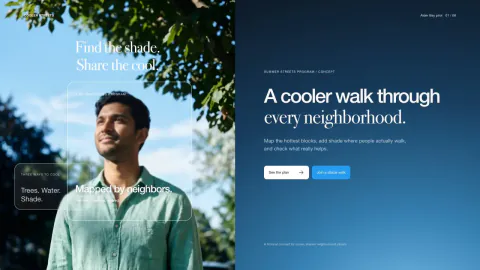
Glassmorphism Presentation
+25An airy glassmorphism deck with sky photography and translucent cards that makes complex topics feel clear.
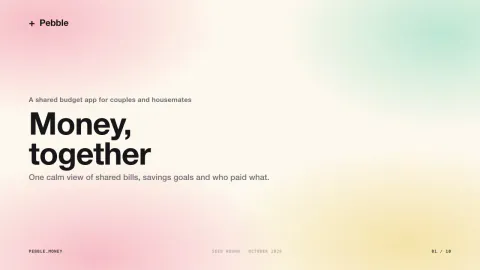 Slides
Pastel Gradient Pitch Deck
+25Heavy black headlines on soft apricot and lilac gradient washes, with fine grain and wide calm margins.
 Slides
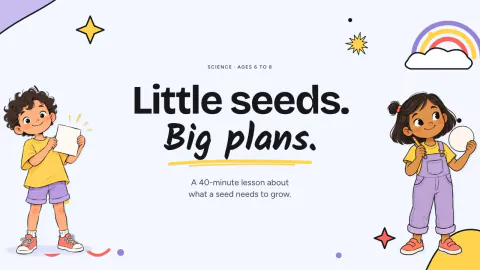
Kids Classroom Slides
+25Picture-book lesson slides for ages 5 to 10: two cartoon guides, doodle borders and big readable cards.
 Slides
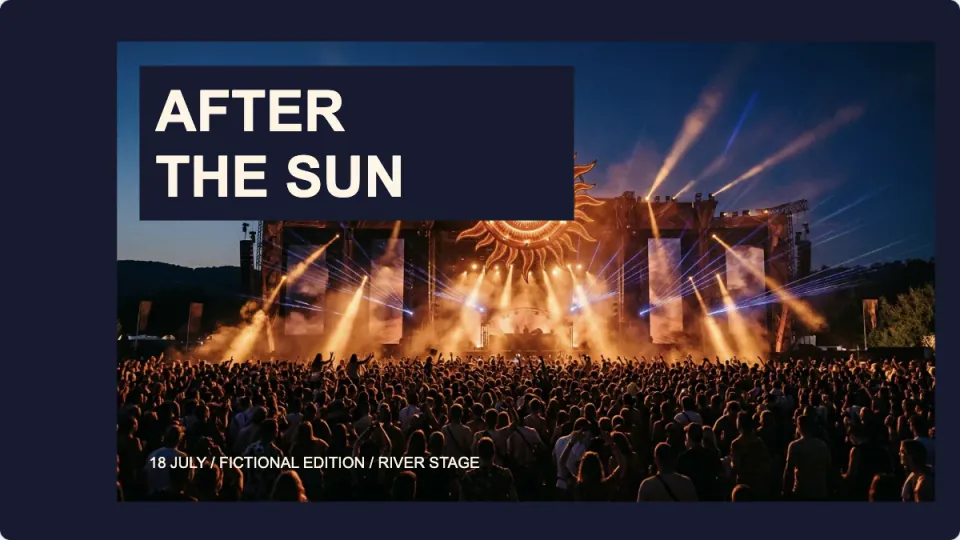
Music Festival Program Deck
+25A vivid night-festival program with stage schedules, editable artist names and a personal set list.
 Slides
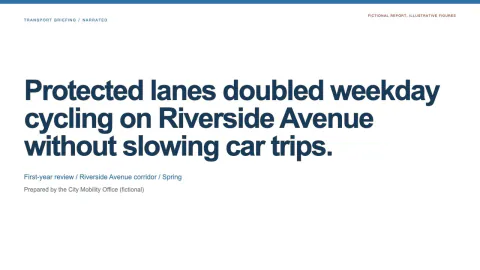
Narrated Report Slides
+25Turn a report, document or link into slides with a voiceover per page and a built-in player.
 Slides
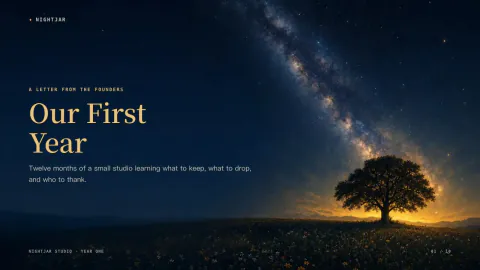
Night Sky Story Deck
+25Gold serif headlines in a deep navy sky with twinkling stars, a warm horizon glow and painted landscapes.
 Slides
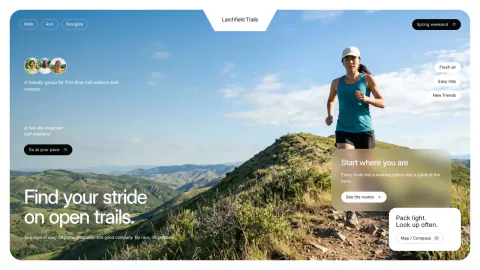
Outdoor Program Photo Deck
+25A bright, photo-led presentation for outdoor programs, clubs and retreats, editable and PowerPoint-ready.
 Slides
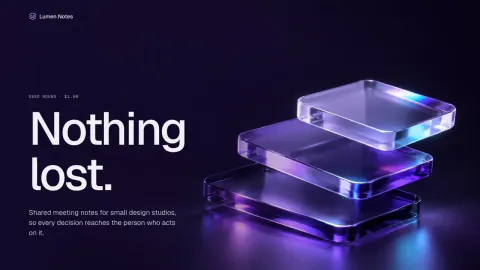
Pitch Deck Template
+25Indigo cover lit by violet glass, pale lilac pages, rounded photo windows and one glass card per key number.
 Slides
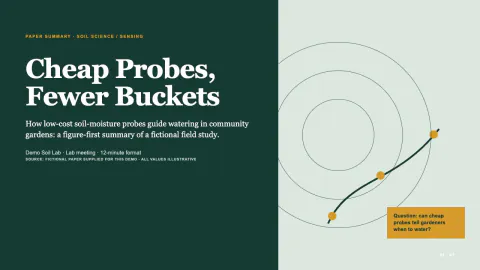
Research Paper Presentation
+25Figure-first pages on warm paper, forest-green ink, amber section tabs and a source line under every chart.
 Slides
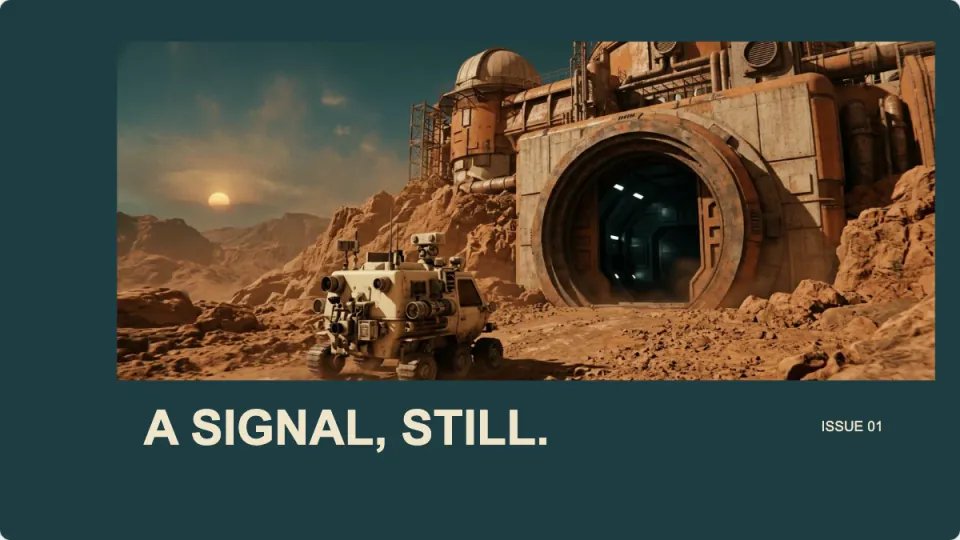
Retro-Futurist Story Deck
+25Tell a four-beat space-age story through cinematic frames, circular compositions and editable narration.
 Slides
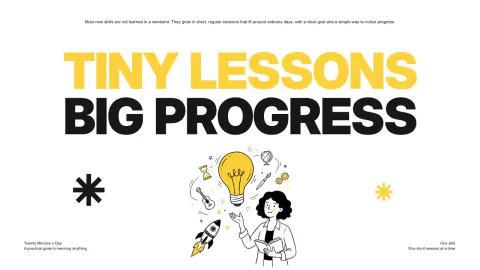
Sketchnote Presentation Deck
+25A bold black and yellow presentation with giant headlines and hand-drawn ink scenes.
 Slides
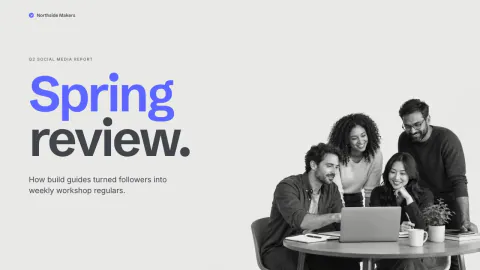
Social Media Report Deck
+25Two-tone blue and charcoal headlines on gray, grayscale cut-out group photos, tilted pills and A/B/C picks.
 Slides
Startup Pitch Deck
+25Electric-blue glass ribbons on black, huge white headlines, framed photos and one pale-blue card per page.
 Slides
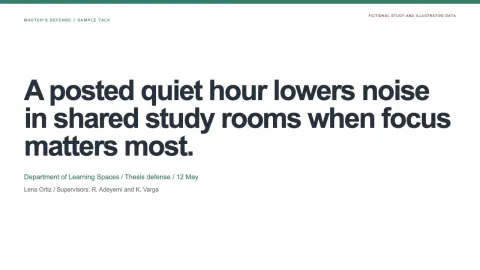
Thesis Defense Slides
+25Defense slides with claim titles, each result beside its limits, and backup pages for questions.
 Slides
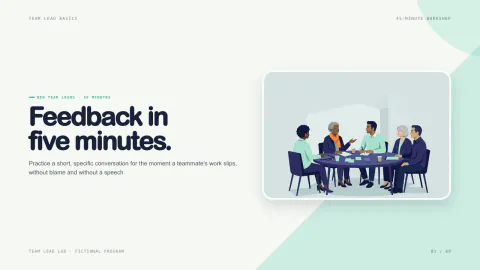
Training Presentation Deck
+25A hands-on training deck built from short frame, try, reflect loops with activities and an action commitment.
 Slides
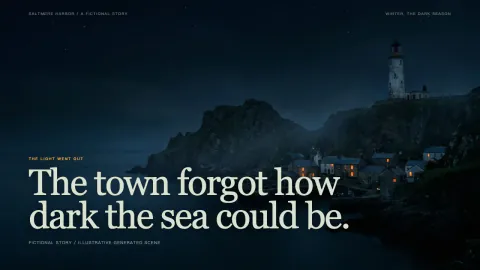
Storytelling Presentation Deck
+25A cinematic, scene-by-scene story deck with full-frame drawn scenes and short live captions.
 Slides
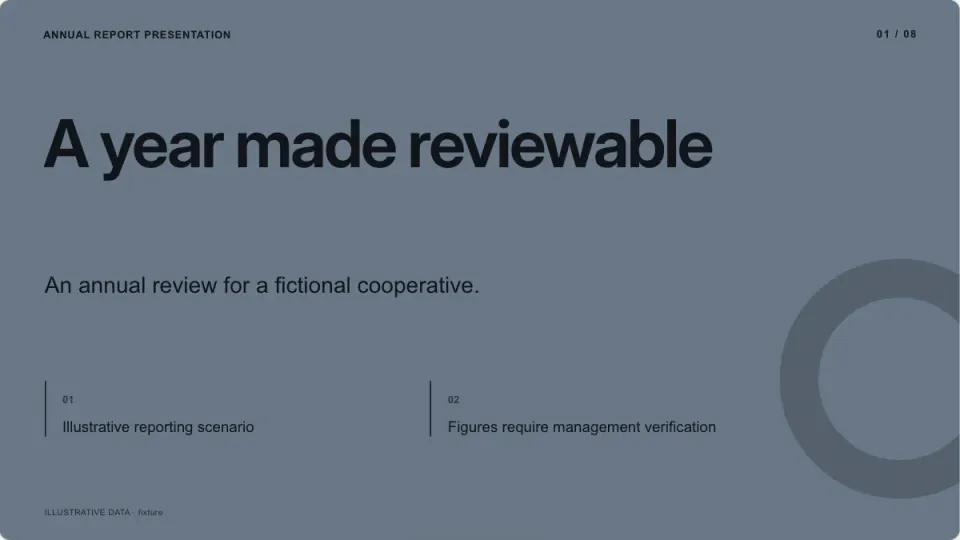
Annual Report Presentation
+25Editable annual report presentation with checked inputs, evidence and speaker notes.
 Slides
Art Exhibition Catalog
+25Editable art exhibition catalog with checked inputs, evidence and speaker notes.
 Slides
Article to Slides
+25Turn a long article or report into a short, sourced briefing deck with discussion prompts.
 Slides
Case Study Presentation
+25Editable case study presentation with checked inputs, evidence and speaker notes.
 Slides
Creative Brief Presentation
+25Editable creative brief presentation with checked inputs, evidence and speaker notes.
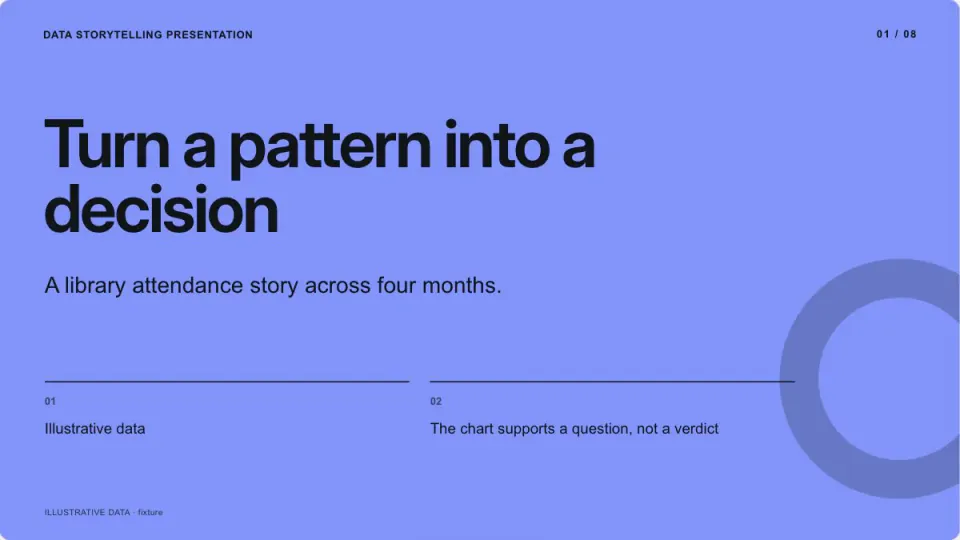 Slides
Data Storytelling Presentation
+25Editable data storytelling presentation with checked inputs, evidence and speaker notes.
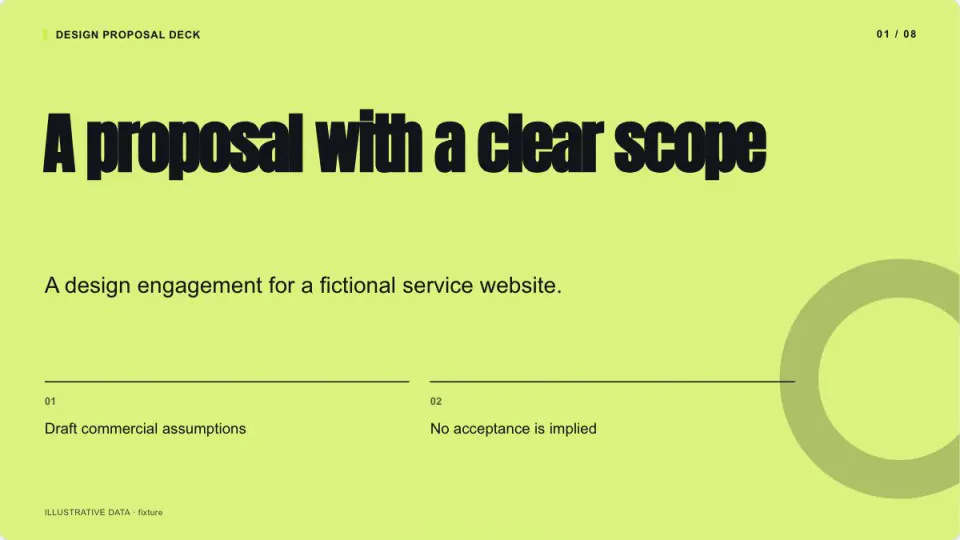 Slides
Design Proposal Deck
+25Editable design proposal deck with checked inputs, evidence and speaker notes.
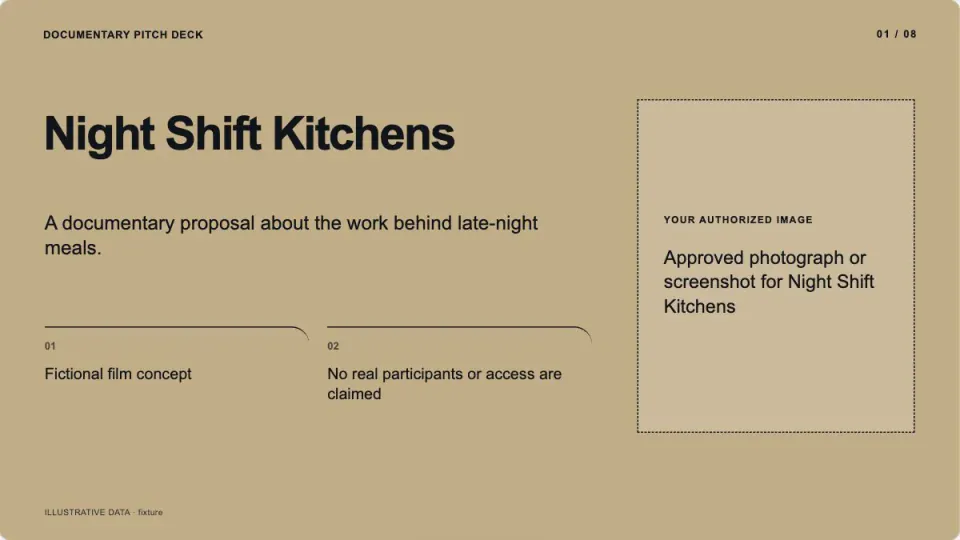 Slides
Documentary Pitch Deck
+25Editable documentary pitch deck with checked inputs, evidence and speaker notes.
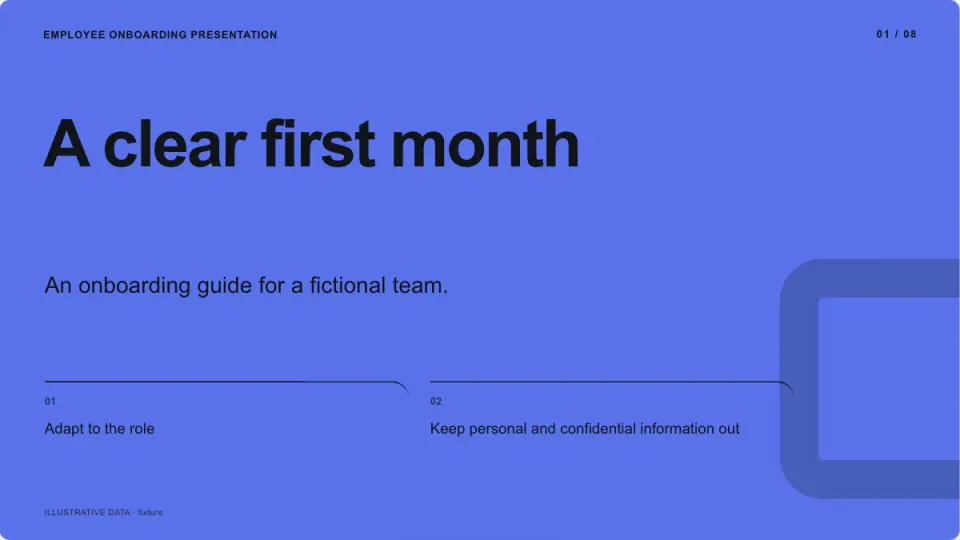 Slides
Employee Onboarding Presentation
+25Editable employee onboarding presentation with checked inputs, evidence and speaker notes.
 Slides
Fashion Lookbook Deck
+25Editable fashion lookbook deck with checked inputs, evidence and speaker notes.
 Slides
Fitness Coaching Presentation
+25Editable fitness coaching presentation with checked inputs, evidence and speaker notes.
 Slides
Innovation Strategy Presentation
+25Editable innovation strategy presentation with checked inputs, evidence and speaker notes.
 Slides
Interior Design Presentation
+25Editable interior design presentation with checked inputs, evidence and speaker notes.
 Slides
Investor Update Presentation
+25Editable investor update presentation with checked inputs, evidence and speaker notes.
 Slides
Lesson Plan Slides
+25Editable lesson plan slides with checked inputs, evidence and speaker notes.
 Slides
Market Research Presentation
+25Editable market research presentation with checked inputs, evidence and speaker notes.
 Slides
Marketing Plan Presentation
+25Editable marketing plan presentation with checked inputs, evidence and speaker notes.
 Slides
Nonprofit Impact Report
+25Editable nonprofit impact report with checked inputs, evidence and speaker notes.
 Slides
Product Demo Presentation
+25Editable product demo presentation with checked inputs, evidence and speaker notes.
 Slides
Product Roadmap Presentation
+25Editable product roadmap presentation with checked inputs, evidence and speaker notes.
 Slides
Project Retrospective Presentation
+25Editable project retrospective presentation with checked inputs, evidence and speaker notes.
 Slides
Quarterly Business Review
+25Editable quarterly business review with checked inputs, evidence and speaker notes.
 Slides
Sustainability Report Presentation
+25Editable sustainability report presentation with checked inputs, evidence and speaker notes.
 Slides
Wedding Slideshow
+25Editable wedding slideshow with checked inputs, evidence and speaker notes.
 Slides
Decision Workshop Deck
+25Plan a decision workshop with timed exercises, explicit outputs and an agenda that fits the session.


Questions
Does the zoom survive in the PowerPoint?
The continuous camera move belongs to the HTML presentation. PowerPoint contains static editable compositions and native links between them, so the content and navigation remain usable without claiming the same animation.
Does the bundled example require paid generation?
No. The included assets or procedural inputs run locally. If you ask for new images, clips or sound, use PopNow with an exact quote and approval before generation; API USD and OAuth website credits are separate.
What is already packaged in Spatial Zoom Story Deck?
Maps the world rectangles to overview/detail layouts and connected navigation. Local validation, protected output and artifact construction. Runnable example with actual supported controls. Mechanism-specific limits and visual review criteria.
Which parts of Spatial Zoom Story Deck can add a charge?
The included original assets can be reused by the local builder. Replacing artwork or adding optional sound through PopNow requires a quote for that exact request. Local processing does not spend generation funds; the agent and external editing/viewing work are outside those generation charges. Connections using a PopNow API key, including API-key MCP connections, spend from the separate API balance in USD. A ChatGPT or Claude connection authorized through OAuth spends website credits. These balances are separate; the quote shown by your connection is the approval basis.
How does Spatial Zoom Story Deck differ from writing a prompt or my own skill?
Four image-led views occupy explicit bounds in a shared 1600 × 900 world. The offline presentation transforms its camera to the selected region; the PowerPoint keeps the corresponding static view compositions, editable captions and internal navigation links. The package supplies the working example, bounded inputs and export route so these do not need to be designed from a plain prompt.