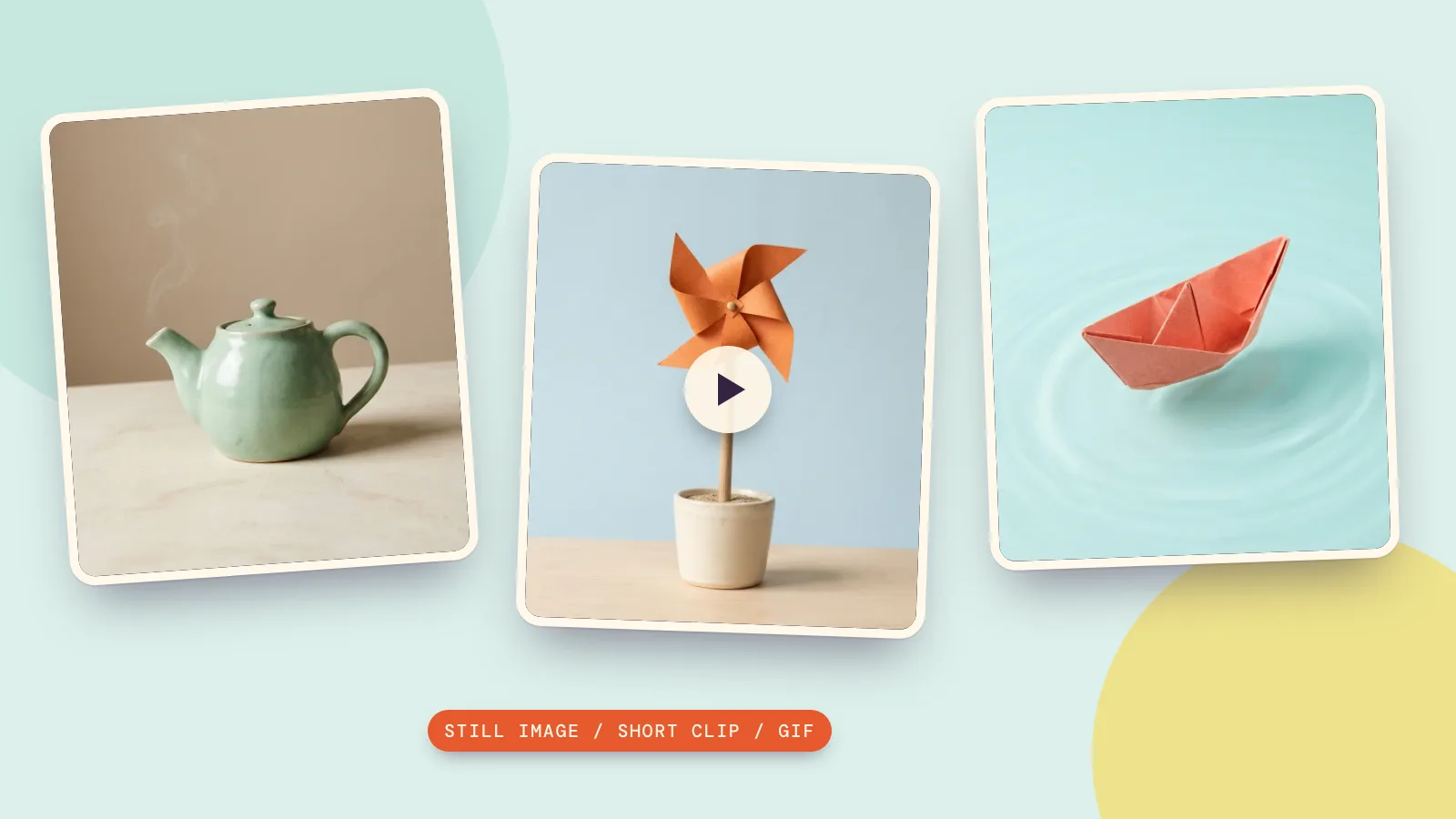
Nano Banana makes still images, so it does not directly produce an animated GIF. To turn one of its pictures into a GIF, generate a short image-to-video clip, then convert that clip with PopNow's free video-to-GIF tool. Image and video generation use credits; the browser conversion does not.
We tested the whole sequence on October 29, 2026 with three original subjects: a ceramic teapot, a paper pinwheel and a folded paper boat. Nano Banana 2.1 drew the stills at 1K, and MiniMax H3 animated each reference for five seconds at 768p. The previews below are MP4s so this article need not load large GIFs.
What does Nano Banana actually output?
Google's image-generation documentation, checked on October 29, 2026, describes Nano Banana as an image-generation and editing family. A picture can suggest motion through steam, ripples or a turning pose, but those marks are still part of one image. Asking for a GIF in an image prompt does not add a video-generation stage.
On PopNow, Nano Banana 2.1 offers image creation and editing. For our three stills we requested PNG, 1K and 1:1, with the fallback route switched off; the service returned the boat as a JPEG. Each still costs 48 credits. Keep the original image before moving on, so you can animate it again without paying to redraw it.
How do you make a GIF with AI, step by step?
- Create a still with one subject and room around the moving part. Avoid lettering and complicated backgrounds while learning the workflow.
- Use that image as the opening frame for image-to-video generation. We used MiniMax H3, 768p and five seconds, with prompt expansion off; each clip costs 185 credits.
- Describe one motion and what should stay still. A locked camera and steady lighting make it easier to notice whether the subject changes shape.
- Download the clip and open the GIF converter. Use Upload video, choose a short range and inspect the file-size estimate before pressing Make GIF.
- Use Download GIF, then open the saved file to check motion and the jump from its final frame back to its first.
An image-to-video model invents the frames between the opening image and the end. That can introduce new movement or alter fine details, so watch the whole clip before converting. A successful still image does not guarantee a successful animation, and converting the clip cannot repair a changed object.
What happened in our three still-to-video tests?
1. Teapot: ask the steam to move
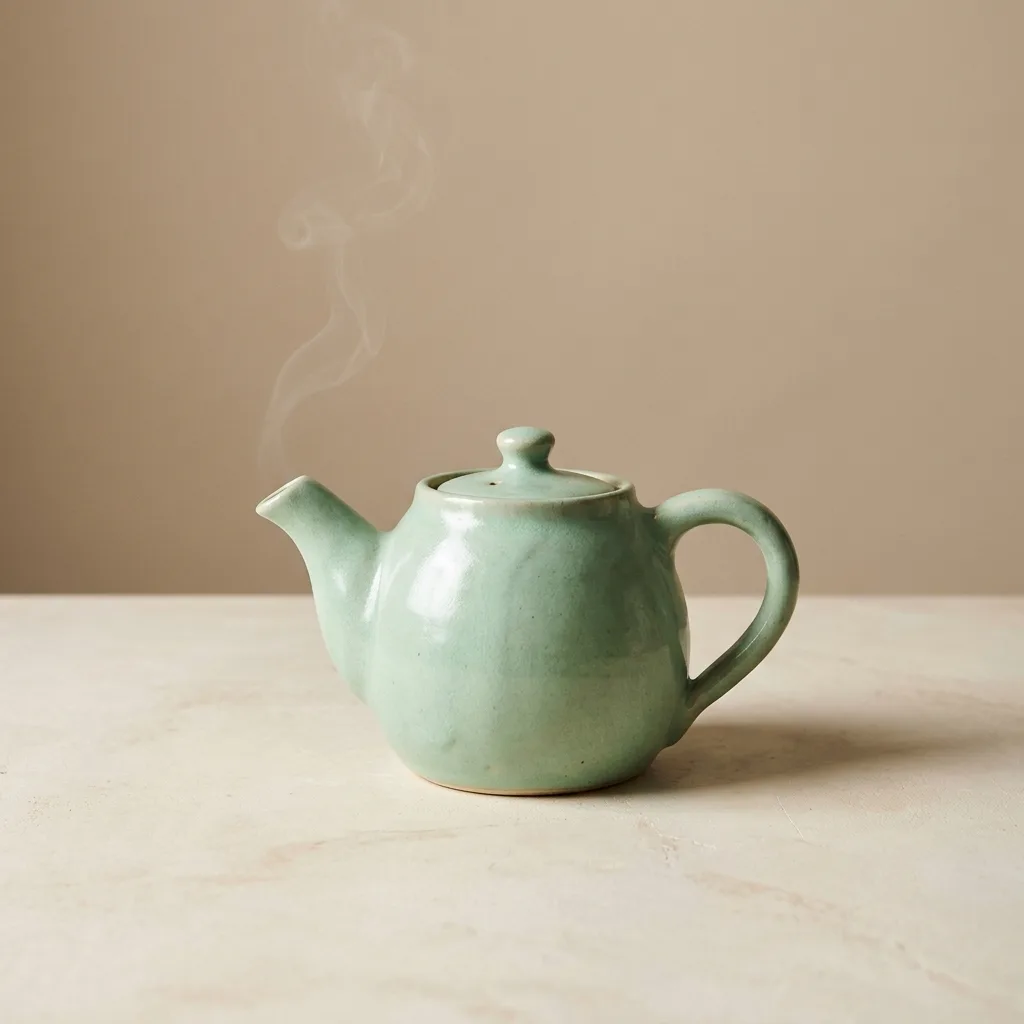
A handmade mint-green ceramic teapot on a cream tabletop, three-quarter side view, a little curl of steam above the spout, plain warm beige background, soft studio light, centered with generous empty space. Still life photography. No text, no labels, no logos.
The teapot stays completely still while a thin curl of steam rises gently and disperses. Locked camera, constant soft light, keep the teapot shape and handle unchanged. No text, no cuts.
Our clip kept the pot still and sent a thin plume upward near the lid. The teapot gives the video model a small area to animate while most of the picture stays still. Check the lid, spout and handle as well as the steam; if the pot changes shape, shorten the usable range or revise the motion instruction. Steam is a useful first subject because the loop does not depend on an exact gesture.
2. Pinwheel: ask for one rotating part
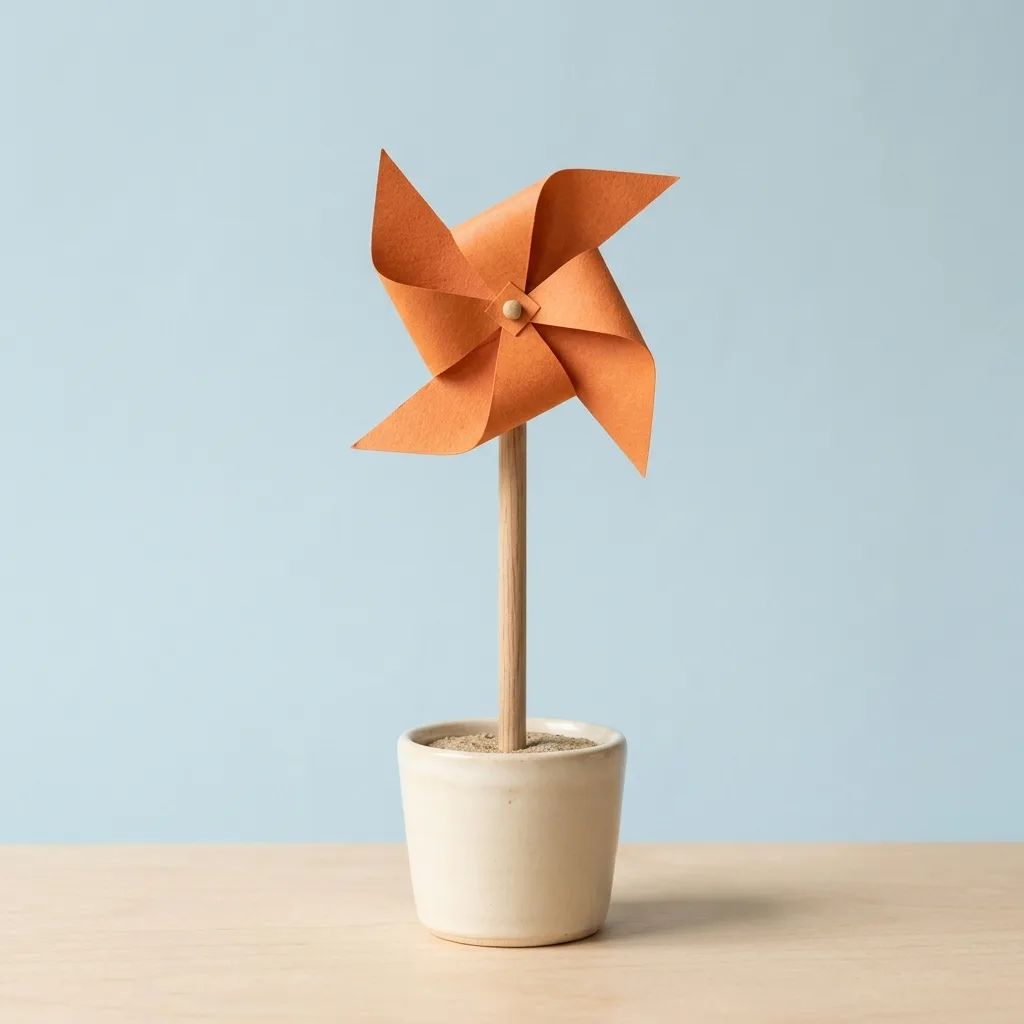
A small orange paper pinwheel on a plain wooden stick, standing upright in a cream ceramic pot, pale blue studio background, centered, simple geometric shapes, soft light. Handmade paper craft photography. No text, no labels, no logos.
The orange paper pinwheel slowly rotates around its central pin in a light breeze. The wooden stick and ceramic pot stay still. Locked camera, constant light, keep the paper shape coherent. No text, no cuts.
The pinwheel rotated around the pin while the stick and pot stayed in place, with motion blur in the turning paper. A rotating pinwheel tests whether the model understands which part can move. Watch the central pin and the paper folds rather than judging only the overall impression. Do not call an animation a perfect loop just because the still looks symmetrical: the last frame still needs to match the first.
3. Paper boat: keep the action gentle
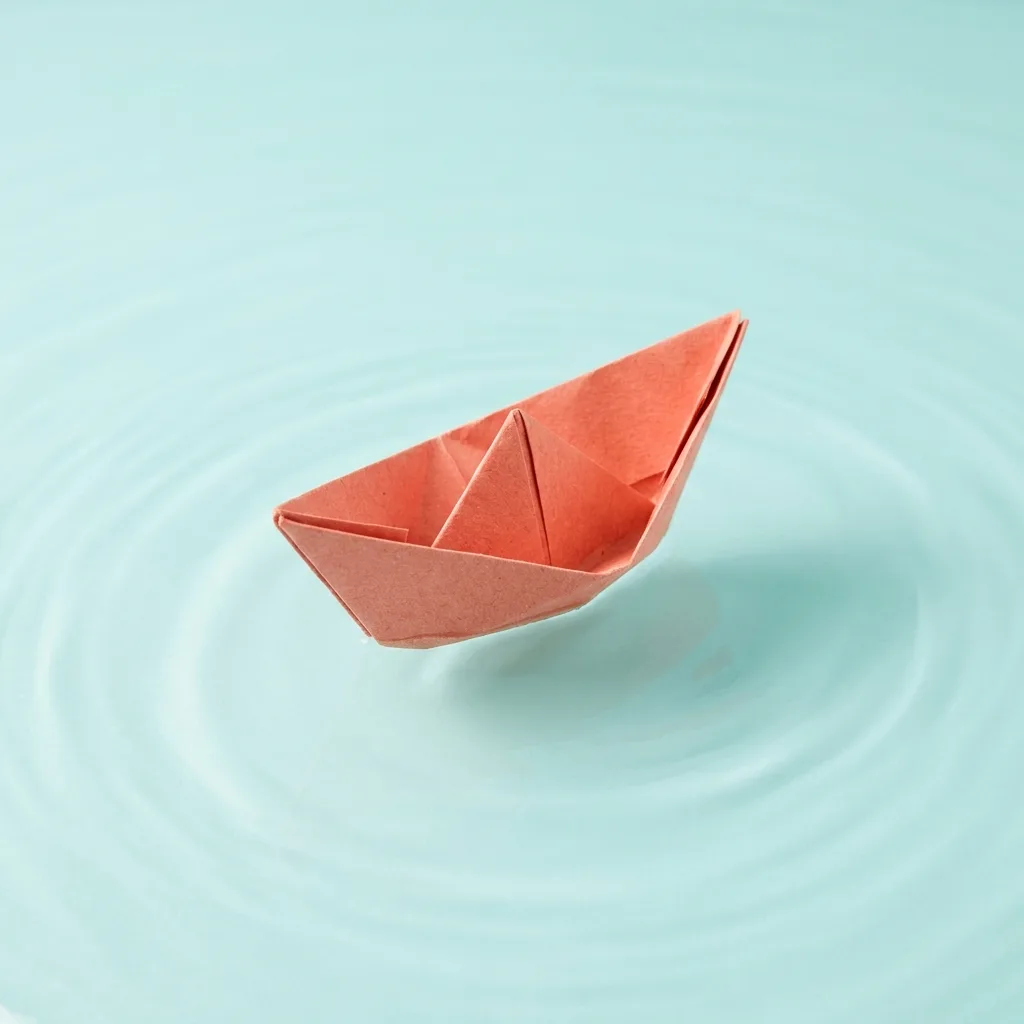
A single folded coral paper boat floating on calm pale turquoise water, gentle ripples, soft studio light, overhead three-quarter view, minimal composition, empty background. Paper craft photography. No text, no labels, no logos.
The coral paper boat gently rocks on the water as small ripples pass underneath. It stays near the center of the frame. Locked camera, constant soft light, keep the folded paper shape unchanged. No text, no cuts.
The boat remained near the middle as ripples moved around it, with only gentle rocking. The boat asks for rocking and passing ripples rather than a long journey. Small movement keeps the subject in the crop. Inspect the folded edges throughout the clip; if the boat drifts too far, trim to a shorter section rather than cropping away its tip.
How do you make the GIF smaller and easier to loop?
- Start with the tool's defaults: 480 px width, 15 fps and normal speed. Drag the timeline handles to keep only the clearest two or three seconds.
- For a smaller file, reduce width to 320 px or frame rate to 10 fps. Use Small file quality when appropriate, and check the estimate again.
- Use Boomerang when reversing the motion looks natural. Steam running backward may look odd, while a gentle rocking motion can tolerate it.
- Press Make GIF, inspect the actual output and keep the original MP4 too. GIF has no audio and a limited color palette; gradients may look grainy.
The converter runs locally in your browser without an account or a watermark. A local download stays on your device; choosing Send to uploads the result for another PopNow app. Our small test GIFs were encoded locally at 320 px and 10 fps from three-second ranges; they are supporting checks, while the article embeds the generated clips. They were not exports from the browser tool.
How should you compare models and plan the cost?
Three stills cost 144 credits, and three requested five-second clips cost 555 credits before any retries. Conversion adds no generation charge. For the image model's options, see how much Nano Banana costs; always read the current price before starting another run.
Same prompt, different models: use Compare for an image comparison before animating the version you prefer. Check simple outlines, a clean background and enough room for the intended movement. These three examples use one image model and one video model, so they show a workflow rather than prove that one model beats another.
FAQ
Can Nano Banana make GIFs directly?
No. Its image output is still. You can animate an image with a video model and convert the clip, or combine several still images as a slideshow GIF.
How do I make a GIF with AI from one picture?
Use the picture as the first frame for image-to-video generation, describe one small motion, then trim and convert the result. Review the video first because conversion preserves any errors in the generated frames.
Is a Nano Banana GIF free to make?
The browser conversion is free. Generating the source image and video uses credits, so the complete workflow has generation costs even though the final conversion has none.
Can I make a GIF without generating a video?
Yes. Use Add images to build a slideshow from several stills, set how long each stays on screen and optionally add a crossfade. That changes pictures in sequence; it does not invent motion inside a single still.
Why does my GIF jump or lose detail?
The first and last frames may differ, and GIF uses fewer colors than the video. Trim around a repeatable motion, consider Boomerang and retain the MP4 when you need sound or better gradients.