




2.5D AI Art Generator: 2.5D Painting
Semi-real digital painting with a luminous rim light.
- From a description only
- Best shape: 3:4
Works on
- Seedream 5.0 Pro
- Qwen Image 3.0
- Nano Banana 2.1
- Seedream 5.0 Flash
About 2.5D Painting
2.5D Painting sits halfway between illustration and photograph. Forms are rendered with the softness of an airbrush, a luminous rim light traces the edges, hair, fur and fabric are painted strand by strand, and the background dissolves into gentle bokeh. It has the polish of a game splash screen and the warmth of a painting.
The style handles rendering and light. You write the subject and the mood: a woman in a knitted scarf in falling snow, a man in armor resting against a tree, a fox curled in autumn leaves, a lighthouse glowing at dusk. Detailed materials — embroidery, fur, metal, lace — come out especially well.
It is a favorite for character art, book and game covers, avatars and illustrated portraits. Because the style describes only the rendering, it does not push faces toward a single look; the character stays the one you described.
Subjects to paste as they are: “a woman in a knitted scarf standing in falling snow”, “a man in silver armor resting against an old tree”, “a red fox curled up in autumn leaves”. Rich materials and a bit of weather give the painting its glow.
Finishes that work on top: Soft glow intensifies the glow, Golden hour warms the rim light. Black & white is disabled because the painted color is essential to the style.
Tips
- Name materials you want painted in detail: fur collars, embroidery, chain mail, wet hair.
- Add weather or particles — snow, petals, embers, drizzle. The rim light makes them glow.
- Keep backgrounds simple in your words; the bokeh will soften them anyway.
- For character sheets, describe the full outfit and use 3:4.
- Dramatic lighting words such as “backlit by sunset” or “lit by lantern light” work with the rim light rather than against it.
What the style adds
Your words go where it says “your subject”. Everything else is added for you.
your subject, semi-realistic 2.5D digital painting, soft airbrushed rendering, luminous rim light, finely detailed hair, fur and fabric, gentle bokeh background
Models and price
- Seedream 5.0 Pro36 credits
- Qwen Image 3.030 credits
- Nano Banana 2.148 credits
- Seedream 5.0 Flash29 credits
One 1K image from a description. The button always shows the exact price before you spend anything.
How to use 2.5D Painting
- Describe itWrite who or what should be in the picture. A small action and a clear place work best.
- Pick a shapeKeep the suggested ratio and model, or change them in the bar at the bottom.
- Paint itPress “Paint it”. The price is on the button before you spend anything.
Questions about 2.5D Painting
Can I use 2.5D Painting on my own photo?
Not yet. This style works from a description: write what you want to see and the style adds the look.
How much does one 2.5D Painting image cost?
29 credits for one 1K image on Seedream 5.0 Flash. 2K costs more, and the button shows the exact price before you run it.
Does the style change the face of the character?
No. It never describes faces or bodies. It only sets the painting technique, the rim light and the background blur.
What does 2.5D mean?
It describes art that is neither flat 2D anime nor a 3D photo: painted forms with realistic light and depth.
Is it good for game or book covers?
Yes. The painted finish and rim light read well at cover size. Describe a character with one clear prop and use 3:4 for a portrait cover.
Similar styles
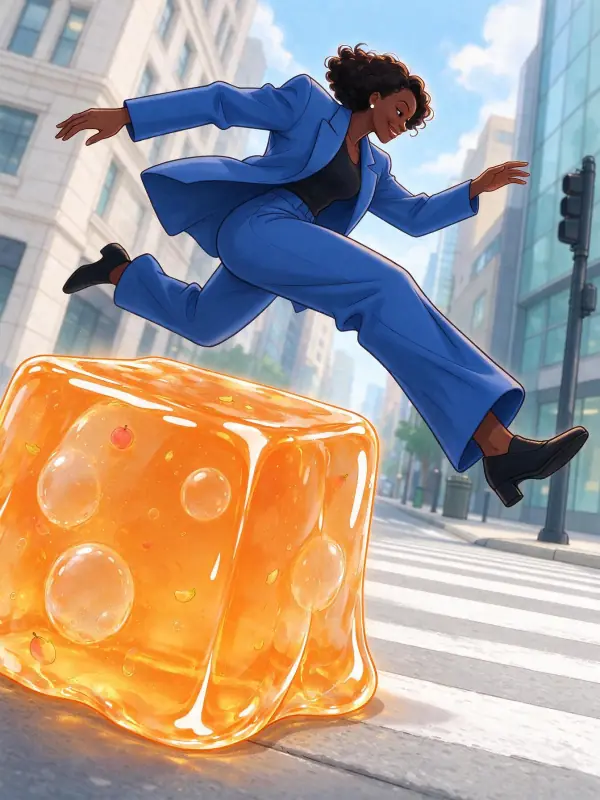 Webtoon
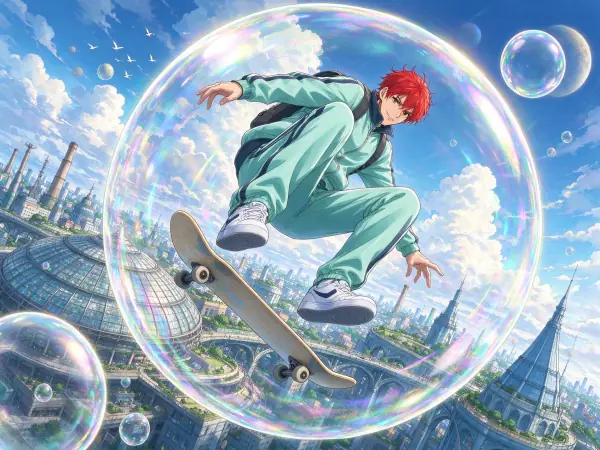 Anime Poster
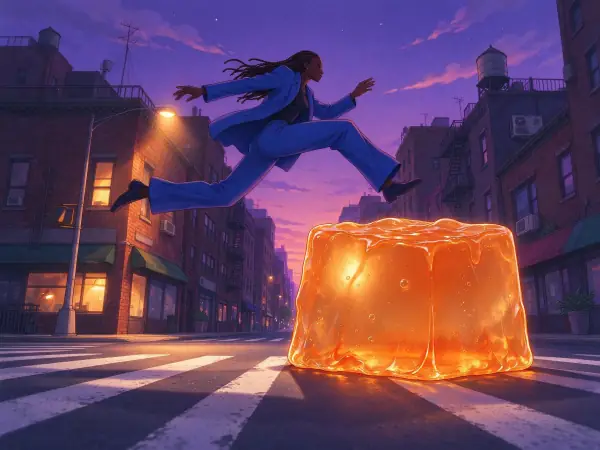 Lo-fi Evening
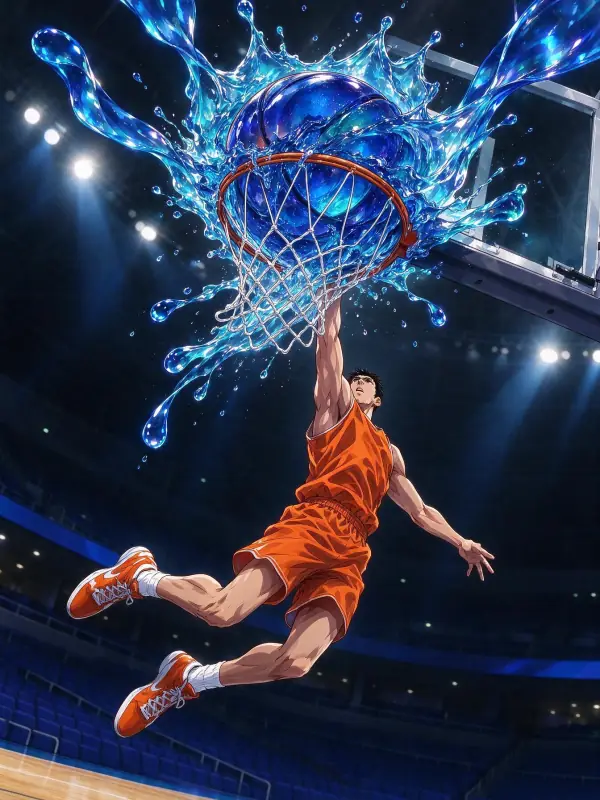 Glossy Anime
Bring it to life
Effects that turn a still in this look into a short video.
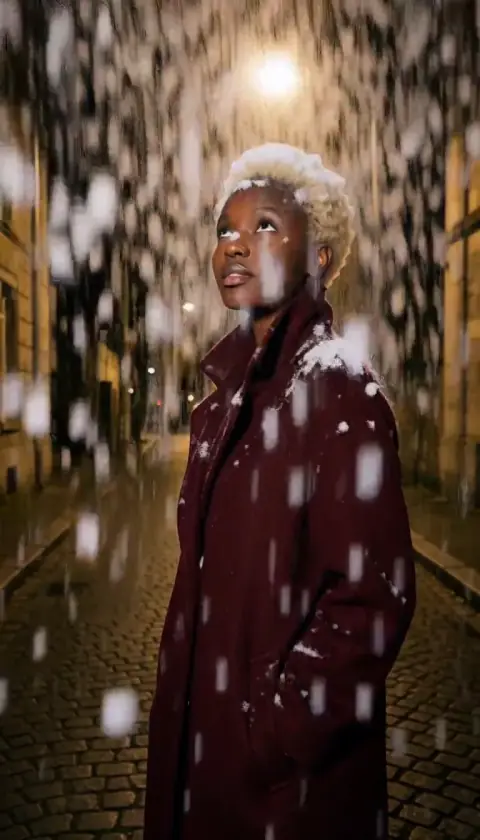 Snowfall
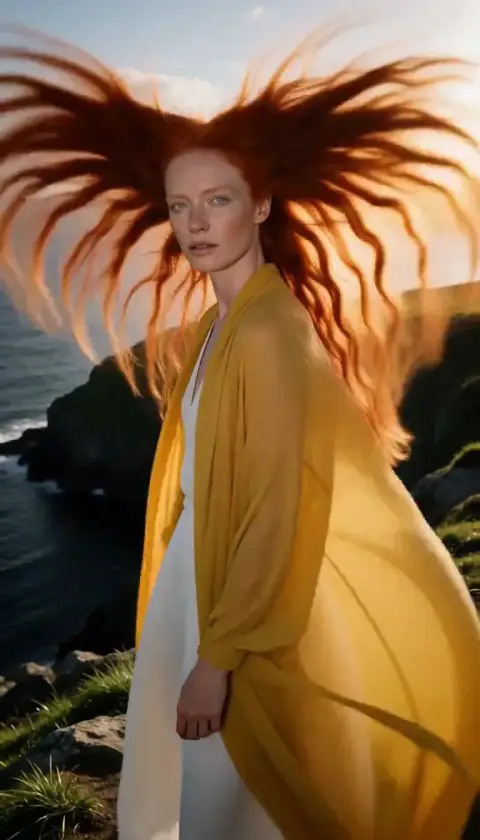 Hair in the Wind
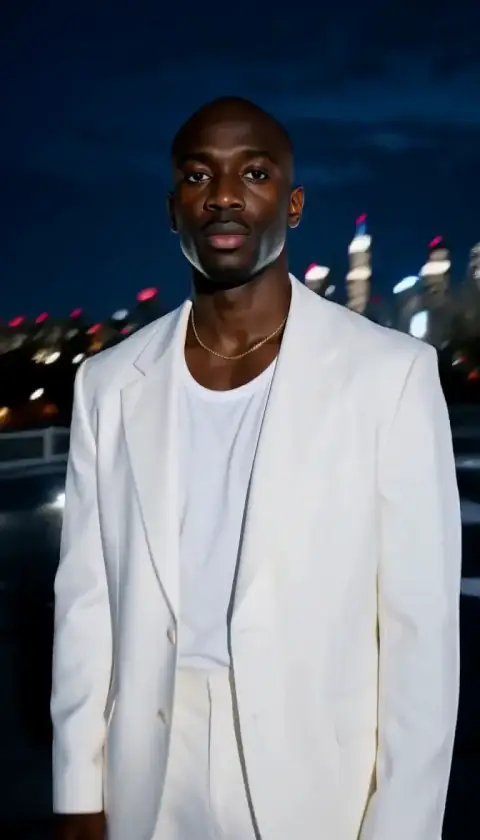 Orbit Rush