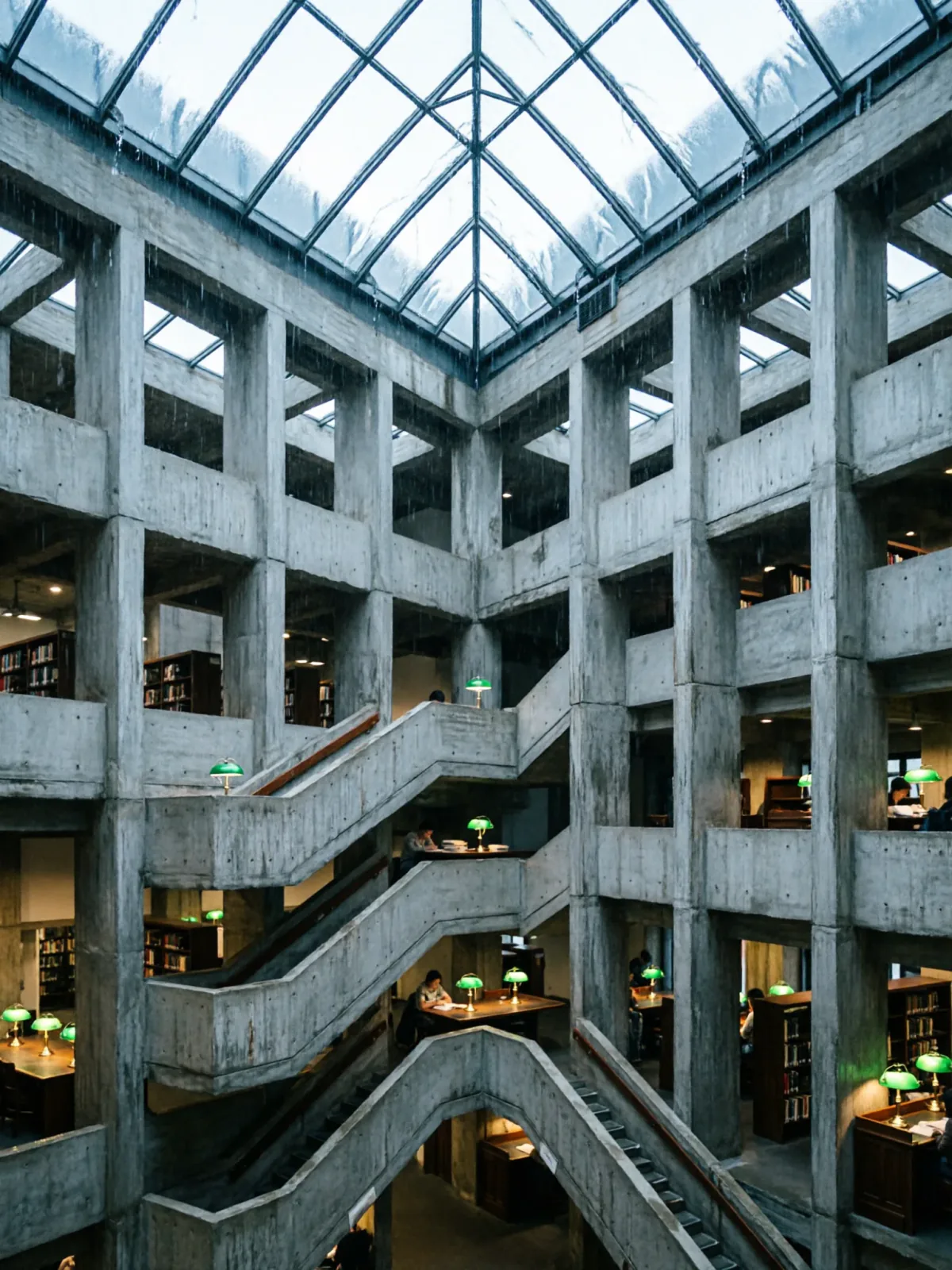
Brutalist library atrium under a rain-sheeted glass roof
Qwen Image 2Make oneCreate


Text to imageArchitecture & interiors
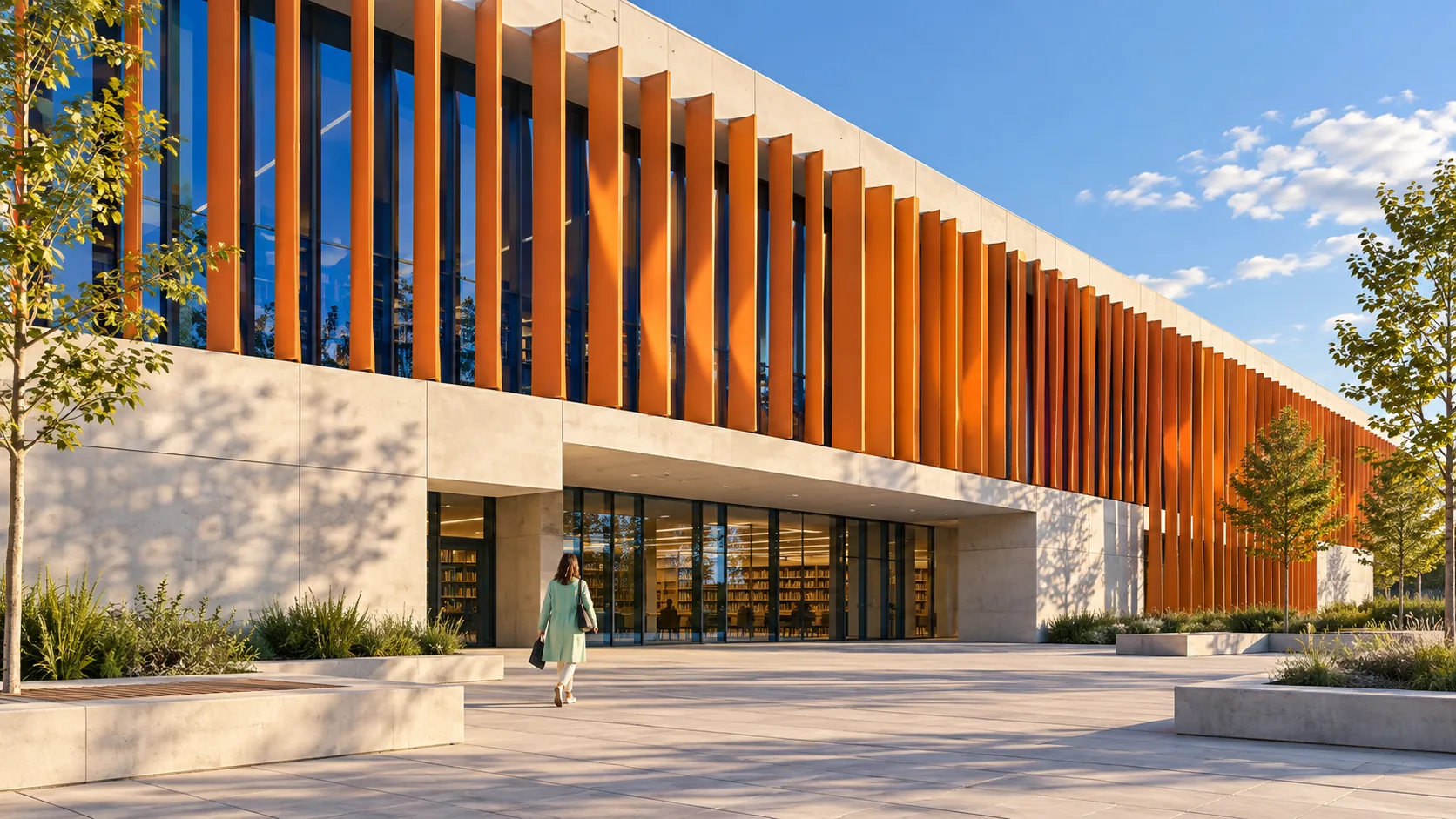
The exact text-to-image prompt behind this picture, made with GPT Image 2.5 Sunburst.
Wide 16:9 landscape frame. A contemporary municipal archive has a long cream concrete facade screened by slender tangerine metal fins, each rotated slightly differently to follow the afternoon sun. Deep cobalt glazing sits behind the moving screen, and one adult in a mint coat crosses the broad forecourt. Precise architectural visualization, eye level 35mm perspective, crisp shadows and realistic joints, intelligent calm civic design, no text.
Prompts are kept in their original English to help reproduce the example. Copy one as it is, or adapt it for your project.
Opens GPT Image 2.5 Sunburst with this prompt and the settings below filled in.
135 tested GPT Image prompts →
The exact price shows before you generate.
crisp shadows and realistic joints.eye level 35mm perspective sets the whole feel of the shot. Swap it for another camera style to change the vibe.no text. Leave that in, or the model may add random lettering.Inspired by an idea from @Gdgtify, collected in Evolink-AI/awesome-gpt-image-2-API-Prompts under CC0 1.0. PopNow wrote this prompt and made the example above.
Scene prompt guide
A cream concrete municipal archive wrapped in rotating tangerine metal fins, with cobalt glass behind them and a lone figure in a mint coat crossing the forecourt. GPT Image 2.5 Sunburst suits it because the prompt fixes colors, materials, camera and mood in a clear order, so the render looks like a calm, believable architectural visualization.
Wide 16:9 landscape frame.This sets a wide horizontal canvas so the long facade fits without cropping. If you remove it, the model may pick a squarer shape and cut the fin rhythm short at the edges.
A contemporary municipal archive has a long cream concrete facade screened by slender tangerine metal finsIt names the building type, the base material and the screen color. Cream and tangerine give a clear two-tone contrast. Swapping 'archive' for 'shopping mall' would change the civic, quiet character.
each rotated slightly differently to follow the afternoon sunThis stops the fins from looking like identical copies. The slight angle changes create a wave of light and shadow across the facade. Without it, you get a flat, repetitive grid.
Deep cobalt glazing sits behind the moving screen, and one adult in a mint coat crosses the broad forecourt.Blue glass behind orange fins adds depth and a complementary color pop. The single mint-coated adult gives scale and a focal point. Remove the person and the building loses its sense of size.
Precise architectural visualization, eye level 35mm perspective, crisp shadows and realistic joints, intelligent calm civic design, no text.This locks a natural eye-level view with little distortion, sharp shadows and believable construction details. 'No text' prevents invented signage on the facade. Dropping it often adds fake lettering.
The prompt behaves like a real architectural photograph, so camera and light choices decide how convincing it feels.
Moves the scene to evening for warmer color and longer shadows; good for a more atmospheric presentation.
Wide 16:9 landscape frame. A contemporary municipal archive has a long cream concrete facade screened by slender tangerine metal fins, each rotated slightly differently to follow the low evening sun. Deep cobalt glazing sits behind the screen, and one adult in a mint coat crosses the broad forecourt. Precise architectural visualization, eye level 35mm perspective, warm golden hour light, long crisp shadows, realistic joints, calm civic design, no text.
Changes the camera position to a diagonal corner view, which shows the depth of the screen and the fins' angles.
Wide 16:9 landscape frame. A contemporary municipal archive seen from a corner of the plaza, its long cream concrete facade screened by slender tangerine metal fins, each rotated slightly differently to follow the afternoon sun. Deep cobalt glazing sits behind the screen, and one adult in a mint coat crosses the broad forecourt. Precise architectural visualization, eye level 35mm perspective, strong diagonal depth, crisp shadows, realistic joints, no text.
Shifts the central subject to the interior, using the fins as a shadow-casting screen; useful for an interior view of the same project.
Wide 16:9 landscape frame. The glazed lobby of a contemporary municipal archive, seen from inside, with cream concrete walls and slender tangerine metal fins outside the cobalt glass, each rotated slightly differently to follow the afternoon sun. One adult in a mint coat walks across the polished floor, striped shadows falling around them. Precise architectural visualization, eye level 35mm perspective, crisp shadows, realistic joints, calm civic design, no text.
Keep 16:9, because the long facade and repeated fins need a wide frame. High quality helps the thin fins, sharp joints and crisp shadows render cleanly, so keep it for this prompt. For a social post or a mobile screen, switch to a squarer or vertical ratio, but expect to shorten the facade or crop the forecourt. This is text-to-image, so no input pictures are needed; every detail comes from the wording.
Name the colors directly, as 'tangerine' and 'deep cobalt', and say which part each belongs to. Colors can blend when the prompt is vague. If they drift, add 'saturated' or restate them near the end.
A single, clearly described person gives the building a human scale without crowding the frame. The mint coat also stands out against orange and blue. Without a color, the figure may blend into the concrete.
It handles general direction well when you say 'afternoon sun' and 'crisp shadows', but exact angles can vary. If shadows fall the wrong way, add 'sunlight from the left' or 'from the right' to fix the direction.