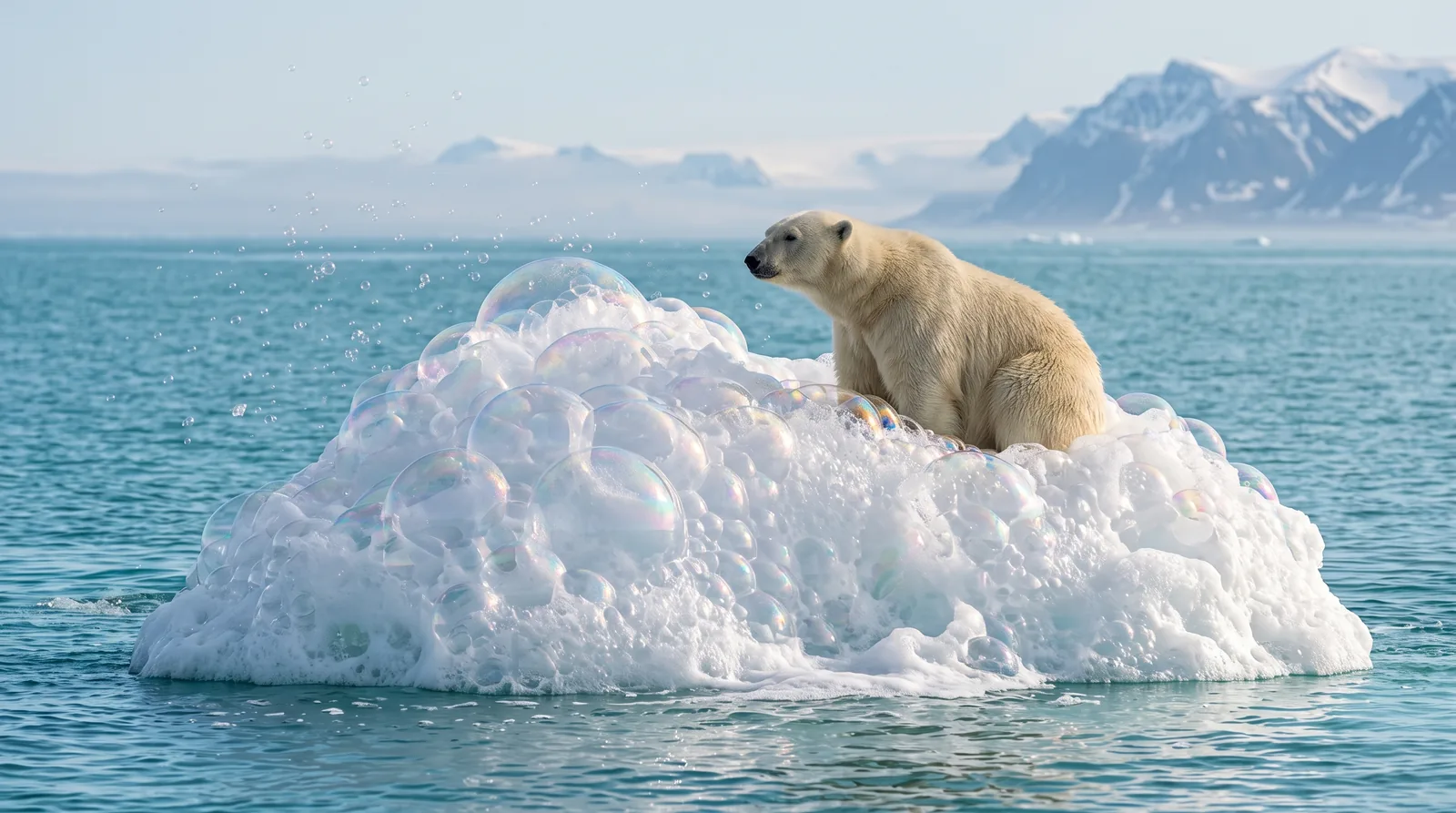
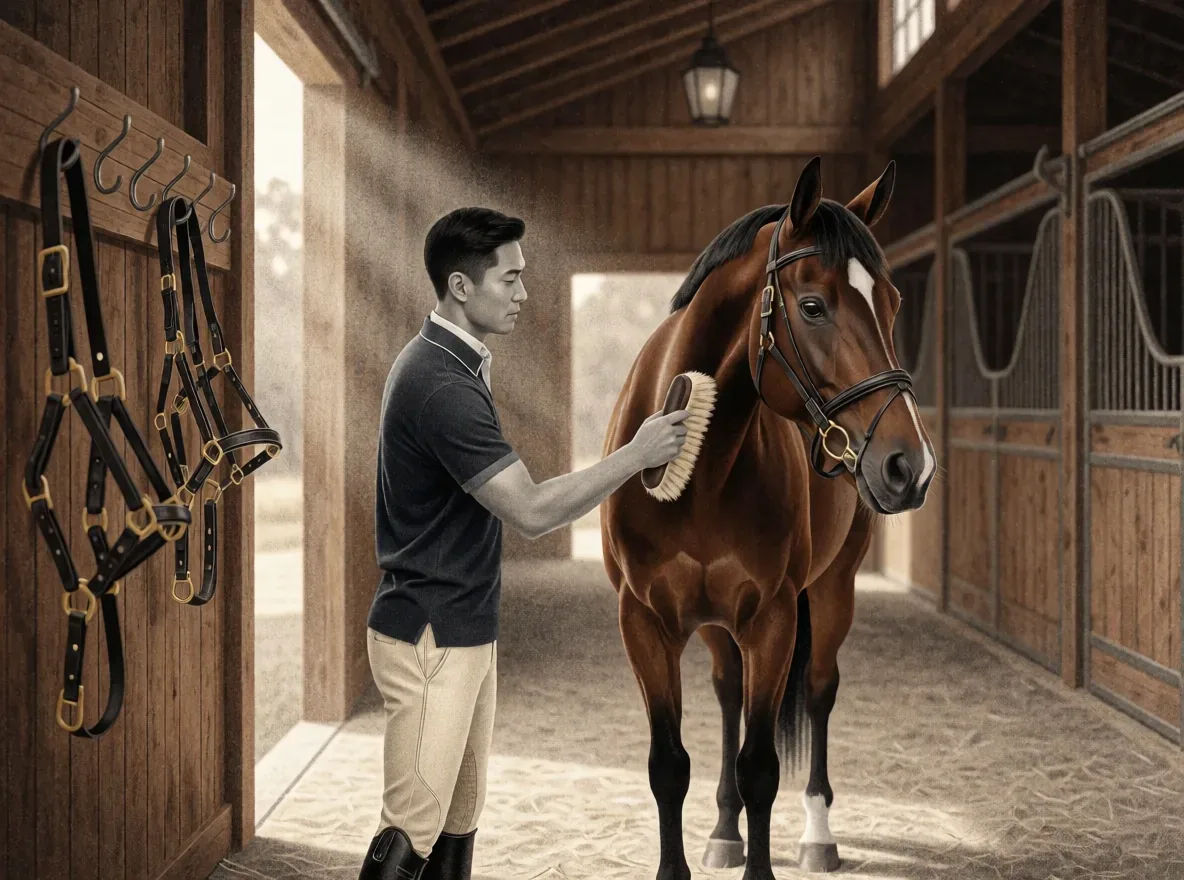
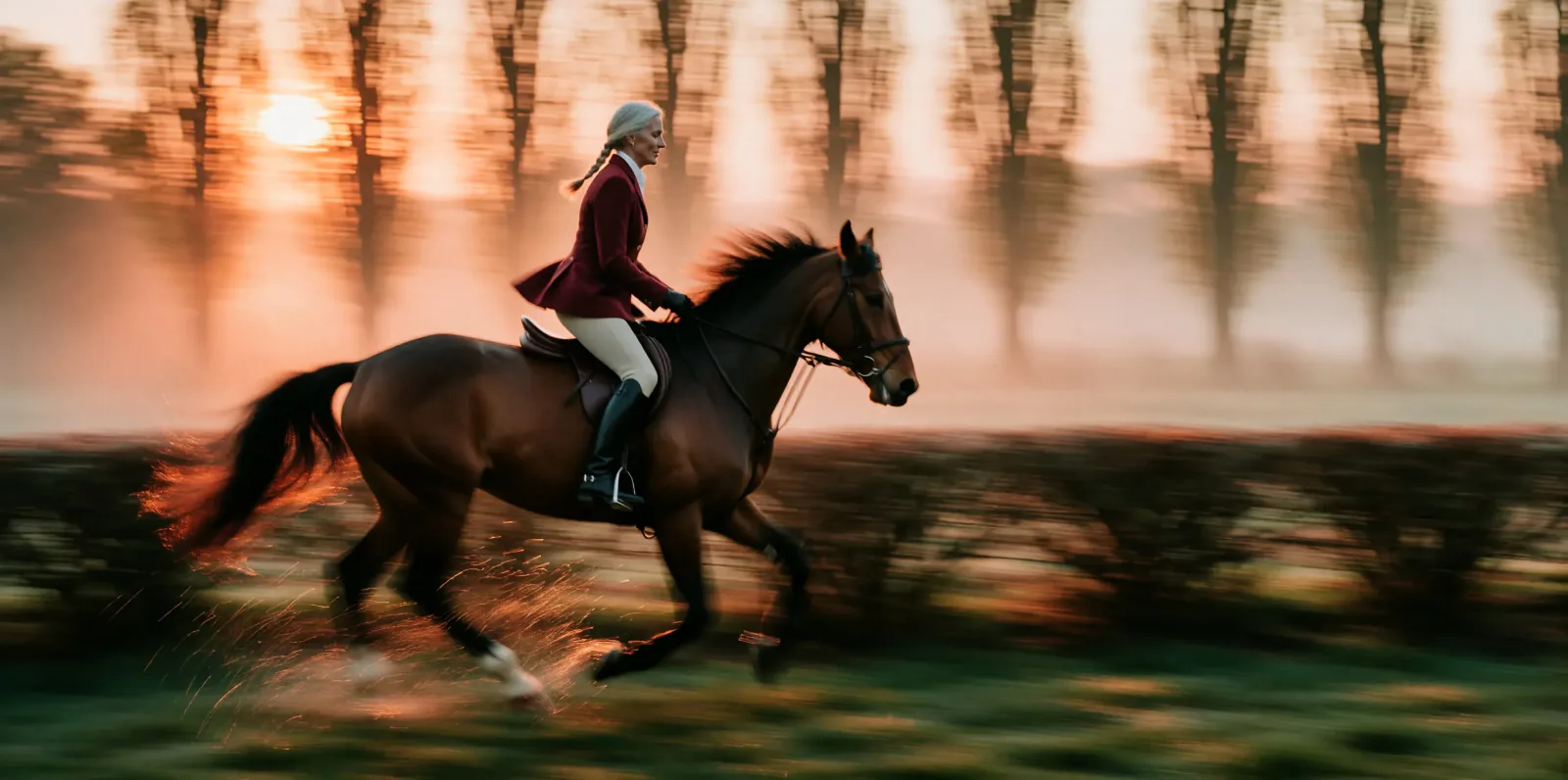
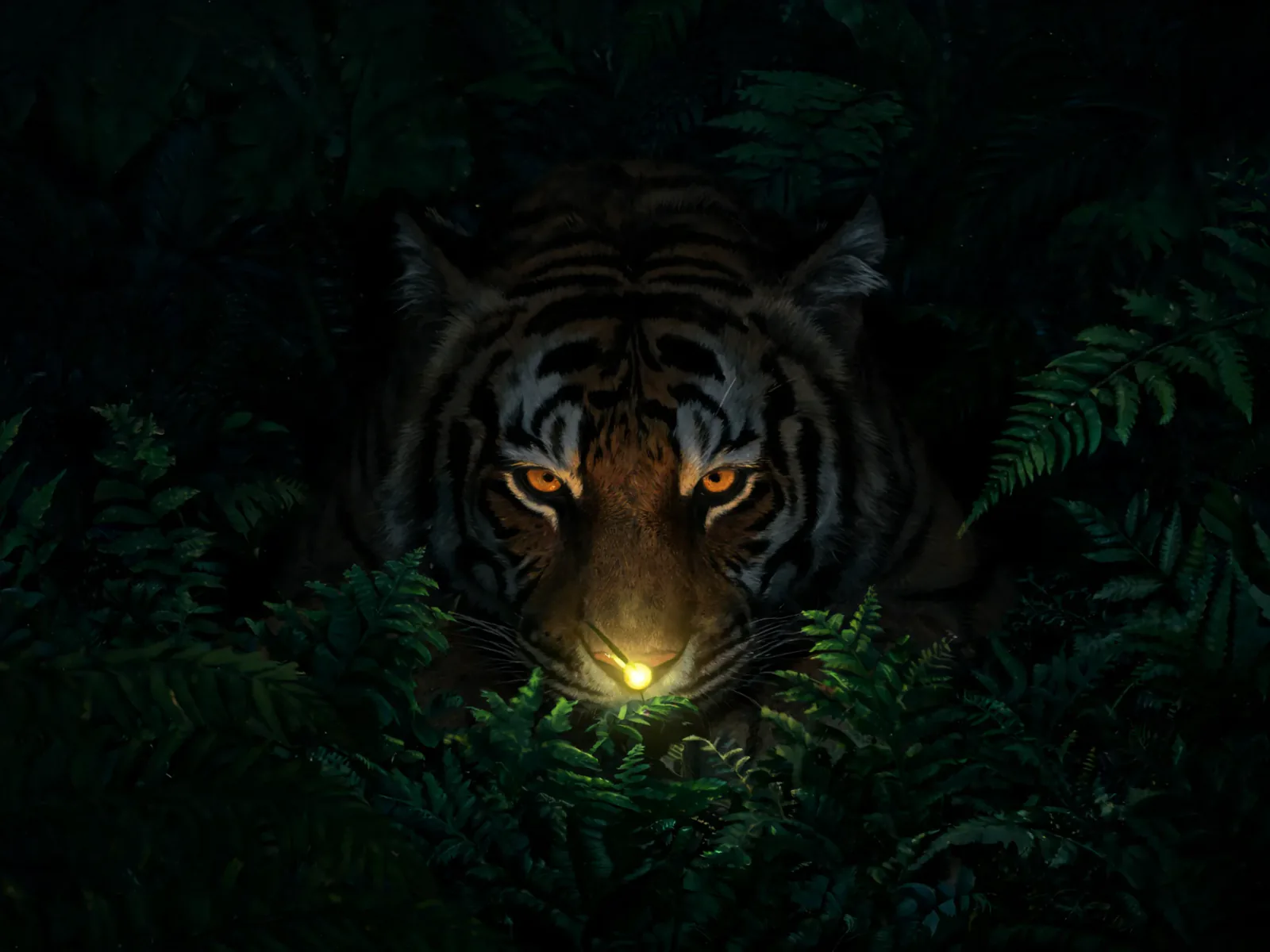
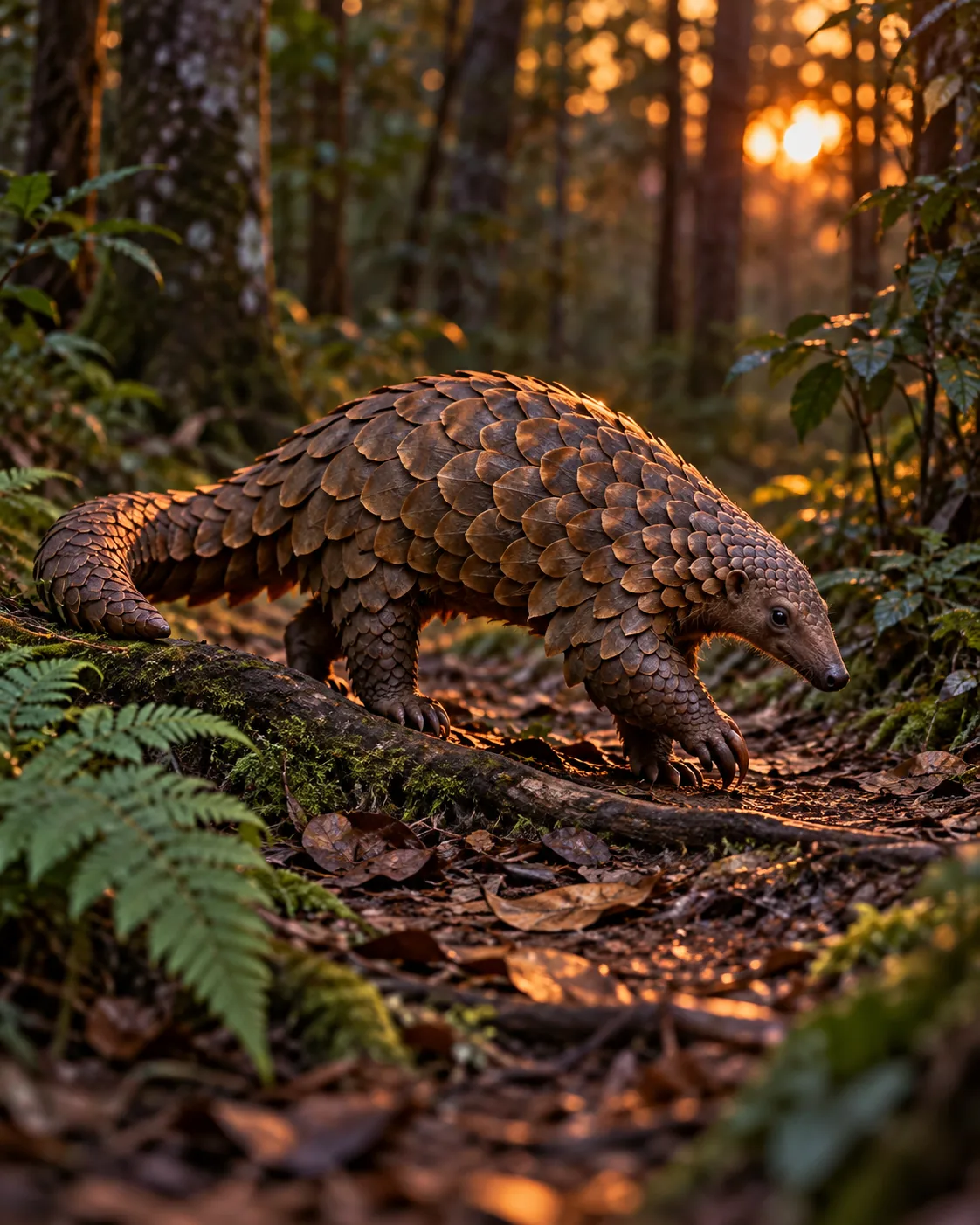
A lone pangolin crossing a narrow woodland trail at dusk, shot like ground-level telephoto wildlife photography. It works because every element is placed: bronze scales lit by the last amber light, ferns framing the lower corners, and a plum and moss green palette. The 4:5 vertical frame keeps the animal central.
Camera and light
This prompt works as a wildlife photo, so camera height, lens feel and light direction decide most of the result.
- Camera
- 'Ground level' puts the lens at the pangolin's eye height, which makes it feel imposing. Raise it to 'slightly elevated angle' to show more of the trail and the animal's back.
- Lens
- 'Telephoto' and 'respectful working distance' compress the background into soft blur and keep the animal isolated. For a wider habitat view, ask for a 35mm wide-angle feel instead.
- Light
- The 'last slant of amber light' is low, warm and directional, which lights the scale edges. Change it to 'cool blue hour light' for a quieter, moodier version.
- Scale
- Ferns, a small root and the narrow trail show the animal's real size. Keep them modest so the pangolin stays the largest thing in the frame.
Model and settings
Keep the 4:5 ratio, since the prompt is written for a tall frame and the trail, animal and ferns are stacked to fit it. Keep quality on high, because the overlapping scales are fine detail that lower quality can smear. For a wide banner or desktop wallpaper, change both the ratio and the opening line to match, or the composition may feel stretched. No input picture is needed, since this is text-to-image.
- FLUX.2 ProChoose it if you want a more strictly photoreal look for the scales and foliage, especially if you plan to tune the plum and green tones with exact color values.
 Seedream 5.0 ProA good pick for high-detail renders, or when you later want to edit the scene using several reference pictures, such as a real trail photo.
When the scene falls apart
- The ferns hide the pangolin's feet
- Keep 'without hiding its feet' and add 'ferns low and sparse at the frame edges'. If it still happens, name 'clear ground around the feet'.
- The pangolin looks too big or too small for the trail
- Add 'pangolin about the size of a house cat' and keep 'narrow trail' and 'small root' so the model has size clues.
- Flat light makes the scales look like a brown blob
- Strengthen the light with 'low side-light from the left, bright rim on every scale edge' and keep 'deep plum shadows' for contrast.
- Stray text or captions appear in the image
- Keep 'no text' at the end and add 'no captions, no watermark, no signage' if labels still show up.



 Qwen Image 3.0 ProMake oneCreate