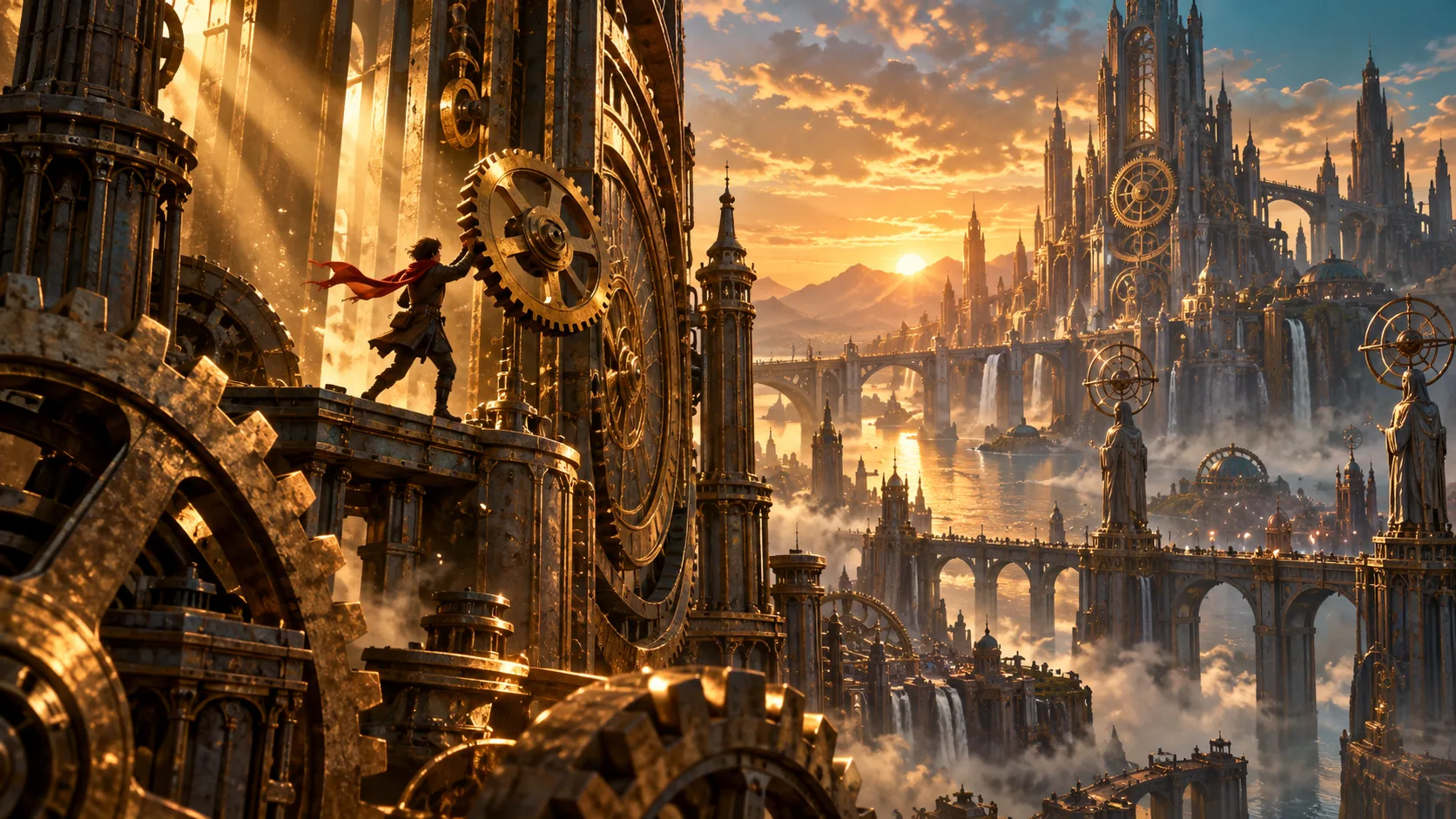
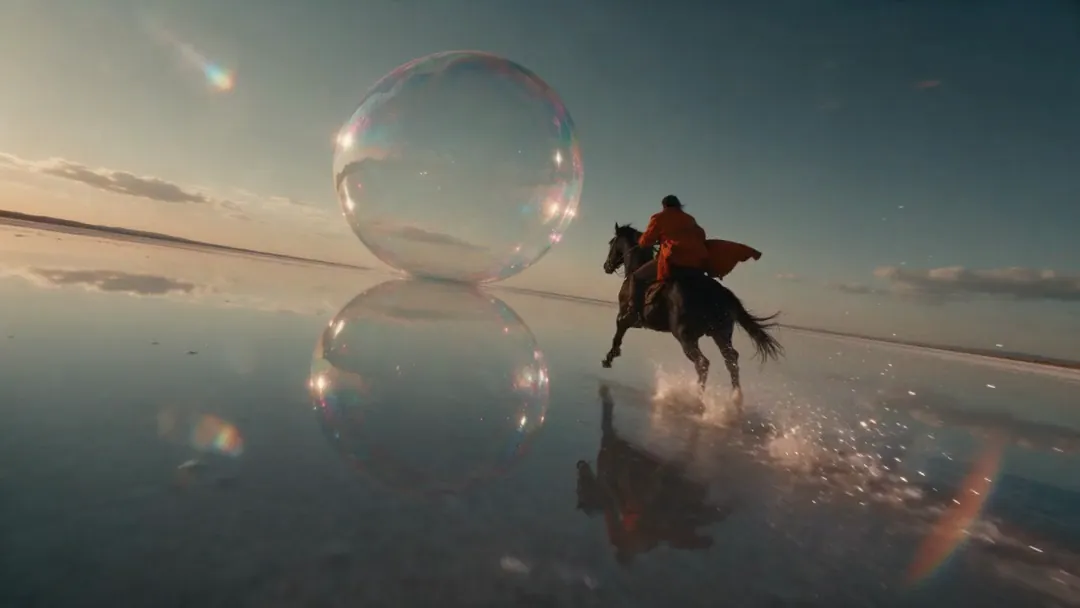
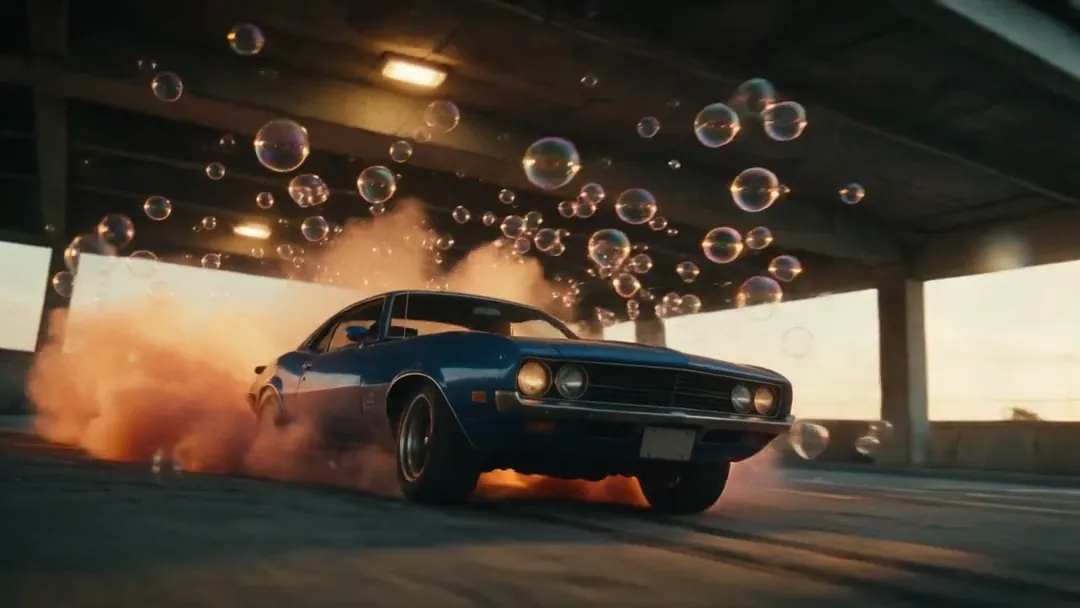
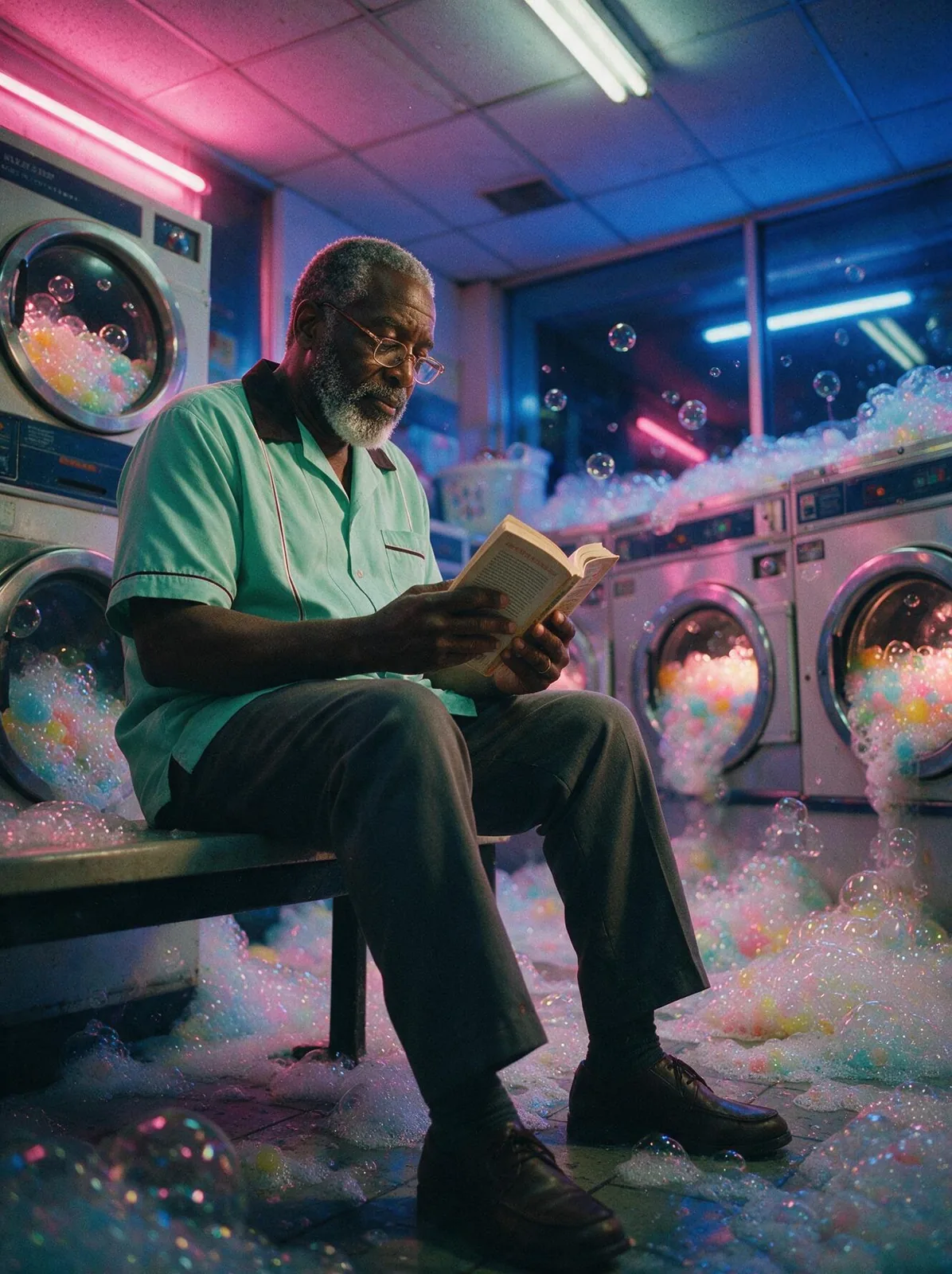
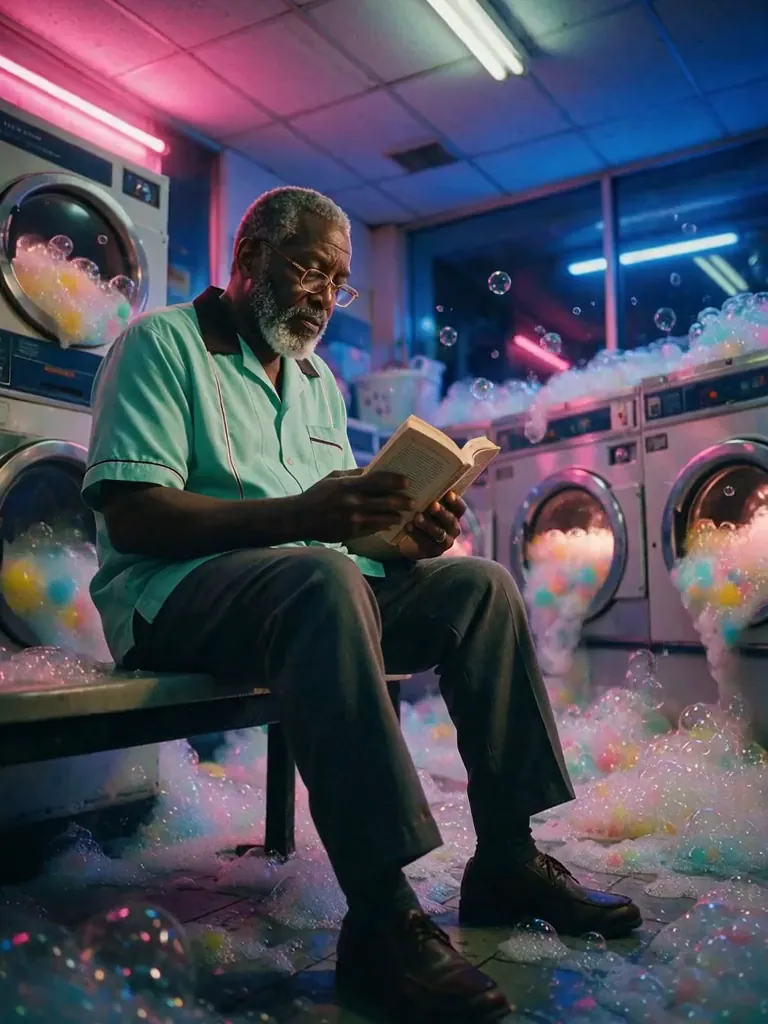
The Last Gear, made with GPT Image 2.5 Sunburst
Example made with GPT Image 2.5 Sunburst

Text to imageCinematic

GPT Image 2.5 Sunburst cinematic still promptThe Last Gear

The exact text-to-image prompt behind this picture, made with GPT Image 2.5 Sunburst.

Prompt

Wide 16:9 landscape frame. A stopped mechanical city glowing in warm brass dusk, enormous silent clockwork gears rising like towers, a small figure in a red scarf gently lifting the last gear into place, dust motes drifting in shafts of light, epic cinematic fantasy still, rich amber and teal palette, no text.

Prompts are kept in their original English to help reproduce the example. Copy one as it is, or adapt it for your project.

Opens GPT Image 2.5 Sunburst with this prompt and the settings below filled in.

135 tested GPT Image prompts →

Settings

Mode
Text to image
Aspect ratio
16:9
Quality
high
Price
From 2 credits

The exact price shows before you generate.

Make your own version

  1. For a different mood, rewrite only the light: dust motes drifting in shafts of light.
  2. epic cinematic fantasy still sets the whole feel of the shot. Swap it for another camera style to change the vibe.
  3. The prompt ends with no text. Leave that in, or the model may add random lettering.

Where this idea comes from

Inspired by an idea from あいぼりー, collected in YouMind-OpenLab/awesome-gpt-image-2 under CC BY 4.0. PopNow wrote this prompt and made the example above.

Scene prompt guide

How the scene is composed

A lone wanderer repairing a colossal frozen steampunk metropolis produces a sweeping narrative image rendered with deep perspective and soft atmospheric lighting. GPT Image 2.5 Sunburst excels at rendering intricate mechanical details without turning them into visual noise, while maintaining high contrast between the tiny focal character and the towering machinery.

  1. Scene staging and settingWide 16:9 landscape frame. A stopped mechanical city glowing in warm brass dusk,

    Establishes the horizontal expanse and the warm twilight atmosphere over an abandoned clockwork realm. Cutting it risks generating an isolated machine interior rather than a vast city vista.

  2. Scale and architectureenormous silent clockwork gears rising like towers,

    Instructs the generator to use massive mechanical parts as urban architecture rather than ordinary buildings. Removing this phrase leaves the skyline looking like generic stone or steel skyscrapers.

  3. Human scale and actiona small figure in a red scarf gently lifting the last gear into place,

    Adds an emotional narrative anchor and a sharp color accent against the brass backdrop. Without this, the composition lacks human scale, becoming an empty mechanical landscape.

  4. Atmosphere and lighting texturedust motes drifting in shafts of light, epic cinematic fantasy still,

    Creates depth and stillness through volumetric light rays penetrating the cavernous machinery. Removing this flattens the background and eliminates the sense of ancient, undisturbed quiet.

  5. Color grading and clean outputrich amber and teal palette, no text.

    Forces a complementary film-grade color balance between warm highlights and cool shadows while blocking unintended typography. Omitting it can cause monotone sepia tones or unwanted title overlays.

Camera and light

The composition balances an extreme long shot of massive architecture with an intimate mid-ground focal action under directional twilight.

Scale
Emphasizes the difference in size between the human figure and the tower-sized cogwheels, framing the person against open light to prevent them from getting lost.
Light
Low-angle dusk light creates strong rim lighting along the gear teeth and forms volumetric shafts that illuminate floating dust.
Lens
Simulates a wide cinematic lens with deep depth of field, keeping both the foreground repair action and distant gear towers readable.
Mood
A classic complementary split using glowing brass amber for highlights and deep teal in cavernous shadows establishes a quiet, suspended mood.

Variations on the scene

Midnight Frost Overhaul

Changes dusk to a moonlit winter night, ideal for colder, high-contrast mood lighting.

Prompt

Wide 16:9 landscape frame. A frozen mechanical city glittering under a frigid winter full moon, colossal clockwork gears rimmed with ice crystals rising like towers, a solitary mechanic in a thick coat holding a lantern near a frozen piston, blue mist and silver rim light, epic cinematic fantasy still, no text.

Low-Angle Gear Ascent

Shifts the camera to a dramatic ground-up perspective to emphasize vertiginous vertical scale.

Prompt

Wide 16:9 landscape frame. Low-angle upward view inside a stopped mechanical city, towering brass clockwork gears stretching into vaulted cathedral ceilings, a tiny engineer balanced on a steel girder reaching to slot a glowing cogwheel into place, dust motes in volumetric sunlight, amber shadows, no text.

Automaton at Rest

Replaces the active human mechanic with a contemplative resting robot for a melancholic tone.

Prompt

Wide 16:9 landscape frame. A silent mechanical city glowing in warm brass twilight, enormous clockwork cogs resting like monuments, a dormant brass automaton seated peacefully on an observation platform overlooking the skyline, dust motes dancing in fading sunlight, rich amber and teal palette, epic fantasy still, no text.

Model and settings

Keep the aspect ratio at 16:9 to accommodate the grand cinematic scale of the clockwork skyline. Run in text-to-image mode with quality set to high so that intricate gear teeth, dust particles, and the small character remain distinct without blending together. If you plan to crop the character for a vertical wallpaper, switch the ratio to 9:16 instead.

  • FLUX.2 ProChoose FLUX.2 Pro if you want stricter control over specific brass hex tones and a more grounded, photorealistic texture on worn metal surfaces.
  • Nano Banana ProPick Nano Banana Pro when you want complex geometric planning so the interlocking gears mesh with strict structural logic across the frame.

When the scene falls apart

The human figure blends into the background or appears too large relative to the scenery.
Keep the phrase enormous silent clockwork gears rising like towers and specify a small figure to preserve dramatic scale contrast.
Overcrowded machinery creates visual clutter that swallows the repair action.
Add clear focal plane or framed against open light right after describing the figure to separate the character from the machine layers.
Flat or muddy lighting turns the city into an indistinct brown silhouette.
Reinforce glowing in warm brass dusk by adding strong golden rim light on gear edges.
Clock faces spawn unwanted numbers or pseudo-textual markings across the frame.
Keep no text at the end of the prompt and add unlabelled metal surfaces to clear any accidental dials.

Questions about this scene prompt

Why does the small figure sometimes blend into the brass background?

In complex mechanical scenes, the model can blend similarly colored elements together. The phrase small figure in a red scarf provides a direct color contrast to the brass machinery; keeping or brightening that contrasting color ensures the character stands out.

How do I make the clockwork gears look functional rather than chaotic?

GPT Image 2.5 Sunburst interprets structural words literally. Adding terms like interlocking teeth or aligned gear train helps guide the engine to arrange the machinery in plausible rows rather than scattering detached cog parts randomly across the frame.

Can I turn this into an active daytime city instead of a stopped one?

Yes. Replace A stopped mechanical city and silent clockwork gears with A bustling clockwork city in motion, spinning gears and steam vents. This shifts the lighting to bright midday and prompts the model to generate motion blur and steam.